
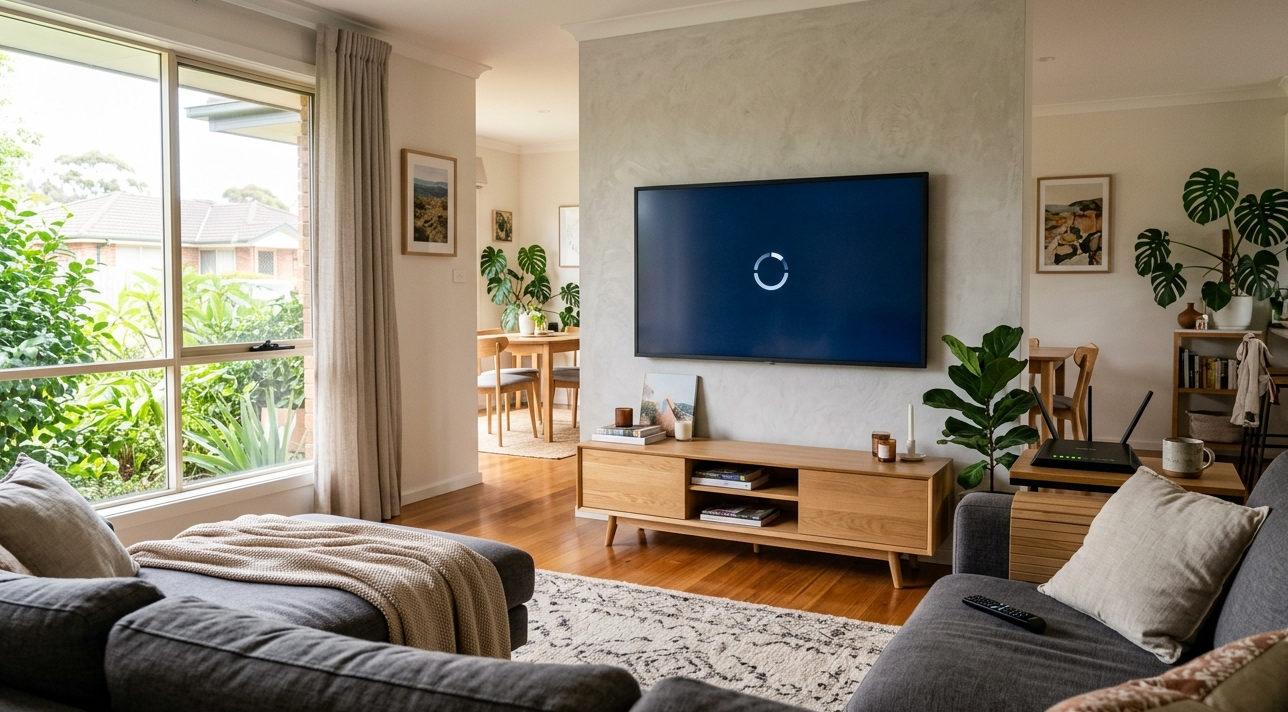
You’ve got a decent NBN connection, your phone streams just fine, and yet your smart TV keep buffering right in the middle of a show. Sound familiar? You’re not alone. This is one of the most common complaints we hear from households right across the Sunshine Coast, and the cause isn’t always what you’d expect.
The good news is that most buffering issues can be tracked down and fixed without needing to replace anything. In this guide, we walk you through the real reasons your TV keep buffering, what to do about each one, and when it’s time to bring in a professional.
Why Your Smart TV Keeps Buffering on Wi-Fi
There’s rarely one single reason your smart TV keep buffering. In most cases, it’s a combination of factors your router, your network setup, your internet plan, or even the TV’s own software. Here’s what’s most commonly causing it.
Weak or Unstable Wi-Fi Signal
Just because your TV shows it’s connected to Wi-Fi doesn’t mean the signal is strong enough to stream smoothly. Walls, floors, cabinetry, and even household appliances like microwaves can interfere with your wireless signal, causing your smart TV keep buffering even when your phone shows full bars in the same room.
Streaming HD content needs a stable, consistent connection not just one that technically exists.
Too Many Devices on the Same Network
If the kids are gaming, someone else is on a video call, and another device is running a background update, your router is juggling a lot. All of that bandwidth competition causes your smart TV keep buffering, even if your plan is fast on paper. Network congestion inside your home is one of the most overlooked causes of streaming problems.
Your Internet Speed Isn’t Enough for the Content You’re Watching
Streaming HD requires around 5 to 10 Mbps, and 4K content needs at least 25 Mbps dedicated to the TV alone. If you’re on an NBN 25 plan and streaming 4K across multiple devices, buffering is almost guaranteed.
According to the ACMA’s guide to improving your home internet, the type of NBN connection in your home, whether it’s FTTN, FTTB, or FTTP, can significantly affect the real-world speed you experience. Many Sunshine Coast households on older NBN technology are getting speeds well below what their plan advertises, especially during peak hours.
Outdated TV Firmware or App Software
Your smart TV is essentially a computer, and like any computer, it needs regular software updates to run properly. Outdated firmware can cause your smart TV keep buffering by slowing down how it processes streaming data or handles your Wi-Fi connection. The same applies to individual apps like Netflix, Stan, Kayo, or Binge if they haven’t been updated in a while, performance issues are common.
Router or Modem That Needs Attention
An ageing router, or one that hasn’t been restarted in weeks, can quietly degrade your Wi-Fi performance without any obvious warning signs. Routers that are overheating, overloaded with connected devices, or simply past their useful life can cause your smart TV to keep buffering even when everything else seems fine.
How to Fix a Buffering Smart TV
Move Your Router Closer or Use a Wi-Fi Extender
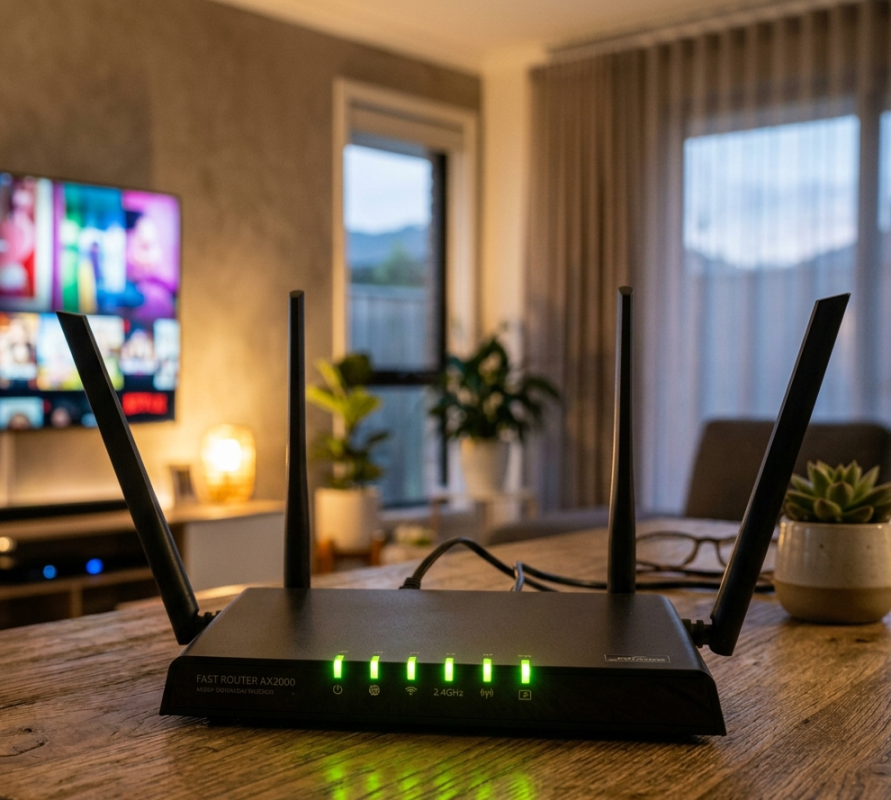
If your TV is in a different room or at the far end of the house from your router, that distance is likely weakening your signal. Moving the router to a more central location, or installing a quality Wi-Fi extender or mesh network node, can make an immediate difference. Our Wi-Fi repair and installation services include professional Wi-Fi coverage assessments for exactly this kind of issue.
Switch to the 5GHz Band
Most modern routers broadcast on both 2.4GHz and 5GHz. If your smart TV is connected to the 2.4GHz band, try switching it to 5GHz. It’s faster and less congested, which can dramatically reduce or eliminate buffering for devices that are within a reasonable range of the router.
Use a Wired Ethernet Connection
If you want to completely eliminate Wi-Fi as a variable, connect your smart TV directly to your router using an Ethernet cable. This is by far the most reliable way to stream, and it instantly removes signal interference and wireless congestion from the equation.
Update Your TV’s Software and Streaming Apps
Head into your TV’s settings and check for any available firmware updates. While you’re there, open each of your streaming apps and update them individually through the TV’s app store. Doing both together often resolves buffering issues that have built up over time.
Restart Your Router and TV Together
Power cycle both your modem or router and your smart TV by unplugging them from the wall for 30 seconds, then restarting the modem first and the TV second. This clears temporary software glitches and often restores a stable connection on its own.
Reduce Devices on Your Network
Disconnect devices that aren’t actively being used, and try to avoid scheduling large downloads or updates at the same time you’re streaming. If your household has a lot of devices online simultaneously, an upgrade to a higher NBN tier may genuinely be worth considering.
For more detail on how Wi-Fi signal problems affect specific rooms in your home, have a read of our related post on weak Wi-Fi signal in rooms and how to fix it.
When to Call a Professional Wi-Fi Technician
If you’ve worked through every step above and your smart TV keep buffering, the issue is likely deeper than a simple setting change. It could be a hardware fault with your router, a cabling issue inside your home, poor NBN connection quality, or a Wi-Fi coverage gap that a basic extender can’t fix.
At Brocky’s Internet, we provide Internet Repair Service Sunshine Coast, including on-site coverage testing, router upgrades, mesh network installation, and NBN connection diagnostics. We service Maroochydore, Caloundra, Noosa, Buderim, Kawana, Coolum, and all surrounding areas.
Our technicians don’t just guess they test your connection, measure your Wi-Fi signal across your home, and give you a clear, honest explanation of what’s causing the problem and how we’ll fix it.
Ready to Stop the Buffering for Good?
Don’t put up with a streaming experience that keeps letting you down. Whether it’s a weak signal, a congested network, or something more technical, we can find the cause and fix it properly.
To explore everything we do across the Sunshine Coast, head over to Brocky’s Internet and get in touch with our team.
You can check our location and our new updates on our Google Business Profile before booking. Give us a call on 1800 588 688, Monday to Friday between 8:30am and 4:00pm, or reach us on 0422 394 174, and we’ll arrange a convenient time to come to you.
Frequently Asked Questions
1. Why does my smart TV keep buffering even though my Wi-Fi speed is fast?
Fast speed on your phone or laptop doesn’t always translate to smooth streaming on your TV. The issue could be your TV’s distance from the router, the Wi-Fi band it’s connected to, network congestion from other devices, or outdated firmware on the TV itself. Running a speed test directly on your smart TV will tell you what it’s actually receiving.
2. What internet speed do I need to stop my TV from buffering?
For HD streaming, you need at least 5 to 10 Mbps dedicated to your TV. For 4K content, you need 25 Mbps or more for that device alone. If other devices are sharing the same connection, you’ll need a faster overall plan to avoid buffering.
3. Does Brocky’s Internet service all of the Sunshine Coast?
Yes. We cover the entire Sunshine Coast including Maroochydore, Caloundra, Noosa, Buderim, Kawana, Mooloolaba, Coolum, Nambour, and surrounding areas. We offer on-site Wi-Fi diagnostics and repair across the region.
4. Can a Wi-Fi extender fix my smart TV buffering problem?
In many cases, yes if the cause is a weak signal reaching your TV’s location. However, not all extenders are equal, and a poorly placed or low-quality extender can sometimes make things worse. Our team can assess your setup and recommend the right solution for your home.
5. My Kayo or Stan app keeps buffering on my smart TV. Can you fix it?
Absolutely. App-specific buffering is often caused by a combination of slow Wi-Fi reaching the TV, outdated app software, or insufficient NBN speeds during peak hours. We diagnose the root cause on-site and fix it properly, rather than offering generic advice.
One thought on “Why Does My Smart TV Keep Buffering Even With Good WiFi?Sunshine Coast Fix”
Comments are closed.