

There is nothing more frustrating than a Wi-Fi signal that drops out just as your show starts, your video call freezes, or the kids’ tablets stop loading. If you are searching for how to fix a weak Wi-Fi signal, you are not alone. It is one of the most common home internet problems we see.
The good news is that many weak signal problems can be fixed in minutes without any special tools. For the ones that cannot, a local specialist can sort it out quickly. At Brocky’s TV & Internet, we have helped Sunshine Coast homes and businesses get reliable connectivity since 2006, so here are our best tips, along with a clear guide on when it is time to call in the professionals.
Why Is My Wi-Fi Signal Weak?
Wi-Fi signals are radio waves, and they get weaker the further they travel and the more they have to pass through. The most common causes are:
- Distance from the router. The further you are from the router, the weaker the signal.
- Thick walls and floors. Brick, concrete, tiles and double-storey homes block signal more than most people expect.
- Interference. Microwaves, cordless phones and baby monitors can disrupt your connection.
- Too many devices. Phones, TVs, laptops, game consoles and smart home gadgets all compete for bandwidth.
- An old or faulty router. Older routers struggle to keep up with modern internet speeds and the number of devices in today’s homes.
- Poor router placement. A router tucked inside a cupboard or sitting on the floor will always underperform.
10 Easy Ways to Fix a Weak Wi-Fi Signal at Home
1. Restart your modem and router
It sounds simple, but it works more often than you would think. Switch both off at the power point, wait 30 seconds, then switch them back on. This clears temporary glitches and refreshes your connection.
2. Move your router to a better spot
Place your router in a central, open position in your home, ideally off the floor and away from walls. Avoid cupboards, behind the TV, or next to the fridge or microwave.
3. Keep it away from interference
Cordless phones, microwaves, baby monitors and Bluetooth speakers can all interfere with your signal. Give your router some space from these devices.
4. Check the antennas
If your router has adjustable antennas, point one vertically and one horizontally. This helps spread the signal across more of your home.
5. Switch to the 5GHz band
Most modern routers offer both 2.4GHz and 5GHz. The 5GHz band is faster and less crowded, but it has a shorter range. Use 5GHz for devices close to the router, and 2.4GHz for devices further away.
6. Disconnect devices you are not using
Every connected device uses some of your bandwidth. Disconnect old phones, tablets and smart devices you no longer use.
7. Update your router’s firmware
Router manufacturers release updates to fix bugs and improve performance. Log in to your router settings or check the manufacturer’s app to see if an update is available.
8. Change your Wi-Fi channel
In a busy street, your neighbours’ networks can overlap with yours. Switching to a less crowded channel in your router settings can make a noticeable difference.
9. Add a Wi-Fi extender or mesh system
If your home is large, has multiple storeys, or has thick walls, one router may never be enough. A Wi-Fi extender can boost coverage in a weak spot, while a mesh system uses several units to blanket your whole home with one strong, seamless network. Mesh is usually the better long-term fix for dead zones.
10. Upgrade your router
If your router is several years old, it may simply not be able to handle your household’s needs. A newer router can improve both speed and range.
When to Call a Wi-Fi Expert
If you have tried the steps above and your Wi-Fi is still weak, dropping out, or dead in certain rooms, the issue may be something a quick DIY fix cannot solve. It is time to call a professional if:
- Your Wi-Fi keeps dropping out even after restarting.
- You have dead zones in the bedroom, backyard, granny flat or shed.
- Your router keeps crashing or overheating.
- You are not sure whether the problem is your router, your modem or your internet provider.
- You work from home and cannot afford an unreliable connection.
A local technician can test your signal strength, find the real cause of the problem and recommend the right fix, instead of leaving you to guess.
Wi-Fi Repairing Services Sunshine Coast: How Brocky’s Can Help
At Brocky’s TV & Internet, our Wi-Fi repairing services on the Sunshine Coast cover everything from weak signals and slow speeds to dead zones and constant dropouts. We come to you, find the cause, and fix it properly.
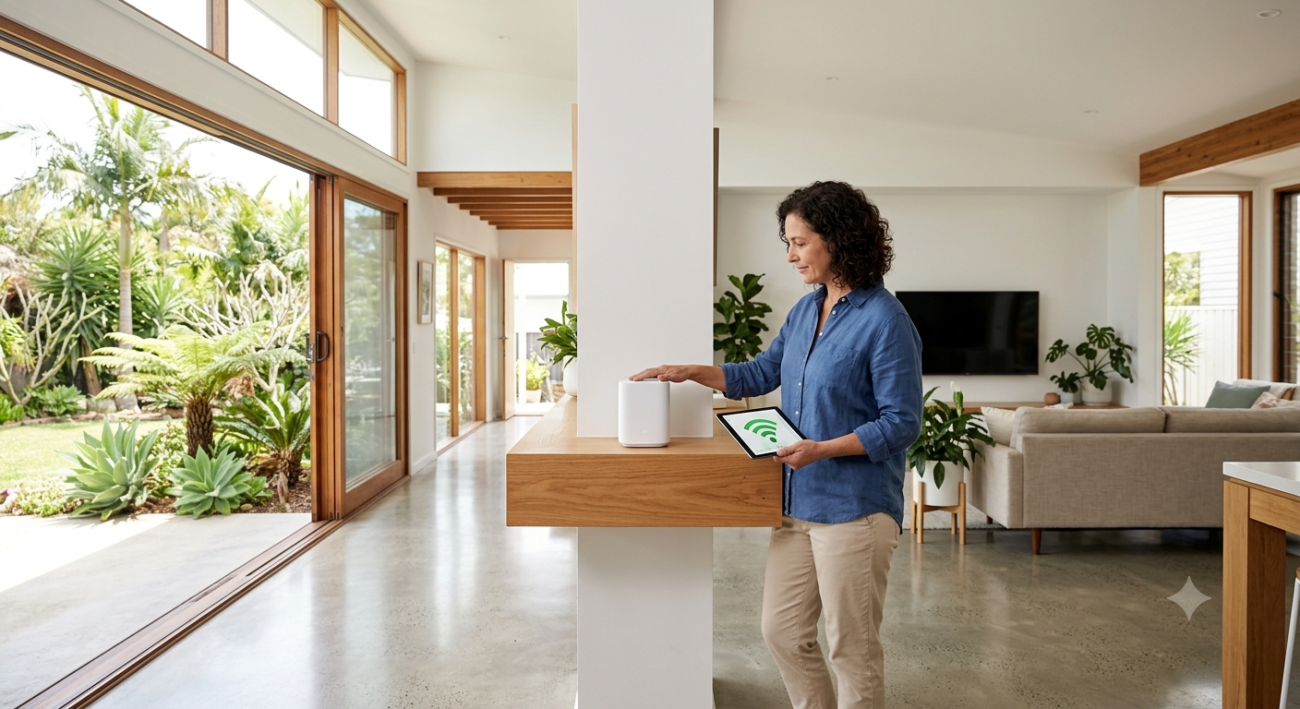
Our Wi-Fi troubleshooting services on the Sunshine Coast include:
- Testing your signal strength and speeds throughout your home
- Checking your modem, router and cabling for faults
- Setting up and configuring Wi-Fi extenders and mesh networks
- Securing and optimising your home network
- Extending Wi-Fi to granny flats, sheds and workshops
- Wi-Fi solutions for Airbnb and holiday rental properties
Whether you need a quick fix or a full network upgrade, our home Wi-Fi repair service on the Sunshine Coast is designed to get you back online fast, with clear and honest advice along the way.
Why Choose a Local Wi-Fi Expert Home Service?
A national call centre cannot visit your home, look at your layout and work out why the signal drops in your bedroom. As a local Wi-Fi intallation service on the Sunshine Coast, we understand the kinds of homes in our area, from beachside units to multi-storey family homes and acreage properties, and what it takes to get a strong signal in each of them.
With internet repair on the Sunshine Coast, you also get the benefit of speed. We are based in Maroochydore, so help is close by when you need it.
Get Your Wi-Fi Fixed Today
Don’t put up with slow, patchy Wi-Fi any longer. Whether you want a hand with troubleshooting or a complete network setup, our friendly team is ready to help.
Call Brocky’s TV & Internet on 1800 588 688 or text 0422 394 174.
Frequently Asked Questions
Q1. Why is my Wi-Fi strong near the router but weak in other rooms?
A. This usually means the signal is struggling to travel through walls and floors. A mesh system or extender can fix it.
Q2. Will a Wi-Fi extender fix my weak signal?
A. It can help in smaller homes or for one weak spot. For larger homes or several dead zones, a mesh network usually gives better results.
Q3. How do I know if my router needs replacing?
A. If it is several years old, keeps crashing, or cannot keep up with the number of devices in your home, an upgrade is worth considering.
Q4. Can you help with Wi-Fi in my shed or granny flat?
A. Yes. We install Wi-Fi solutions for granny flats, sheds and workshops.