
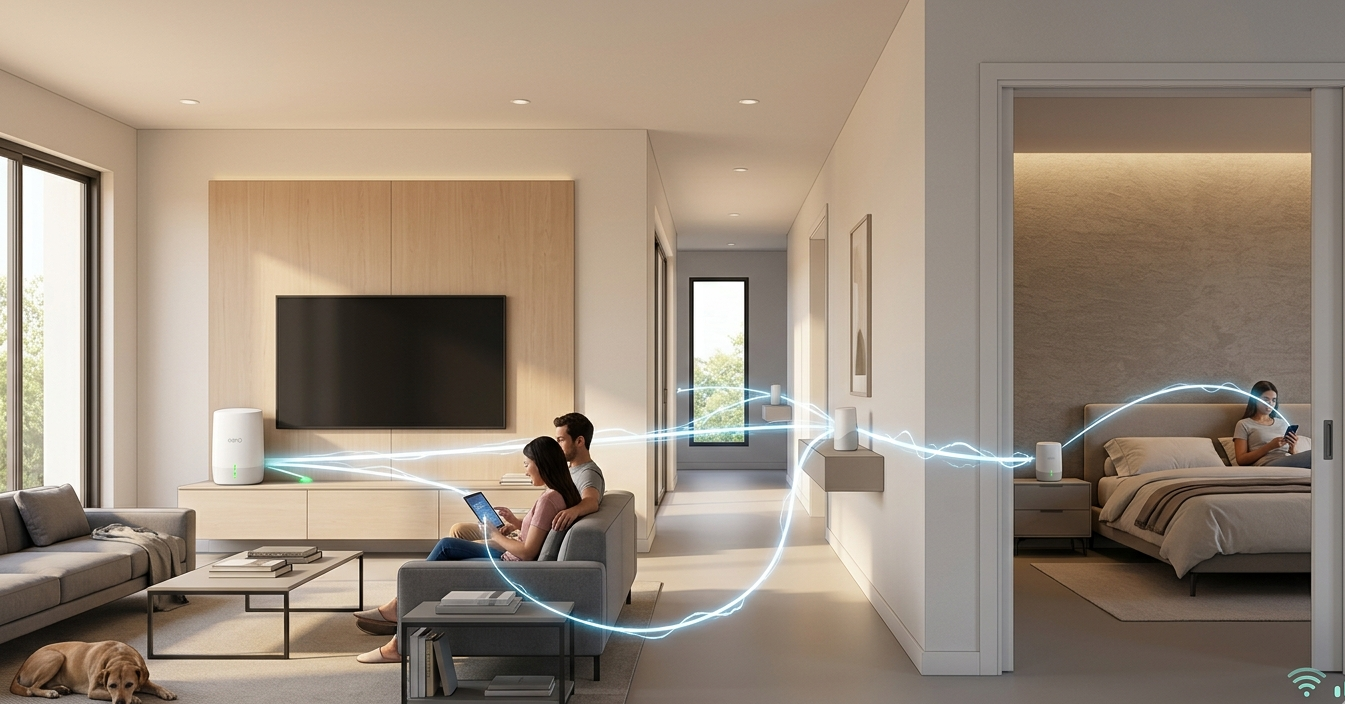
If your Wi-Fi doesn’t reach certain rooms, you’ve probably looked at two options: a mesh network or a Wi-Fi extender. Both promise to eliminate dead zones and extend your coverage. But they work in completely different ways, deliver very different results, and suit very different types of homes.
At Brocky’s Internet, we install and configure both systems across Sunshine Coast homes regularly. We see firsthand which solution works and which one leaves households back where they started. Here’s an honest, practical breakdown to help you make the right call for your home and budget.
What Is a Wi-Fi Extender?
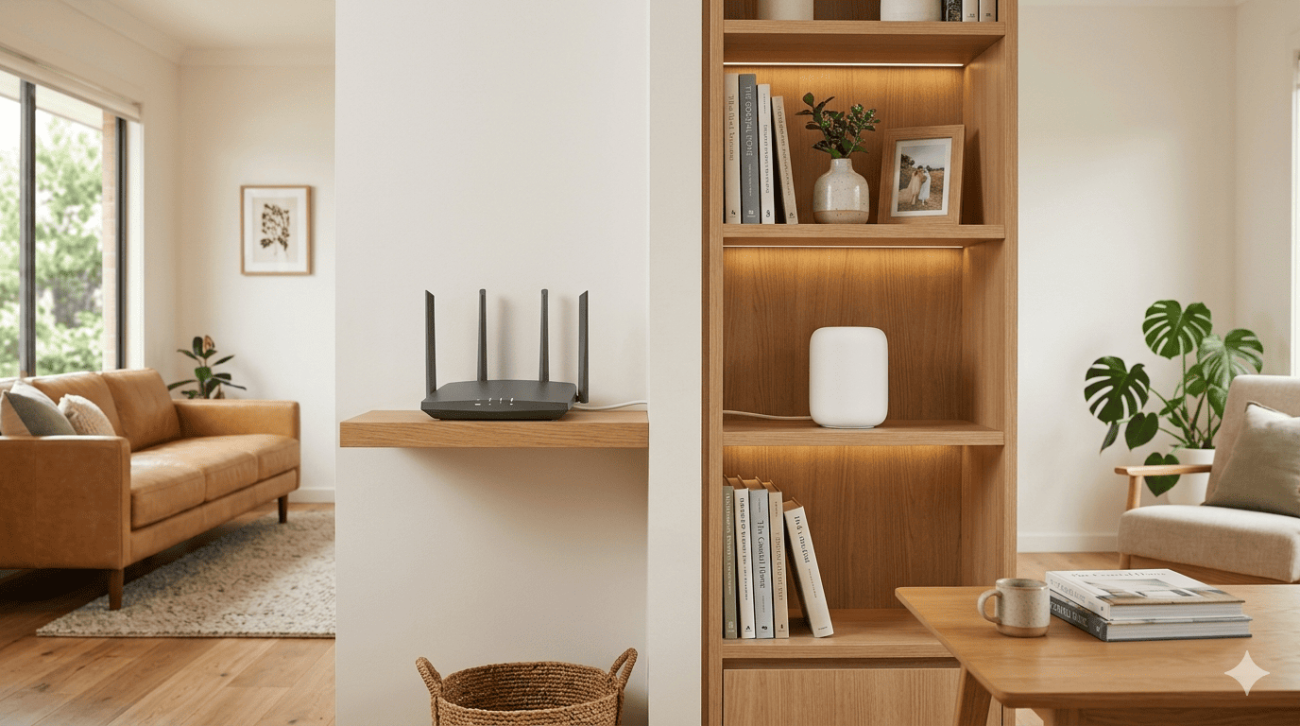
A Wi-Fi extender, sometimes called a repeater or booster, is a single device that picks up your existing Wi-Fi signal and rebroadcasts it to areas your router can’t reach. It connects wirelessly to your router and creates a second network that devices can connect to in weaker signal areas.
Where Wi-Fi extenders work:
- Small homes or apartments with one specific weak spot
- Situations where the signal is just barely insufficient in one room
- Short-term or low-budget solutions for minor coverage gaps
Where Wi-Fi extenders fall short:
- They rebroadcast a signal that’s already weak, which means the extended network is often slower than the original
- They create a separate network name (SSID) that your devices don’t automatically switch to as you move around
- Performance degrades further the more devices connect through the extender
- They add latency to every connection that passes through them
- In larger homes with multiple coverage gaps, you need multiple extenders that don’t communicate with each other
The core limitation of a Wi-Fi extender is that it amplifies whatever signal it receives, including the interference and congestion already present. In practice, many Sunshine Coast households find that extenders improve coverage marginally but don’t solve the underlying problem.
What Is a Mesh Network?
A mesh network is a fundamentally different approach to home Wi-Fi coverage. Rather than a single router trying to cover your entire home, a mesh system uses multiple nodes placed throughout the property that communicate with each other to create one seamless, unified network.
Your devices connect to whichever node provides the strongest signal at any given location, and that handoff happens automatically as you move around the home. There’s no separate network to manually switch to, no signal degradation as you move further from the router, and no single point of failure for your coverage.
As covered in how mesh networking distributes connectivity across multiple nodes, mesh systems are designed to self-optimise their routing paths, meaning each node finds the most efficient path to deliver your data rather than simply repeating a signal from one fixed point.
Where mesh networks excel:
- Larger Sunshine Coast homes over 150 to 200 square metres
- Multi-storey properties where signal struggles to penetrate between floors
- Homes with thick concrete, brick, or metal-framed construction
- Properties with outbuildings, granny flats, or outdoor entertaining areas
- Households with 15 or more devices connecting simultaneously
Mesh Network vs Wi-Fi Extender: The Key Differences
Speed and Performance
A Wi-Fi extender cuts your available bandwidth roughly in half for devices connected through it. The extender uses half its wireless capacity to communicate with the router and the other half to serve connected devices. On a busy network, this creates a noticeable bottleneck.
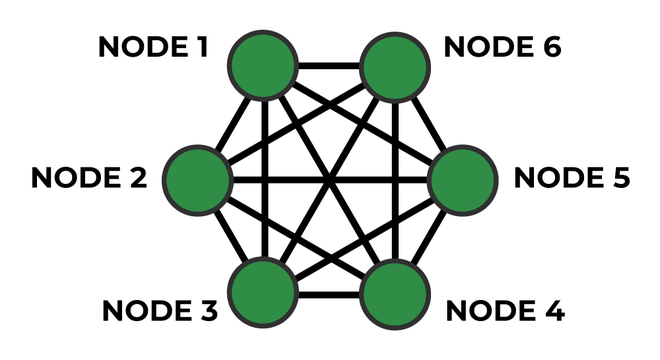
A mesh network, particularly one with wired backhaul between nodes, maintains near-full speeds at every point in the home. Even wireless backhaul mesh systems significantly outperform extenders because each node is optimised to handle both roles simultaneously rather than splitting its capacity.
Seamless Roaming
This is one of the most practical differences for everyday use. With a Wi-Fi extender, your phone or laptop doesn’t automatically switch between your main router and the extender. You often have to manually connect to the extender’s separate network when you move into its coverage area, or put up with your device clinging to a weak router signal rather than switching.
A mesh network handles this automatically. Your devices connect to the strongest node without any manual intervention, making it genuinely seamless as you move around your home.
Setup and Management
Wi-Fi extenders are simple to set up but limited in what they can be configured to do. A mesh network requires slightly more initial setup but is managed through a single app that gives you visibility across your entire network, including which devices are connected, signal quality at each node, and any issues that need attention.
Cost
A basic Wi-Fi extender costs between $50 and $150. A quality mesh network starts at around $300 for a two-node system and scales up from there for larger homes. The cost difference is significant, but so is the difference in what you actually get.
For most Sunshine Coast households with genuine coverage problems, spending on a mesh system that actually solves the issue is more cost-effective than buying multiple extenders that don’t.
Which One Does Your Home Actually Need?
Choose a Wi-Fi extender if:
- You have one specific weak spot in an otherwise well-covered home
- The weak area is caused by modest distance rather than structural obstruction
- Your budget is under $150 and the coverage gap is minor
- You’re renting and can’t make permanent changes to the property
Choose a mesh network if:
- Your home has multiple rooms or floors with weak or no signal
- Thick walls or building materials are blocking coverage
- You have more than 10 to 15 devices connecting to your network
- Seamless roaming as you move around the home matters to your household
- You’ve already tried an extender and it hasn’t solved the problem
For tips on getting the most out of your router before upgrading to a mesh system, best router placement for maximum signal strength covers the placement decisions that make a measurable difference to coverage before any new hardware is involved.
If you’ve already decided a mesh network is the right solution and want it professionally installed and configured, Wi-Fi repair and installation services covers mesh system supply, installation, and configuration across the Sunshine Coast.
Why Sunshine Coast Locals Trust Brocky’s Internet
We’re a local service, not a call centre. When you contact Brocky’s Internet, an experienced local technician assesses your home, your existing setup, and your usage honestly, then recommends the right solution for your specific situation rather than the most expensive one.
Here’s what you get with every service at Brocky’s Internet:
- Experienced technicians across all major mesh system and router brands
- Honest advice, we’ll tell you if an extender is all you actually need
- Fast response times across the Sunshine Coast
- Professional installation with correct configuration from day one
- Transparent, upfront pricing with no hidden costs
We’ll let the locals we’ve helped do the talking.
Get the Right Solution for Your Home Today
Stop putting up with dead zones and slow speeds in certain rooms. Whether it’s a simple extender setup or a full mesh network installation, the team at Brocky’s Internet is ready to help.
From mesh network installations to full Wi-Fi repairs and network upgrades across the Sunshine Coast, you can find everything we do at Brocky’s Internet.
Contact Brocky’s Internet today and we’ll find the right solution for your home and budget.
FAQs
1. Is a mesh network better than a Wi-Fi extender?
For most homes with genuine coverage problems, yes. A mesh network delivers seamless roaming, consistent speeds, and unified management that a Wi-Fi extender simply can’t match.
2. Will a Wi-Fi extender slow down my internet?
Yes. Extenders using wireless backhaul cut available bandwidth roughly in half for devices connected through them. In device-heavy households, this creates a noticeable bottleneck.
3. How many mesh nodes do I need for my Sunshine Coast home?
Most homes between 150 and 250 square metres are well covered by two nodes. Larger properties, multi-storey homes, or homes with outbuildings typically need three or more.
4. Can I use a mesh network with my existing NBN modem?
Yes. Most mesh systems connect to your existing modem in place of your current router. A technician can confirm compatibility with your specific modem before installation.
5. Does a mesh network work with wired Ethernet connections?
Yes. Most quality mesh systems support wired Ethernet backhaul between nodes, which significantly improves performance compared to wireless backhaul.

14 thoughts on “Mesh Network vs Wi-Fi Extender: Which One Is Right for Your Sunshine Coast Home?”
Comments are closed.