
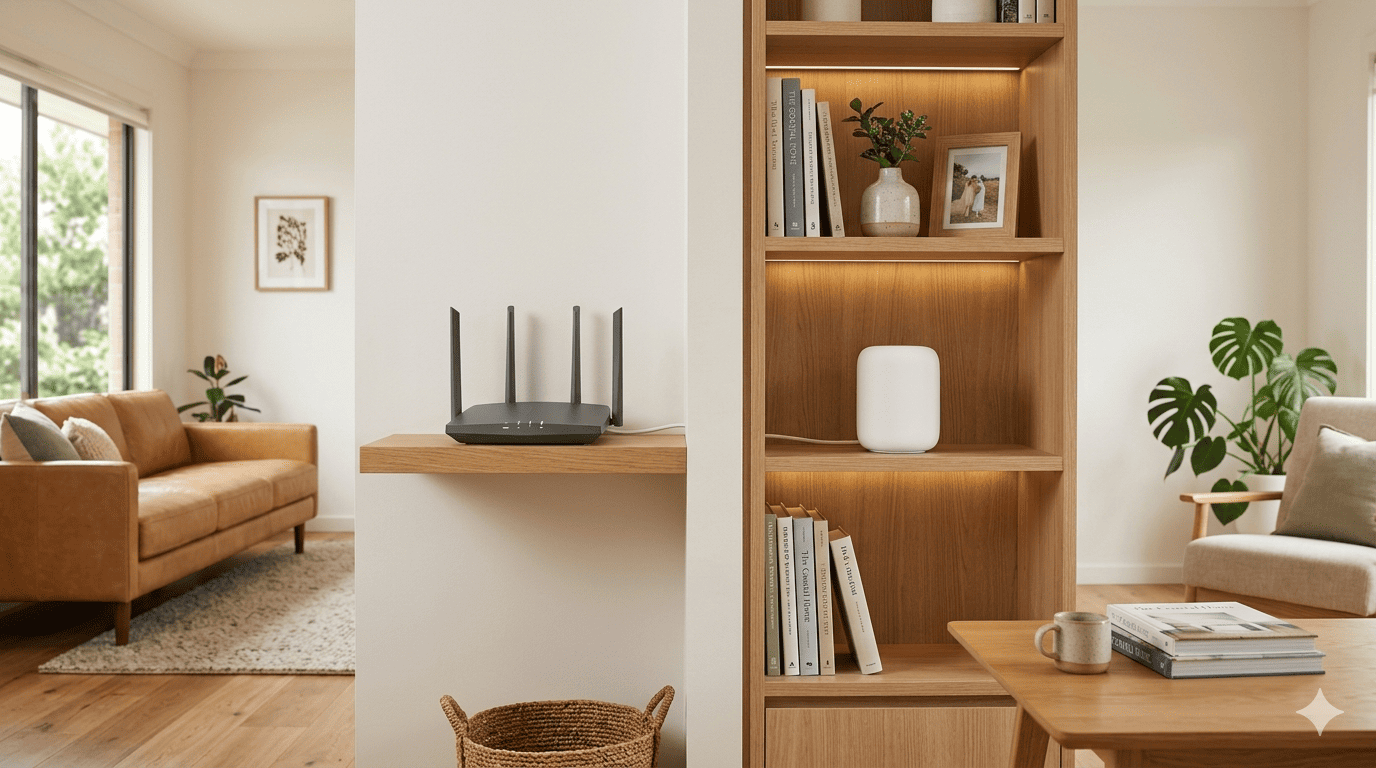
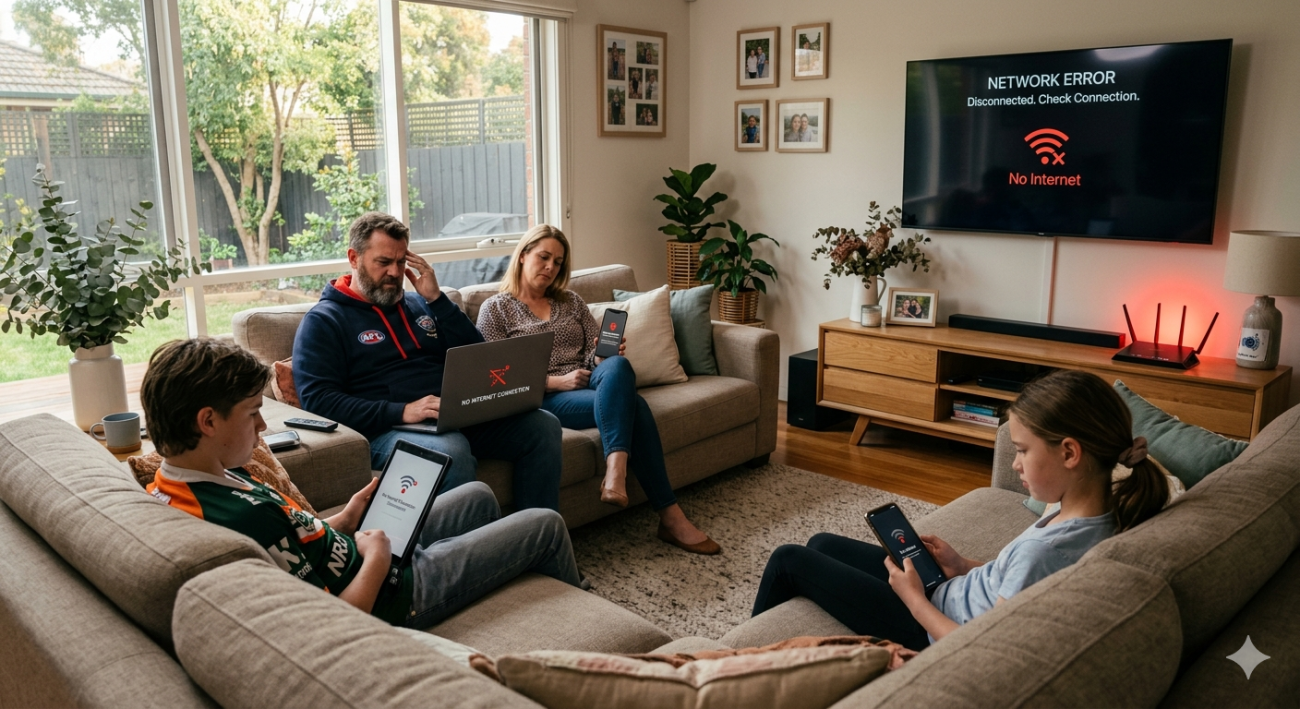
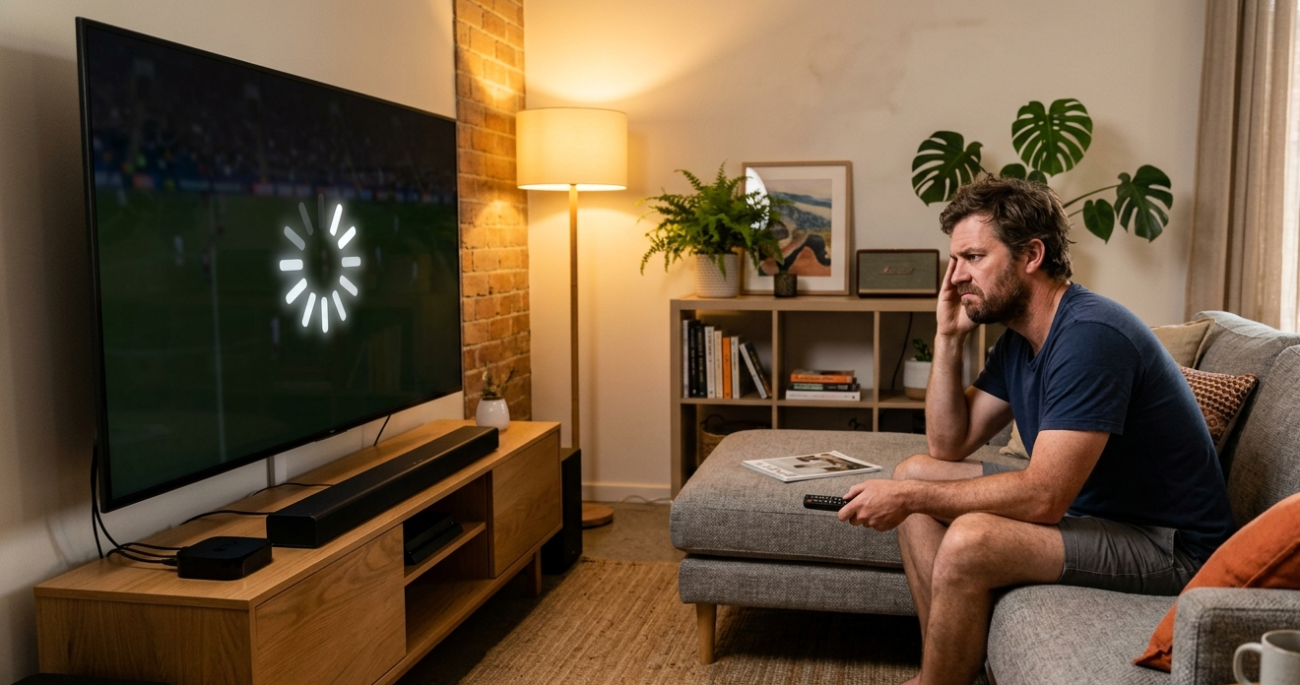
If you’ve been dealing with dead zones, slow speeds in certain rooms, or a connection that drops whenever someone else starts streaming, you’ve probably started looking at your options. The mesh Wi-Fi vs standard router debate comes up regularly for Sunshine Coast households, and the honest answer is that neither is universally better. The right choice depends entirely on your home, your usage, and what your current setup is failing to deliver.
At Brocky’s Internet, we install and configure both systems across the Sunshine Coast regularly. Here’s a straight-talking breakdown of how they compare, where each one excels, and how to know which one your home actually needs.
What Is a Standard Router?
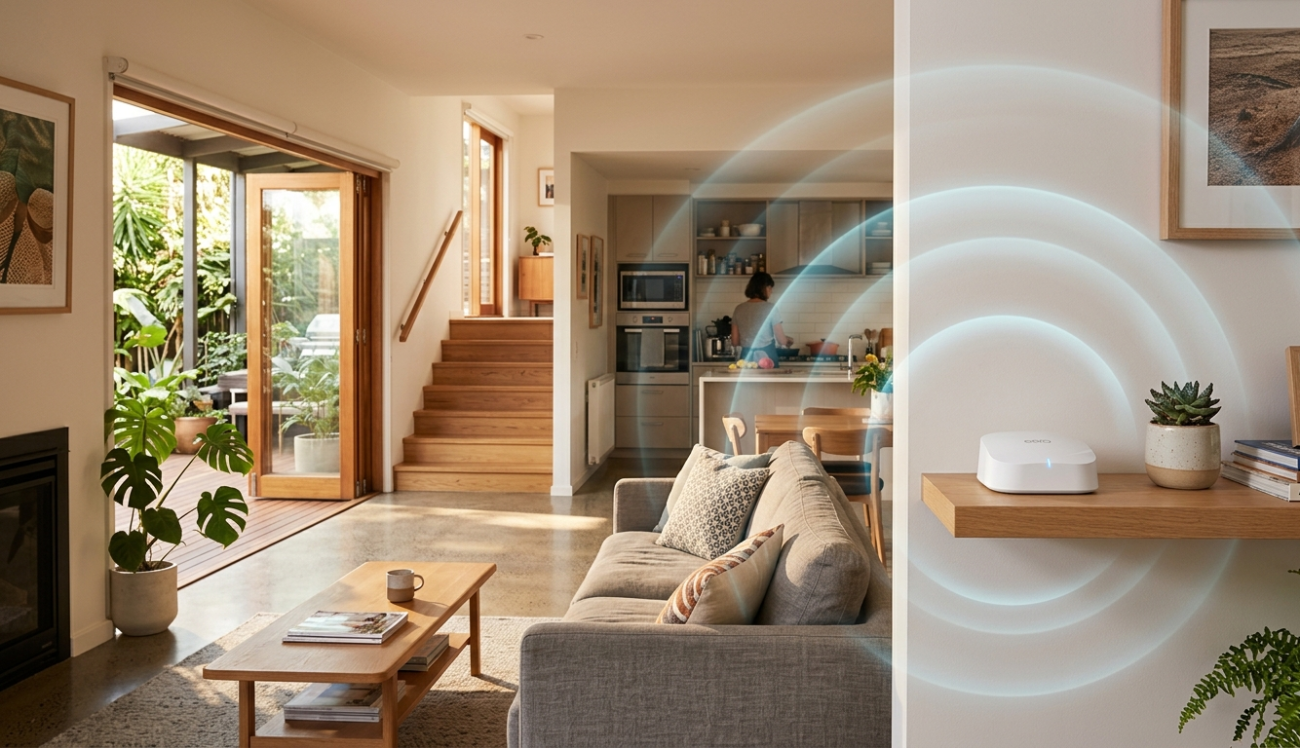
A standard router is a single device that connects to your modem and broadcasts a Wi-Fi signal from one fixed location. It’s what most Australian households have, either supplied by their internet provider or purchased separately.
Standard routers work well in smaller homes, apartments, and properties where the router can be placed centrally and the signal reaches every area without obstruction. Modern routers with Wi-Fi 6 support are capable of excellent speeds and handle a reasonable number of simultaneous devices without issue.
Where standard routers work well:
- Apartments and smaller single-storey homes under 150 square metres
- Open-plan layouts with minimal wall obstruction between rooms
- Households with a moderate number of connected devices
- Properties where the router can be placed in a genuinely central location
Where standard routers fall short:
- Multi-storey homes where the signal struggles to penetrate between floors
- Larger properties where rooms at the far end of the house receive a weak signal
- Homes with concrete, brick, or double-glazed construction that blocks Wi-Fi
- Properties with outbuildings, garages, or outdoor entertaining areas that need coverage
What Is a Mesh Wi-Fi System?
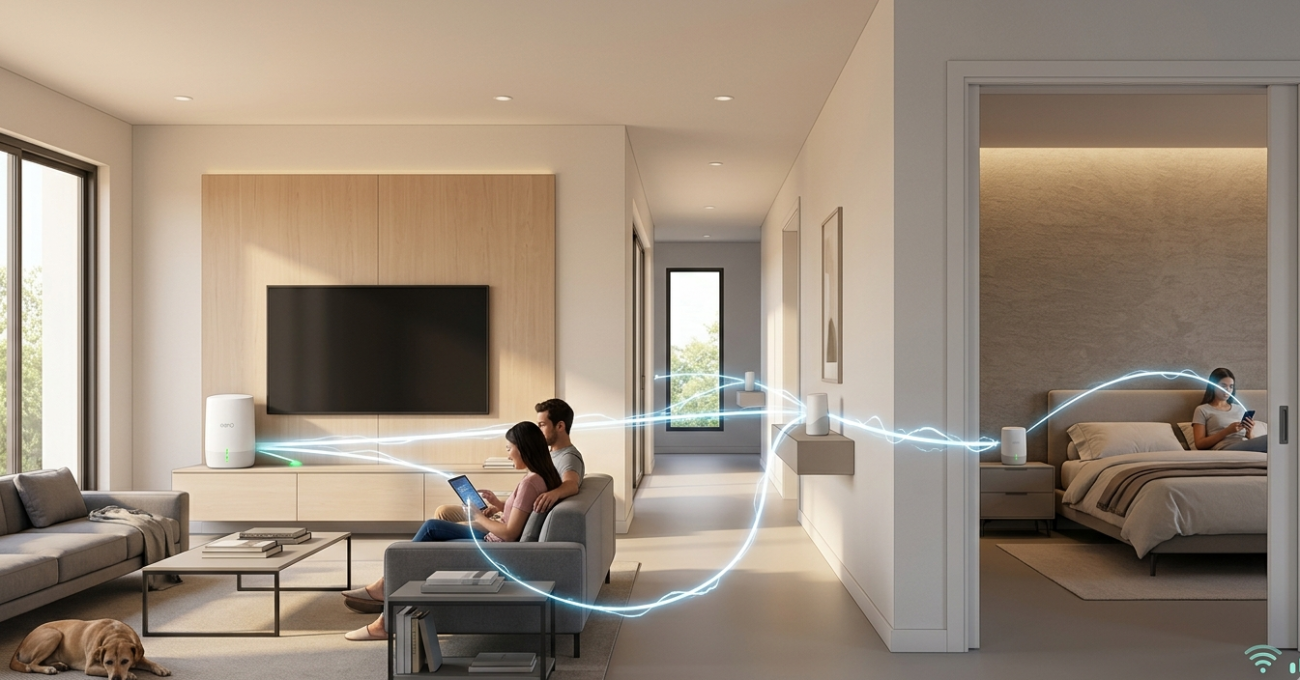
A mesh Wi-Fi vs standard router comparison starts with understanding what makes mesh systems fundamentally different. Rather than a single device broadcasting from one location, a mesh system uses multiple nodes placed throughout your home that communicate with each other to create a single, seamless network.
Your devices automatically connect to whichever node provides the strongest signal as you move around the property. There’s no manually switching between networks, no signal drop when you walk from one end of the house to the other, and no dead zones in areas a single router can’t reach.
As covered in how mesh networking technology works, mesh systems create a self-healing, distributed network where each node acts as both a receiver and a transmitter, making them significantly more adaptable to complex home layouts than any single router can be.
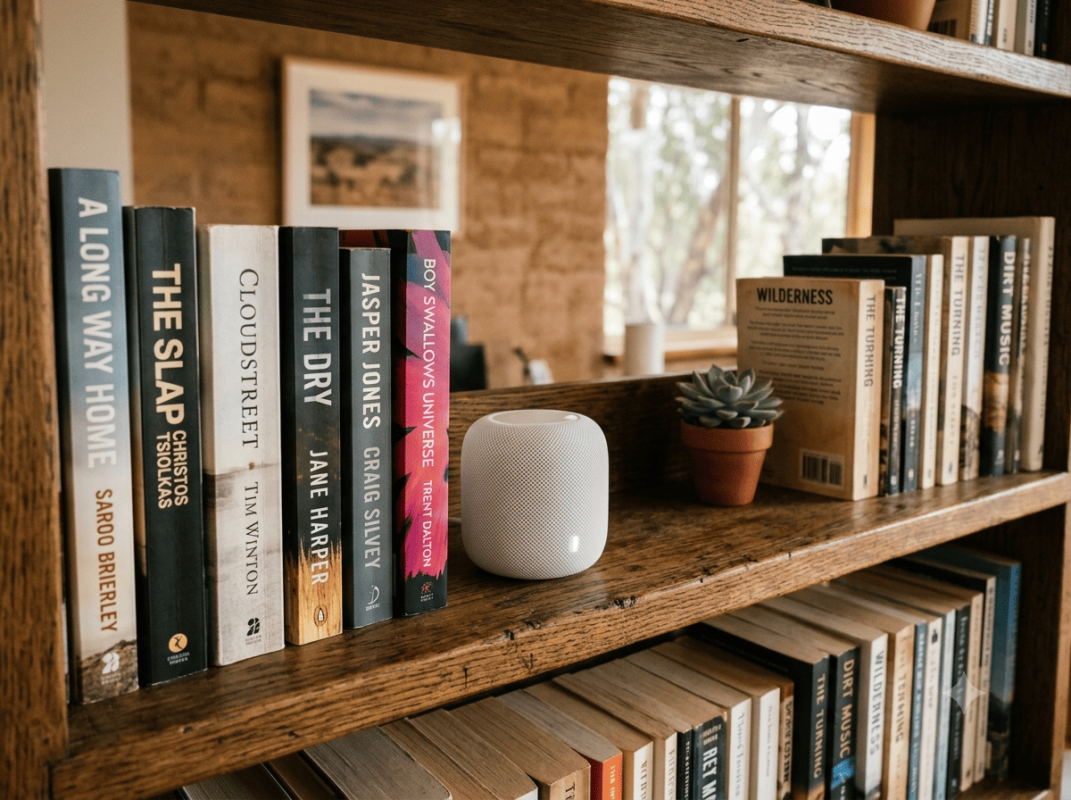
Where mesh systems work well:
- Larger Sunshine Coast homes over 200 square metres
- Multi-storey homes where signal penetration between floors is an issue
- Properties with thick walls, concrete construction, or metal framing
- Homes with outdoor entertaining areas, granny flats, or separate outbuildings
- Households with 15 or more connected devices running simultaneously
Where mesh systems may be more than you need:
- Smaller apartments or units where a well-placed single router covers everything
- Homes where the existing router is performing well in most areas
The Key Differences Side by Side
Coverage
A standard router covers an area based on its transmit power and the obstructions between it and your devices. For most Sunshine Coast homes larger than 150 square metres, a single wifi router will have coverage gaps regardless of how good it is.
A mesh system scales to your home’s size by adding nodes. Two nodes cover most average homes. Three or more cover larger properties, multi-storey homes, or properties with outbuildings.
Speed and Performance
In a small home where the router is close to your devices, a high-quality standard router will often outperform a mesh system on raw speed. The tradeoff in a mesh Wi-Fi vs standard router comparison is that mesh systems deliver consistent speeds across the whole property rather than excellent speeds near the router and progressively worse speeds further away.
For wired backhaul setups, where the mesh nodes are connected to each other via Ethernet rather than wirelessly, performance is excellent across all nodes and genuinely rivals a single router’s peak performance at every point in the home.
Setup and Management
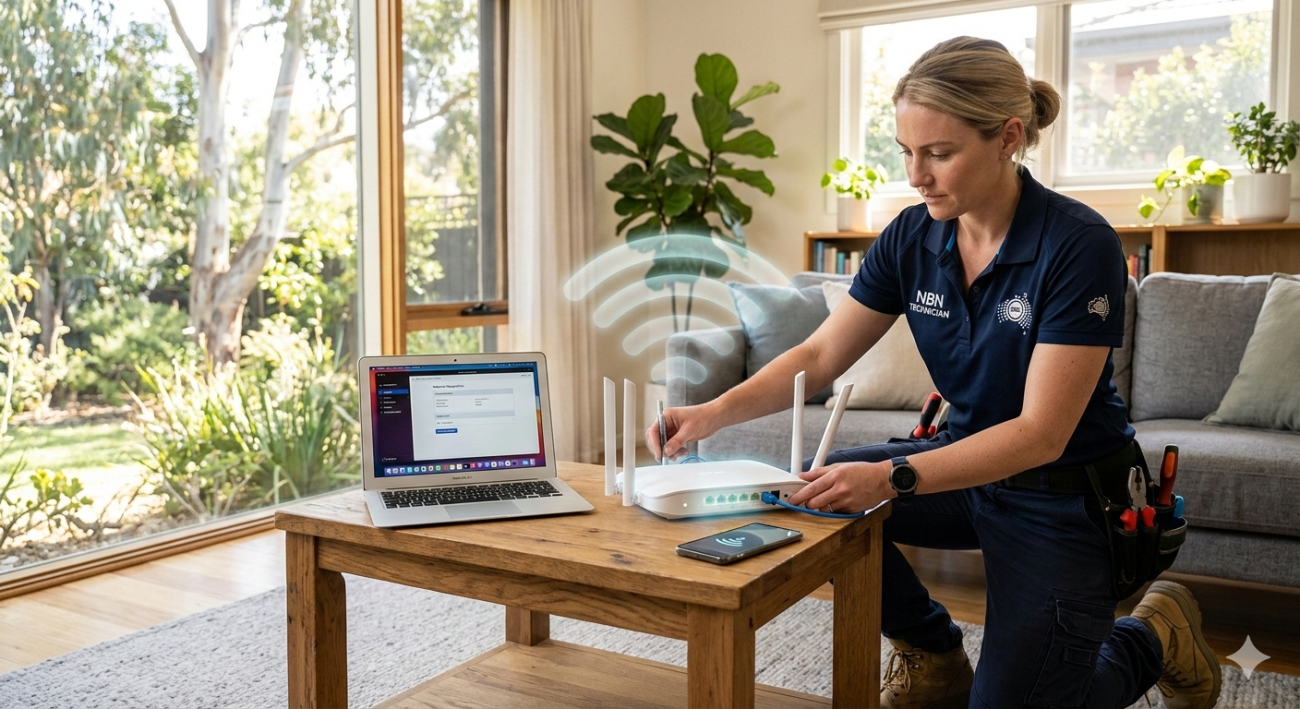
Standard routers require a single setup process and are generally straightforward to configure. Mesh systems have become significantly easier to set up over recent years, with most managed through a smartphone app. Both benefit from professional installation to ensure optimal placement, correct configuration, and the right security settings from day one.
Cost
A quality standard router costs between $150 and $500 for most Australian households. A mesh system starts at around $300 for a two-node entry-level setup and can reach $800 to $1,200 for premium tri-band systems suitable for larger Sunshine Coast properties.
The cost difference is worth it if your home genuinely needs the coverage. It’s not worth it if a well-positioned standard router would solve your problem for less.
Which One Does Your Sunshine Coast Home Actually Need?
Here’s a practical guide to making the right call:
Choose a standard router if:
- Your home is under 150 square metres and single-storey
- Your current coverage issues are caused by poor router placement rather than insufficient range
- Your household connects fewer than 15 devices simultaneously
- Your budget is under $300
Choose a mesh Wi-Fi system if:
- Your home is over 200 square metres or has multiple storeys
- You have persistent dead zones that repositioning the router hasn’t solved
- Your property includes outbuildings, a granny flat, or outdoor areas that need coverage
- You have 15 or more devices connecting simultaneously across the household
- Your home has concrete, brick, or metal-framed construction
If you’re setting up in a new home and want to get the network right from day one, Wi-Fi installation tips for new homes covers how to plan your network before the walls go up.
For existing homes with persistent coverage or performance issues, our Wi-Fi repair and installation service covers everything from system upgrades and mesh installations to full network diagnostics across the Sunshine Coast.
If your problems go beyond Wi-Fi and include broader internet connection issues, our internet repair service on the Sunshine Coast handles full diagnostics from the NBN connection point through to every device in your home.
According to NBN Co’s home network performance advice, the internal home network setup has a significant impact on the speeds and reliability Australians experience from their NBN connection, making the right router choice far more important than most households realise.
Why Sunshine Coast Locals Trust Brocky’s Internet
We’re a local service, not a call centre. When you contact Brocky’s Internet, an experienced local technician assesses your home, your existing setup, and your usage honestly, then recommends the right solution for your specific situation rather than the most expensive one.
Here’s what you get with every service at Brocky’s Internet:
- Honest advice, we’ll tell you if your existing router just needs repositioning
- Experienced technicians across all major router and mesh system brands
- Fast response times across the Sunshine Coast
- Professional installation with correct configuration from the start
- Transparent, upfront pricing with no hidden costs
We’ll let the locals we’ve helped do the talking.
Get the Right Setup for Your Home Today
Stop putting up with dead zones, slow speeds, and a network that doesn’t match your home. Whether it’s a standard router upgrade or a full mesh system installation, the team at Brocky’s Internet is ready to help.
From mesh Wi-Fi vs standard router advice to full network installation across the Sunshine Coast, you can find everything we do at Brocky’s Internet.
Contact Brocky’s Internet today and we’ll find the right solution for your home and budget.
FAQs
1. Is mesh Wi-Fi always better than a standard router?
Not always. In smaller homes and apartments, a well-positioned standard router often performs just as well at lower cost. Mesh systems deliver their real advantage in larger homes, multi-storey properties, and anywhere a single router can’t provide consistent coverage.
2. How many mesh nodes do I need for my Sunshine Coast home?
Most homes between 150 and 300 square metres are well covered by two nodes. Larger properties, multi-storey homes, or properties with outbuildings typically need three or more. A professional site assessment gives you a precise answer for your specific layout.
3. Can I add mesh nodes to my existing router?
Some mesh systems support this, but results vary significantly. A consistent, well-performing mesh network works best when all nodes are from the same system and configured together from the start.
4. Will a mesh system fix my slow NBN speeds?
A mesh system improves Wi-Fi coverage and reduces dead zones but won’t fix issues caused by your NBN connection itself. If your speeds are slow even when connected directly by Ethernet, the issue is with the connection rather than the Wi-Fi.
5. Does Brocky’s Internet install mesh Wi-Fi systems on the Sunshine Coast?
Yes. We supply, install, and configure mesh Wi-Fi systems across the Sunshine Coast, including site assessments, professional installation, and a full walkthrough of your new network.



21 thoughts on “Mesh Wi-Fi vs Standard Routers: Which Is Right for Your Sunshine Coast Home?”
Comments are closed.