
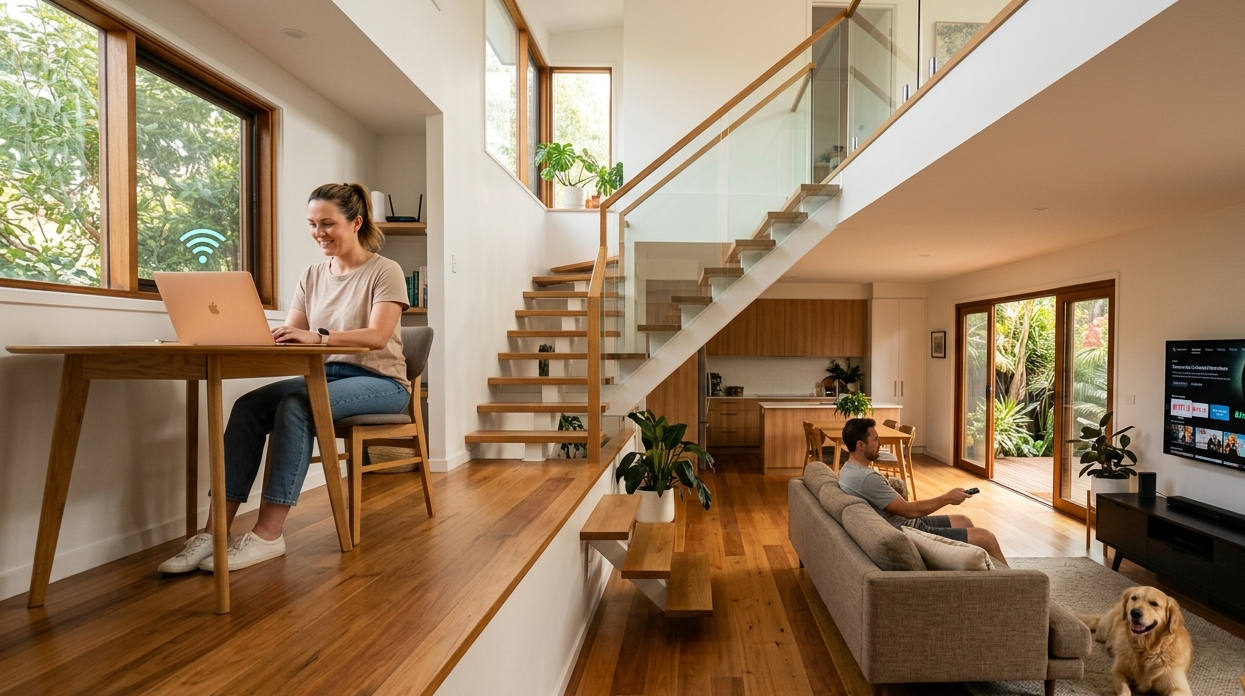
Dead zones are one of the most frustrating parts of living in a multi-storey home. You’re connected perfectly in the living room, but the moment you head upstairs to the bedroom or down to the rumpus room, the Wi-Fi coverage drops, video calls freeze, and streaming buffers. Sound familiar?
The Kawana Waters area has seen significant growth in newer double-storey homes over the past decade, and with that growth has come a sharp rise in exactly these kinds of network coverage problems. At Brocky’s Internet Solutions, we help Kawana Waters households solve Wi-Fi coverage issues across all types of multi-storey layouts. Here’s what actually works.
Why Multi-Storey Homes Have Wi-Fi Coverage Problems
A single router is designed to broadcast in all directions from one central point. In a single-storey open-plan home, that works reasonably well. In a multi-storey home with floors, structural beams, concrete slabs, and multiple walls between your router and your devices, the signal weakens significantly at every obstacle it passes through.
As Wikipedia’s overview of wireless mesh networks explains, wireless signals lose strength each time they pass through physical barriers, and the coverage area of any single access point is limited by the materials and layout of the building it’s operating in. For multi-storey homes, a single router almost never provides adequate Wi-Fi coverage on every level.
Common causes of poor coverage in Kawana Waters multi-storey homes:
- Concrete floor slabs between levels blocking signal transmission
- Multiple internal walls reducing signal strength on the same floor
- Router positioned in a corner or lower floor, far from devices upstairs
- Too many connected devices competing for bandwidth on a single access point
- Older routers that predate modern Wi-Fi standards and struggle with range
7 Practical Ways to Improve Wi-Fi Coverage Across Every Floor
1. Reposition Your Router to a Central Location
If your router is currently in a downstairs study, behind the TV cabinet, or tucked in the garage where the NBN connection box is, it’s working against itself. Router placement is the single most impactful factor in Wi-Fi coverage for multi-storey homes.
For a two-storey home, the most effective position is typically:
- On the ground floor ceiling height level, in a central hallway or living area
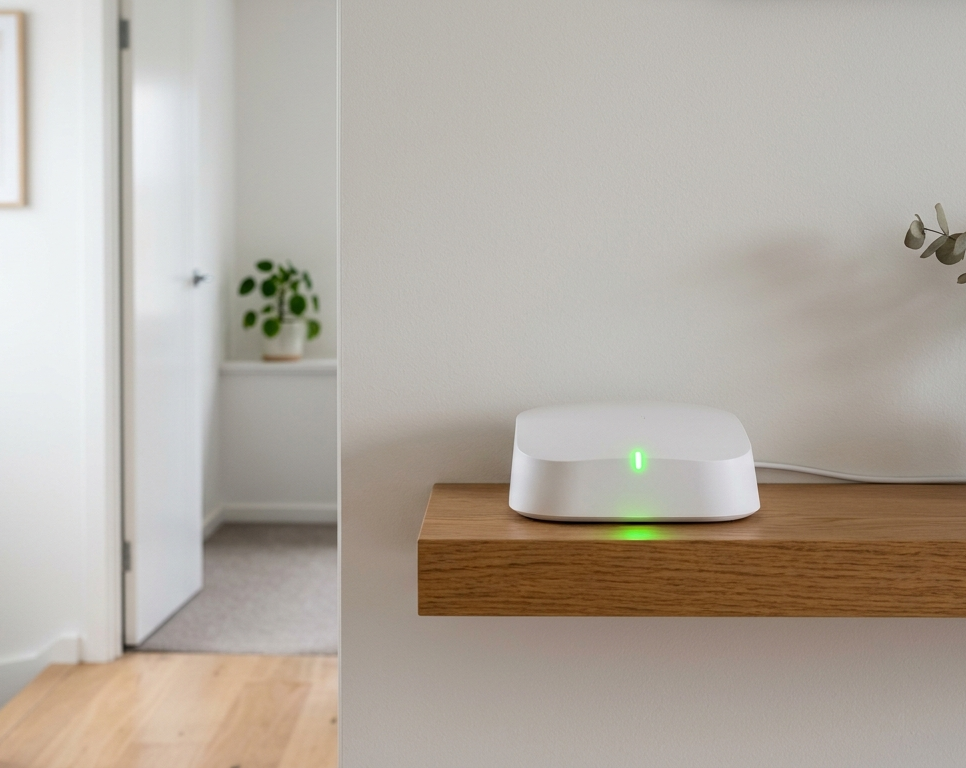
- Elevated on a shelf rather than on the floor or in an enclosed cabinet
- Away from microwaves, cordless phones, and large metal appliances
- With clear line-of-sight toward the staircase, which acts as a natural signal pathway between floors
Even moving the router a few metres can meaningfully improve coverage on the floor above.
2. Switch to a Mesh Wi-Fi System
For most Kawana Waters multi-storey homes, a mesh Wi-Fi system is the most reliable long-term solution for Wi-Fi coverage across all levels. Unlike a single router or a basic extender, a mesh system uses multiple nodes placed strategically throughout the home that all work together as one seamless network.
Key advantages of mesh over traditional extenders:
- Devices stay connected to the strongest node automatically as you move between floors
- No separate network names for different floors, one network name throughout the home
- Backhaul communication between nodes keeps speeds consistent rather than halved
- Easily expandable with additional nodes if coverage gaps remain
Our Wi-Fi installation and repair service in Kawana Waters includes professional mesh system design, node placement optimisation, and full configuration so your network performs correctly from day one.
3. Add a Wired Access Point on the Upper Floor
For homes where Ethernet cabling can be run between floors, a wired access point on the upper level is the most reliable and highest-performing solution for Wi-Fi coverage across multiple storeys.
A wired access point connects directly to your router via Ethernet cable rather than wirelessly, which means it delivers the router’s full speed without any signal degradation from the wireless backhaul. This approach is particularly effective in:
- Homes where the upper floor has a dedicated home office
- Properties with gaming setups or streaming systems upstairs
- New builds or renovations where cabling can be planned ahead of time
4. Use the 2.4 GHz Band for Devices Further From the Router
Modern routers and mesh systems broadcast on both 2.4 GHz and 5 GHz frequency bands. Understanding which to use makes a noticeable difference to Wi-Fi coverage across multiple floors.
The 2.4 GHz band travels further and penetrates walls and floors more effectively. The 5 GHz band is faster but has significantly shorter range and weaker penetration through building materials.
For devices on a different floor from the router:
- Connect via 2.4 GHz for more reliable coverage
- Reserve the 5 GHz band for devices close to the router or mesh node that need maximum speed
Most modern routers can be configured to direct devices to the appropriate band automatically.
5. Eliminate Interference Sources
Other electronics in your home can disrupt Wi-Fi coverage by broadcasting on overlapping frequencies. This is a commonly overlooked cause of signal problems in multi-storey homes where electronics are spread across multiple levels.
Common interference sources to address:
- Microwaves operating near the router or on the same floor
- Cordless phones and baby monitors using 2.4 GHz frequencies
- Bluetooth devices near the router affecting its signal output
- Neighbouring Wi-Fi networks congesting the same channels
A Wi-Fi analyser app identifies which channels are most congested in your area. Switching your router to a less congested channel is a simple setting change that sometimes resolves coverage problems without any hardware investment.
6. Connect Fixed Devices via Ethernet
Smart TVs, gaming consoles, and desktop computers on upper or lower floors don’t need Wi-Fi at all. Running Ethernet cables to these fixed devices removes them from your wireless network entirely, reducing competition for Wi-Fi coverage and freeing up bandwidth for your genuinely wireless devices like phones and tablets.
For our broader tips on boosting home internet performance without upgrading your plan, our blog on boosting home internet speed without upgrading covers wired connection benefits and much more.
7. Upgrade to a Wi-Fi 6 or Wi-Fi 6E Router
If your current router is more than four years old, upgrading to a Wi-Fi 6 model improves Wi-Fi coverage efficiency significantly, particularly in homes with many connected devices. Wi-Fi 6 uses OFDMA and MU-MIMO technology to serve multiple devices simultaneously rather than sequentially, reducing congestion and improving real-world performance throughout the home.
NBN Co’s guidance on choosing the right Wi-Fi router covers the key specifications to look for when upgrading, tailored specifically for Australian NBN connections.
When to Call a Professional
If you’ve tried repositioning the router, switched bands, and still have persistent Wi-Fi coverage gaps on certain floors, it’s time for a professional assessment. A technician can:
- Conduct a proper signal level test across each floor
- Identify where the coverage gaps are occurring and why
- Design a mesh or access point solution matched to your specific home layout
- Install and configure the system correctly so it works from the start
Our internet setup service in Caloundra and across the Kawana Waters region covers everything from router upgrades to full mesh system installations for multi-storey homes.
See what other locals think of our work by reading what our customers say before you get in touch.
Get Reliable Wi-Fi Coverage on Every Floor
Strong, consistent Wi-Fi coverage across every floor of your Kawana Waters home is completely achievable with the right approach. Whether it’s a router repositioning, a mesh system installation, or a full network redesign, the team at Brocky’s Internet Solutions is ready to help.
Visit us at 6/12 Newspaper Place, Maroochydore QLD 4558, call us on 1800 588 688 or text 0422 394 174, Monday to Friday between 8:30am and 4:00pm.
Get in touch to book your Wi-Fi coverage assessment or get a no-obligation quote on any installation work.
FAQs
1. Why is my Wi-Fi coverage so much weaker upstairs than downstairs?
Concrete floor slabs, structural beams, and multiple walls between your router and your upstairs devices absorb and weaken the signal significantly. Router placement and mesh nodes on the upper floor resolve this reliably.
2. Is a mesh Wi-Fi system better than a Wi-Fi extender for multi-storey homes?
Yes, significantly. A basic extender rebroadcasts the signal wirelessly, which typically halves available speeds and creates a separate network. A mesh system uses dedicated backhaul to maintain full speeds and creates one seamless network across all floors.
3. How many mesh nodes do I need for a two-storey home in Kawana Waters?
Most two-storey homes with standard layouts work well with two to three nodes. Larger homes, properties with thick concrete construction, or homes with multiple wings may need additional nodes for complete coverage.
4. Will upgrading my router fix my upstairs Wi-Fi coverage?
A better router improves coverage range, but for persistent dead zones across multiple floors, a mesh system or wired access point on the upper level is the more reliable solution.
5. Can you run Ethernet cables between floors in an existing home?
Yes, though it requires careful planning of cable routes through walls and floor cavities. A professional installation ensures a clean result without unnecessary wall damage.
5 thoughts on “How to Improve Wi-Fi Coverage in Multi-Storey Homes in Kawana Waters”
Comments are closed.