
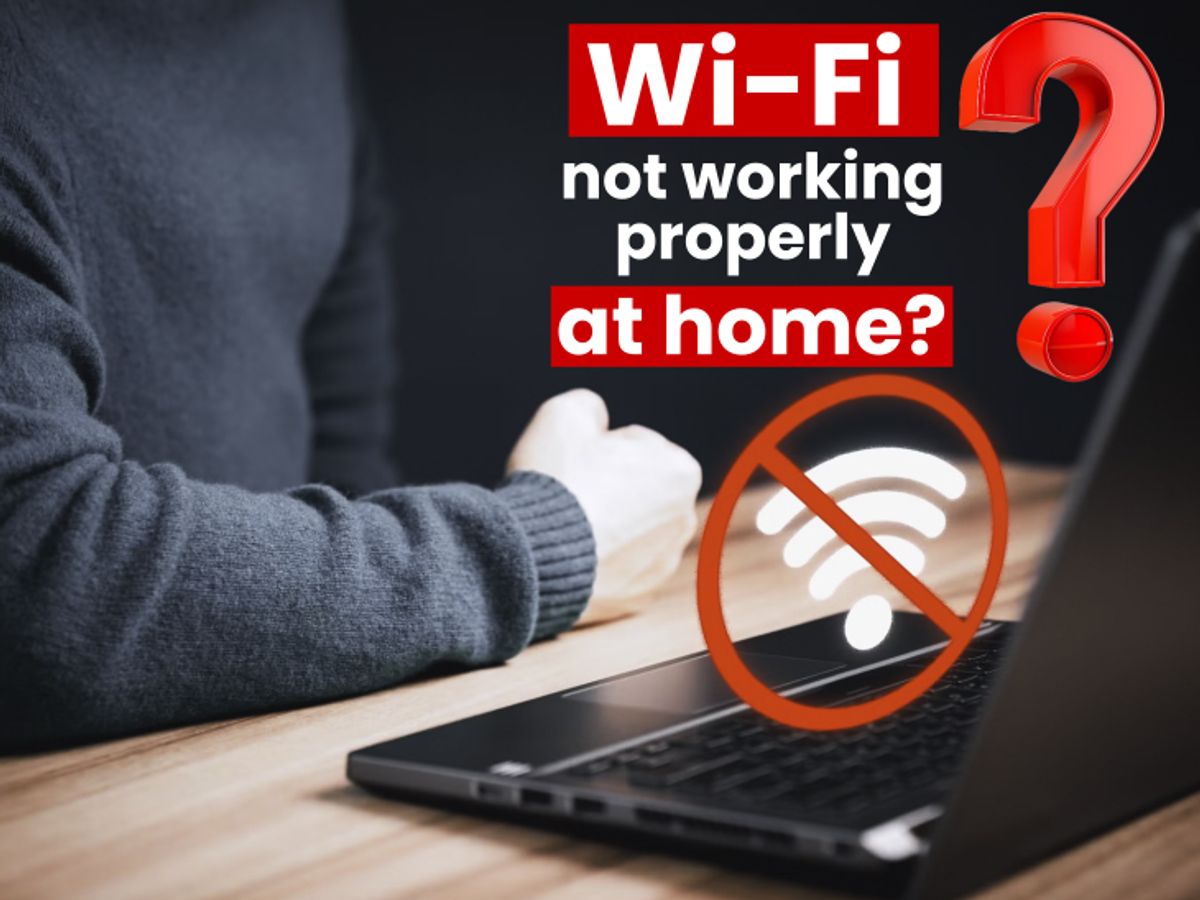
Whether you’re working from home, running a small business, or just trying to stream without interruption, a Wi-Fi connection that drops, slows down, or refuses to reach certain areas of your property makes everything harder. Wi-Fi troubleshooting isn’t complicated when you approach it systematically, but skipping steps or applying the wrong fix to the wrong problem wastes time and often makes things worse.
At Brocky’s Internet, we provide Wi-Fi troubleshooting services on the Sunshine Coast for both residential and small business clients. Here’s a clear, step-by-step guide to diagnosing and resolving the most common Wi-Fi faults, and knowing when professional help will get you to the answer faster.
Start With the Right Diagnosis
Effective Wi-Fi troubleshooting begins with identifying which part of the system is failing before any fix is attempted. The most common mistake is assuming the problem is the internet connection when it’s actually the Wi-Fi, or vice versa. Getting this right from the start saves significant time.
How to identify which part of the system is the problem:
- Connect a device directly to your modem via Ethernet cable and run a speed test
- If wired speeds are normal but Wi-Fi is slow or dropping, the problem is in your wireless network
- If wired speeds are also poor, the problem is with the NBN connection or modem
- If the wired connection drops intermittently, internal cabling or a line fault needs investigation
This single check defines whether your Wi-Fi troubleshooting effort should focus on the wireless network or the connection itself.
Common Wi-Fi Problems and How to Troubleshoot Them
1. Slow Wi-Fi Speeds Throughout the Property
Slow speeds across the entire property, on all devices simultaneously, almost always points to one of these causes.
What to check:
- The router is outdated and can’t deliver your NBN plan’s speed tier to multiple devices
- The Wi-Fi channel is congested from neighbouring networks in suburban areas
- QoS settings are absent or incorrectly configured, allowing background downloads to consume available bandwidth
- The router is overloaded with too many simultaneous device connections
What to do:
- Log into your router’s admin panel and switch to a less congested channel, using a Wi-Fi analyser app to confirm which channels are least used in your area
- Enable QoS to prioritise time-sensitive traffic like video calls and streaming
- Consider upgrading to a Wi-Fi 6 router with MU-MIMO support for better multi-device performance
2. Wi-Fi Dead Zones in Certain Rooms or Areas
If Wi-Fi speeds are adequate near the router but poor in specific rooms or areas, coverage rather than connection speed is the issue. This is particularly common in Sunshine Coast homes and small business premises with concrete or brick internal walls, multi-storey layouts, or large floor plans.
What to try first:
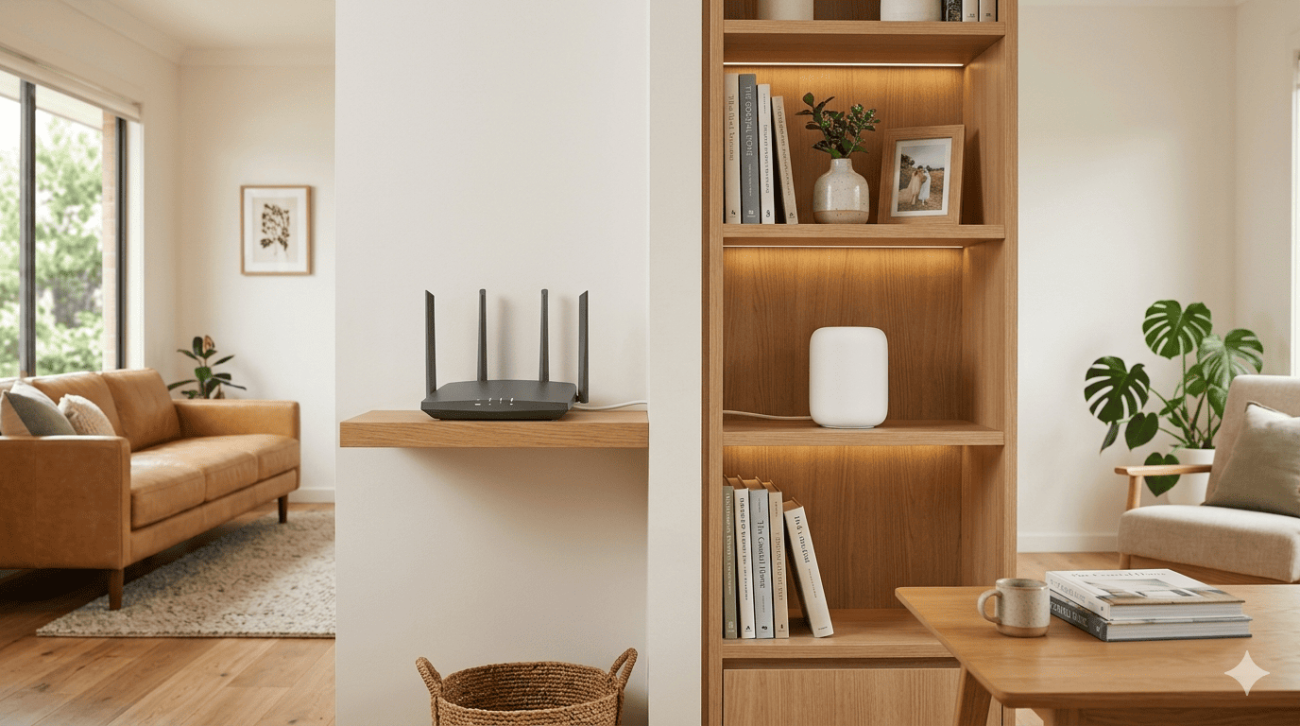
- Reposition the router to a more central, elevated location before purchasing any additional hardware
- Confirm that devices in weak-signal areas are connecting to the 2.4 GHz band rather than 5 GHz, as 2.4 GHz has significantly greater range despite lower maximum speed
When repositioning isn’t enough:
- A mesh Wi-Fi system provides seamless coverage throughout the property using multiple nodes that communicate with each other
- Additional access points connected via Ethernet backhaul deliver full-speed coverage in areas a single router can’t reach
- For small businesses with multiple rooms or floors, a business-grade Wi-Fi system with centralised management is the right long-term solution
3. Specific Devices Can’t Connect or Keep Dropping
When only certain devices experience Wi-Fi problems while others on the same network work normally, the fault is almost always device-specific rather than a network-wide issue.
Wi-Fi troubleshooting steps for device-specific faults:
- Forget the network on the affected device and reconnect from scratch using the current password
- Check whether the device supports the Wi-Fi band the router is broadcasting on, some older devices only support 2.4 GHz
- Update the device’s network adapter driver or firmware
- Check whether the device’s IP address has a conflict with another device on the network through the router’s admin panel
4. Wi-Fi Drops Out at Specific Times of Day
Dropouts that happen consistently during peak household usage hours or during specific activities are typically caused by router overload, channel congestion from neighbouring networks, or interference from household devices.
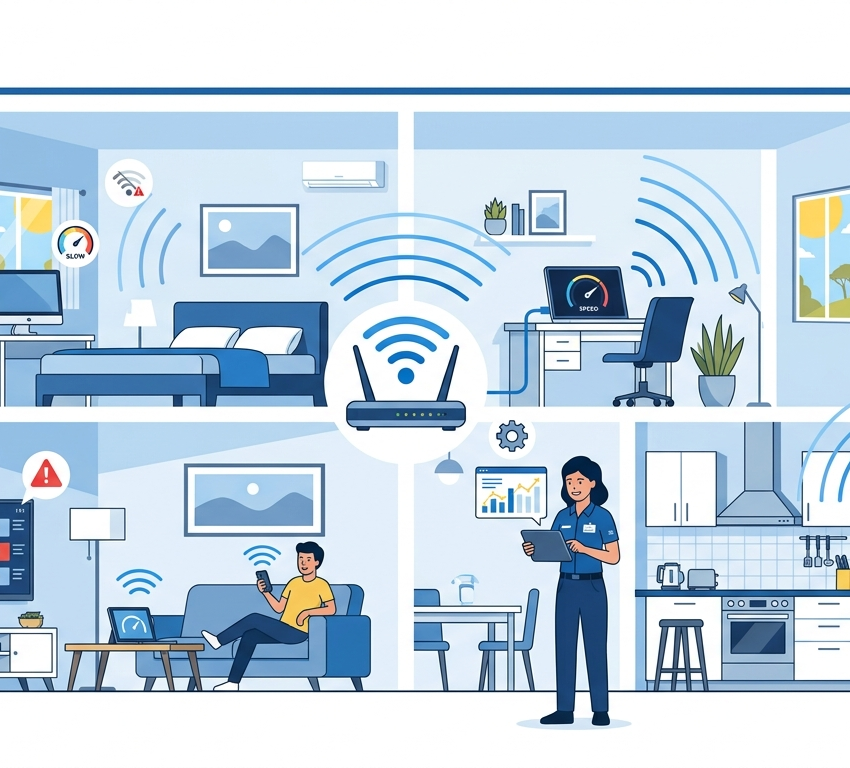
What to investigate:
- Note exactly when the dropout occurs and what activities are happening on the network at that time
- Check the router’s connected device list during a dropout to confirm how many devices are active simultaneously
- Check whether the dropout affects all devices or only specific ones
As covered in how Wi-Fi interference and channel congestion affect wireless network performance, multiple access points and client devices sharing the same frequency channel significantly reduce effective throughput and stability for all connected devices.
5. Wi-Fi Working But Internet Pages Loading Slowly
A Wi-Fi connection that appears fully connected but delivers slow page loading is often a DNS issue rather than a bandwidth problem. Your router uses DNS servers to translate website addresses into IP addresses, and slow DNS adds latency to every single request regardless of connection speed.
What to do:
- Log into your router’s admin panel and change the primary DNS to Google’s (8.8.8.8) or Cloudflare’s (1.1.1.1)
- Restart the router after making the change
- Test whether page loading improves immediately after the restart
Wi-Fi Troubleshooting for Small Businesses
Small businesses on the Sunshine Coast have specific Wi-Fi requirements that residential troubleshooting doesn’t fully address.
Key business Wi-Fi considerations:
- Staff, customer, and business-critical systems should be on separate network segments to protect sensitive data and ensure performance for business operations
- Business-grade hardware rated for continuous operation and higher device density delivers significantly better reliability than consumer equipment
- Centralised network management allows issues to be identified and resolved remotely before they affect daily operations
- Secure guest networks prevent customer devices from accessing business systems while still providing expected connectivity
For small businesses experiencing persistent connectivity issues that internal fixes haven’t resolved, professional Wi-Fi troubleshooting services on the Sunshine Coast deliver accurate diagnosis and long-term solutions rather than temporary workarounds.
For a comprehensive look at the most common Wi-Fi faults and targeted fixes for each, common Wi-Fi problems and how to fix them covers the full range of issues in detail.
If your Wi-Fi troubleshooting reveals that the problem is with the NBN connection itself rather than the wireless network, internet repair on the Sunshine Coast covers full connection diagnostics from the NBN point through to every device on your network.
For a professional Wi-Fi assessment and upgrade covering both residential and small business requirements, Wi-Fi repair and installation services covers everything from targeted fault diagnosis to complete network installations across the Sunshine Coast.
According to Aussie Broadband’s home and business network optimisation guidance, router quality, placement, and configuration are among the most significant factors affecting real-world Wi-Fi performance for Australian households and businesses, making systematic Wi-Fi troubleshooting the right starting point before any hardware is purchased or replaced.
When Wi-Fi Troubleshooting Needs Professional Help
Working through the steps above resolves most common Wi-Fi faults. But these are clear signs professional Wi-Fi troubleshooting services on the Sunshine Coast will identify the cause faster and deliver a more reliable outcome:
- The fault recurs consistently despite completing all basic troubleshooting steps
- Dropouts affect both wired and wireless connections, pointing to an NBN or cabling fault
- Multiple devices across the network experience issues simultaneously without a clear cause
- Speed tests consistently deliver results well below your NBN plan entitlement
- Your business network handles sensitive data and needs proper segmentation and security configuration
Why Sunshine Coast Locals Trust Brocky’s Internet
We’re a local service, not a call centre. When you contact Brocky’s Internet, an experienced local technician assesses your specific setup honestly and recommends the right solution for your situation. Our Wi-Fi troubleshooting services on the Sunshine Coast cover everything from residential connectivity issues to full small business network assessments.
Here’s what you get with every service at Brocky’s Internet:
- Experienced local technicians across all major router and mesh system brands
- Honest advice, we’ll tell you if a free settings change is all you need
- Fast response times across the Sunshine Coast
- Transparent, upfront pricing with no hidden costs
- A full walkthrough so your household or team understands the fix
We’ll let the locals we’ve helped do the talking.
Get Your Wi-Fi Sorted on the Sunshine Coast Today
Don’t let Wi-Fi problems slow down your home or your business. Whether it’s a quick settings change or a full network upgrade, the team at Brocky’s Internet is ready to help.
From Wi-Fi troubleshooting to full network installation and internet repair across the Sunshine Coast, you can find everything we do at Brocky’s Internet.
Contact Brocky’s Internet today and we’ll have your Wi-Fi assessed and working reliably as soon as possible.
FAQs
1. What is the first step in Wi-Fi troubleshooting at home?
Connect a device directly to your modem via Ethernet and run a speed test. This confirms whether the problem is your Wi-Fi network or the NBN connection itself, which determines everything that follows.
2. Why does my Wi-Fi slow down when multiple people are using it?
Most consumer routers struggle to handle multiple simultaneous high-demand connections. Enabling QoS, upgrading to a Wi-Fi 6 router with MU-MIMO support, and switching high-demand devices to the 5 GHz band all help.
3. Can Wi-Fi troubleshooting fix dead zones in my home or business?
Basic troubleshooting including repositioning the router can improve coverage. Persistent dead zones typically need a mesh system or additional access points for a permanent fix.
4. Why does my Wi-Fi keep dropping out at the same time each day?
Yes. We provide professional Wi-Fi troubleshooting for both residential and small business clients across the Sunshine Coast, including network segmentation, security configuration, and business-grade hardware installation.
5. How long does professional Wi-Fi troubleshooting take?
Most residential assessments are completed within one to two hours. Small business network assessments may take longer depending on the size of the premises and complexity of the existing setup.



21 thoughts on “Wi-Fi Troubleshooting for Homes and Small Businesses on the Sunshine Coast”
Comments are closed.