

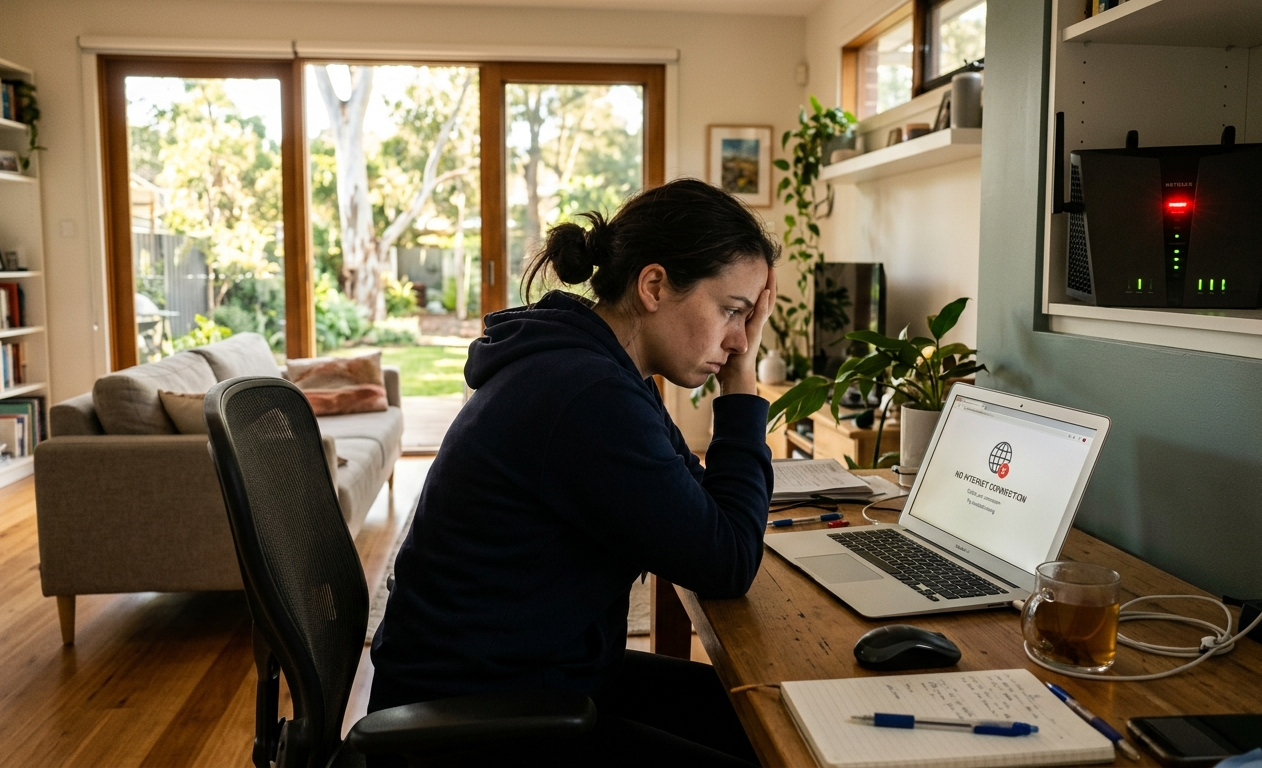
Standing in the hallway holding your phone up trying to catch a signal isn’t just annoying it’s a sign something in your home network needs attention. Video calls that freeze, streaming that buffers halfway through, smart devices that randomly drop offline. If you’re dealing with these issues regularly, you’re not alone. Common Wi-Fi problems affect households across Caloundra every single day, and in almost every case, the cause has nothing to do with your NBN plan.
At Brocky’s Internet, we provide Wi-Fi repairing services Caloundra homeowners rely on when their connection just isn’t performing the way it should. Here’s a straightforward breakdown of what’s actually going wrong and how to fix it.
Why Common Wi-Fi Problems Happen More Than You’d Expect
Your NBN connection might be delivering exactly what you’re paying for right up to your modem but from there, Wi-Fi has to travel through walls, compete with neighbouring networks, and share bandwidth across every device in the house. That’s where most common Wi-Fi problems actually start.
Every home Wi-Fi network runs on the IEEE 802.11 family of wireless standards, and how well your router implements these standards combined with placement, interference, and device load determines the real-world speed and reliability you get at home.
The usual suspects behind poor home Wi-Fi in Caloundra:
- An outdated router that can’t keep up with your plan or device load
- Poor router placement creating weak signal in back rooms
- Too many devices competing for bandwidth at once
- Interference from appliances or neighbouring networks
- Ageing internal cabling that hasn’t been checked since installation
- Wi-Fi channel congestion in busier residential streets
Each of these has a specific fix, and most are far simpler than people expect.
The Most Common Wi-Fi Problems and How to Fix Them
1. Weak Signal in Certain Rooms
That dead zone in the back bedroom or garage is one of the most reported common Wi-Fi problems in older Caloundra homes with thicker walls or split-level layouts.
What to do:
- Move your router to a central, elevated position
- Keep it clear of cabinets, metal surfaces, and thick walls
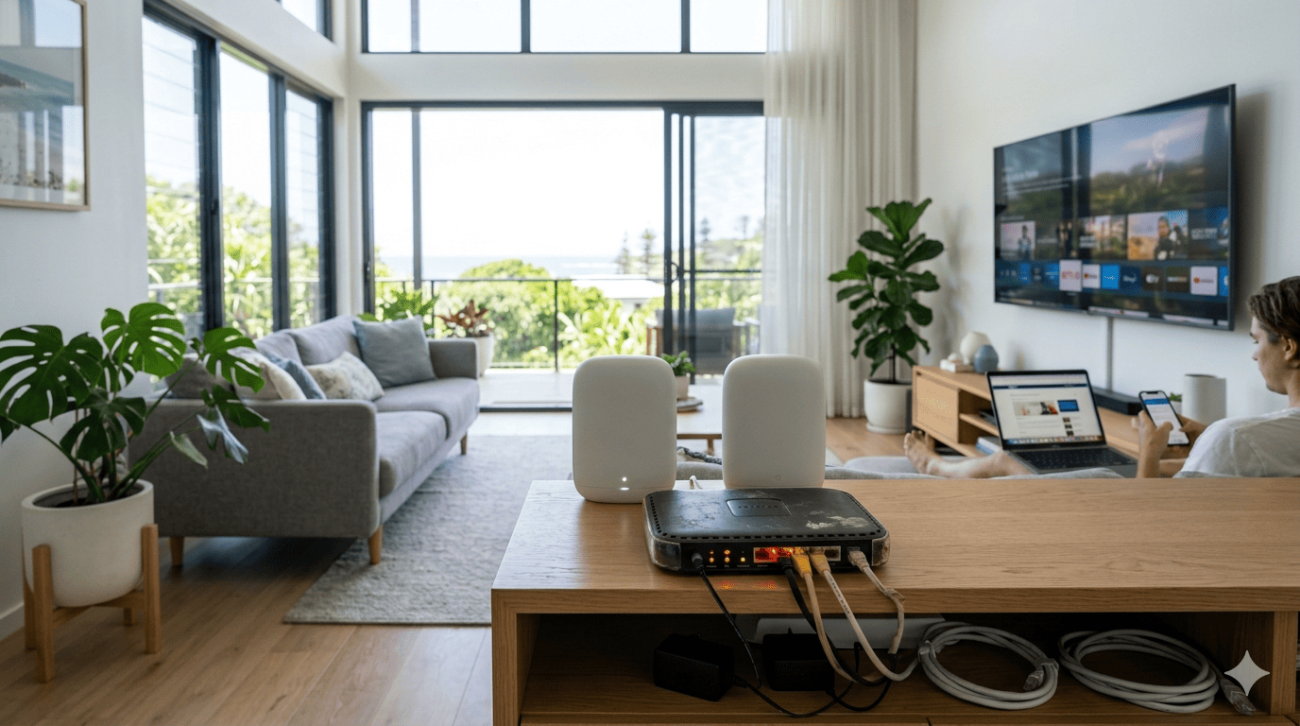
- Consider a mesh system if the issue spans multiple rooms
2. Wi-Fi Dropping Out Randomly
Random dropouts are usually linked to overheating hardware, outdated firmware, or interference rather than your actual internet plan.
Signs it’s a dropout issue rather than a speed issue:
- Connection cuts out briefly then reconnects on its own
- It happens more often in the evening when device usage peaks
- Restarting the router temporarily fixes it
3. Slow Speeds Despite a Fast NBN Plan
This is the most frequently reported of all common Wi-Fi problems. A great plan means nothing if your hardware can’t push that speed through to your devices.

What to do:
- Run a wired speed test to check your true connection speed
- Compare it against your plan’s typical evening speeds
- If wired speeds are strong but Wi-Fi is weak, the issue is your network setup, not your plan
4. Too Many Devices, Not Enough Bandwidth
Phones, smart TVs, security cameras, gaming consoles the average household now runs more connected devices than routers were ever designed to handle.
What to do:
- Separate your 2.4GHz and 5GHz bands so devices connect to the right one
- Enable Quality of Service settings to prioritise video calls and streaming
- Schedule large downloads or backups for off-peak hours
5. Outdated Router or Modem
If your router came free with your plan several years ago, it’s very likely the weak link in your setup.
Signs your hardware needs replacing:
- It’s more than four to five years old
- It doesn’t support Wi-Fi 5 or Wi-Fi 6
- Performance drops noticeably with multiple devices active
6. Interference From Appliances and Neighbouring Networks
Microwaves, baby monitors, cordless phones, and even your neighbour’s router on the same channel can quietly weaken your signal without any obvious cause.
What to do:
- Use a free Wi-Fi analyser app to check channel congestion
- Manually switch to a less crowded channel in your router settings
- Keep your router away from major interference sources
If you’re planning any structural changes at home, it’s also worth reading how common Wi-Fi mistakes during home renovations can create long-term connectivity issues that are much harder to fix after the fact.
As outlined by the Australian Communications and Media Authority’s guidance on home internet performance, factors inside the home network have a direct and significant impact on the Wi-Fi speeds and reliability Australian households actually experience, separate from the underlying NBN connection itself.
When Common Wi-Fi Problems Need a Professional Fix
The steps above resolve most everyday issues, but it’s time to call in a professional when:
- Wired speeds are consistently below what your plan promises
- Dropouts happen even on a direct Ethernet connection
- You’ve tried repositioning and upgrading without improvement
- Your home has multiple levels or a large, complex floor plan
- Internal cabling hasn’t been assessed since the NBN was installed
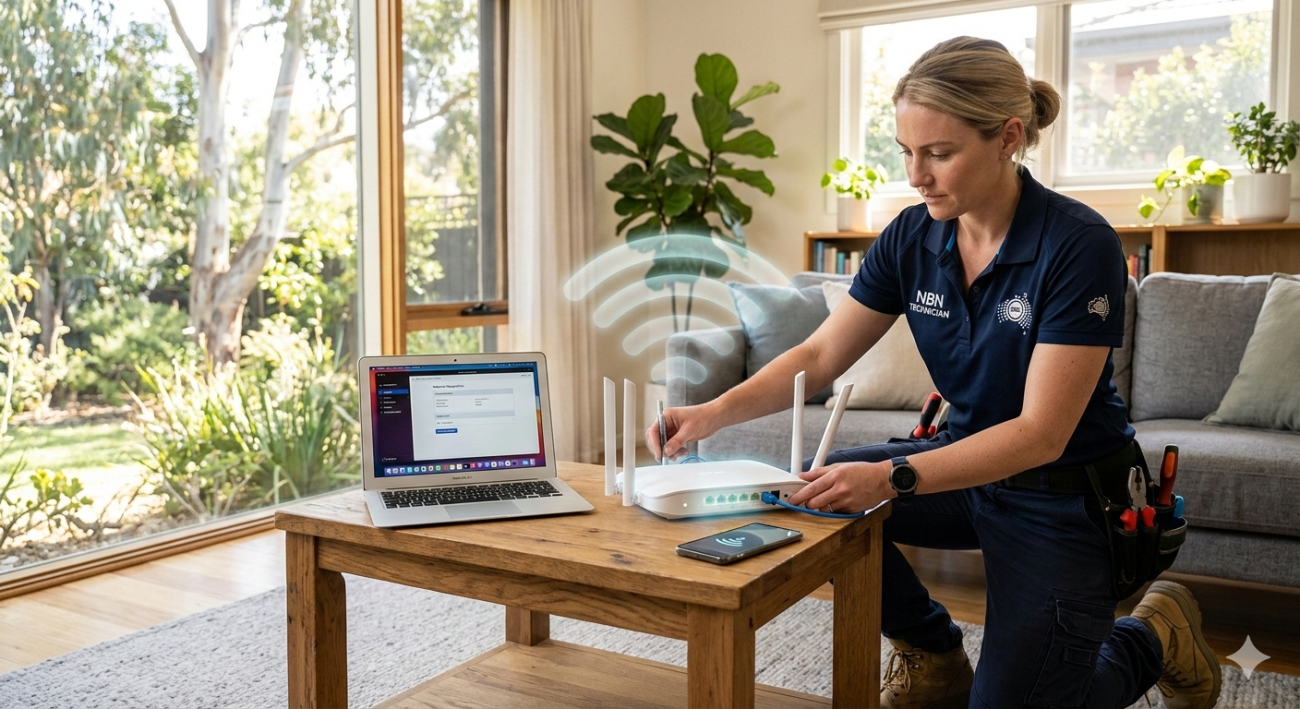
For a full network assessment, our Wi-Fi repair and installation services cover everything from cabling faults to mesh network setups across the Sunshine Coast.
Why Caloundra Locals Trust Brocky’s Internet
We’re a local team, not a call centre. When you contact us, an experienced technician assesses your actual setup and tells you honestly what’s needed even if that’s just a free settings change.
What you get with our Wi-Fi repairing services Caloundra:
- Experienced local technicians across all major router and mesh brands
- Transparent, upfront pricing with no surprise call-out fees
- Fast response times across Caloundra and the Sunshine Coast
- A personal walkthrough so you understand exactly what was fixed
See what local customers are saying on Google.
Get Your Wi-Fi Sorted Today
You shouldn’t have to just live with dropouts, dead zones, and buffering. Whether it’s a quick settings fix or a full network overhaul, the team at Brocky’s Internet is ready to help.
Visit our homepage to see our full range of services, or contact us today and we’ll have your connection sorted properly, the first time.
FAQs
1. What are the most common Wi-Fi problems in Caloundra homes?
The most common Wi-Fi problems include weak signal in certain rooms, random dropouts, slow speeds despite a fast NBN plan, too many connected devices, outdated routers, and interference from appliances or neighbouring networks.
2. Why is my Wi-Fi slow even though my NBN plan is fast?
In most cases the NBN connection itself is fine. The slowdown happens inside the home due to router placement, outdated hardware, or too many devices competing for bandwidth.
3. Can household appliances really interfere with my Wi-Fi?
Yes. Microwaves, cordless phones, and baby monitors can interfere with the 2.4GHz band commonly used by Wi-Fi routers, weakening your signal.
4. How do I know if I need professional Wi-Fi repairing services in Caloundra?
If DIY fixes like repositioning your router or updating firmware haven’t helped, or wired speeds are still poor, a professional assessment is the next step.
5. Does Brocky’s Internet provide Wi-Fi repairing services in Caloundra?
Yes. We provide full Wi-Fi repairing services across Caloundra and the wider Sunshine Coast, including router upgrades, cabling checks, and complete network assessments.







One thought on “Common Wi-Fi Problems in Caloundra Homes and How to Fix Them”
Comments are closed.