
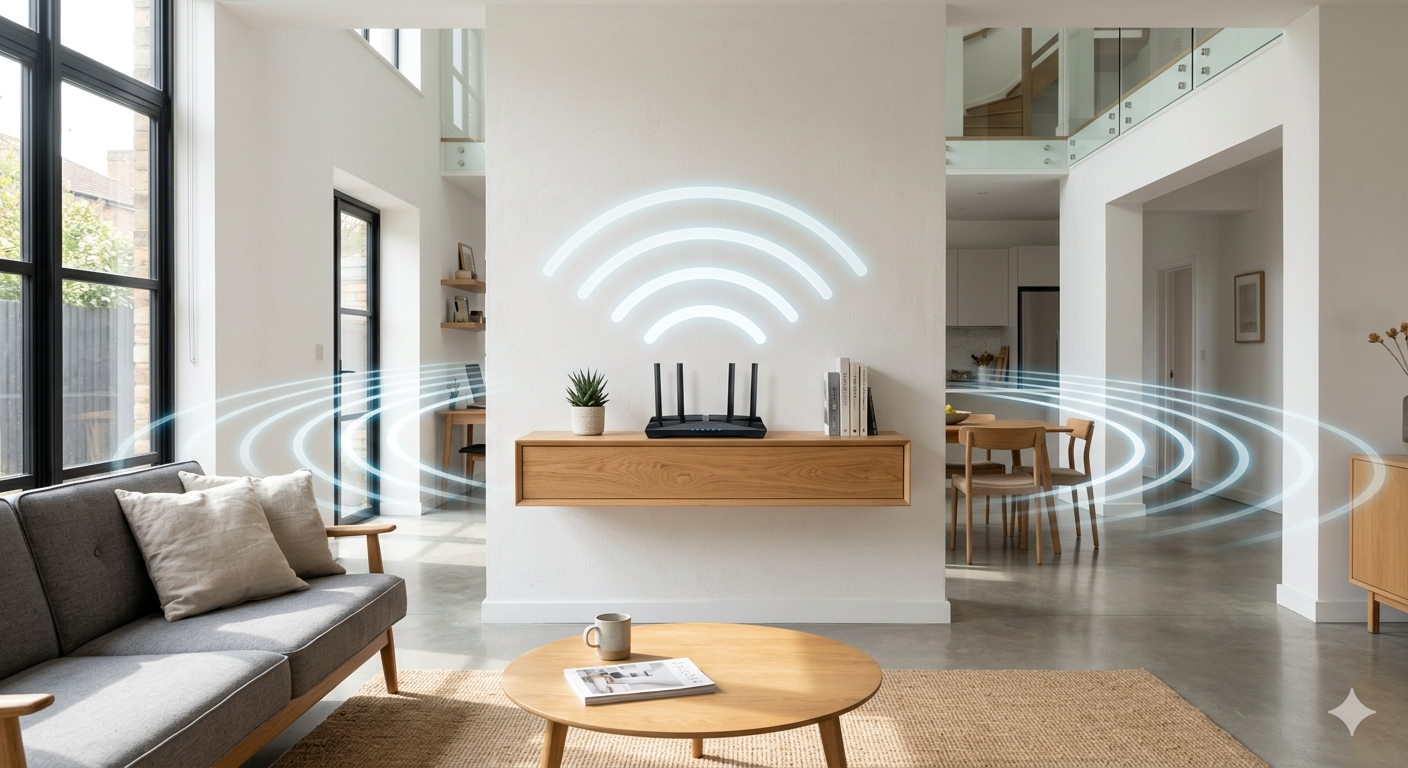
A weak home Wi-Fi signal is one of the most consistently frustrating problems in Australian households. Slow loading pages, video calls that freeze mid-sentence, and rooms where the connection simply dies are all signs that your wireless network isn’t covering your home the way it should.
The good news is that most home Wi-Fi signal problems have practical fixes, and many of them don’t require any new equipment at all. At Brocky’s Internet Solutions, we help Sunshine Coast households get reliable wireless coverage every day. Here are the ten most effective ways to improve your signal from today.
1. Move Your Router to a Central Position
Router placement is the single most impactful change most households can make for free. A router tucked in a corner room, hidden inside a cabinet, or placed at one end of the house is broadcasting half its signal into the street or a neighbour’s property.
For the strongest home Wi-Fi signal throughout your home:
- Position the router as centrally as possible, a main hallway or central living area works well
- Elevate it on a shelf or wall mount rather than leaving it on the floor
- Keep it in the open rather than enclosed inside furniture
Even shifting the router a few metres toward the centre of your home can dramatically improve coverage in previously weak areas.
2. Keep the Router Away From Interference Sources
Microwaves, cordless phones, baby monitors, and Bluetooth devices all broadcast on frequencies that overlap with Wi-Fi, particularly the crowded 2.4 GHz band. Placing your router near these devices introduces interference that degrades your home Wi-Fi signal noticeably.
Keep at least a metre of clear space between your router and any kitchen appliances, and avoid placing it near cordless landline phones or smart speakers that broadcast Bluetooth continuously.
3. Switch Your Main Devices to the 5 GHz Band
Most modern routers broadcast on both 2.4 GHz and 5 GHz frequency bands. The 2.4 GHz band travels further and penetrates walls better, but it’s heavily congested in suburban areas where dozens of competing networks share the same airspace.
The 5 GHz band delivers significantly faster speeds and far less interference for devices close to the router. Manually connecting your streaming devices, laptops, and gaming consoles to the 5 GHz band while leaving smart home gadgets on 2.4 GHz improves performance for everyone on the network.
4. Restart Your Router Regularly
A router that’s been running continuously for weeks accumulates memory issues, small software glitches, and stale connection data that gradually degrade your home Wi-Fi signal. A full restart clears all of this and refreshes the connection to your ISP.
Most network technicians recommend restarting your router at least once a fortnight. Many modern routers support scheduled automatic restarts through their admin panel, so this happens overnight without disrupting anyone.
5. Update Your Router’s Firmware
Router manufacturers release firmware updates regularly that fix performance bugs, improve stability, and patch security vulnerabilities. An outdated firmware version can cause slower speeds, intermittent dropouts, and reduced home Wi-Fi signal reliability that aren’t caused by any physical issue.
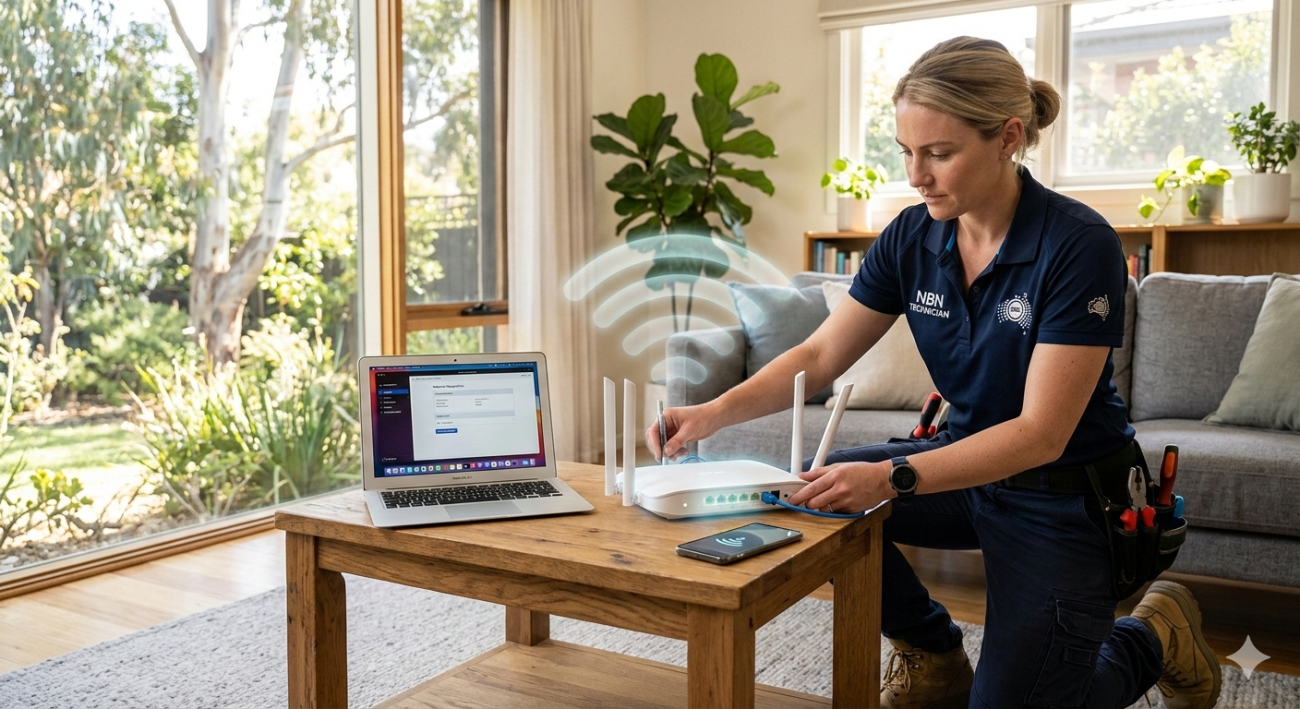
Log into your router’s admin panel and check the firmware version against what’s current on the manufacturer’s website. The update itself typically takes less than ten minutes.
6. Change Your Wi-Fi Channel
In densely populated areas like Sunshine Coast suburbs, many routers compete on the same default channels, creating congestion that weakens everyone’s signal. This is particularly common on the 2.4 GHz band where only three non-overlapping channels are available.
A Wi-Fi analyser app on your smartphone identifies which channels are most congested in your area. Switching your router to a less crowded channel is a setting change in your router’s admin panel and can produce an immediate improvement in home Wi-Fi signal stability.
7. Install a Mesh Wi-Fi System
For larger Sunshine Coast homes, multi-storey properties, or homes built with double brick or concrete that blocks wireless signals, a single router almost never provides adequate coverage in every room. A mesh Wi-Fi system places multiple nodes throughout the home that all work together as one seamless network.
Unlike basic extenders, mesh nodes communicate via a dedicated backhaul connection that maintains full speed rather than halving it with every hop. Devices move between nodes automatically as you walk through the house, without disconnecting or requiring manual switching.
Our Wi-Fi repair and installation service includes professional mesh system design and installation for Sunshine Coast homes where a single router isn’t delivering the coverage needed.
8. Connect Fixed Devices via Ethernet
Smart TVs, gaming consoles, and desktop computers don’t need to use Wi-Fi at all. Connecting these via Ethernet cable removes them from your wireless network entirely, freeing up home Wi-Fi signal bandwidth for your genuinely mobile devices like phones and tablets.
This is one of the most impactful changes a device-heavy household can make, and it doesn’t require any new wireless hardware.
9. Reduce Background Bandwidth Usage
Devices that appear idle frequently aren’t. Cloud photo backups, operating system updates, security camera uploads, and app syncs all consume bandwidth automatically in the background, often precisely during the peak evening hours when your household is most active online.
Scheduling automatic updates and backups for overnight hours removes this background traffic from peak usage periods. Quality of Service (QoS) settings on modern routers let you prioritise specific devices or traffic types so video calls and streaming take precedence over background processes automatically.
For a detailed walkthrough of how common Wi-Fi problems develop and how to diagnose them, our blog on common Wi-Fi problems and how to fix them covers the most frequent causes in detail.
10. Upgrade to a Wi-Fi 6 Router
If your router predates 2020, it almost certainly doesn’t support Wi-Fi 6, the current standard that handles multiple simultaneous device connections far more efficiently than older hardware.
Wi-Fi 6 uses OFDMA technology to communicate with multiple devices genuinely at the same time rather than rapidly cycling between them. For households with ten or more connected devices, this single hardware change makes a noticeable difference to whole-home home Wi-Fi signal quality and stability.
NBN Co’s guidance on what to look for in a Wi-Fi router covers the specific specifications that matter for Australian NBN connections, including why Wi-Fi 6 support is worth prioritising.
When DIY Fixes Don’t Resolve the Problem
If you’ve worked through these steps and your home Wi-Fi signal is still inconsistent or dropping out, the issue may be beyond simple optimisation. Faulty internal cabling, a failing modem, NBN line faults, or interference that needs proper testing to identify all cause persistent problems that router adjustments won’t fix.
If your internet connection itself is the underlying issue, our internet repair service on the Sunshine Coast covers full connection diagnostics, modem testing, and NBN line assessments alongside Wi-Fi repair work.
See what other Sunshine Coast locals think of our work by reading what our customers say before you get in touch.
Get a Stronger Home Wi-Fi Signal Today
A strong, reliable home Wi-Fi signal in every room is completely achievable for most Sunshine Coast households. Whether the fix is a router reposition, a channel change, or a professionally installed mesh system, the team at Brocky’s Internet Solutions is ready to help.
Visit us at 6/12 Newspaper Place, Maroochydore QLD 4558, call us on 1800 588 688 or text 0422 394 174, Monday to Friday between 8:30am and 4:00pm.
Get in touch to book your Wi-Fi assessment or get a no-obligation quote on any repair or installation work.
FAQs
1. Why is my home Wi-Fi signal strong near the router but weak in other rooms?
Wi-Fi signal weakens with distance and loses significant strength passing through walls, particularly concrete or brick. Router placement and building materials are the two most common factors. A mesh system or wired access point resolves this reliably for larger homes.
2. Will changing the Wi-Fi channel improve my home Wi-Fi signal?
Yes, in many cases. Crowded channels in suburban areas create interference that degrades signal quality for everyone sharing that airspace. Switching to a less congested channel is a quick and free improvement.
3. How many devices can my router handle before the home Wi-Fi signal degrades?
Most older Wi-Fi 5 routers struggle noticeably beyond 15 to 20 active devices. A quality Wi-Fi 6 router handles 30 or more devices significantly better.
4. Is a mesh Wi-Fi system worth it for a smaller home?
For smaller homes a quality single router is usually sufficient. Mesh systems deliver the most benefit in larger homes, multi-storey properties, or homes with dense building materials like double brick or concrete.
5. Can a Wi-Fi extender replace a mesh system?
An extender improves coverage but typically halves available speeds because it rebroadcasts the signal wirelessly. A mesh system maintains full speed through dedicated backhaul and creates a seamless single network, making it significantly more effective for most households.

14 thoughts on “10 Easy Ways to Boost Your Home Wi-Fi Signal on the Sunshine Coast”
Comments are closed.