
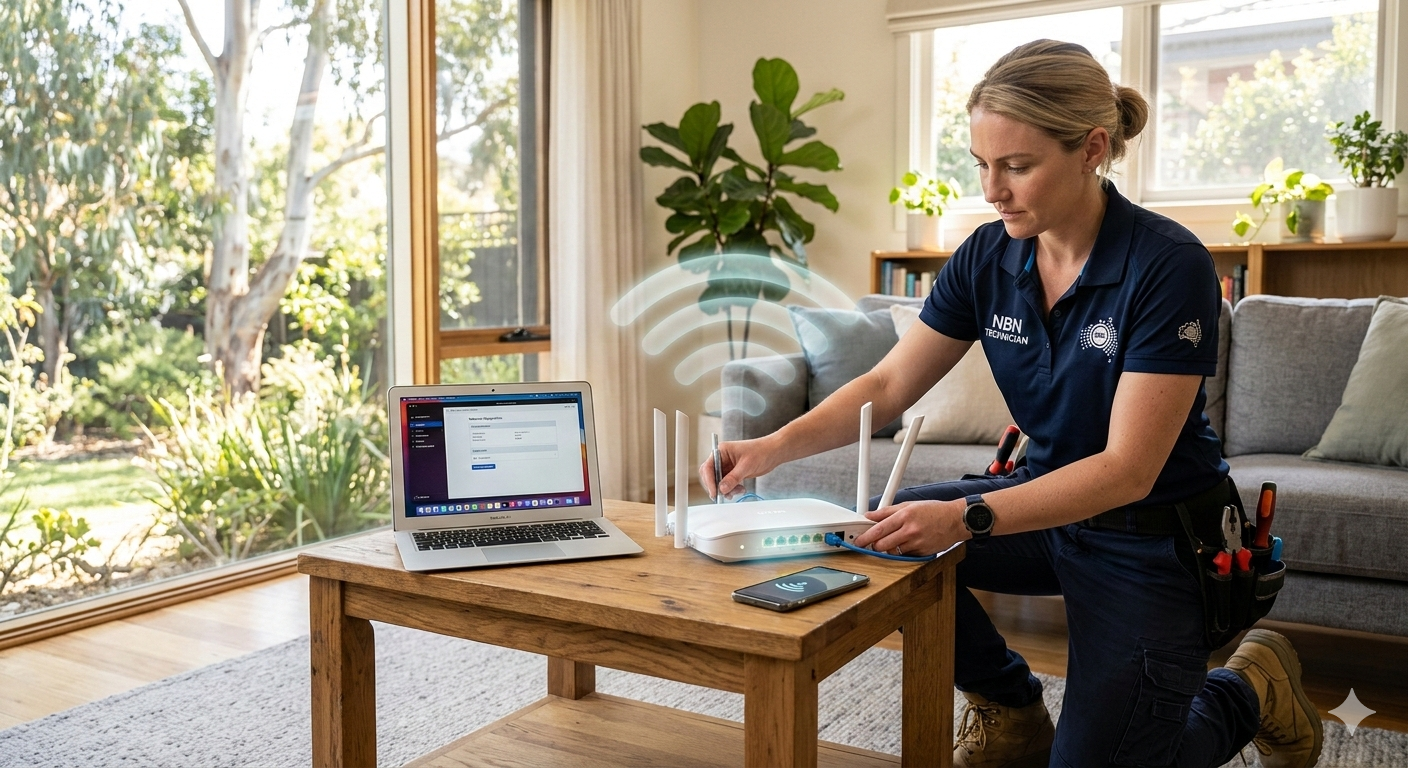
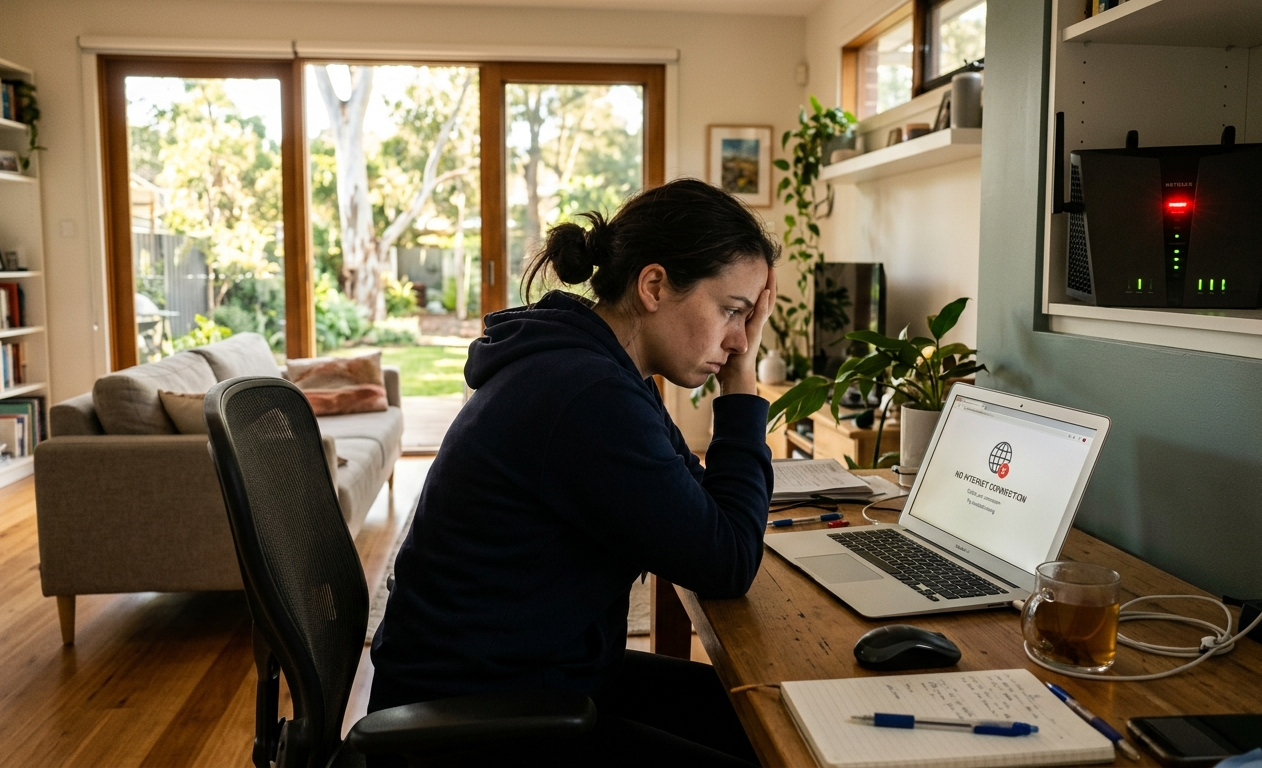
Your internet was fine yesterday. Today, video calls keep dropping, Netflix won’t load, and even basic web pages are taking forever. Slow Wi-Fi is one of those problems that feels random but almost always has a specific, identifiable cause.
At Brocky’s Internet Solutions, our Wi-Fi troubleshooting services are built around one principle: find the actual cause before recommending a fix. We’ve helped hundreds of Caloundra and Sunshine Coast households sort out persistent Wi-Fi problems that basic restarts and ISP helplines couldn’t solve. Here’s what we look for.
The Most Common Causes of Slow Wi-Fi in Caloundra Homes
1. Your Router Is in the Wrong Position
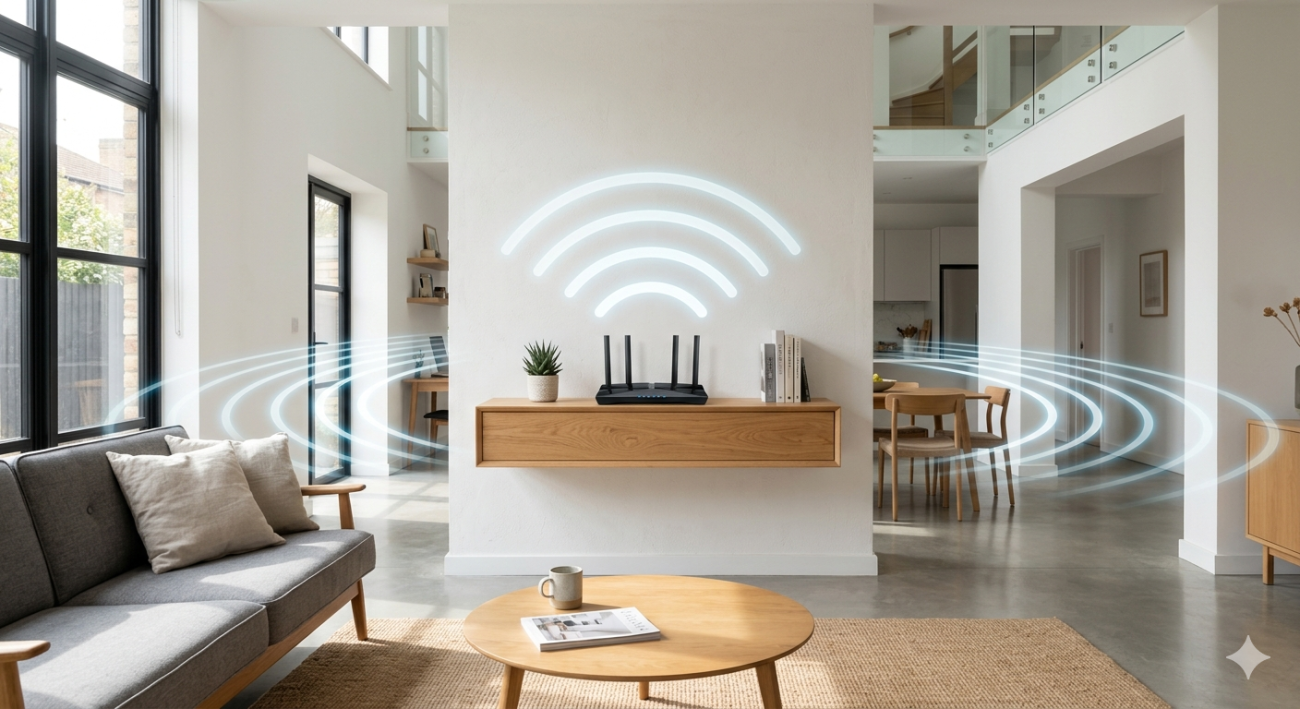
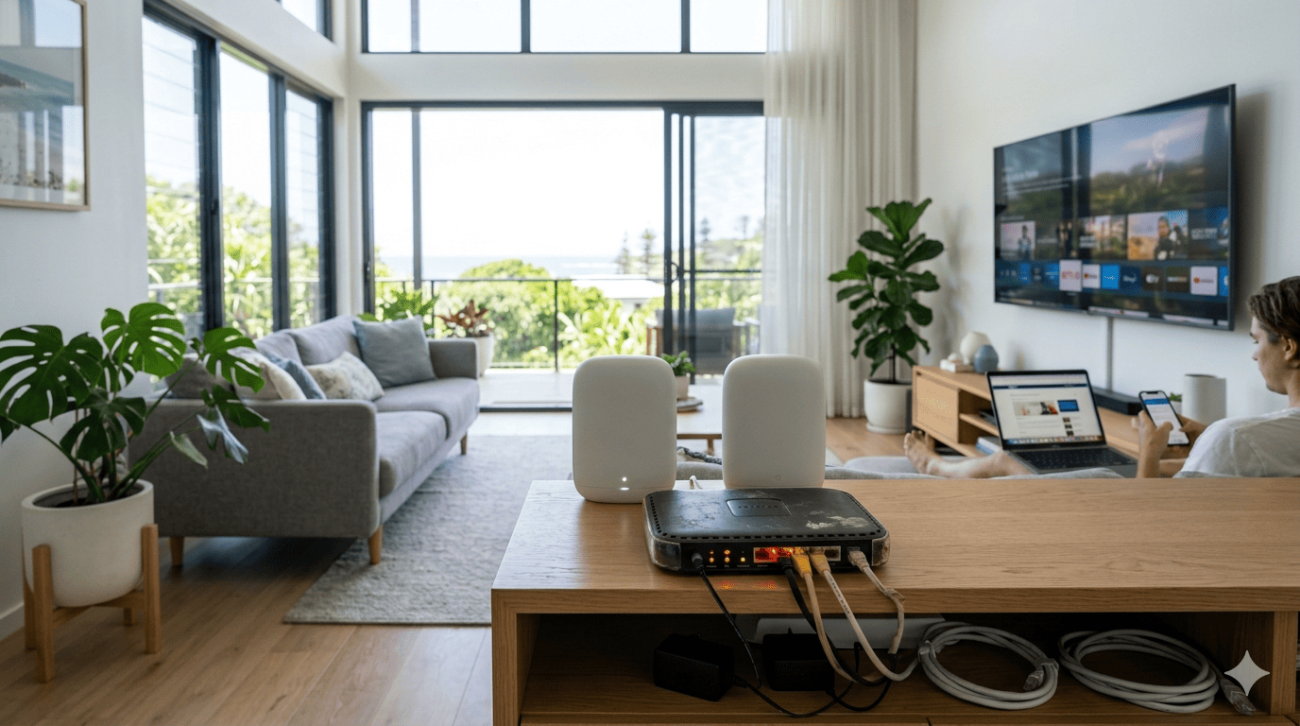
Router placement is the single most overlooked cause of poor Wi-Fi performance. A router tucked inside a closed cabinet, placed in a corner room, or sitting behind a TV is fighting against its own design before a single device connects.
Wi-Fi signals radiate outward in all directions from the router’s antenna. Place it centrally and elevated on an open shelf, and every room gets roughly equal coverage. Place it at the edge of the house and the signal is broadcasting half its power into the street.
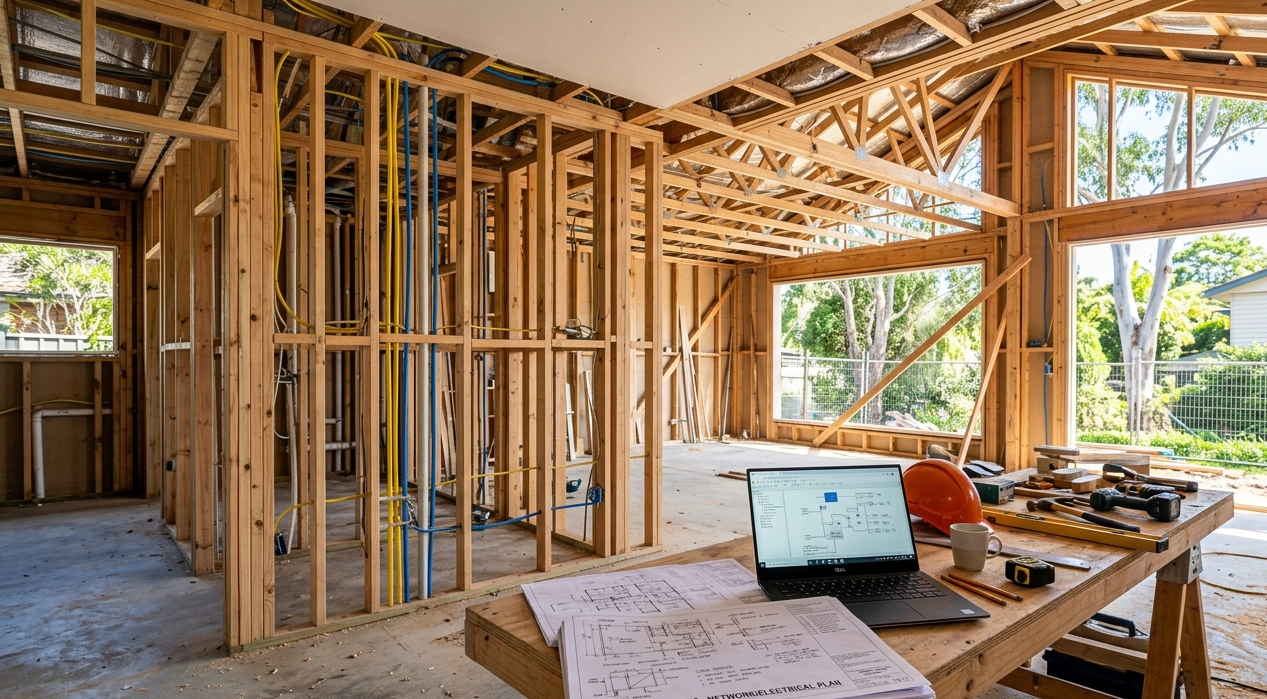
For Caloundra homes planning a new setup or renovation, getting the router position right from day one is something our WiFi installation tips for new homes covers in detail.
2. Too Many Devices Competing for Bandwidth
Smart TVs, phones, tablets, laptops, gaming consoles, security cameras, smart speakers, and smart home hubs all maintain active connections and consume bandwidth, even when they appear idle.
Most older routers weren’t designed to handle fifteen or more simultaneous connections efficiently. The result is a network that performs reasonably well with a few devices but slows dramatically when the whole household is home and everything is active at once.
3. Peak-Hour Network Congestion
If your Wi-Fi slows down specifically in the evenings between 6pm and 10pm, you’re experiencing peak-hour congestion. Your ISP’s infrastructure is under its highest load of the day, and competing with every other household in your area doing the same thing.
This is one of the most common complaints our Wi-Fi troubleshooting services team deals with in Caloundra, and the fix sometimes involves ISP-level changes rather than anything inside your home.
4. Outdated Router Hardware
A router more than four to five years old almost certainly doesn’t support Wi-Fi 6 standards, handles multiple simultaneous device connections poorly, and has likely accumulated memory and firmware issues that gradually degrade performance over time.
If your router predates 2020, hardware upgrade is often the most cost-effective single improvement available, regardless of what else is contributing to your slow connection. The NBN also provides useful guidance on optimising your home Wi-Fi and choosing a suitable router for modern Australian internet connections.
5. Interference From Other Electronics and Networks
The 2.4 GHz Wi-Fi band is shared with microwaves, cordless phones, baby monitors, and dozens of neighbouring wireless networks in suburban Caloundra. When multiple networks compete on the same channel, performance suffers for everyone.

Switching your primary devices to the 5 GHz band reduces interference significantly. Our Wi-Fi repair and installation service includes channel analysis and band optimisation as part of every professional network assessment.
6. Dead Zones in Larger or Multi-Storey Homes
A single router simply cannot cover every corner of a large Caloundra home, particularly those built with double brick, concrete slabs between storeys, or unusual layouts. The result is rooms where the signal drops completely, or where devices maintain connections so weak they’re barely functional.
Mesh Wi-Fi systems address this reliably by distributing multiple access points throughout the home that work as one seamless network. Devices move between nodes automatically as you move through the house, without disconnecting or slowing down.
7. ISP Line Faults or NBN Connection Issues
Sometimes the problem isn’t inside your home at all. A line fault between your property and the NBN connection point, a degraded cable, or an ISP outage affects your speeds regardless of how good your router and network setup are.
The fastest way to confirm this is to connect a device directly to your modem via Ethernet and run a speed test. If wired speeds are also poor, the fault is upstream of your router.
8. Background Apps and Automatic Updates Consuming Bandwidth
Cloud backups, operating system updates, app downloads, and security camera uploads all run automatically in the background, often without any visible indication. During the evening when your household is actively streaming and gaming, this background traffic competes directly with everything you’re actively trying to do.
Scheduling these activities for overnight hours removes the competition entirely.
9. Faulty Cabling or Modem Issues
Damaged Ethernet cabling between your modem and router, degraded phone line cabling on older Caloundra properties, or a modem that’s overheating and throttling throughput all cause persistent speed issues that no amount of router adjustment will fix.
Professional Wi-Fi troubleshooting services include physical cabling inspection and modem performance testing to identify these faults before recommending any other changes.
10. Incorrect Router Configuration
Factory default router settings are rarely optimal for Australian NBN connections. Quality of Service settings, channel selection, band steering configuration, and firmware version all affect real-world performance. Professional configuration often delivers meaningful speed improvements without any hardware changes at all.
What Professional Wi-Fi Troubleshooting Services Actually Involve
There’s a significant difference between restarting your router and hoping for the best, and a proper professional network assessment. When our team carries out Wi-Fi troubleshooting services for Caloundra households, the process includes:
- Signal strength testing at multiple locations throughout the property
- Speed testing at the modem and at individual device locations to identify where losses occur
- Channel congestion analysis to identify interference sources
- Physical inspection of cabling, modem, and router hardware
- Configuration review and optimisation
- Specific recommendations based on your home’s layout and usage patterns
The goal is a clear, accurate diagnosis before any work begins, so you know exactly what needs doing and why.
When DIY Fixes Aren’t Enough
Restarting the router, moving it slightly, and switching to 5 GHz resolves a lot of minor Wi-Fi issues. But if you’ve been through the basics and the problem keeps coming back, the cause is almost certainly something that needs proper diagnosis, whether that’s a hardware fault, a cabling issue, an ISP line problem, or a network that needs professional redesign.
See what other Caloundra and Sunshine Coast locals think of our work by reading what our customers say before you book.
Book Your Wi-Fi Troubleshooting Service in Caloundra Today
Slow, unreliable Wi-Fi has a cause. Our Wi-Fi troubleshooting services find it and fix it properly, without guesswork and without recommending changes that won’t make a difference.
The team at Brocky’s Internet Solutions covers Caloundra and the full Sunshine Coast region, with fast response times and upfront pricing before any work begins.
Visit us at 6/12 Newspaper Place, Maroochydore QLD 4558, call us on 1800 588 688 or text 0422 394 174, Monday to Friday between 8:30am and 4:00pm.
Get in touch to book your Wi-Fi troubleshooting service or get a no-obligation quote.
FAQs
1. What’s included in a professional Wi-Fi troubleshooting service?
Signal strength testing, speed testing at multiple points, channel congestion analysis, hardware inspection, cabling assessment, and configuration review. We identify the specific cause before recommending any fix.
2. Why is my Wi-Fi slow even though I’m paying for a fast NBN plan?
Plan speed is what’s available at your modem. What reaches your device depends on router hardware, placement, Wi-Fi signal quality, interference, and cabling. Any of these can limit real-world performance well below your plan speed.
3. How do I know if the problem is my router or my NBN connection?
Connect directly to your modem via Ethernet and run a speed test. Normal wired speeds but poor Wi-Fi confirms the issue is your router or network. Poor speeds on both points to the NBN connection or modem.
4. Can a mesh Wi-Fi system fix dead zones in my Caloundra home?
iably. Mesh systems distribute access points throughout the home and create one seamless network that devices move between automatically. They’re the most effective solution for larger homes, multi-storey properties, and homes with dense building materials.
5. How long does a Wi-Fi troubleshooting visit take?
Most residential assessments are completed in one to two hours. We’ll confirm the timeframe and give you upfront pricing before starting any work.







27 thoughts on “Wi-Fi Troubleshooting Services in Caloundra: Why Is My Wi-Fi So Slow?”
Comments are closed.