
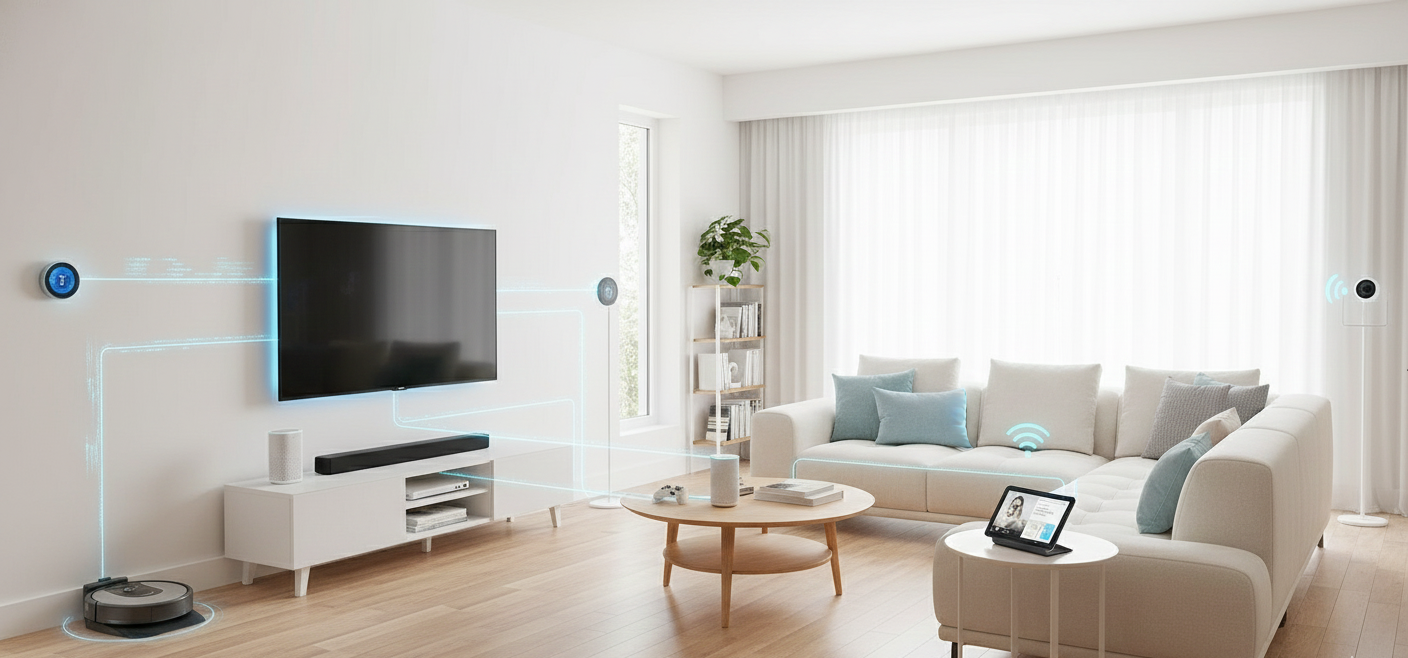
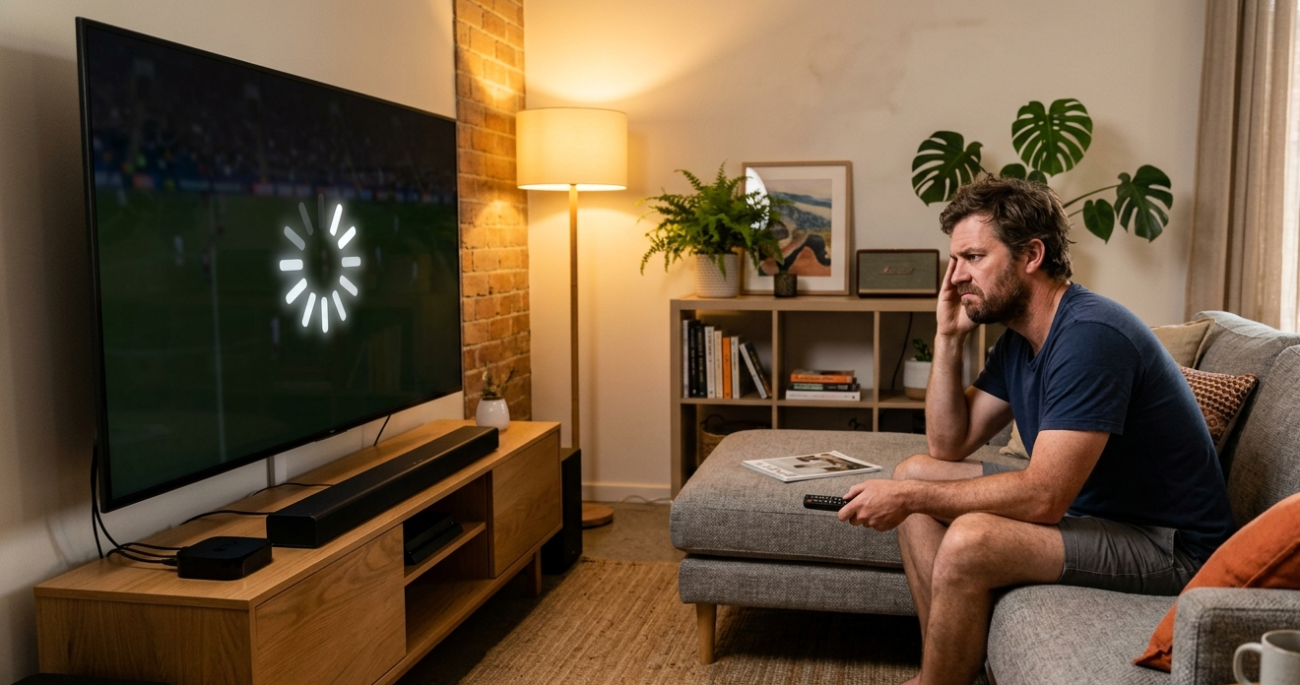
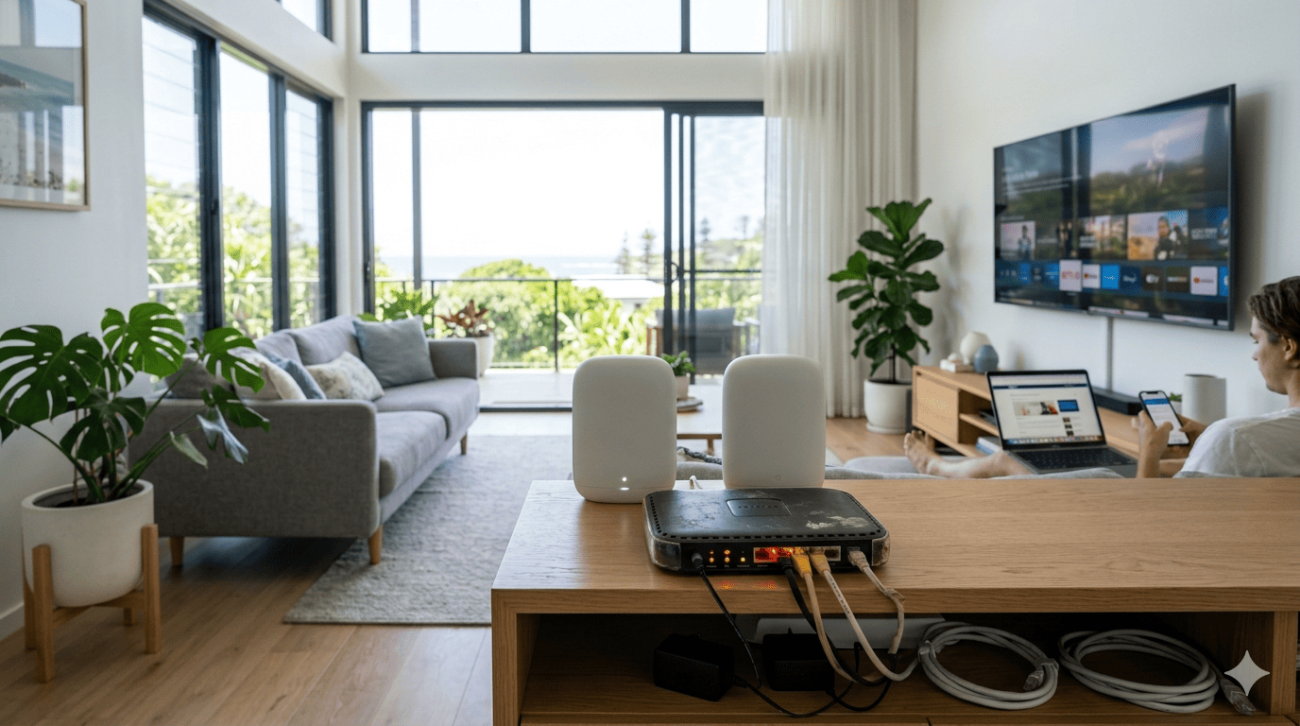
The living room TV is streaming, your teenager is gaming upstairs, someone’s on a video call in the study, and the smart home gadgets are doing their thing in the background. Then everything grinds to a halt. Sound familiar?
The answer to whether too many devices crash your Wi-Fi is, in many households, yes. But it’s not quite as simple as a headcount. What actually causes the problem is a combination of router capacity, bandwidth demand, and how well your network is configured to handle everything being thrown at it. Here’s what’s really happening, and what actually fixes it.
How Your Router Handles Multiple Devices
Your router is essentially a traffic controller for every piece of data moving between your devices and the internet. Each connected device, whether it’s actively streaming or just sitting idle, maintains a connection with the router and makes periodic requests for data.
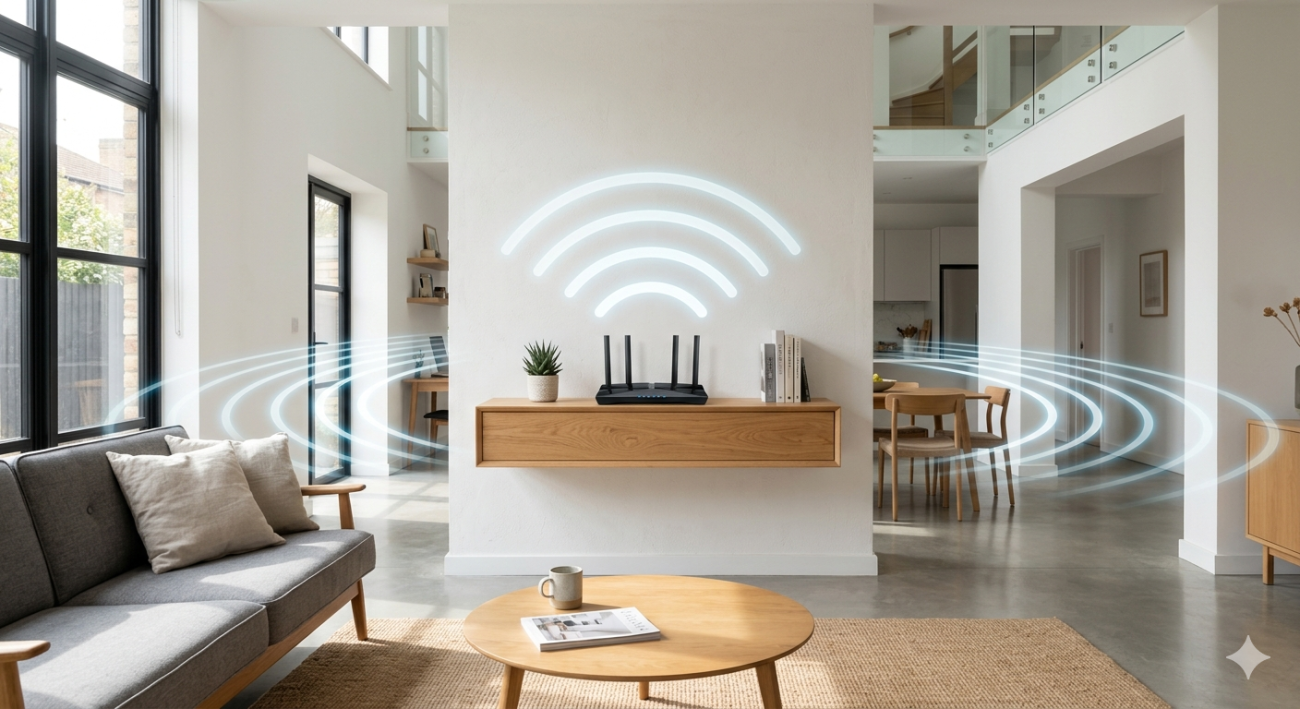
As explained in the Wi-Fi technology overview, every wireless network has a finite amount of radio frequency bandwidth it can distribute across connected devices simultaneously. When too many devices compete for that bandwidth at once, the router has to divide its resources more thinly, which means slower speeds and less stable connections for everyone.
The issue is compounded by two things most households don’t consider: older routers have weaker processors and less memory, which means they struggle to manage many simultaneous connections regardless of the incoming internet speed. And devices that seem idle are often not idle at all.
The Hidden Bandwidth Consumers in Your Home
This is where most people are surprised. When too many devices crash your Wi-Fi, it’s often not the obvious culprits doing the most damage. Smart devices that appear to be doing nothing are frequently:
- Uploading security camera footage continuously
- Syncing cloud backups on phones and laptops
- Downloading app and system updates on smart TVs
- Running firmware checks on smart home hubs
- Sending telemetry data from gaming consoles
All of this happens automatically, in the background, without anyone actively choosing to use bandwidth. Add a couple of people actively streaming or gaming, and a modestly specified router under an older Wi-Fi standard can start to buckle.
How to Tell If Too Many Devices Are Crashing Your Wi-Fi
Not every slowdown is a device overload problem. These signs specifically point toward your network being overwhelmed by too many connections:
- Wi-Fi drops out or slows significantly in the evening when everyone is home
- Restarting the router temporarily fixes the problem but it returns quickly
- Smart devices like security cameras or smart speakers go offline randomly
- Performance improves noticeably when you turn devices off or disconnect them
- Speed tests run on a wired Ethernet connection are fine, but Wi-Fi is sluggish
If these match your situation, the problem is almost certainly your network setup, not your internet plan.
What Actually Fixes a Device-Overloaded Network
Upgrade to a Wi-Fi 6 Router
Older routers using Wi-Fi 4 or Wi-Fi 5 standards handle devices sequentially, communicating with each device one at a time in rapid rotation. Wi-Fi 6 introduces OFDMA technology, which allows the router to communicate with multiple devices genuinely simultaneously. For households with ten or more connected devices, this single change makes a noticeable difference to stability and speed.
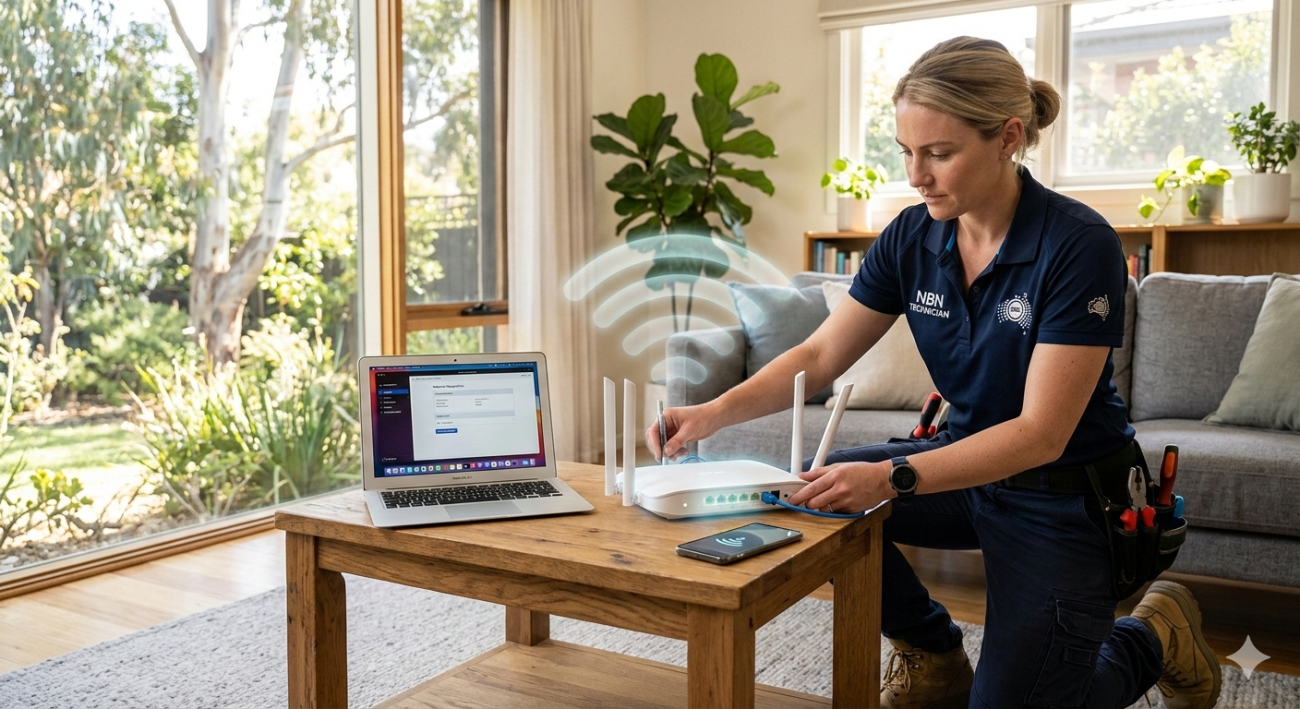
NBN Co’s guidance on choosing the right router outlines the specifications that matter for Australian households, including why Wi-Fi 6 support is worth prioritising for modern device loads.
Use a Mesh Wi-Fi System
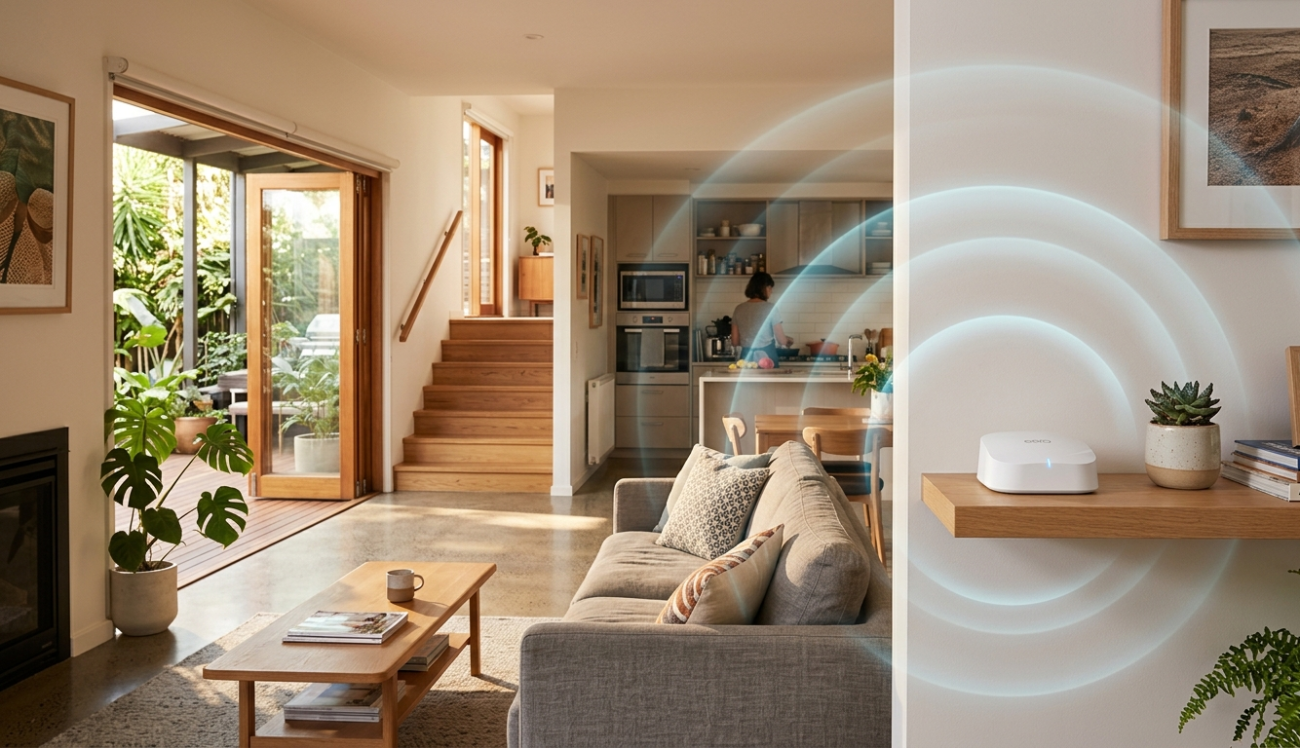
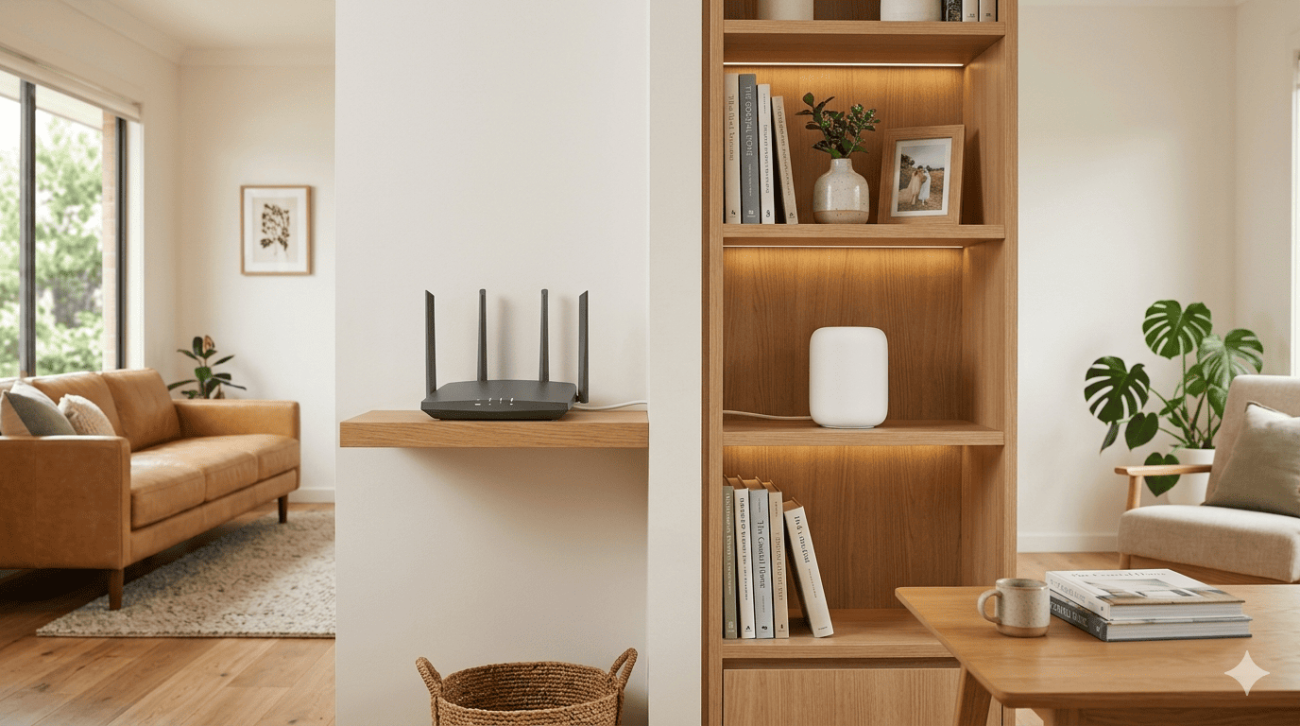
A single router, however capable, has a limited coverage area. In larger Sunshine Coast homes or multi-storey properties, devices at the edges of the coverage area are maintaining weaker connections that require more retransmission and consume more of the router’s processing capacity. A mesh system distributes access points throughout the home, reducing the load on any single node and providing stronger, more efficient connections for every device.
Our Wi-Fi repair and installation service includes professional mesh system design and installation for Sunshine Coast homes where a single router isn’t keeping up.
Separate Your Devices Across Frequency Bands
Modern routers broadcast on both 2.4 GHz and 5 GHz bands. Smart home devices, security cameras, and gadgets that don’t need high speed work best on 2.4 GHz, which has better range and handles many low-bandwidth connections efficiently. Phones, laptops, streaming devices, and gaming consoles should connect to the 5 GHz band, which delivers faster speeds with lower interference.

Manually assigning devices to the appropriate band reduces congestion and gives each category of device a better experience.
Move Fixed Devices to Ethernet
Smart TVs, gaming consoles, and desktop computers don’t need to use Wi-Fi at all. Connecting these via Ethernet cable removes them from your wireless network entirely, freeing up radio frequency bandwidth for your genuinely mobile devices. For households with persistent overload issues, this is one of the most impactful changes possible.
Schedule Background Tasks for Off-Peak Hours
Most operating systems and smart home devices allow automatic updates and backups to be scheduled for specific times. Moving these to overnight hours, say 2am to 5am, removes significant background bandwidth demand from your peak evening usage period. It doesn’t reduce the total data consumed, it just stops it from competing with your active streaming and gaming.
Enable Quality of Service Settings
Most modern routers include QoS (Quality of Service) settings that let you prioritise specific devices or types of traffic. Configuring your router to give video calls, streaming, and gaming traffic priority ahead of background processes ensures the most important uses get bandwidth first, even under heavy overall load.
When to Call a Professional
If you’ve worked through these steps and your network is still unstable, the issue may go deeper than configuration alone. Hardware faults, incorrect network design, interference that needs proper testing to identify, or cabling problems can all cause persistent instability that basic adjustments won’t resolve.
If you also made any Wi-Fi decisions during a recent renovation or build that aren’t delivering the results you expected, our blog on common Wi-Fi mistakes during home renovations covers those specific pitfalls in detail.
Our internet setup service in Caloundra and across the Sunshine Coast covers full network assessments and professional setup for households dealing with persistent overload issues.
See what other Sunshine Coast locals think of our work by reading what our customers say before you get in touch.
Get Your Network Running Properly Again
Too many devices crash your Wi-Fi when the hardware, configuration, and network design aren’t keeping pace with your household’s actual needs. The team at Brocky’s Internet Solutions helps Sunshine Coast households solve exactly these problems, with honest advice and professional setup that delivers results.
Visit us at 6/12 Newspaper Place, Maroochydore QLD 4558, call us on 1800 588 688 or text 0422 394 174, Monday to Friday between 8:30am and 4:00pm.
Get in touch to book your network assessment or get a no-obligation quote on any Wi-Fi repair or installation work.
FAQs
1. How many devices are too many for a home Wi-Fi network?
Older Wi-Fi 5 routers struggle beyond 15 to 20 active devices. A quality Wi-Fi 6 router handles 30 or more significantly better. Device type and bandwidth demand matter as much as the raw number.
2. Can idle smart devices really slow down my Wi-Fi?
Yes. Most smart devices maintain active connections and regularly send background data including firmware updates and cloud syncs. Multiplied across many devices, this adds up quickly.
3. Will upgrading my NBN plan fix a device overload problem?
Unlikely. If the bottleneck is your router’s capacity to manage many devices, more internet speed won’t help. Upgrading the router or switching to a mesh system addresses the actual cause.
4. Is a mesh Wi-Fi system worth it for a smaller home?
For smaller homes a quality single router is usually enough. Mesh systems deliver the most benefit in larger homes, multi-storey properties, or homes with heavy spread-out device usage.
5. How do I know if my router is the problem?
Run a speed test on a wired Ethernet connection. Normal speeds wired but slow on Wi-Fi means the router is the bottleneck, not your NBN connection.



One thought on “Can Too Many Devices Crash Your Wi-Fi? Yes, and Here’s Why”
Comments are closed.