Watching your favourite TV show or movie can be frustrating when the screen keeps freezing or displaying a loading circle. If your smart TV constantly buffers while streaming Netflix, YouTube or other online services, the problem may be related to your Wi-Fi connection, internet speed or streaming device.
The good news is that you can check several things at home before replacing equipment. Understanding the cause will help you find the right solution and enjoy smoother streaming.
What Does TV Buffering Mean?
Buffering happens when your TV cannot receive video data quickly enough to continue playing without interruption. Streaming services need a steady connection to load video content. When the connection slows down or becomes unstable, playback may pause while the TV loads more data.
Occasional buffering can happen, but frequent interruptions may indicate an issue with your router, wireless coverage or internet connection.
Common Reasons Why Your TV Keeps Buffering
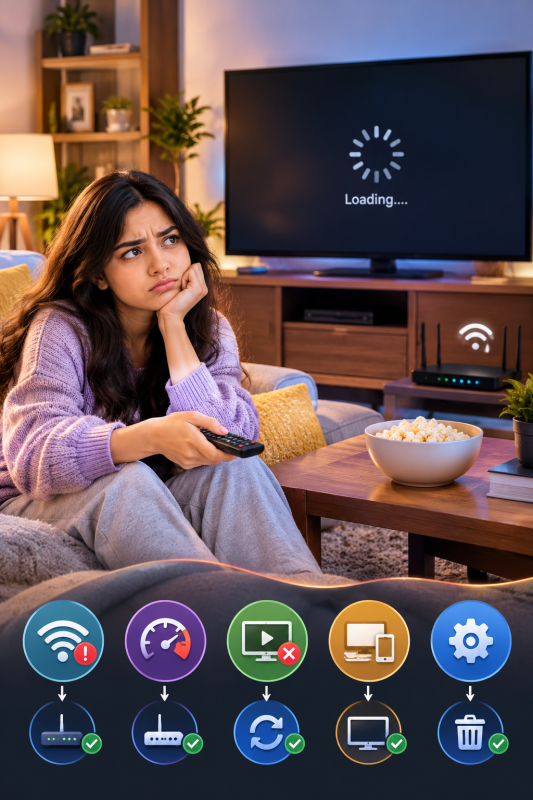
1. Weak Wi-Fi Signal
Your smart TV may struggle to maintain a stable connection if it is located far from your router. Thick walls, multiple floors, furniture and interference from other electronic devices can also weaken the signal.
If other devices work well but your TV keeps buffering, the TV may be receiving a weaker signal in its current location.
For persistent problems, Wi-Fi Troubleshooting Services Sunshine Coast can help identify weak coverage, interference and other possible network issues.
2. Slow or Unstable Internet Connection
Streaming video requires enough available bandwidth to play content smoothly. When several people in your household stream videos, download files or play online games simultaneously, your connection may struggle to keep up.
An unstable connection can also cause repeated buffering, even when your internet plan normally provides sufficient speed.
Try pausing downloads, checking other connected devices and reducing the streaming quality temporarily. If the problem continues, Internet Repair Sunshine Coast is a relevant service to consider when investigating persistent internet connection problems.
3. Poor Router Placement
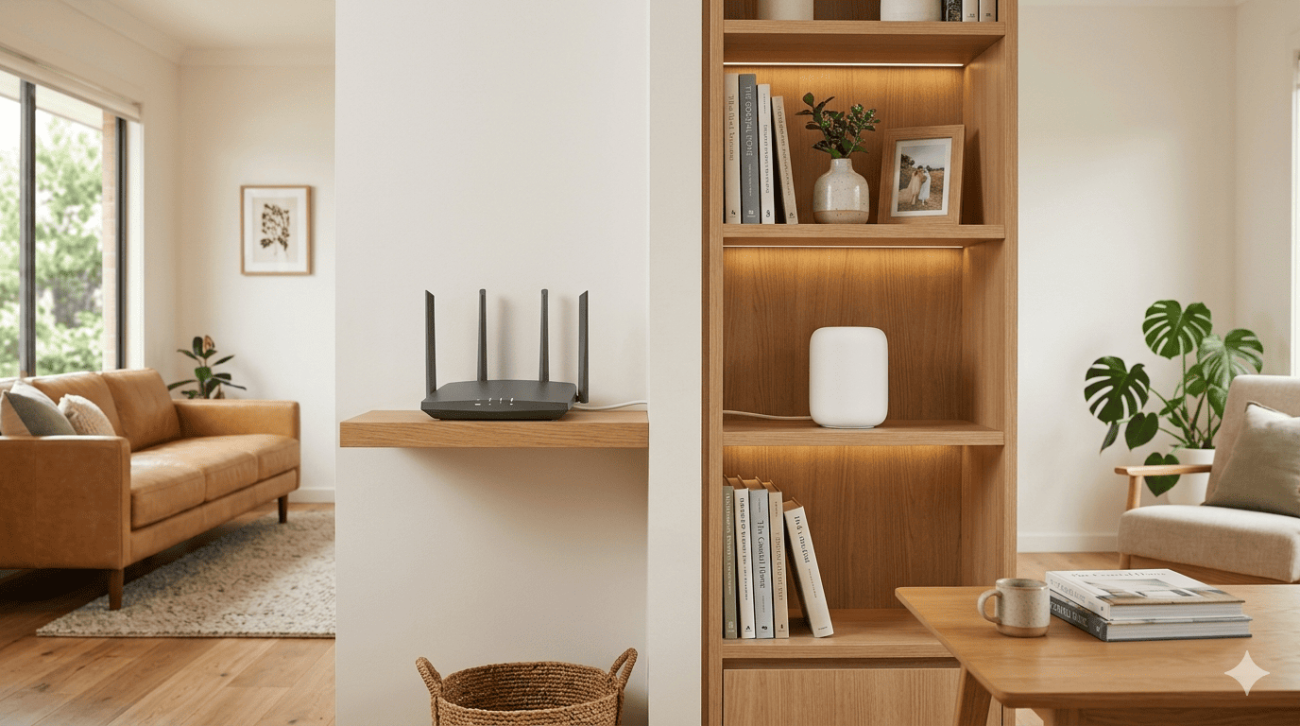
A router hidden inside a cupboard or positioned behind a television may not provide strong coverage throughout your home. The signal may become weaker in bedrooms, upstairs areas or rooms at the opposite end of the property.
Moving the router to a central, open position may improve coverage. If certain rooms still have weak signals, Wi-Fi Installation Services Sunshine Coast may help you explore suitable options, such as repositioning equipment or installing additional access points.
4. Problems With Your TV or Streaming App
Not every buffering issue comes from your internet connection. An outdated app, temporary software error or problem with the streaming platform can also interrupt playback.
Restart your television, close and reopen the app, and check for available software updates. You can also try another streaming service. If only one app is affected, the problem may be specific to that application or service.

How to Fix TV Buffering at Home
Before arranging professional assistance, try these practical steps:
- Restart your television and router according to the manufacturers’ instructions.
- Check whether other devices are experiencing slow internet.
- Move your router away from enclosed spaces and potential sources of interference.
- Update your TV software and streaming applications.
- Pause unnecessary downloads and background activities.
- Try connecting your TV through an Ethernet cable if supported.
If your TV still buffers after these checks, a Home Wi-Fi Repair Service Sunshine Coast may help investigate persistent wireless connectivity problems.
A technician can check signal strength near your TV, assess router placement and identify whether the issue appears to be related to Wi-Fi coverage or network configuration.
When Should You Get Professional Wi-Fi Help?
If buffering happens regularly across several streaming services, affects multiple devices or continues despite basic troubleshooting, it may be time to investigate your home network.
The right solution depends on the cause. Some households may only need better router placement, while others may benefit from a mesh Wi-Fi system or additional access points. If the problem originates with your internet provider or streaming service, changing the Wi-Fi equipment may not solve it.
Brocky’s Internet helps customers investigate Wi-Fi and internet connectivity problems. Getting the cause checked first can help you avoid spending money on equipment you may not need.
Conclusion
A TV that keeps buffering does not necessarily need replacing. Weak Wi-Fi signals, unstable internet, poor router placement and software problems can all interrupt streaming.
Start with simple troubleshooting and check whether the issue affects other devices or streaming apps. If buffering continues, professional assistance can help identify the cause and find a practical solution for your home.
Frequently Asked Questions
Q1. Why does my TV keep buffering when my internet seems fine?
A. Your TV may receive a weaker Wi-Fi signal than your other devices. Router placement, wireless interference or an app issue can also affect streaming.
Q2. Can a Wi-Fi extender stop TV buffering?
A. It may help if weak coverage is the problem, but it will not resolve every cause of buffering or an unstable internet connection.
Q3. Why does my TV buffer more in the evening?
A. More people may be using your internet connection during busy periods, reducing the bandwidth available for streaming.
Q4. When should I contact a Wi-Fi technician?
A. Consider professional help if buffering continues after basic checks, affects multiple devices or occurs because of persistent Wi-Fi coverage problems.