

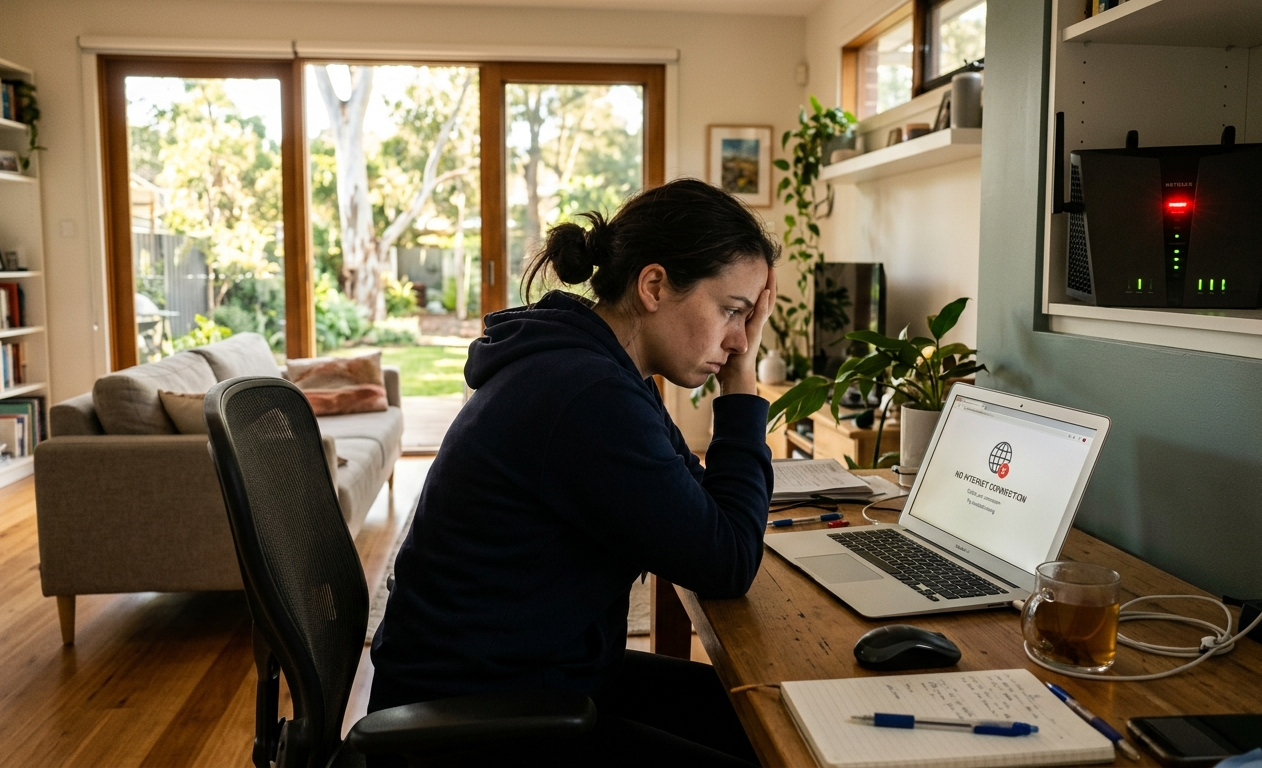
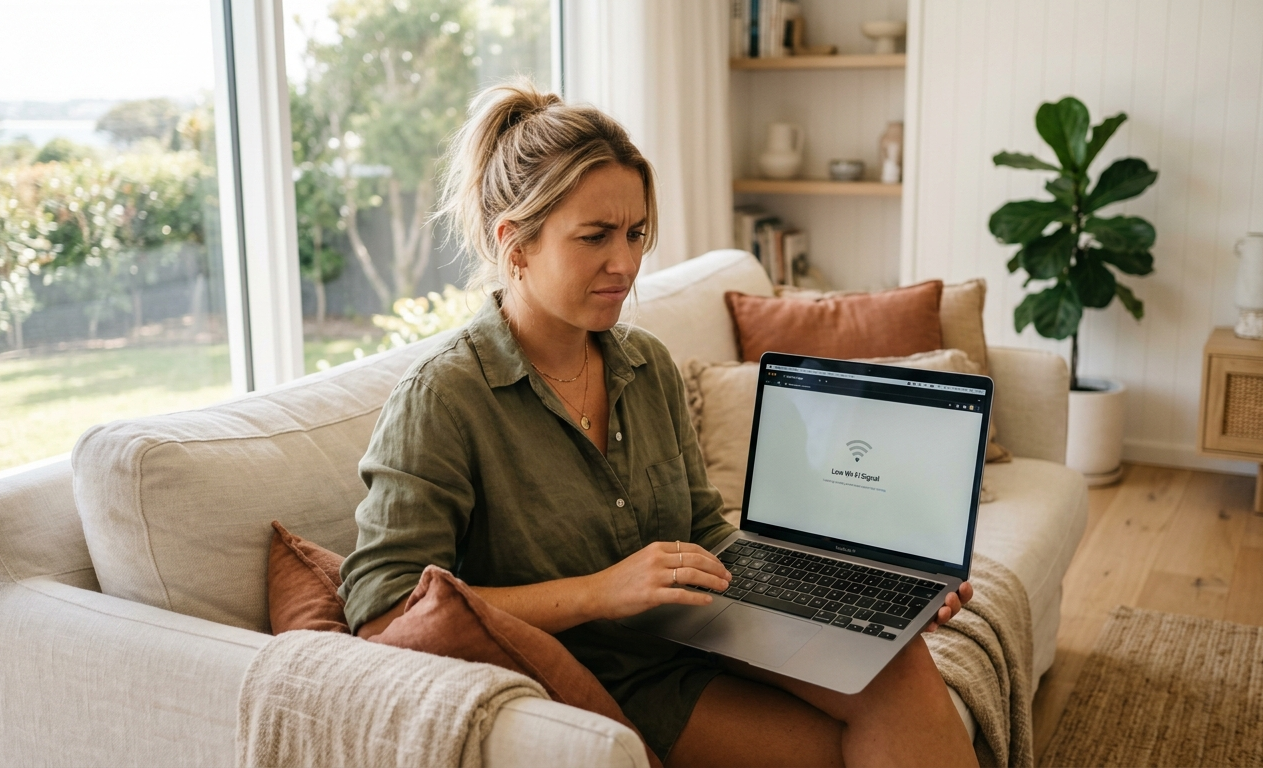
A Wi-Fi connection that keeps dropping out can turn simple everyday tasks into a real headache. Video calls freeze, streaming stops halfway through a show, and some rooms seem to have no internet at all. If restarting your router has become part of your daily routine, it may be time to find out what is actually causing the problem.
For households in Maroochydore, Kawana Waters and across the Sunshine Coast, unreliable Wi-Fi can have several causes. It might be poor router placement, interference, outdated equipment or a problem with the internet connection itself.
Brocky’s Internet helps homeowners identify Wi-Fi problems and find practical solutions that suit their property and existing equipment.
1. Your Wi-Fi Keeps Dropping Out
Does your internet work perfectly for a while, only to disconnect when you are working, streaming or browsing? Regular dropouts are one of the clearest signs that your network needs attention.
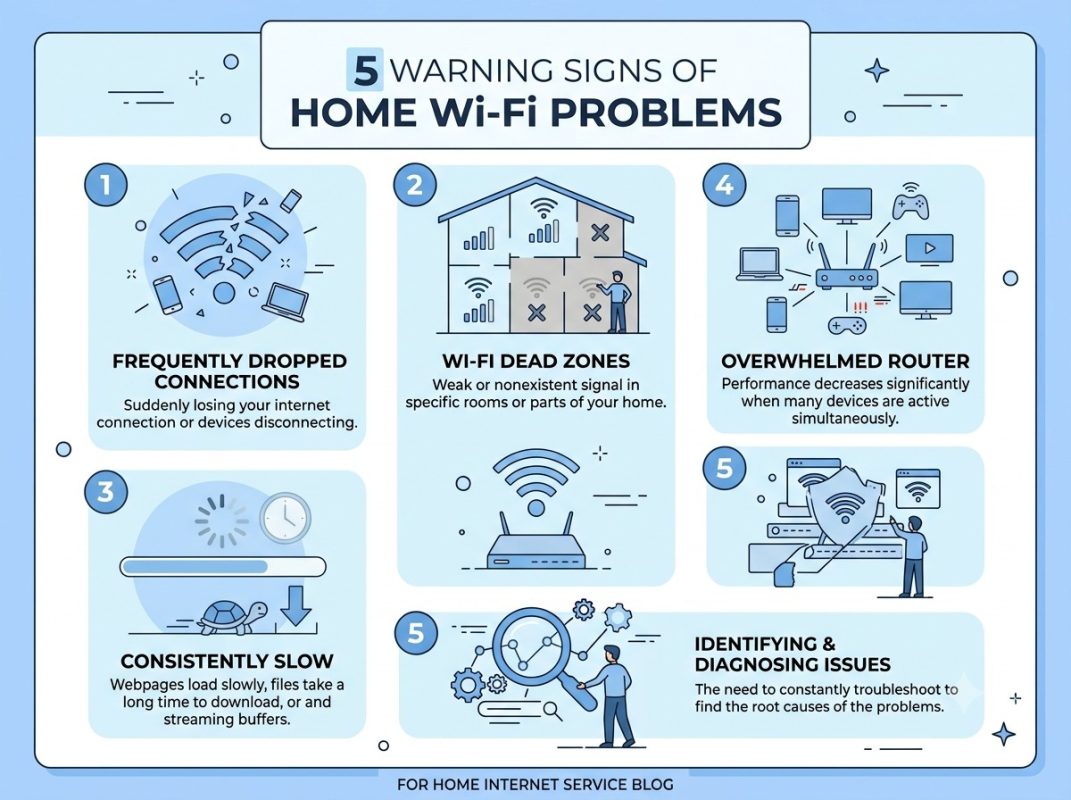
Possible causes include:
- An unstable router or modem.
- Interference from nearby wireless networks or household devices.
- Outdated router software or incorrect network settings.
- Problems with the internet service coming into your property.
Before changing your internet plan, check whether the problem affects every connected device or just one. If multiple devices disconnect at the same time, the router or internet connection may need further investigation.
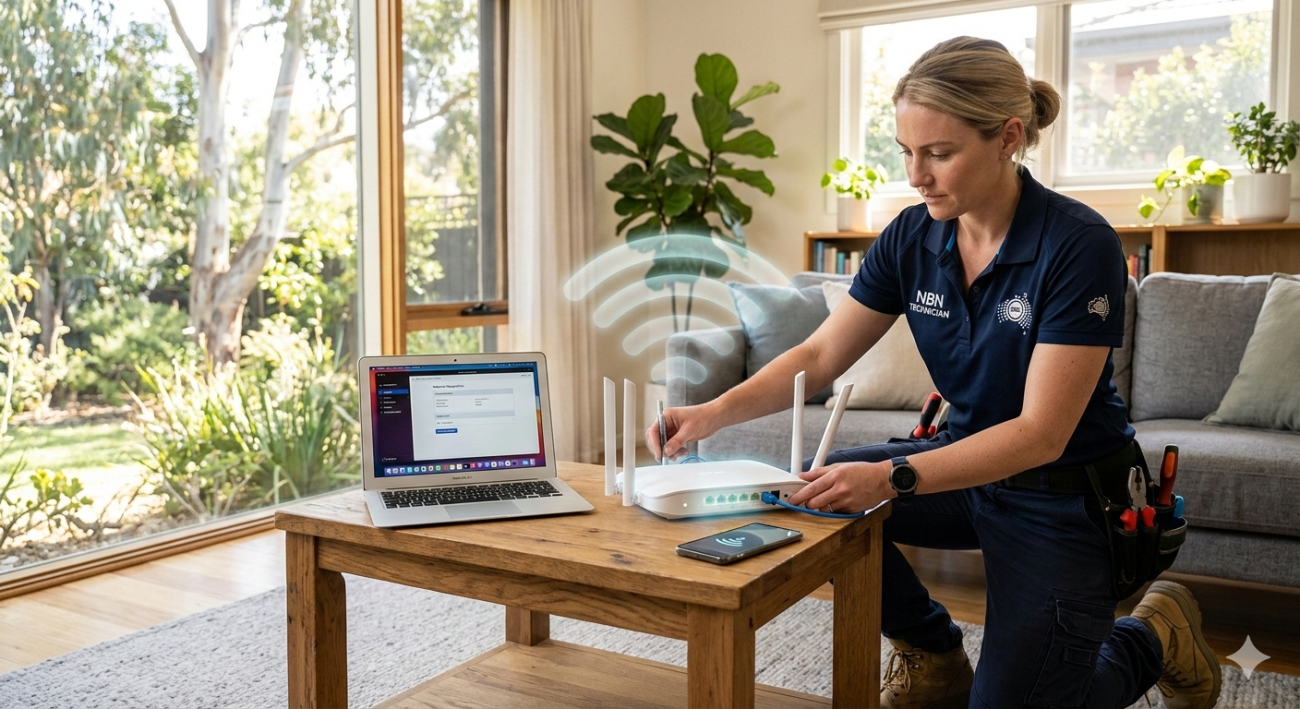
Professional Wi-Fi Troubleshooting Services Sunshine Coast can help narrow down the cause rather than relying on guesswork.
2. Some Rooms Have Weak or No Wi-Fi Signal
Your Wi-Fi might work well in the lounge room but struggle in a bedroom, home office or upstairs area. These weak spots are often called Wi-Fi dead zones.
Walls, building materials, distance from the router and the layout of your home can all affect signal strength. A router tucked away in a cupboard may also struggle to provide consistent coverage.
If you are dealing with this problem, try placing your router in an open, central position. Avoid hiding it behind furniture or surrounding it with large objects.
If that does not help, Wi-Fi Troubleshooting Services Kawana Waters and the wider Sunshine Coast area can help identify weak coverage and determine whether better router placement, an extender or a mesh Wi-Fi system would suit your home.
3. Your Internet Feels Slower Than It Should
Slow downloads, buffering videos and lag during online gaming do not always mean your internet plan is the problem.
Your internet connection and your home Wi-Fi are related, but they are not the same thing. A fast connection reaching your router can still deliver poor wireless performance in rooms further away.
Try these simple checks:
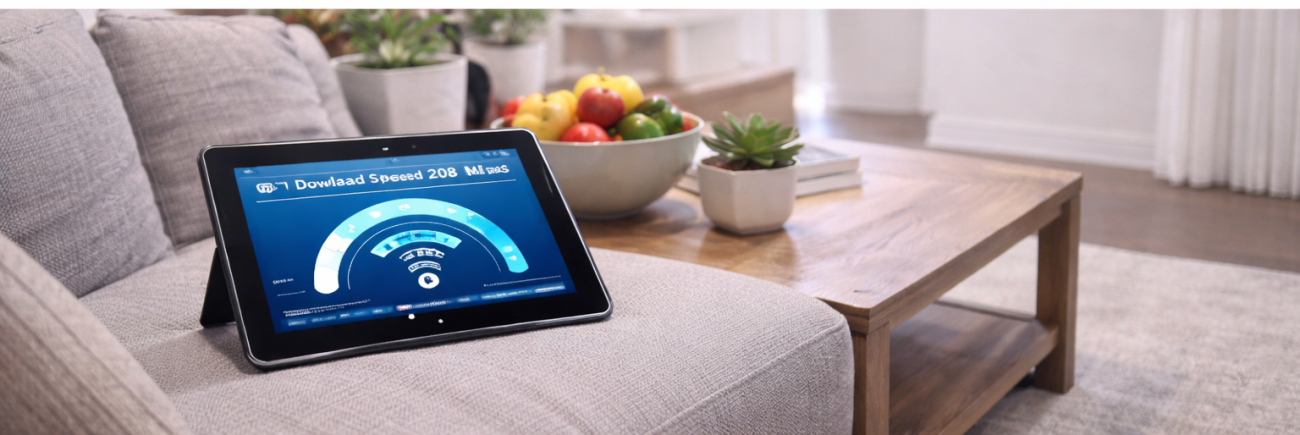
- Run a speed test close to your router.
- Compare the result with a test in the room where you experience problems.
- Check whether several devices are using the network heavily at once.
- Restart your router and test the connection again.
If speeds remain inconsistent, Wi-Fi Repairing Services Sunshine Coast can help investigate router settings, signal coverage and other possible causes.
4. You Keep Restarting Your Router Without Lasting Results
Restarting a router can sometimes restore a connection, but repeated restarts are not a proper long-term solution when the same problem keeps returning.
The underlying issue could involve network configuration, faulty equipment, interference or an unstable internet service. Replacing your router without identifying the cause can also mean spending money unnecessarily.
A professional Home Wi-Fi Repair Service Sunshine Coast can assess the existing setup, check how devices connect and recommend a suitable fix.
The aim is to understand why the problem is happening before deciding whether a repair, configuration change or equipment upgrade is needed.
5. Your Home Has More Connected Devices Than Before
Think about how many devices now use your Wi-Fi. There may be phones, laptops, smart TVs, gaming consoles, printers and other connected equipment competing for network capacity.
An older setup that once worked well may struggle as your household’s needs change. This does not automatically mean you need a new router, though.
A review of your existing network can help identify whether the issue is coverage, equipment capacity or configuration.
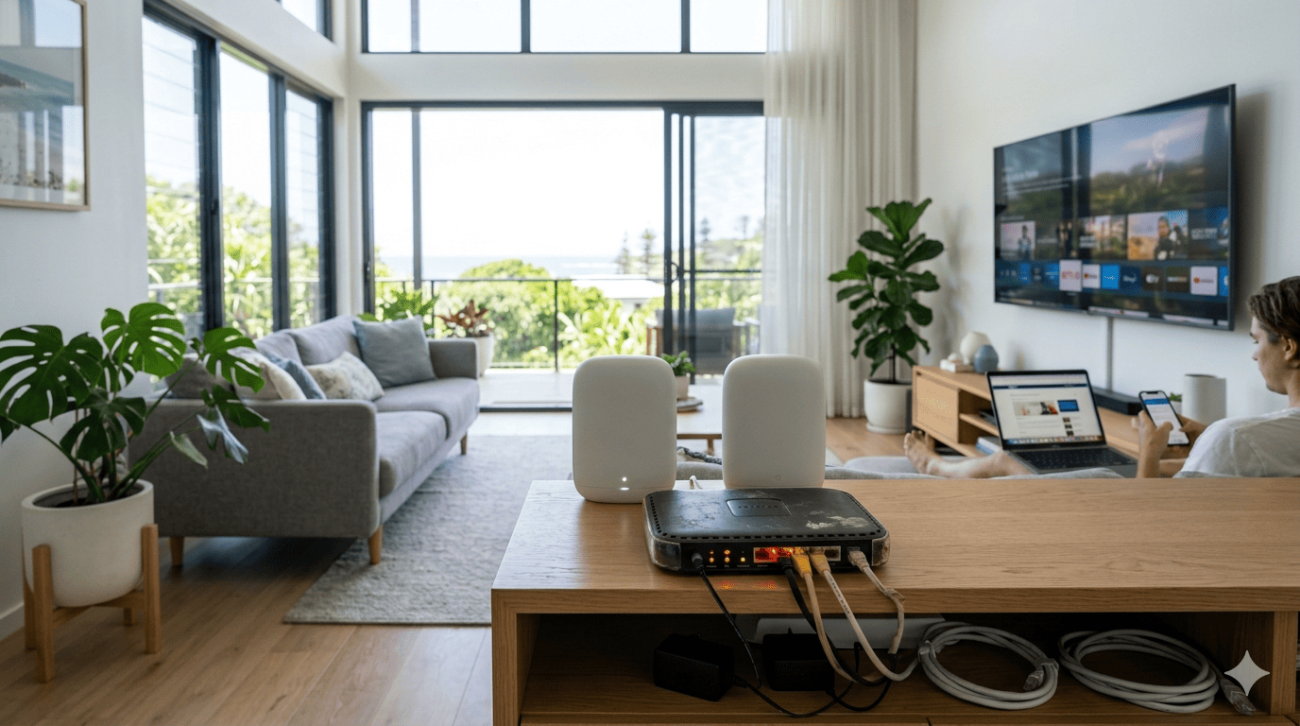
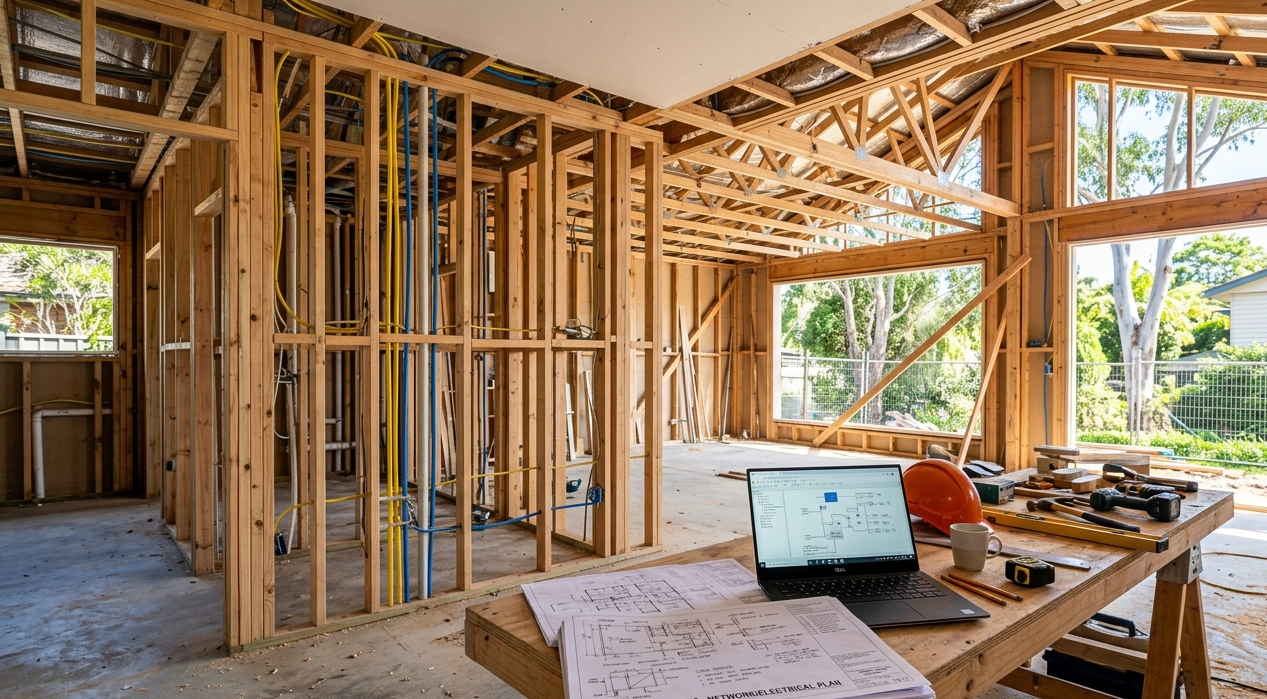
Brocky’s Internet also provides Wi-Fi Installation Services Sunshine Coast for homes that need a better planned setup. Depending on the property, a suitable solution may involve improved router positioning, mesh Wi-Fi or additional access points.
What Can You Check Before Calling a Wi-Fi Technician?
There are a few sensible steps you can take before arranging a service visit:
- Check the router lights. Look for warning indicators or an unexpected loss of connection.
- Test more than one device. This helps establish whether the problem is device-specific or affects the whole network.
- Move closer to the router. If performance improves, wireless coverage may be part of the issue.
- Restart the router once. Follow the manufacturer’s instructions and allow it to reconnect fully.
- Check for an internet outage. If the service is down at the provider level, changing your Wi-Fi settings will not fix it.
For further guidance on home network placement, read nbn’s advice on optimising your internet setup.
If these checks do not resolve the issue, a technician can investigate the network more thoroughly.
When Should You Arrange Professional Wi-Fi Troubleshooting?
Consider professional help if your connection drops out regularly, certain rooms have persistent dead zones, or basic troubleshooting has made little difference.
Internet Repair Sunshine Coast may also be worth considering when the issue appears to involve the incoming internet service rather than wireless coverage. Identifying the difference matters because Wi-Fi equipment and an internet service connection require different solutions.
Brocky’s Internet is based in Maroochydore, Queensland, and provides Wi-Fi repair, setup, troubleshooting and installation services. The right approach depends on your home, existing equipment and the symptoms you are experiencing.
For more information, visit Brocky’s Internet or explore the Wi-Fi repair and installation service.
Get Your Home Wi-Fi Working More Reliably
You should not have to put up with constant buffering, dropped video calls or rooms where the internet barely works. Finding the cause is the first step towards a more reliable connection.
Whether you need a Wi-Fi Expert Home Service Sunshine Coast residents can contact for troubleshooting, help with weak signals or a better home network setup, Brocky’s Internet can help you understand your options.
Contact Brocky’s Internet on 1800 588 688 or visit the website to discuss your Wi-Fi problem and arrange the appropriate assistance.
FAQs
Q1. Why does my Wi-Fi keep dropping out?
A. Wi-Fi dropouts can result from router problems, wireless interference, weak signals or an unstable internet connection. Testing multiple devices can help identify the cause.
Q2. Can a Wi-Fi technician improve coverage throughout my home?
A. Yes. A technician can assess signal strength, router placement and dead zones, then recommend suitable solutions such as mesh Wi-Fi or additional access points.
Q3. Do I need a new router if my Wi-Fi is slow?
A. Not necessarily. Router configuration, placement and interference may be responsible. Check the existing setup before deciding whether new equipment is needed.
Q4. Does Brocky’s Internet provide Wi-Fi troubleshooting in Maroochydore?
A. Brocky’s Internet is based in Maroochydore and provides Wi-Fi troubleshooting, repair, setup and installation services across the Sunshine Coast. Contact the business to discuss your location and requirements.




3 thoughts on “5 Signs You Need Wi-Fi Troubleshooting on the Sunshine Coast”
Comments are closed.