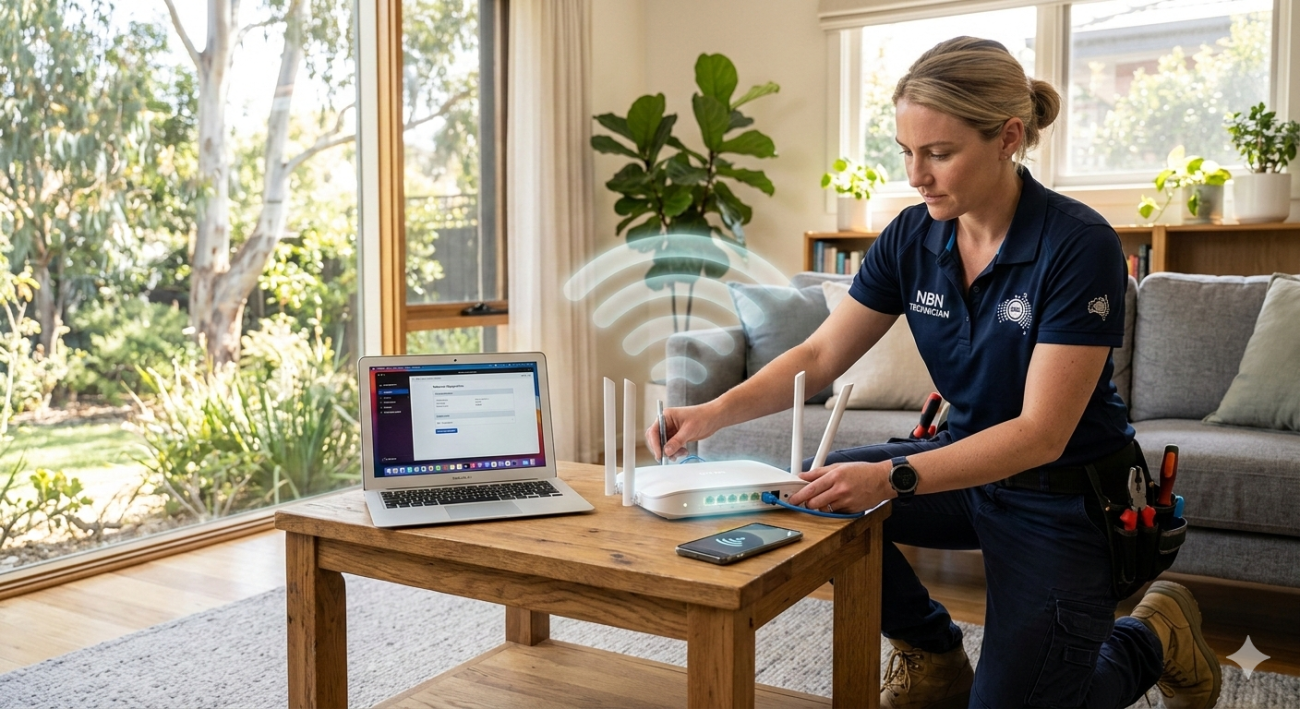
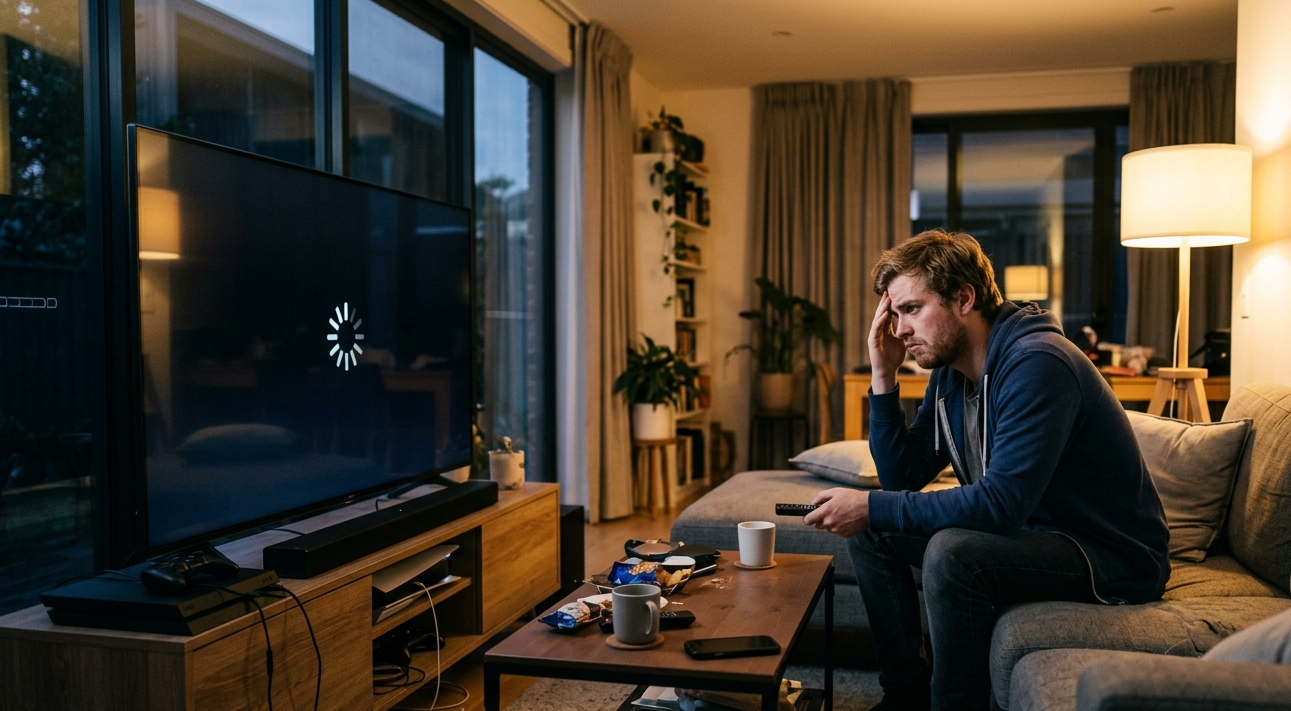
Netflix buffering problems on the Sunshine Coast can interrupt your favourite shows, films and streaming sessions. Slow Wi-Fi, weak wireless signals, outdated routers and internet connection dropouts are common reasons why Netflix and Stan may keep pausing at home. Fortunately, several practical steps can help improve streaming performance. From checking your internet speed and repositioning your router to upgrading your Wi-Fi equipment, understanding the cause is the first step. This guide explains how Sunshine Coast homeowners can troubleshoot streaming issues, improve home Wi-Fi coverage and know when professional internet and Wi-Fi support from Brocky’s Internet may help.
Why Do Netflix and Stan Keep Buffering at Home?
Few things are more frustrating than sitting down to watch a movie only to have it pause every few minutes. If you’re experiencing Netflix buffering problems on the Sunshine Coast or Stan streaming issues in Maroochydore QLD, your home network could be part of the problem.

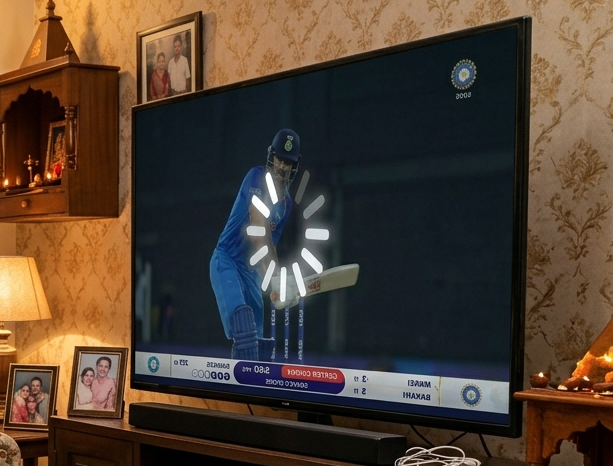
Streaming platforms need a reasonably stable internet connection to deliver video without interruptions. When your connection slows down or becomes unstable, the video may pause while the app loads more content.
Common causes include:
- Weak Wi-Fi signals in bedrooms and living areas.
- Too many devices using the same network.
- Outdated routers or modem equipment.
- Wireless interference from nearby networks.
- Poor router placement.
- Internet service interruptions or connection dropouts.
Identifying the cause can help you choose the right solution instead of unnecessarily upgrading your internet plan.
5 Ways to Fix Netflix and Stan Buffering Problems
1. Check Your Internet Speed
Start by testing your internet speed on a device connected to your home network. Compare the results with the speed requirements recommended by Netflix or Stan for your preferred streaming quality.
For reference, Netflix recommends around 15 Mbps for Ultra HD streaming. However, other household devices may also use bandwidth at the same time.
If your connection is consistently slower than expected, investigate whether the issue affects your entire internet service or only your wireless network.
2. Improve Your Wi-Fi Signal Strength
A weak wireless signal is a common reason for streaming problems. If your television is far from the router, the connection may struggle to deliver consistent video quality.
Try these simple changes:
- Position your router in a central, open location.
- Keep it away from thick walls and large metal objects.
- Avoid hiding the router inside cupboards.
- Reduce unnecessary distance between your TV and router.
- Consider mesh Wi-Fi equipment for larger properties.
If you experience slow Wi-Fi in Maroochydore QLD, improving router placement may help before purchasing additional equipment.
3. Restart Your Router and Streaming Device
Temporary software or network issues can affect streaming performance.
Turn off your television or streaming device, restart your modem and router, and allow the network to reconnect before trying Netflix or Stan again.
You can also check for available updates to your television software and streaming applications.
If buffering continues across several devices, the problem may involve your router, wireless configuration or internet connection.
4. Reduce Network Congestion
When several household members stream videos, play online games, attend video calls and download large files simultaneously, network demand can increase.
This may contribute to slow internet and buffering, particularly when your available connection speed is limited.
Try pausing large downloads and checking whether streaming improves when fewer devices are active.
For households experiencing persistent Wi-Fi troubleshooting problems on the Sunshine Coast, reviewing the network setup may help identify equipment or coverage limitations.
5. Consider a Mesh Wi-Fi System or Additional Access Point
A single router may not provide reliable coverage throughout a large or double-storey home.
Mesh Wi-Fi systems use multiple connected units to distribute wireless coverage across different areas. An additional access point may also help where suitable cabling is available.
These options can be useful when your television regularly struggles to maintain a strong wireless connection.
When Are Netflix Buffering Problems Caused by Your Router?
Your router plays an important role in distributing internet access throughout your home. If it is outdated, incorrectly configured or experiencing faults, streaming performance may suffer.
Signs of possible router problems include:
- Frequent Wi-Fi disconnections.
- Slow speeds even when you’re close to the router.
- Several devices losing their connection together.
- Repeated router restarts.
- Streaming interruptions across multiple applications.
If these problems continue, professional router troubleshooting in Maroochydore QLD may help identify whether your equipment needs adjustment, repair or replacement.
When Should You Get Professional Wi-Fi Troubleshooting?
Basic troubleshooting can resolve many minor streaming issues. However, persistent problems may need a closer look at your home network.
Brocky’s Internet provides Wi-Fi installation, repair and troubleshooting services across the Sunshine Coast.
Professional assistance may be useful if you experience:
- Ongoing Netflix and Stan buffering despite restarting your equipment.
- Weak Wi-Fi coverage in multiple rooms.
- Repeated internet dropouts.
- Router configuration problems.
- Poor wireless performance in home offices and entertainment areas.
If you need Wi-Fi Repair Services in Maroochydore QLD, you can also view Brocky’s Internet location on Google Maps or contact the team for Wi-Fi and internet assistance.
Enjoy More Reliable Streaming at Home
Netflix and Stan buffering doesn’t always mean you need a faster internet plan. Poor router placement, weak wireless coverage, network congestion and faulty equipment can all affect streaming performance.
Start with basic checks, compare wired and wireless connection speeds, and look at how your router distributes the signal throughout your property.
If you’re still experiencing streaming issues or unreliable connectivity, Brocky’s Internet can help you explore suitable Wi-Fi repair, router setup, mesh Wi-Fi installation and internet troubleshooting options across the Sunshine Coast.
For more information about home Wi-Fi and connectivity services, visit Brocky’s Internet.
Frequently Asked Questions
Q1. Why does Netflix keep buffering even when my internet is fast?
A. Your Wi-Fi signal may be weak, your router may be overloaded, or other devices may be using bandwidth. A stable wireless connection matters as much as your internet plan.
Q2. Why does Stan keep buffering on my smart TV?
A. Stan buffering may result from weak Wi-Fi, an outdated television app, network congestion or an unstable internet connection. Restarting your TV and router is a useful first step.
Q3. Can a better router stop Netflix and Stan buffering?
A. A suitable modern router may improve wireless coverage and network performance, particularly if your existing equipment is outdated or struggling with multiple devices.
Q4. Does mesh Wi-Fi help with streaming problems?
A. Yes. Mesh Wi-Fi can improve wireless coverage in larger homes and areas where a single router struggles to provide a reliable signal.
Q5. Can Brocky’s Internet help with streaming and Wi-Fi problems on the Sunshine Coast?
A. Brocky’s Internet provides Wi-Fi repair, installation and troubleshooting services across the Sunshine Coast. Contact the team to discuss weak signals, router problems and unreliable home internet.