

Weak Wi-Fi signal is one of those problems that starts as a minor annoyance and quickly becomes genuinely disruptive. Video calls that freeze mid-sentence, Netflix that buffers every few minutes, or a connection that simply drops out in the back bedroom sound familiar?
The good news is that most Wi-Fi signal problems in Australian homes have practical solutions that don’t require you to switch providers or spend a fortune on new equipment. At Brocky’s Internet Solutions, we help Maroochydore households get reliable, fast wireless coverage every day. Here’s a practical, no-nonsense guide to improving your Wi-Fi signal strength at home.
Why Your Wi-Fi Signal Is Weak in the First Place
Before jumping into fixes, it helps to understand what’s actually causing your Wi-Fi signal to drop. As explained in Wikipedia’s overview of Wi-Fi technology, Wi-Fi uses radio waves to transmit data between your router and devices. Like all radio signals, those waves lose strength over distance, struggle to penetrate dense materials like brick and concrete, and can be disrupted by interference from other electronics.
The most common causes of a weak Wi-Fi signal in Australian homes include:
- Router placed in a poor location, corner, cupboard, or on the floor
- Thick walls, multiple floors, or large open-plan layouts blocking the signal
- Outdated router hardware that can’t handle modern device loads
- Interference from microwaves, cordless phones, and neighbouring networks
- Too many devices sharing the same bandwidth simultaneously
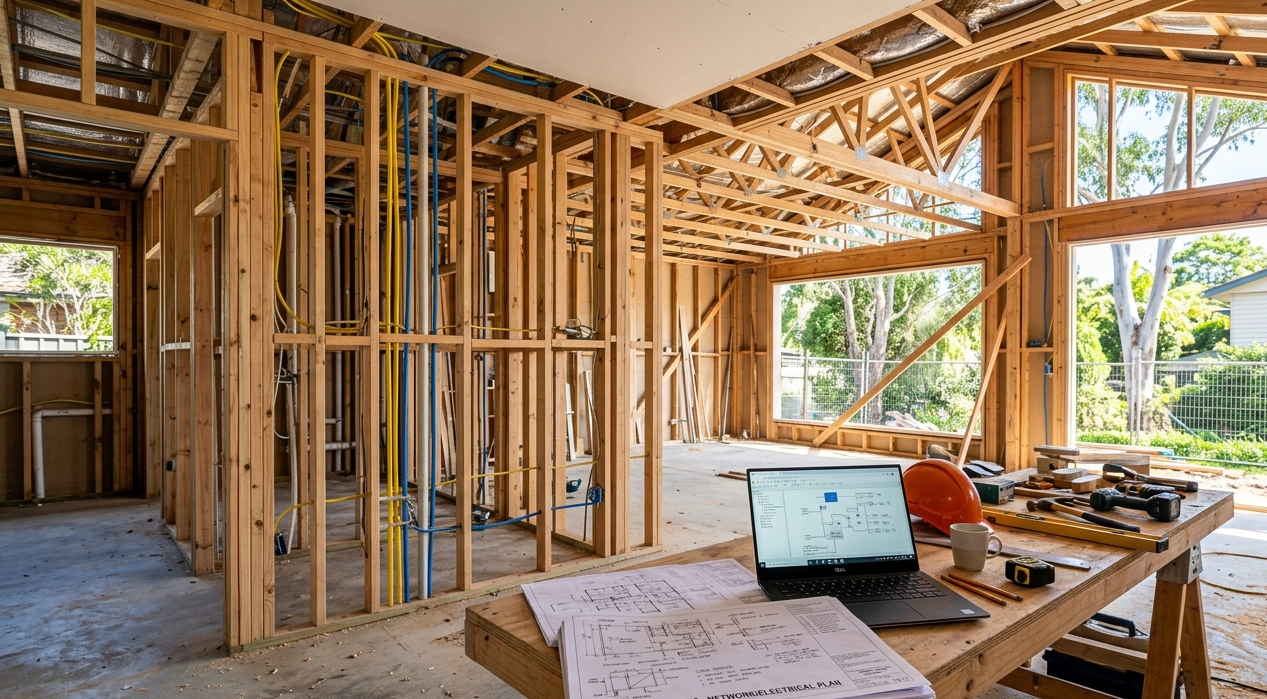
- Faulty internal wiring or cabling affecting the signal from the modem
Once you identify which of these applies to your home, the fix usually becomes straightforward.
1. Start With Router Placement
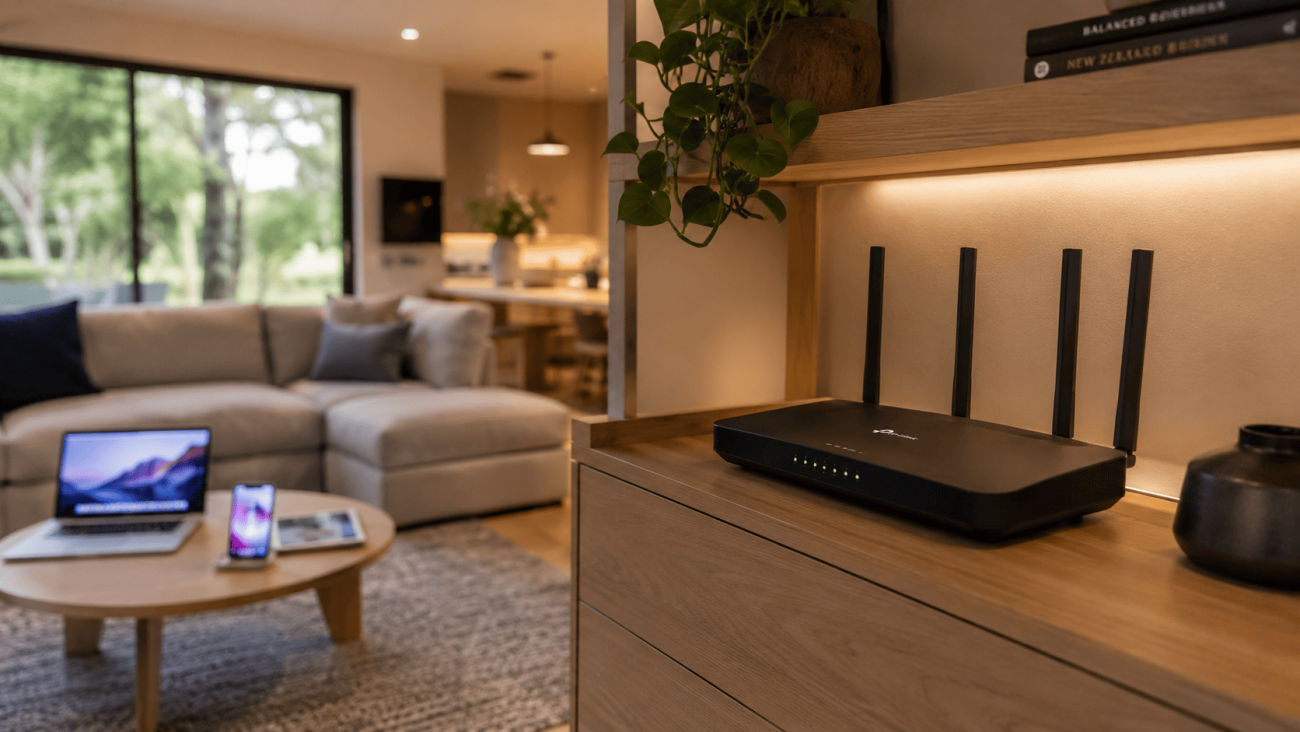
This is the single most impactful change most households can make without spending a cent. A router tucked behind the TV, hidden in a cupboard, or sitting in the corner of one room is working against itself from the start.
For the best Wi-Fi signal coverage throughout your home:
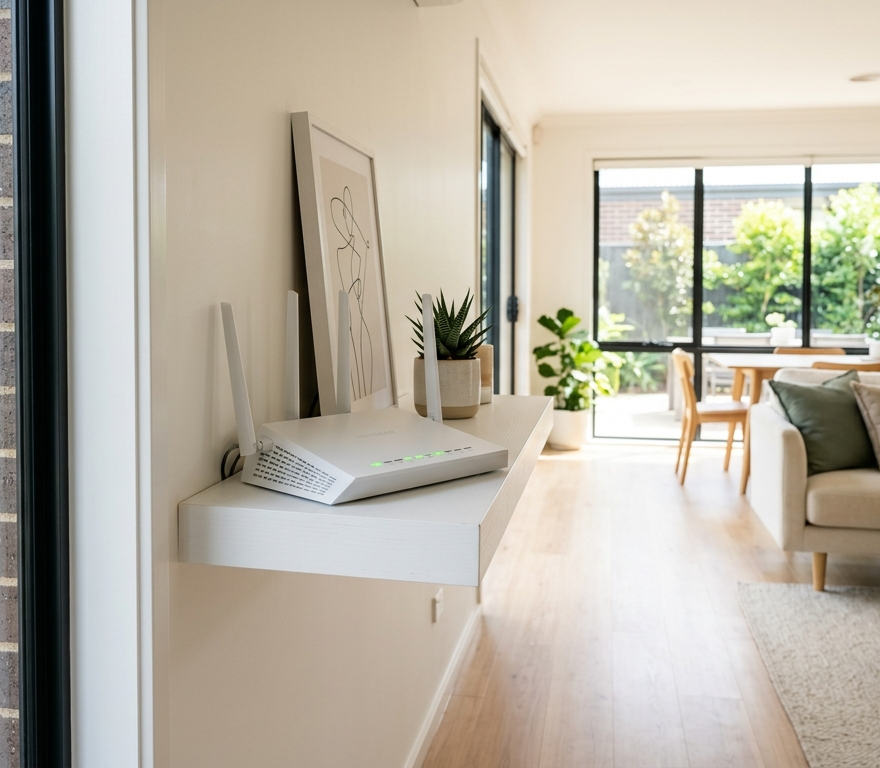
- Position the router centrally, ideally in a hallway or living area that’s roughly in the middle of your home
- Place it elevated on a shelf or mounted on a wall, never on the floor
- Keep it away from metal objects, microwaves, and thick concrete or brick walls
- Ensure the antennas are pointing upward for horizontal coverage across a single storey
Even moving your router a few metres can make a noticeable difference in the rooms where your signal is weakest.
2. Choose the Right Frequency Band
Modern routers broadcast on two frequency bands and knowing which one to use on each device makes a real difference to your Wi-Fi signal performance.
2.4 GHz band:
- Longer range, better at penetrating walls
- More congested, as most devices default to this band
- Best for devices that are further from the router
5 GHz band:
- Faster speeds, less interference
- Shorter range, doesn’t penetrate walls as well
- Best for devices close to the router, streaming, gaming, and video calls
Manually connecting performance-critical devices to the 5 GHz band while leaving others on 2.4 GHz reduces congestion and improves the experience for everyone on the network.
3. Reduce Interference From Other Electronics
Your Wi-Fi signal shares airspace with a surprising number of household devices. Microwaves, cordless phones, baby monitors, and Bluetooth speakers all operate on frequencies that overlap with Wi-Fi, particularly the 2.4 GHz band.
To reduce interference:
- Keep your router away from kitchen appliances and cordless phones
- Switch devices that support it to the 5 GHz band
- Use a Wi-Fi analyser app to check which channel is least congested in your area and switch your router to it
- Disconnect devices you’re not actively using from the network
4. Upgrade Your Router or Add a Wi-Fi Extender
If your router is more than four or five years old, it likely doesn’t support modern Wi-Fi standards like Wi-Fi 6, which handles multiple devices far more efficiently than older hardware. NBN Co’s own guidance on what to look for in a Wi-Fi router outlines exactly what specs matter most for Australian NBN connections, and it’s worth reading before you invest in new hardware.
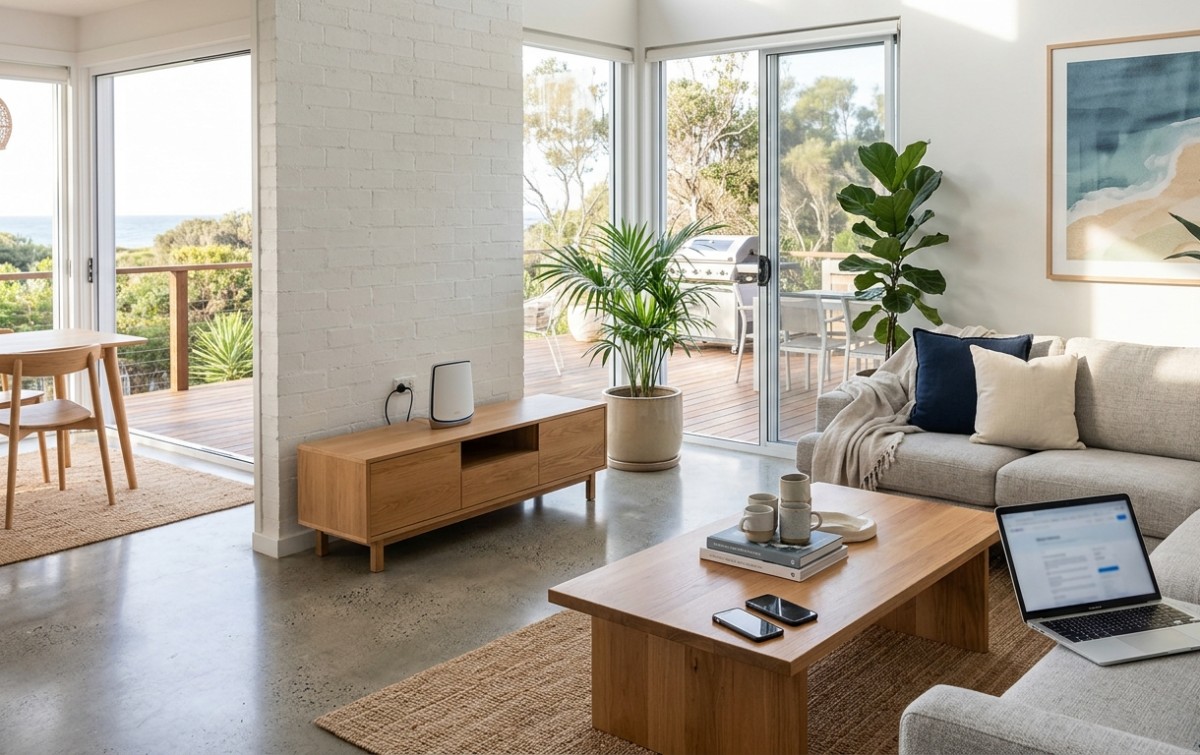
For larger homes or properties with multiple storeys, a mesh Wi-Fi system is often the most effective solution. Unlike a single router or a basic extender, a mesh system uses multiple nodes placed throughout the home to create a single seamless network with consistent Wi-Fi signal strength in every room.
If you have a multi-storey home specifically, our blog on improving Wi-Fi coverage in multi-storey homes covers the best approaches in detail.
5. Use Ethernet for Stationary Devices
Your smart TV, gaming console, and desktop computer don’t need to use Wi-Fi at all. Connecting these devices via Ethernet cable removes them from your wireless network entirely, freeing up bandwidth and improving Wi-Fi signal quality for your phones, tablets, and laptops.
A hybrid setup, wired for fixed devices and wireless for everything mobile, is consistently the most effective home network configuration. Our Wi-Fi repair and installation service includes Ethernet point installation as part of our home network solutions.
6. Restart Your Router Regularly
It sounds almost too simple, but a router restart clears the device’s memory, refreshes its connection to your ISP, and resolves minor software glitches that gradually degrade performance. Most network technicians recommend restarting your router at least once a fortnight, or whenever you notice a drop in speed or reliability.
Many modern routers support scheduled automatic restarts, which you can set up through the router’s admin panel so it happens overnight without disrupting anyone.
7. Secure Your Network
An unsecured or weakly secured Wi-Fi network can be accessed by neighbours or passers-by, reducing your available bandwidth without you realising it. Make sure your network uses WPA2 or WPA3 encryption with a strong, unique password. Check your router’s connected device list periodically for anything that doesn’t belong.
8. Manage Bandwidth-Heavy Activities
Large file downloads, cloud backups, and automatic software updates can saturate your connection and make the Wi-Fi signal feel weak even when it isn’t. Schedule these activities for overnight or off-peak hours so they don’t compete with video calls, streaming, or gaming during the day.
When DIY Fixes Aren’t Enough
If you’ve worked through all of these steps and your Wi-Fi signal is still inconsistent or dropping out, the issue may be beyond simple optimisation. Internal wiring faults, modem problems, interference from your specific environment, or an NBN connection issue can all cause persistent Wi-Fi problems that no amount of router repositioning will fix.
Our Wi-Fi installation and repair service in Maroochydore covers full network assessments, professional installation of access points and Ethernet points, mesh system setup, and fault diagnosis for exactly these situations.
See what our local customers think of our work by checking out Brocky’s Internet on Google before you get in touch.
Get Reliable Wi-Fi Signal in Every Room
Strong, consistent Wi-Fi signal throughout your home isn’t a luxury it’s a basic expectation in 2025. Whether the fix is a simple router reposition or a full mesh system installation, the team at Brocky’s Internet Solutions can help you get there.
Visit us at 6/12 Newspaper Place, Maroochydore QLD 4558, call us on 1800 588 688 or text 0422 394 174, Monday to Friday between 8:30am and 4:00pm.
Get in touch to book a home Wi-Fi assessment or get a no-obligation quote on any installation work.
FAQs
1. Why is my Wi-Fi signal strong near the router but weak in other rooms?
Wi-Fi signal weakens with distance and struggles to pass through dense materials like brick, concrete, and thick timber walls. Router placement, building materials, and the number of walls between the router and your device all affect coverage.
2. Will a Wi-Fi extender improve my signal strength?
A basic extender can help in some situations, but it often creates a separate network and can halve available speeds. A mesh Wi-Fi system is a more effective solution for most homes, particularly larger or multi-storey properties.
3. How many devices can my router handle before the signal degrades?
This depends on your router’s specifications and your NBN plan speed. Most entry-level routers struggle with more than 15 to 20 simultaneously active devices. A newer Wi-Fi 6 router handles higher device loads significantly better.
4. Should I use the 2.4 GHz or 5 GHz band?
Use 5 GHz for devices close to the router that need fast speeds, like streaming devices and gaming consoles. Use 2.4 GHz for devices further away, like smart home gadgets, where range matters more than speed.
5. Can my NBN connection itself cause weak Wi-Fi signal?
The NBN connection affects your overall internet speed, but your Wi-Fi signal strength is determined by your router and home setup. You can have a fast NBN plan and still have poor Wi-Fi coverage if your router or network isn’t configured properly.





4 thoughts on “How to Improve Wi-Fi Signal Strength in Your Home”
Comments are closed.