For Airbnb hosts, reliable internet is no longer a luxury. Guests expect to connect their phones, stream entertainment, work remotely and stay online without constant buffering or dropouts. Choosing the right WiFi Solutions for Sunshine Coast Airbnb Hosts can make a noticeable difference to the guest experience.
The right setup involves more than choosing a fast internet plan. Professional Wi-Fi Installation Services Sunshine Coast can help identify coverage problems, improve router placement and create a reliable connection throughout the areas guests use most.
Why Reliable WiFi Matters for Airbnb Properties
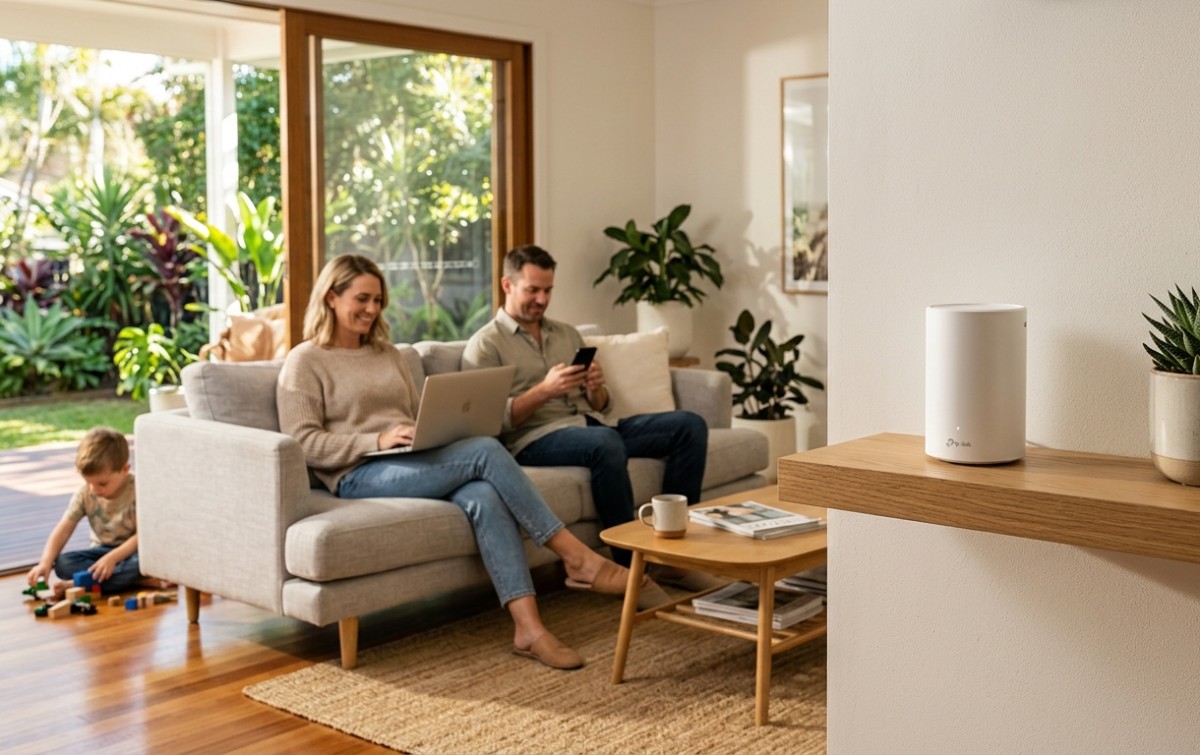
Holiday rentals often have more connected devices than a typical home. A family staying at your property could have several smartphones, laptops, tablets, smart TVs and streaming devices connected at the same time.
If the WiFi signal is weak in a bedroom, living area or outdoor space, guests may quickly become frustrated.
Reliable WiFi allows guests to:
- Stream movies and TV shows
- Work remotely and attend video calls
- Browse the internet without interruptions
- Connect smartphones and tablets
- Use smart TVs and streaming devices
- Upload photos and videos
- Stay connected throughout their stay
For an Airbnb host, good connectivity can also mean fewer guest complaints and fewer interruptions during busy booking periods.
What Are the Best WiFi Solutions for Sunshine Coast Airbnb Hosts?
There isn’t one WiFi setup that works for every Airbnb. The right solution depends on the size and layout of the property, building materials, number of guests and expected internet usage.
1. Choose the Right Router Location
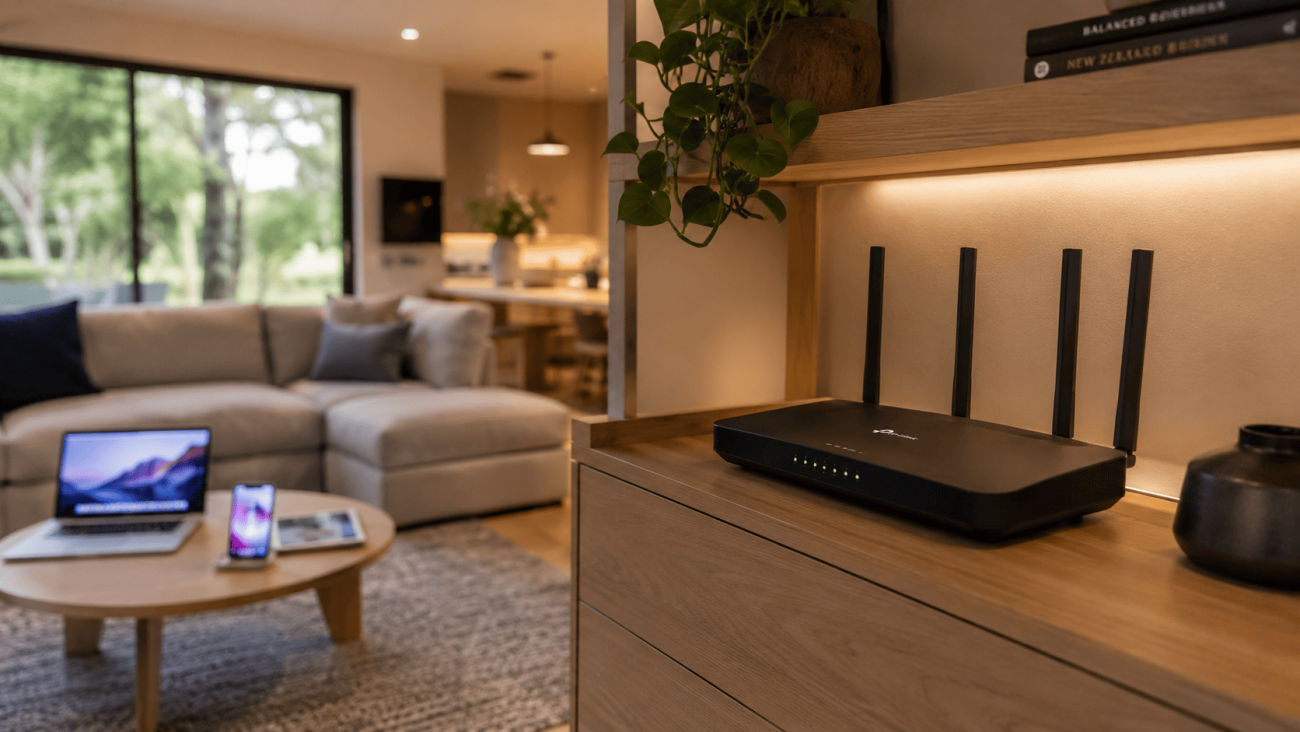
Router placement is one of the simplest things you can improve.
A router hidden inside a cupboard or positioned in a far corner may struggle to provide consistent coverage. Thick walls, furniture and other obstacles can also affect wireless signals.
Where practical, position the router:
- In a central area
- Off the floor
- Away from large obstructions
- In an open location
- Away from sources of wireless interference
The Australian Communications and Media Authority (ACMA) also recommends considering router location and other factors that can affect WiFi performance. Its guidance on improving your home internet is a useful reference for Australian households.
2. Consider Mesh WiFi for Larger Properties
A single router may be enough for a small apartment, but larger holiday homes can have difficult areas where the signal becomes weak.
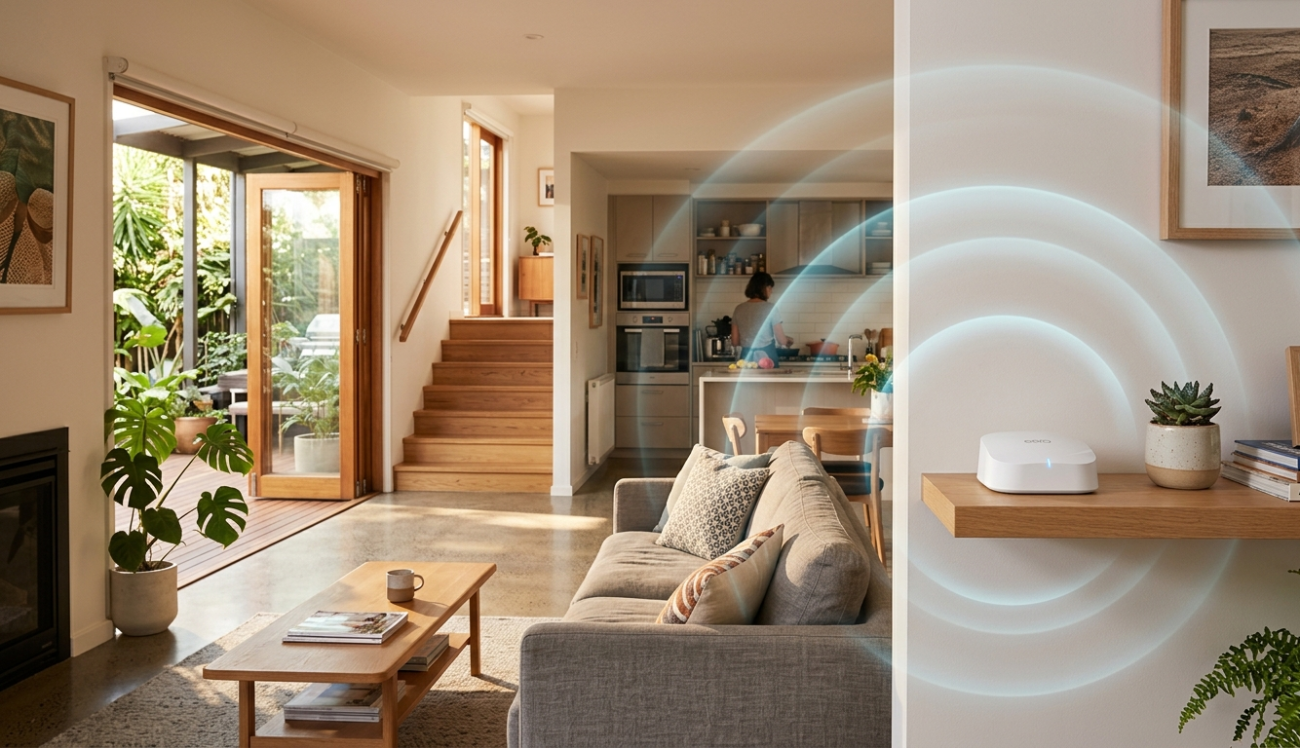
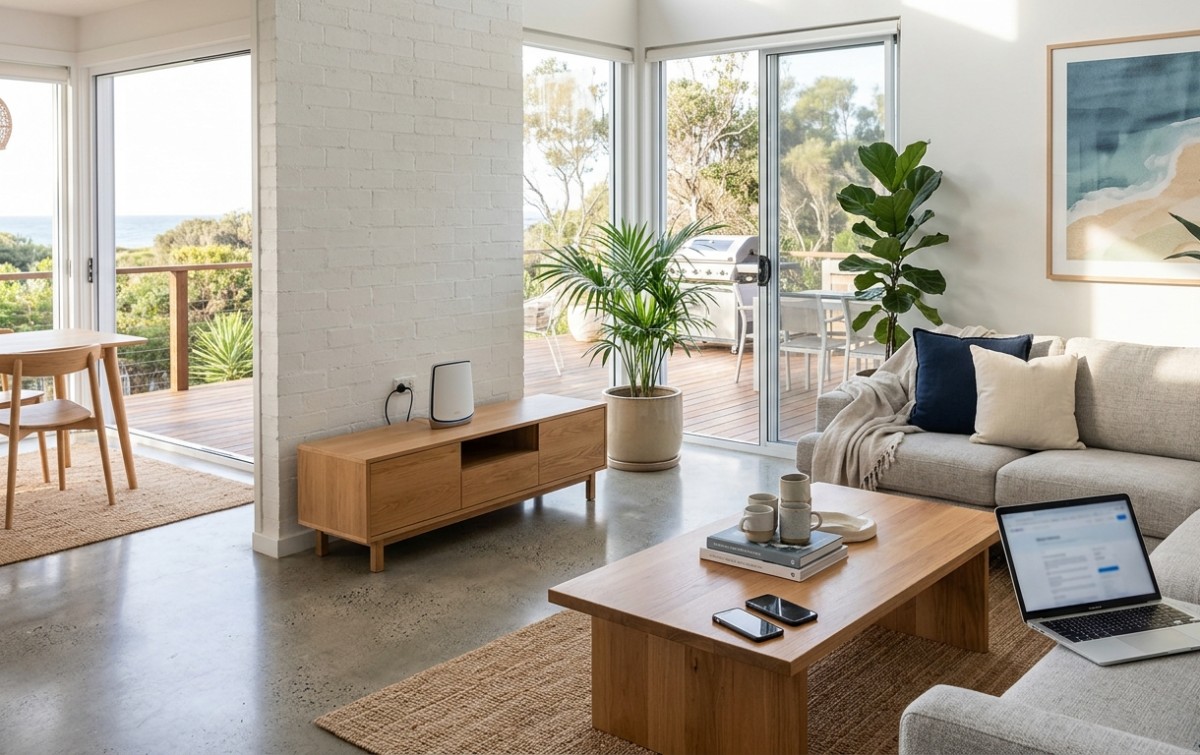
A mesh WiFi system uses multiple connected nodes to extend wireless coverage around a property. This can be particularly useful for homes with several bedrooms, multiple floors or separate living areas.
You can learn more about the technology behind this approach through this overview of mesh networking.
The goal isn’t simply to install more equipment. The access points need to be positioned properly so guests receive useful coverage where they actually need it.
Wi-Fi Installation Services Sunshine Coast for Airbnb Hosts
When an Airbnb has recurring dead zones, dropouts or inconsistent speeds, professional Wi-Fi Installation Services Sunshine Coast can help identify what’s causing the problem.
Depending on the property, the solution may involve:
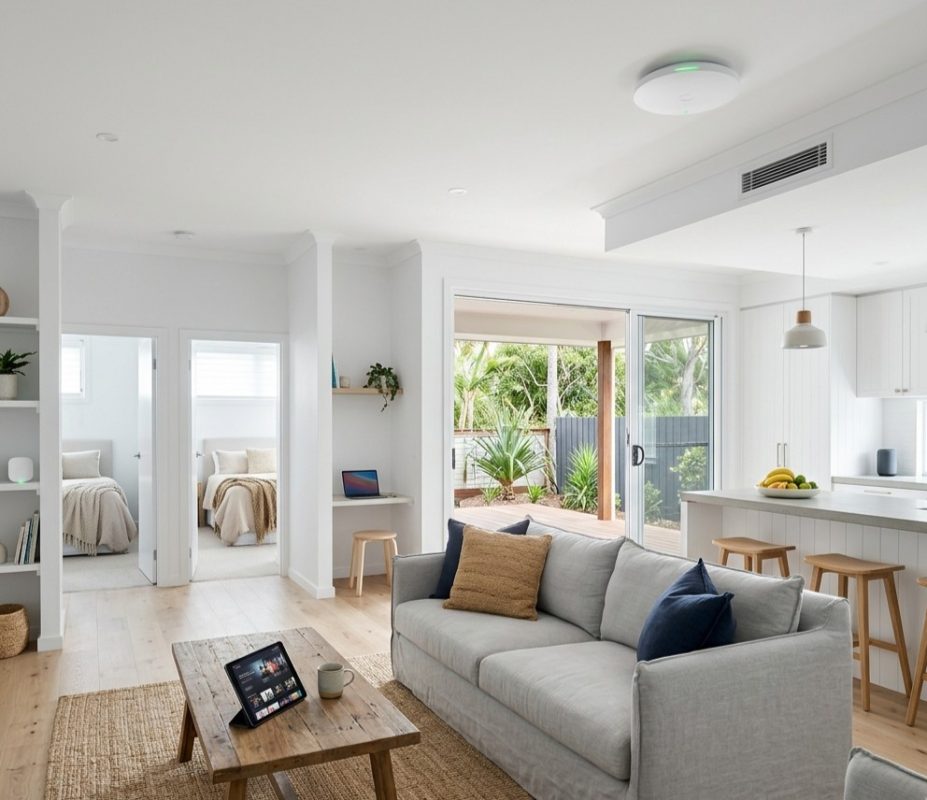
- Improved router positioning
- Mesh WiFi installation
- Additional wireless access points
- Ethernet connections
- Network configuration
- WiFi troubleshooting
- Signal and coverage optimisation
For hosts in the Kawana Waters area, you can also explore WiFi installation and repair in Kawana Waters if you need help improving an existing home or holiday-rental network.
Fast Internet Doesn’t Always Mean Strong WiFi
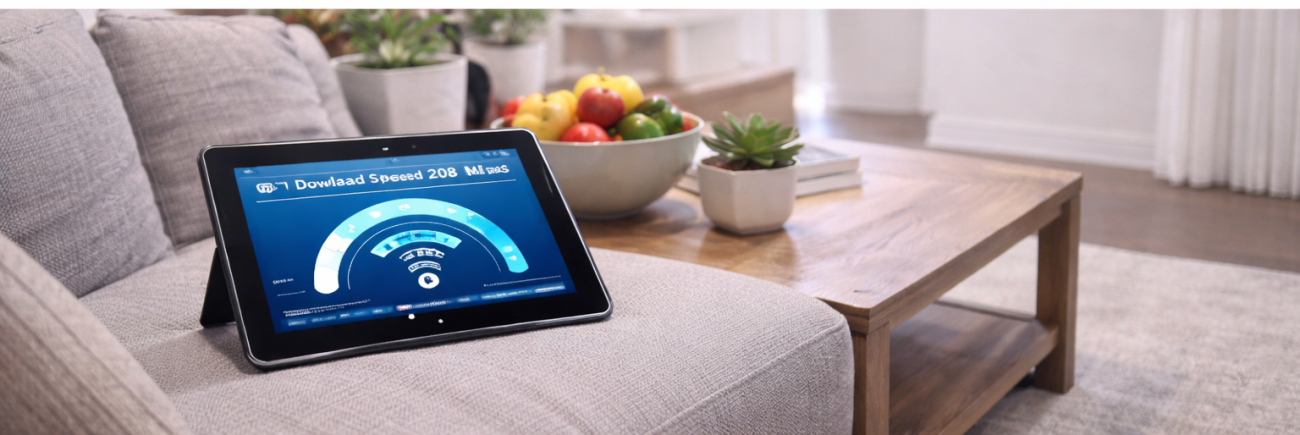
One of the most common misunderstandings is that a faster NBN plan automatically fixes poor WiFi.
Your internet connection and wireless network work together, but they are not the same thing.
You could have a fast internet connection and still experience poor wireless performance because of:
- Thick walls
- Poor router placement
- Wireless interference
- Distance between the router and devices
- An outdated or unsuitable router
- Too many connected devices
- Network configuration issues
This is why it’s useful to identify the actual cause before spending money on a faster plan or new equipment.
Create a Separate Guest WiFi Network
For Airbnb properties, a separate guest network can be a sensible option.
Rather than giving visitors access to the same network used for private devices, a guest network can help separate guest connections from personal equipment.
When setting up your network, use a strong password and keep your router and networking equipment updated.
It’s also helpful to make the guest WiFi details easy to find. A simple information card or digital welcome guide can include:
- Network name
- WiFi password
- Basic connection instructions
- Contact information for support
This can reduce unnecessary questions and make the check-in experience smoother.
Don’t Forget Smart TVs and Streaming Devices
Entertainment is an important part of many holiday stays. Guests may expect the property’s smart TV and streaming services to work without difficulty.
Streaming multiple devices at once can put additional demand on your network. A well-planned WiFi setup should therefore consider where smart TVs, gaming consoles and other high-bandwidth devices are located.
If you’re also experiencing existing connection or coverage problems, WiFi repair and installation services can help identify and address network issues.
Test WiFi in Every Guest Area
Don’t test your internet only beside the router.
Walk through the property and check connectivity in the places guests are most likely to use. This includes:
- Bedrooms
- Living room
- Kitchen
- Home office
- Balcony
- Outdoor entertaining areas
Testing different areas gives you a more realistic picture of the network’s performance.
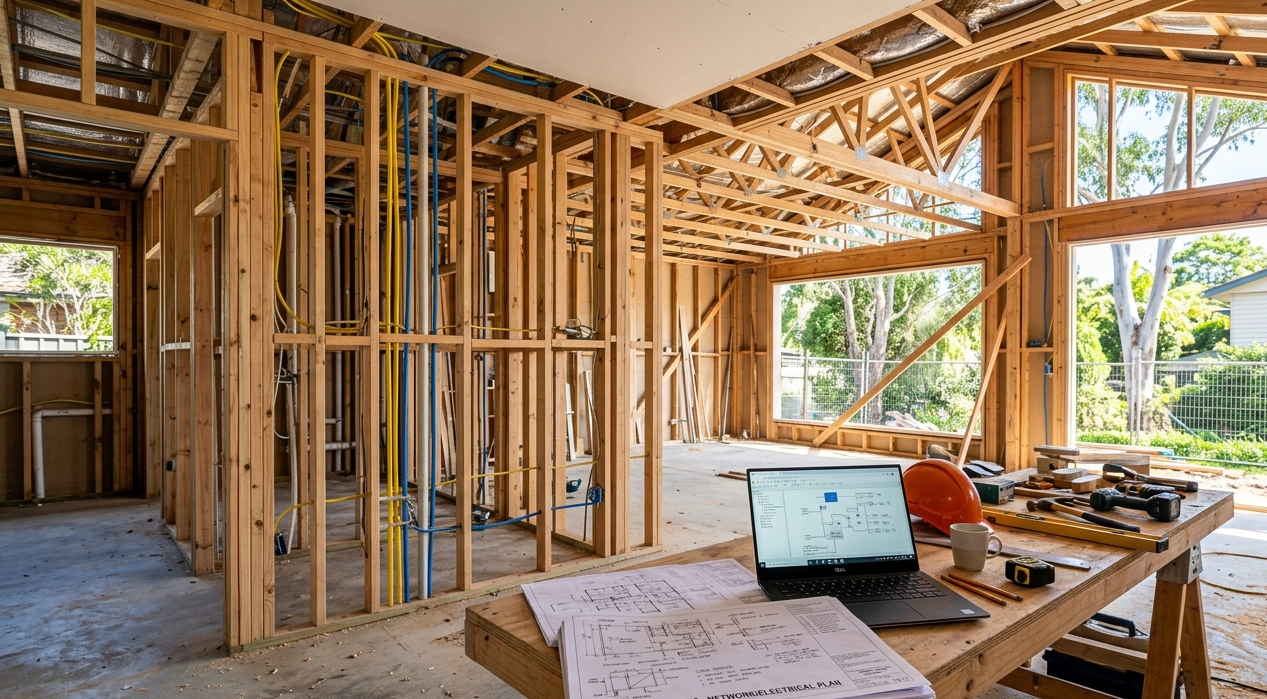
For a newly built property, it’s also worth planning your network before everything is finished. Our guide to WiFi installation tips for new homes provides additional ideas for getting the network layout right from the beginning.
Signs Your Airbnb WiFi Needs Attention
You may need to review your setup if guests regularly mention:
- WiFi dropouts
- Slow streaming
- Weak bedroom coverage
- Difficulty connecting devices
- Poor signal in outdoor areas
- Video-call interruptions
- Different speeds in different rooms
These problems don’t automatically mean you need a faster internet plan. The issue could be the router, coverage, interference, equipment or network configuration.
A professional assessment can help identify the underlying problem before you invest in unnecessary upgrades.
How to Give Airbnb Guests a Better WiFi Experience
A reliable network is only part of the solution. Make the connection easy for guests to use.
Consider providing:
- A clearly labelled WiFi network
- A simple, memorable password
- Instructions in the welcome guide
- A backup contact for technical problems
- Regular checks between bookings
It is also worth reviewing your WiFi setup periodically, particularly if you add a smart TV, security system or other connected devices.
Choose a WiFi Setup That Suits Your Property
The best WiFi Solutions for Sunshine Coast Airbnb Hosts are based on the property itself rather than simply the advertised speed of a router.
A compact apartment may work perfectly with a quality centrally positioned router, while a larger holiday home may benefit from mesh WiFi or multiple access points.
Good planning can provide more consistent coverage, make streaming easier and give guests a more convenient stay.
Need Better WiFi for Your Airbnb?
Don’t let weak coverage or unreliable internet affect your guests’ experience. Brocky’s Internet provides WiFi installation, repair and network solutions for properties across the Sunshine Coast.
Whether you need help with a new setup, existing dead zones or ongoing connectivity problems, Contact Us to discuss your requirements and find a solution suited to your property.
FAQs
1. What is the best WiFi for an Airbnb?
A quality router or mesh WiFi system suited to the property’s size and layout is a good starting point.
2. Does an Airbnb need a separate guest network?
A separate guest network can help keep visitors away from private devices and simplify network management.
3. Why is my Airbnb WiFi slow?
Poor router placement, interference, weak coverage, network congestion or equipment problems can all affect WiFi performance.
4. Is mesh WiFi suitable for holiday homes?
Yes. Mesh WiFi can be particularly useful in larger properties where one router cannot provide consistent coverage.
5. How can I improve WiFi coverage in my Airbnb?
Start by checking router placement and coverage. If dead zones remain, additional access points or a mesh WiFi system may help.