
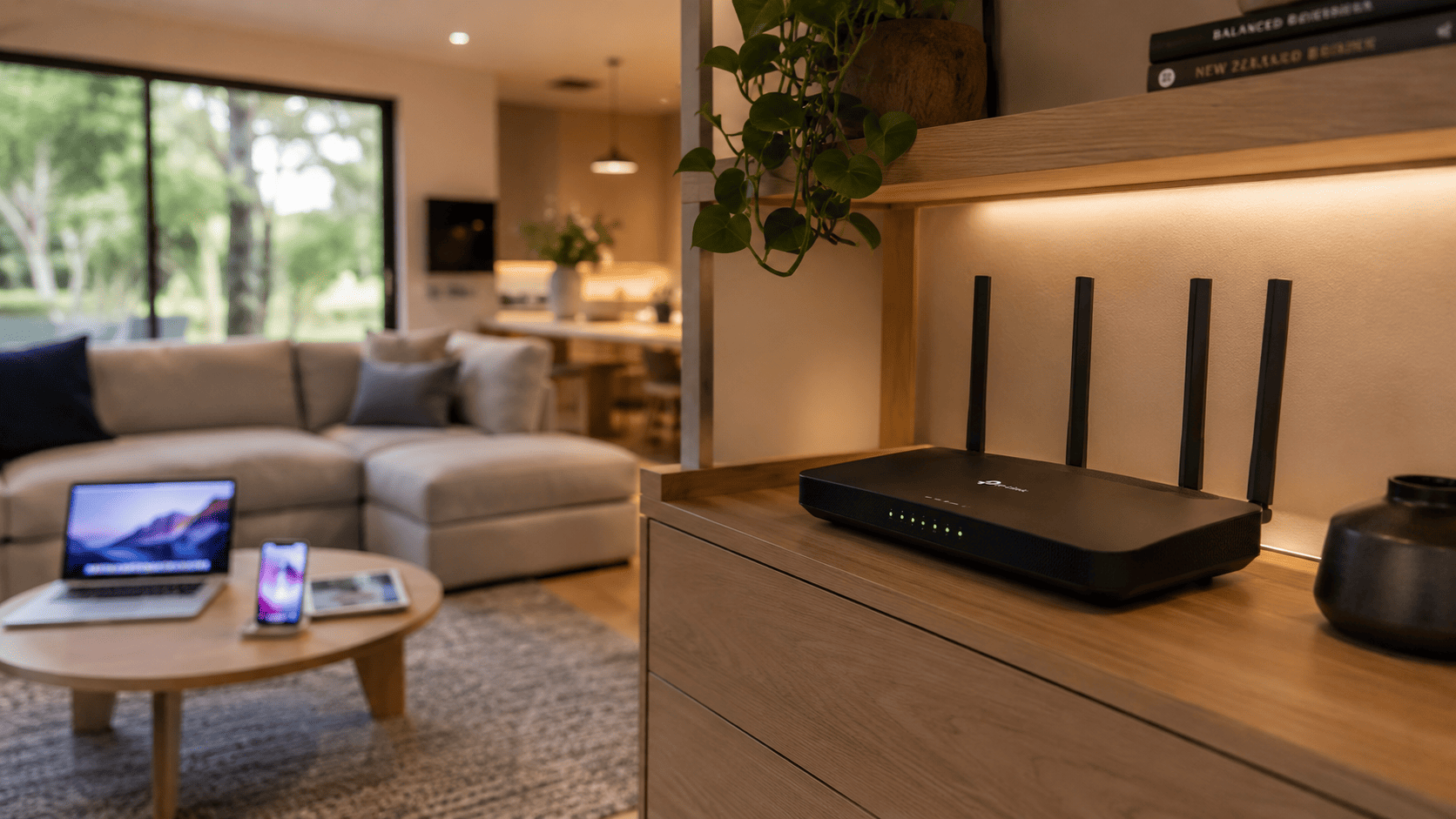
Most Nambour households have been through it at least once. You buy a new router, spend an evening trying to get everything connected, and still end up with dead zones, slow speeds in certain rooms, or devices that simply refuse to stay online. A proper Wi-Fi setup sounds simple in theory, but in practice, getting it right takes more than plugging in a box and hoping for the best.
The frustrating part? Most of these problems are entirely avoidable. With a professionally installed and configured Wi-Fi setup, you get a network that actually works the way it should, across every room, for every device, from day one.
At Brocky’s Internet, we’ve helped hundreds of Nambour and Sunshine Coast households ditch the frustration and get a home network that performs reliably. Here’s why going professional makes all the difference.
The Real Cost of a DIY Wi-Fi Setup
There’s a common assumption that setting up Wi-Fi is straightforward. Plug in the router, follow the app, and you’re done. But for most Australian homes, especially older properties, multi-storey houses, or larger blocks common in Nambour, it rarely works out that neatly.
Here’s what a poorly configured Wi-Fi setup actually costs you:
- Hours spent troubleshooting dropouts, slow speeds, and connection issues
- Devices that constantly disconnect or struggle to maintain a stable signal
- Buffering during streaming, lag during gaming, and dropped video calls
- Purchasing extra equipment like range extenders that don’t actually solve the root problem
- Frustration that builds every single time the connection lets you down
The time and money spent on repeated DIY fixes often adds up to far more than a professional installation would have cost in the first place.
What a Professional Wi-Fi Setup Actually Involves
A professional Wi-Fi setup isn’t just about plugging in a router. It’s a structured process that takes your home’s layout, device load, and usage habits into account to deliver a network that performs consistently.
1. A Proper Site Assessment
Before any equipment is installed, a professional technician assesses your home. This includes identifying dead zones, measuring signal strength in key areas, and understanding how many devices need to connect and where they’re used most.
This step alone prevents the most common DIY mistake, placing the router in the wrong location and wondering why half the house has no signal.
2. The Right Equipment for Your Home
Not every home needs the same solution. A small apartment in Nambour has very different requirements to a larger property with a shed, outdoor entertaining area, or home office. A professional technician recommends the right router, access points, or mesh system for your specific situation rather than a generic off-the-shelf product that may not be suitable.
What this typically includes:
- Wi-Fi 6 or Wi-Fi 6E capable routers for modern device-heavy homes
- Mesh Wi-Fi systems for larger homes or properties with thick walls
- Dedicated access points for outbuildings, garages, or outdoor areas
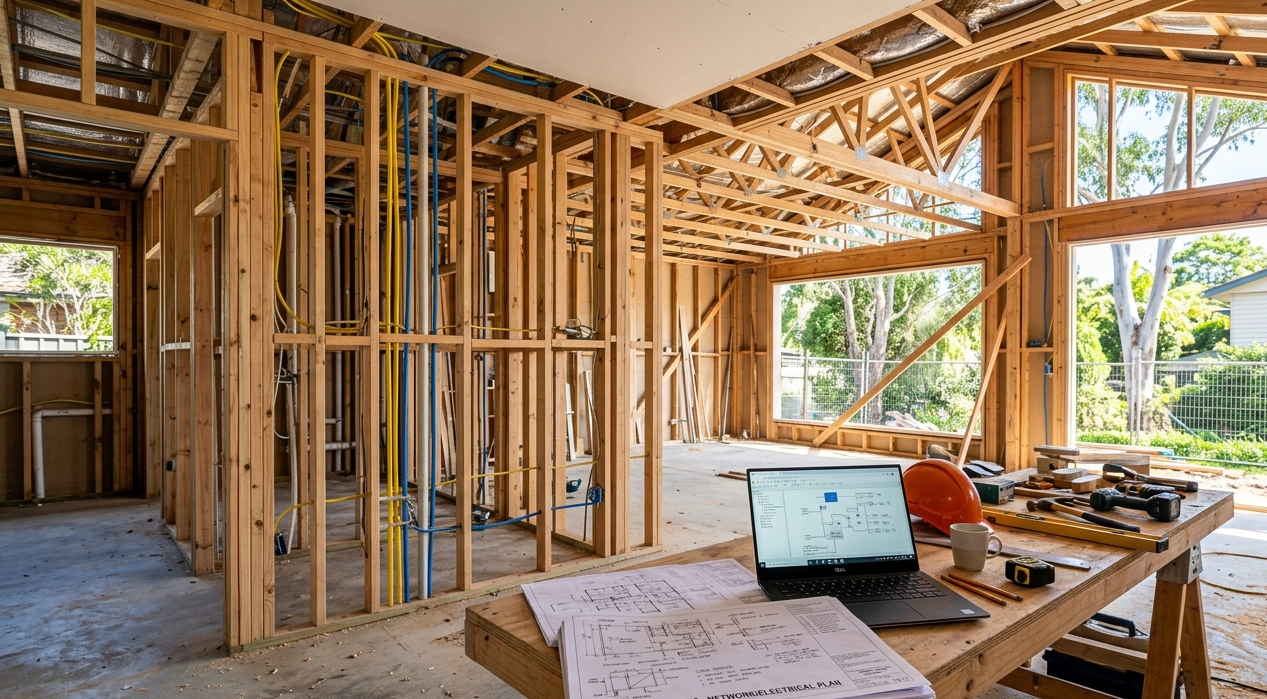
- Structured cabling where wired backhaul is needed for maximum performance
3. Correct Configuration From the Start
A router fresh out of the box is rarely configured for optimal performance. A professional Wi-Fi setup includes:
- Selecting the correct Wi-Fi bands (2.4 GHz and 5 GHz) for the right devices
- Enabling WPA3 encryption for maximum security
- Configuring Quality of Service (QoS) to prioritise high-demand devices
- Setting up a separate guest network to protect your main connection
- Disabling unnecessary features that create security vulnerabilities
As outlined in Canstar Blue’s guide to home Wi-Fi optimisation, most Australians are unknowingly running their routers on default settings that are far from optimal, which is a leading cause of poor home network performance.
4. Full Testing Before the Job Is Done
A professional doesn’t pack up and leave until everything is tested and confirmed working. Signal strength is checked in every room, each device is connected and verified, and you’re walked through how to use your new network with confidence.
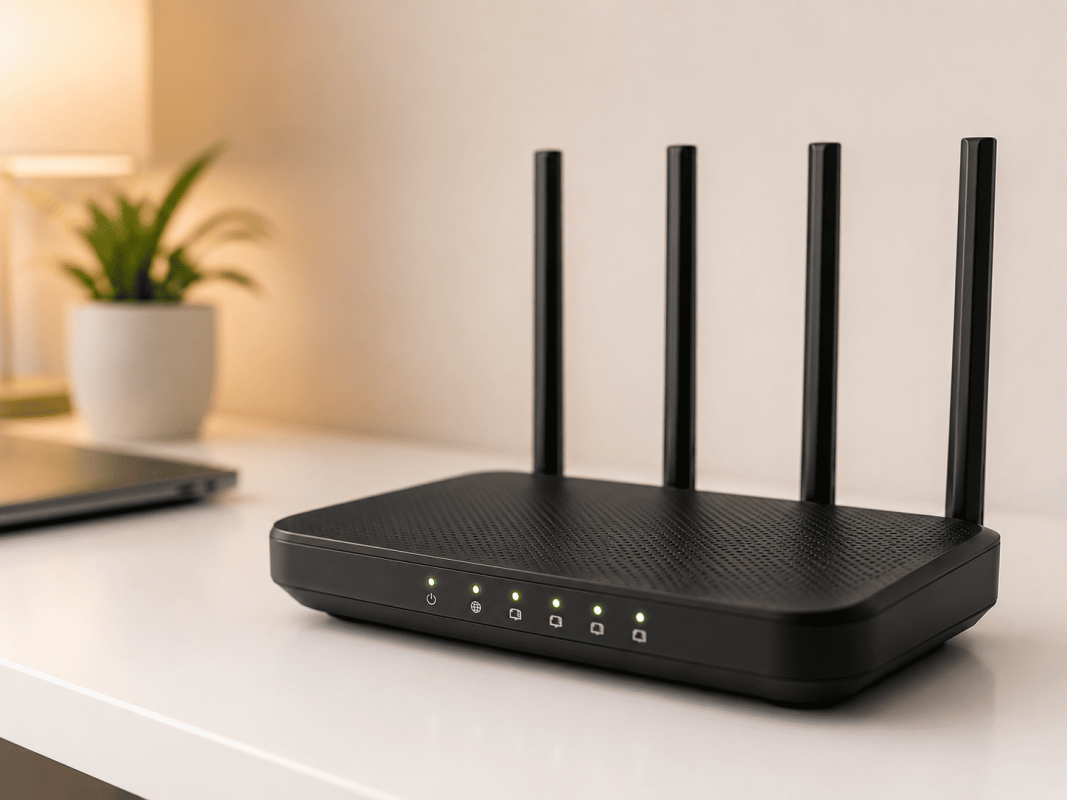
This is something a DIY setup simply can’t replicate.
Common Wi-Fi Problems That a Professional Setup Prevents
Most of the Wi-Fi setup issues we see at Brocky’s Internet are entirely preventable with the right installation from the start. Here are the problems we fix most often:
- Dead zones caused by poor router placement or insufficient coverage hardware
- Slow speeds on certain devices due to incorrect band selection or QoS settings
- Constant dropouts caused by interference from neighbouring networks or household appliances
- Security vulnerabilities from outdated encryption or unchanged default passwords
- Overloaded routers that can’t handle the number of devices connected in modern Australian homes
If you’re already dealing with any of these issues, our guide on Wi-Fi installation tips for new homes is a useful starting point before booking a professional assessment.
When Is a Professional Wi-Fi Setup the Right Call?
A professional installation is worth considering in any of these situations:
- You’re moving into a new home in Nambour and want to get the network right from day one
- Your current Wi-Fi doesn’t reach certain rooms, the backyard, or outbuildings
- You’ve tried multiple routers and extenders without solving the problem
- You work from home and need a reliable connection for video calls and file transfers
- Your household has more than 10 devices connecting simultaneously
- You’re setting up smart home devices, security cameras, or a home theatre system
As explained onWikipedia’s wireless LAN page, wireless network performance is directly influenced by factors including frequency band selection, interference sources, and physical obstacles, all of which a professional technician accounts for during installation.
If your issues go beyond Wi-Fi alone, our Wi-Fi repair and installation service covers full network diagnostics and repairs across the Sunshine Coast region.
Why Nambour Locals Trust Brocky’s Internet
We’re a local service, not a call centre. When you contact Brocky’s Internet, an experienced technician with real hands-on knowledge of home networks, routers, and NBN connections speaks with you directly, gives you an honest assessment, and explains your options clearly before any work begins.
Here’s what you get with every Wi-Fi setup at Brocky’s Internet:
- Experienced local technicians across all major router and mesh system brands
- Honest advice, we’ll tell you if your existing equipment just needs reconfiguring
- Fast response times across Nambour and the wider Sunshine Coast
- Transparent, upfront pricing with no hidden costs
- A personal walkthrough so you feel confident using your new network
We’ll let the locals we’ve helped do the talking.
Get Your Wi-Fi Setup Done Right Today
Stop wasting time on a connection that lets you down. Whether it’s a new installation, a full network upgrade, or a professional reconfiguration of your existing setup, the team at Brocky’s Internet is ready to help.
Contact Brocky’s Internet today and we’ll have your home network assessed and performing at its best as soon as possible.
FAQs
1. Is a professional Wi-Fi setup worth the cost?
Yes. The time, money, and frustration saved by getting it right from day one almost always outweighs the cost of a professional installation, especially in larger homes or properties with coverage challenges.
2. How long does a professional Wi-Fi setup take?
Most residential installations are completed within a few hours. Larger properties or setups requiring structured cabling may take longer, and we’ll always give you a realistic timeframe upfront.
3. Can a professional improve my existing Wi-Fi without replacing my router?
Often, yes. Reconfiguring your existing router’s settings, adjusting placement, or adding a single access point can make a significant difference without needing a full hardware replacement.
4. What is a mesh Wi-Fi system and do I need one?
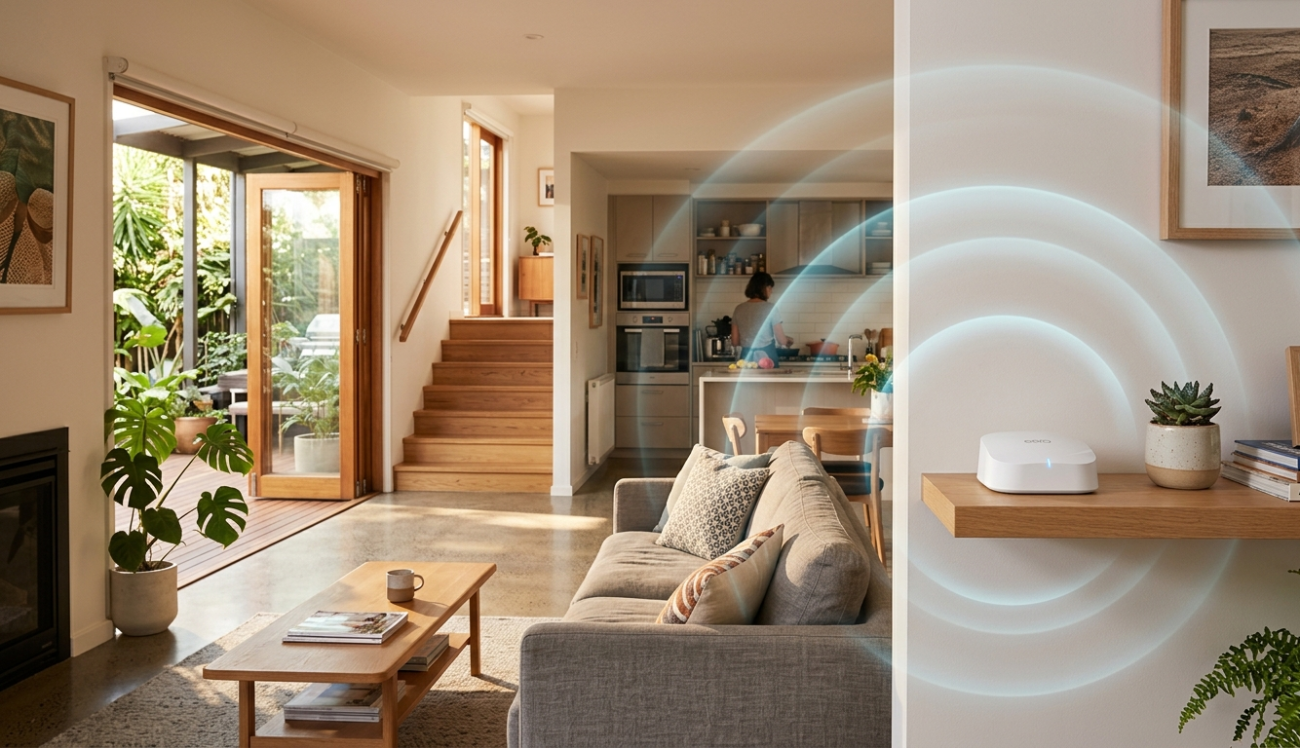
A mesh system uses multiple nodes placed around your home to deliver consistent coverage in every room. It’s ideal for larger Nambour properties, multi-storey homes, or any home with dead zones a single router can’t reach.
5. Does Brocky’s Internet offer Wi-Fi installation in Nambour?
Yes. We provide professional Wi-Fi setup, installation, and network configuration across Nambour and the wider Sunshine Coast, including new home setups, mesh system installs, and full network upgrades.




One thought on “Why a Professional Wi-Fi Setup Can Save You Time and Frustration in Nambour”
Comments are closed.