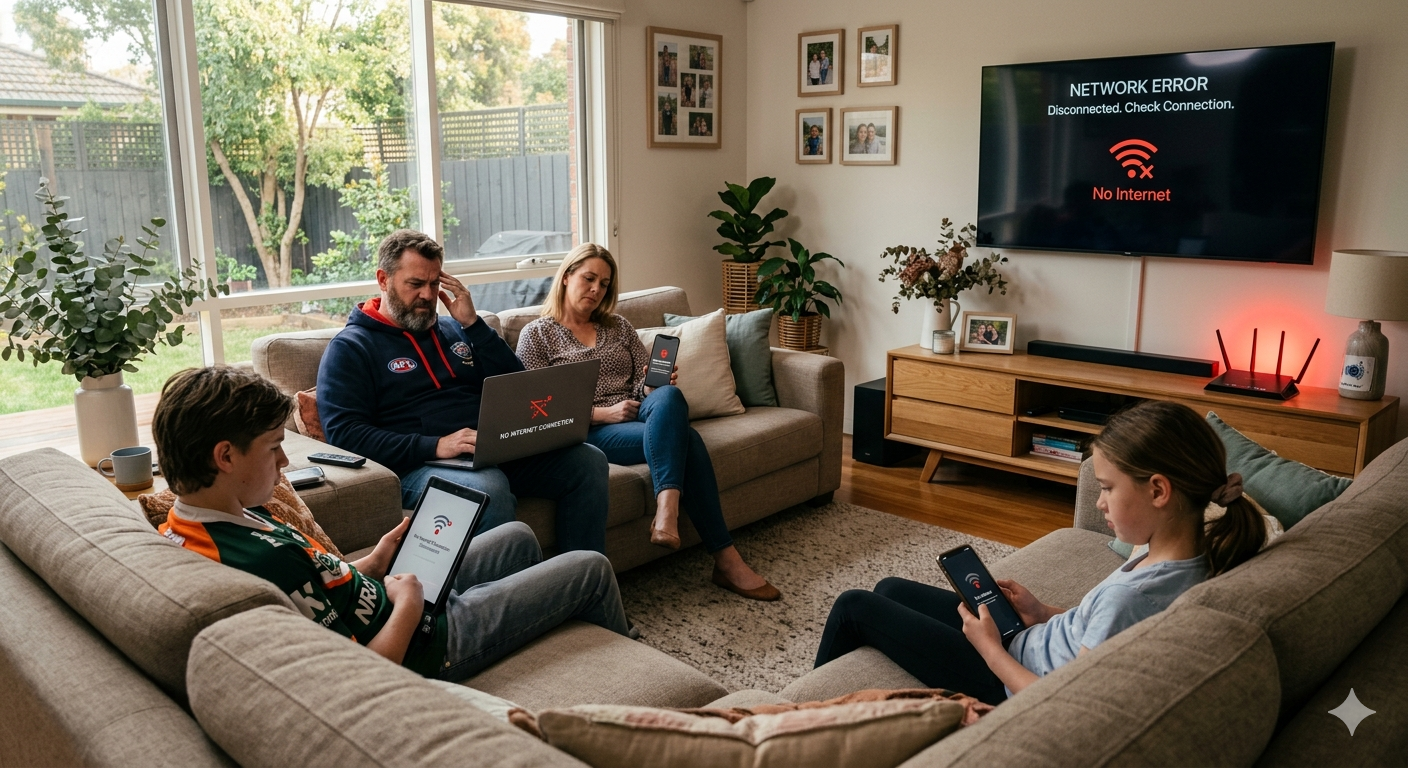
You’re working from home, the kids are streaming, someone’s gaming, and the smart TV is running in the background and then it happens. The whole network drops. Devices disconnect, pages stop loading, and the only fix seems to be unplugging the router and waiting for everything to come back. If your router crash happens regularly when multiple devices are connected, the cause isn’t bad luck. It’s a specific, diagnosable problem with a real solution.
At Brocky’s Internet, we provide router repair on the Sunshine Coast for households dealing with exactly this situation. Whether it’s a complete network collapse or intermittent dropouts under load, here’s what’s actually happening and how to fix it.
What Actually Happens During a Router Crash
A router crash under multi-device load isn’t random. It’s the router reaching a limit whether that’s processing capacity, memory, thermal tolerance, or connection table size and failing to recover gracefully.
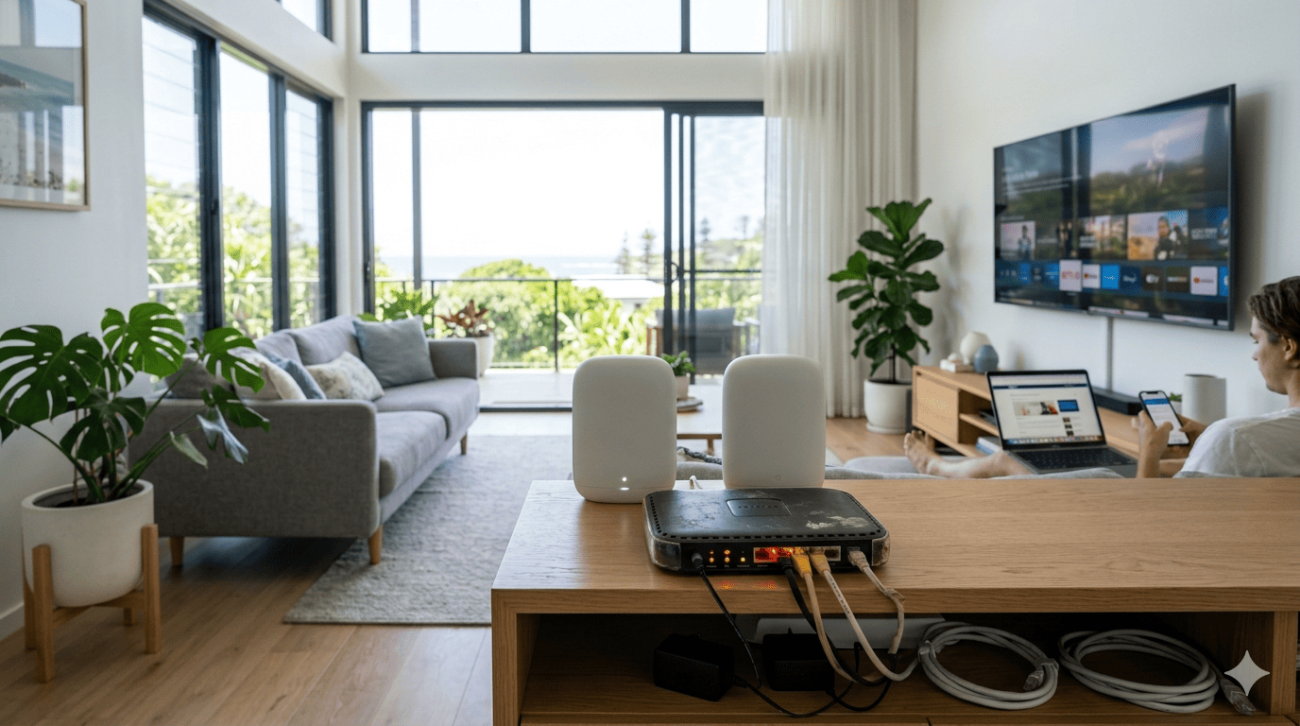
Modern households on the Sunshine Coast routinely connect 15 to 30 devices simultaneously. Phones, laptops, tablets, smart TVs, gaming consoles, security cameras, smart speakers, and smart home devices all maintain active connections even when they appear idle. When the router can no longer manage all of these simultaneously, it either drops connections selectively or crashes entirely and requires a restart to recover.
Common Causes of a Router Crash With Multiple Devices
1. The Router Has Exceeded Its Connection Limit
Every router has a maximum number of simultaneous connections it can manage. Consumer-grade routers typically handle between 20 and 50 connections reliably. Beyond that, performance degrades and router crash events become increasingly common.
Signs this is your issue:
- The crash happens when a specific number of devices are active
- Performance degrades progressively as more devices connect throughout the day
- The router recovers after a restart but crashes again as devices reconnect
What to do:
- Log into your router’s admin panel and check how many devices are currently connected
- Disconnect devices that don’t need a constant connection, such as guest devices and infrequently used smart home equipment
- Consider upgrading to a router with higher connection table capacity and MU-MIMO support
2. The Router Is Overheating
A router crash that happens after the router has been running for several hours, particularly during warmer Sunshine Coast afternoons, is often caused by overheating rather than connection overload. Consumer routers are rarely designed for continuous 24-hour operation in warm environments, and thermal throttling leads directly to instability and crashes.
What to check:
- Feel the router housing if it’s uncomfortably hot to the touch, overheating is likely contributing
- Check whether crashes happen more frequently during the warmer parts of the day
- Confirm the router has adequate clearance on all sides and isn’t in an enclosed space
What to do:
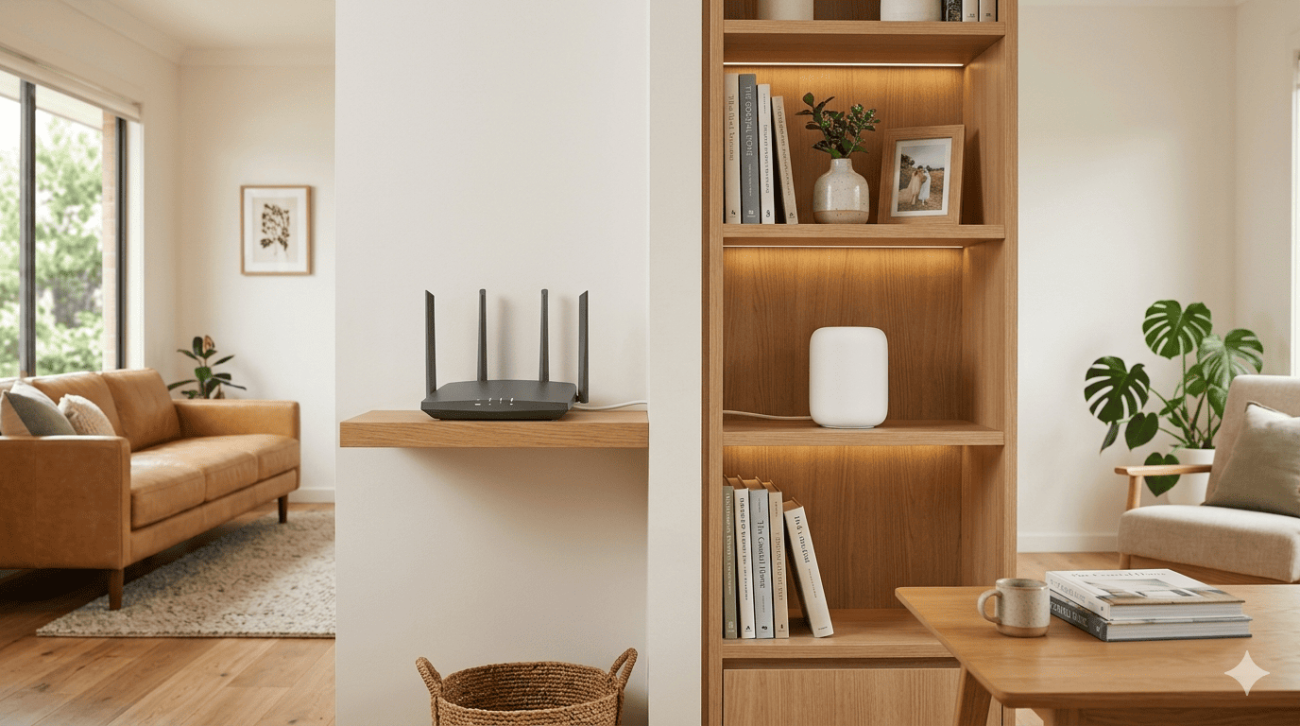
- Move the router to a well-ventilated location away from other heat-generating equipment
- Never place it inside a cabinet or on a carpeted surface that restricts airflow
- If overheating persists despite good placement, the internal cooling may have degraded and professional assessment is needed
3. RAM or Processing Overload
A router crash caused by insufficient RAM or processing power is increasingly common as households add more devices and run more bandwidth-intensive applications simultaneously. Budget and mid-range consumer routers have limited RAM, and when the connection table fills up, the router’s operating system becomes unstable.
Signs of RAM or processing overload:
- The router becomes progressively slower before crashing rather than failing suddenly
- The admin panel becomes unresponsive or takes a long time to load before the crash
- Restarting temporarily resolves the issue but the pattern repeats within hours
What to do:
- Update the router’s firmware, as manufacturers often release memory management improvements
- Reduce the number of simultaneously active connections where possible
- Enable QoS settings to prioritise critical traffic and reduce the processing demand from lower-priority connections
4. Firmware Bugs or Outdated Software
A router crash that occurs without an obvious load trigger is frequently caused by firmware bugs, particularly on routers that haven’t been updated in months or years. Manufacturers release firmware updates specifically to fix stability issues that cause crashes under certain conditions.
What to do:
- Log into your router’s admin panel and check for available firmware updates
- Install any available updates and restart the router
- Check the manufacturer’s release notes to confirm whether the update addresses stability issues

5. ISP Connection Instability Triggering the Router
Not every router crash originates inside the router itself. An unstable NBN connection that drops and reconnects frequently can cause the router to enter a crash loop as it repeatedly attempts to re-establish the WAN connection.
How to tell the difference:
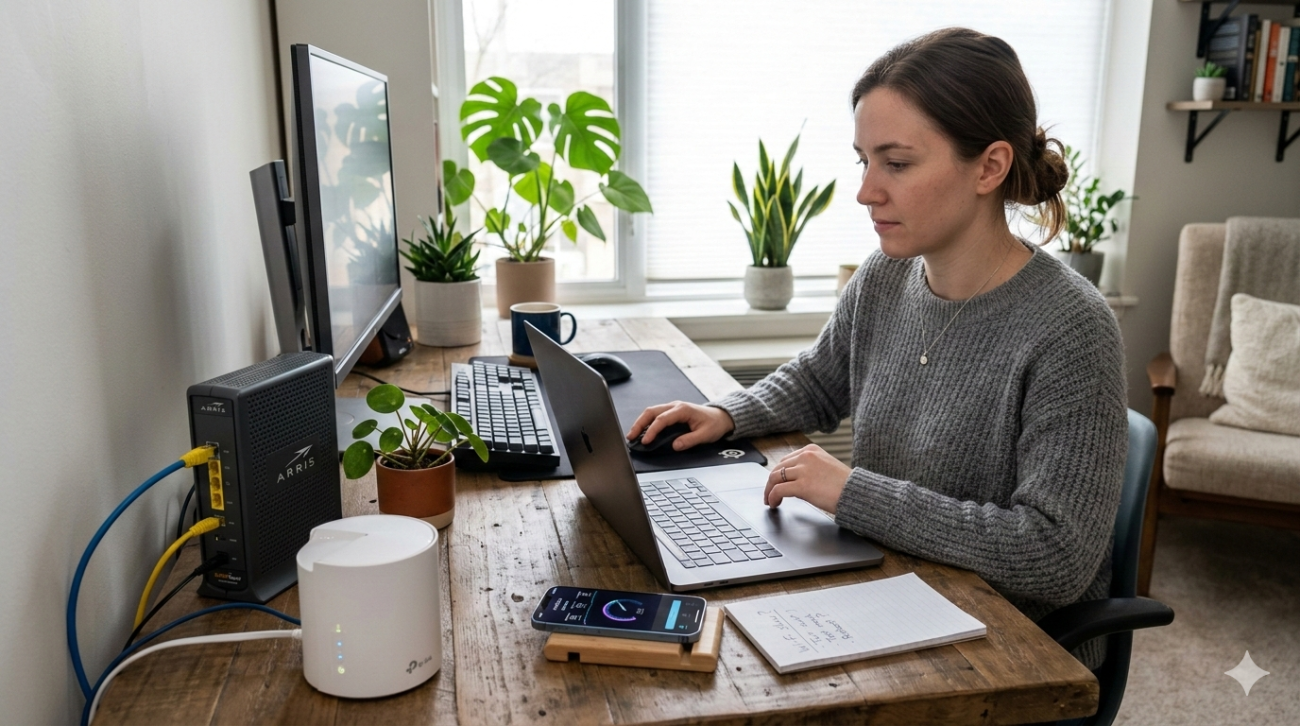
- Connect a device directly to your modem via Ethernet and monitor whether the internet connection itself is dropping
- Check your router’s logs for WAN disconnect events that precede the crash
- Contact your ISP if the WAN connection is dropping frequently, as this may be a line fault rather than a router issue
For router repair on the Sunshine Coast that includes full connection diagnostics from the NBN point through to every device on your network, internet repair on the Sunshine Coast covers both router faults and underlying connection issues in a single assessment.
6. The Router Hardware Is Failing
A router crash that recurs despite firmware updates, adequate ventilation, and reduced device load points to hardware failure. Consumer routers have a finite service life, and components inside them, particularly capacitors and voltage regulators, degrade over time in the Sunshine Coast’s warm, humid environment.
Signs of hardware failure:
- Crashes become more frequent and happen under progressively lighter loads
- The router’s indicator lights show abnormal patterns during or after a crash
- Restarting provides only brief relief before the next crash
As covered in how router hardware components affect network stability, a router’s internal components manage all traffic routing decisions and connection state tables, and hardware degradation in any of these components directly affects the router’s ability to maintain stable connections under load.
For households in Maroochydore needing router repair on the Sunshine Coast, WiFi installation and repair in Maroochydore covers hardware fault assessment and replacement with correctly specified equipment for your household’s device load.
For a broader look at how device count specifically affects network performance before reaching crash point, can too many devices crash your WiFi covers the relationship between device load and network stability in detail.
According to Aussie Broadband’s home WiFi optimisation advice, router placement, hardware capability, and firmware currency are all directly linked to how reliably a router performs under the kind of multi-device loads that are now standard in Australian households.
When a Router Crash Needs Professional Help
Working through the steps above resolves many router crash situations. But these are clear signs professional router repair on the Sunshine Coast will deliver better results:
- Crashes recur within hours of a restart despite all troubleshooting steps
- The router’s indicator lights show abnormal patterns that don’t resolve
- Firmware updates are no longer available for your router model
- The crash happens under very light device loads that shouldn’t stress the hardware
- Your household’s device count has grown significantly since the router was purchased
Why Sunshine Coast Locals Trust Brocky’s Internet
We’re a local service, not a call centre. When you contact Brocky’s Internet, an experienced local technician assesses your specific setup honestly and recommends the right solution for your situation. Our router repair on the Sunshine Coast service covers everything from firmware diagnosis to full hardware replacement with correctly specified equipment.
Here’s what you get with every service at Brocky’s Internet:
- Experienced local technicians across all major router brands
- Honest advice, we’ll tell you if a settings change is all you need
- Fast response times across Nambour and the wider Sunshine Coast
- Transparent, upfront pricing with no hidden costs
- A full walkthrough so your household understands the fix
We’ll let the locals we’ve helped do the talking.
Get Your Router Sorted Today
Don’t put up with a router crash that disrupts your household every time multiple devices connect. Whether it’s a firmware fix, a hardware assessment, or a full router upgrade, the team at Brocky’s Internet is ready to help.
From fixing router crash issues to full WiFi installation and router repair across the Sunshine Coast, you can find everything we do at Brocky’s Internet.
Contact Brocky’s Internet today and we’ll have your network assessed and running reliably as soon as possible.
FAQs
1. Why does my router crash when multiple devices connect?
Most router crashes under multi-device load are caused by exceeding the router’s connection limit, RAM overload, overheating, or outdated firmware. Working through these causes in order identifies the specific issue quickly.
2. How do I stop my router from crashing under load?
Update firmware first, then check ventilation and device count. If crashes persist, the router hardware may be undersized for your household’s device load and needs replacing with a model rated for higher connection counts.
3. Can overheating cause a router to crash?
Yes. Routers that run continuously in warm environments throttle performance as temperatures rise and can crash entirely as a protective measure. Adequate ventilation and a cool location significantly reduce crash frequency.
4. How do I know if my ISP connection is causing my router to crash?
Connect a device directly to the modem via Ethernet and monitor whether the internet connection itself drops. If it does, the issue is with the NBN connection rather than the router, and your ISP needs to investigate.
5. Does Brocky’s Internet provide router repair on the Sunshine Coast?
Yes. We provide router assessment, repair, and replacement across the Sunshine Coast including Nambour, Maroochydore, Caloundra, Noosa, and surrounding areas.