
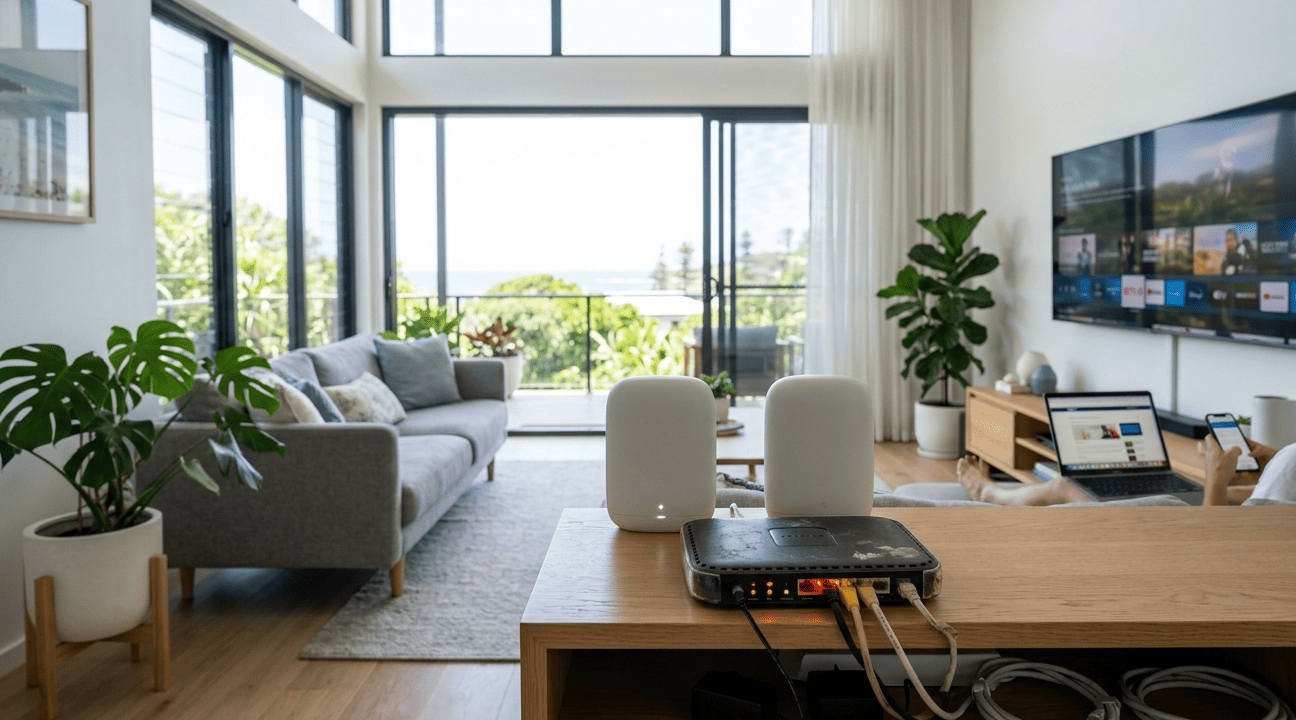
Most Sunshine Coast households blame their internet provider when the connection is slow, drops out regularly, or refuses to reach certain rooms. But more often than not, the real culprit is the modem or router sitting in the corner that nobody has thought about in years.
Hardware ages, technology moves forward, and what worked perfectly five years ago may now be the single biggest bottleneck in your entire home network. Here’s how to tell when your modem or router has had its day.
Why Modems and Routers Slow Down Over Time
A wireless router is a complex piece of hardware managing every data request from every device in your home simultaneously. Heat, dust, outdated firmware, and general wear all reduce performance over time. The problem is compounded by the fact that internet usage grows year after year, with more devices, more streaming, more video calls, and higher bandwidth demands than ever before.
The result is a gap between what your modem or router can handle and what your household actually needs.
10 Signs Your Modem or Router Needs Replacing
1. Slow Speeds Across Every Device
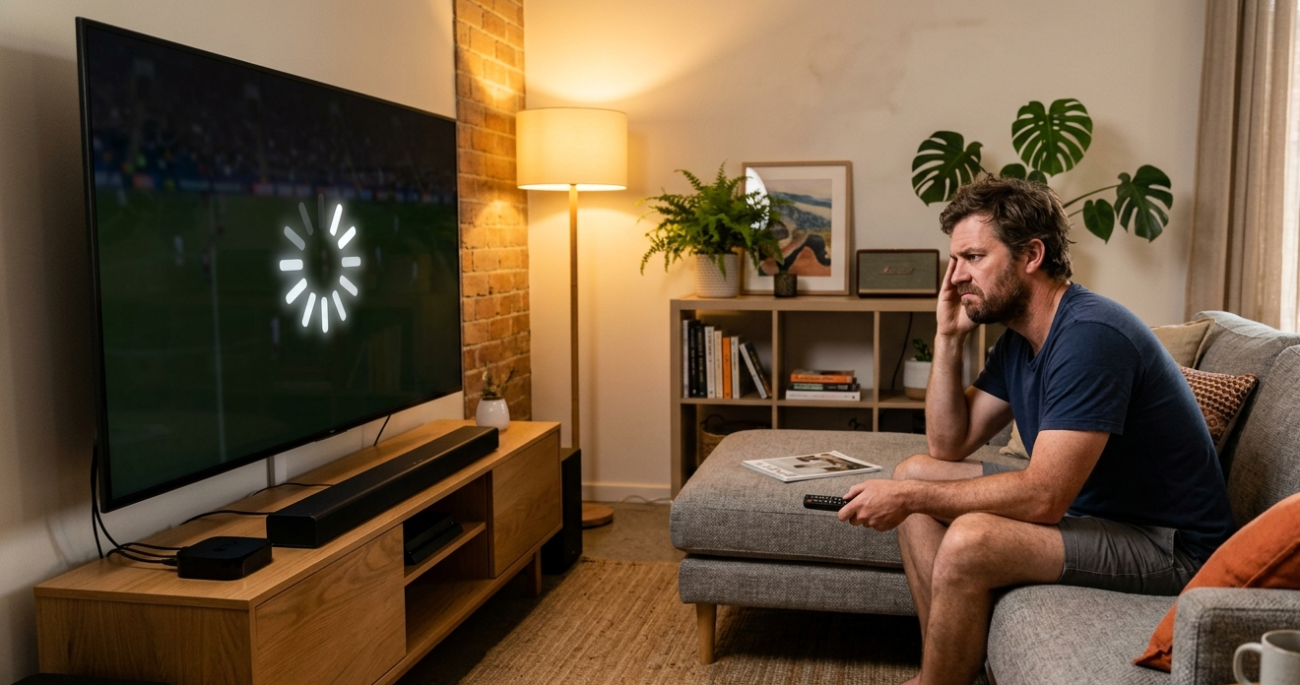
If your internet is slow on every device in the house, not just one, and a router restart only fixes it temporarily, your hardware is likely the problem. Older units can’t handle modern NBN speeds or the Wi-Fi standards that current devices expect.
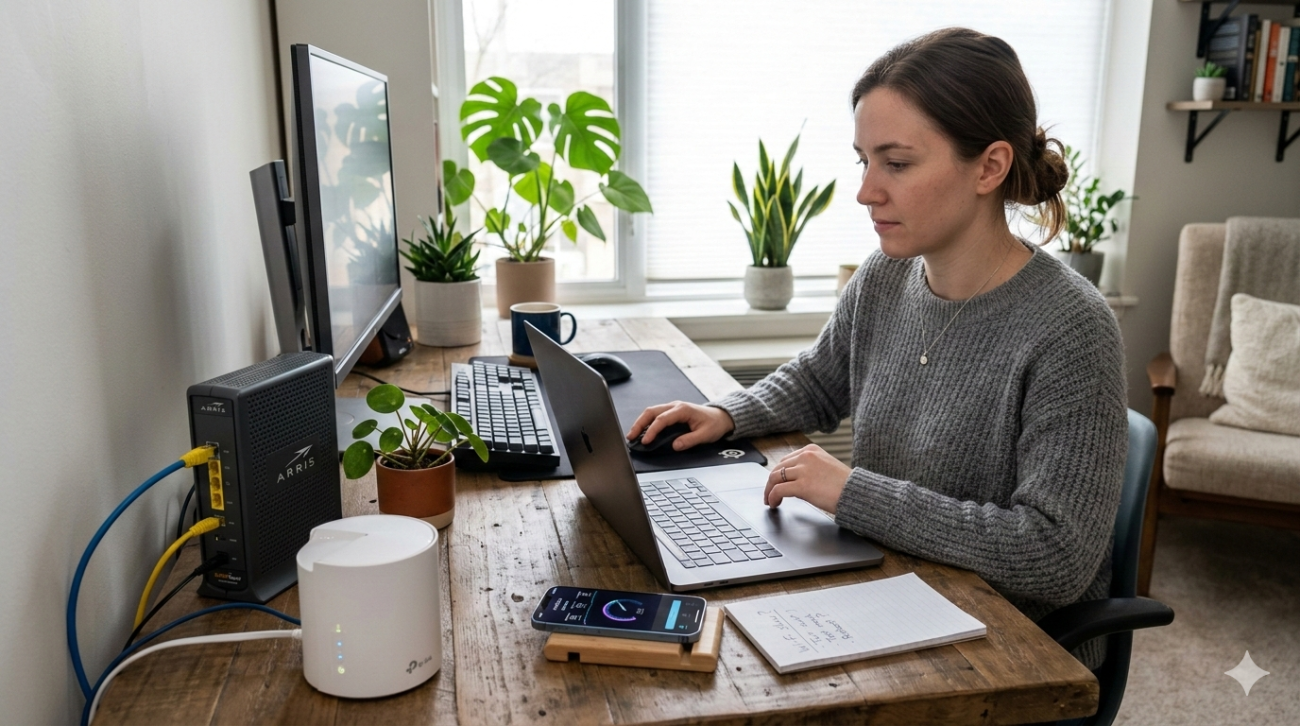
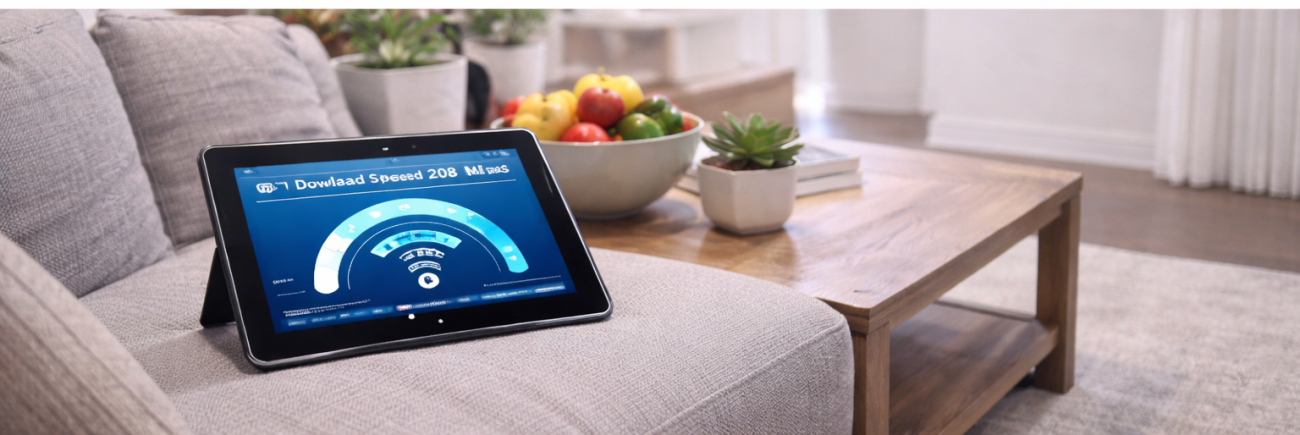
Before assuming it’s your ISP, run a speed test directly connected to your modem via Ethernet. If wired speeds match your plan but Wi-Fi is slow, the modem or router is your bottleneck.
2. Wi-Fi Keeps Dropping Out Randomly
Occasional disconnections are normal. Daily dropouts affecting multiple devices simultaneously are not. Random disconnections often point to:
- Overheating internal components
- Overworked processors struggling with device load
- Firmware that’s no longer compatible with current network standards
- Failing internal hardware that’s past its service life
If restarting the unit temporarily fixes the problem but it keeps coming back, the hardware is failing.
3. Dead Zones That Weren’t There Before
If parts of your home have progressively weaker signal than they used to, your modem or router’s radio components or internal antennas may be deteriorating. This is a gradual process that’s easy to attribute to other causes, but signal range that shrinks over time is a clear sign of hardware degradation.
4. The Unit Runs Excessively Hot
Routers generate heat during normal operation, but a unit that’s consistently hot to the touch is a warning sign. Excessive heat damages internal components and reduces both speed and stability. If your modem or router gets very hot during normal use, especially if it’s sitting in an enclosed space, the hardware may be near the end of its reliable life.
For guidance on what to look for in replacement hardware, NBN Co’s router selection guidance covers the key specifications relevant to Australian NBN connections.
5. It’s More Than Four to Five Years Old
Wi-Fi technology has advanced significantly in the past five years. A modem or router purchased before 2021 almost certainly doesn’t support:
- Wi-Fi 6 or Wi-Fi 6E standards
- The bandwidth requirements of modern NBN plans above 100 Mbps
- Efficient multi-device handling through MU-MIMO technology
- Current WPA3 security encryption standards
Older hardware also stops receiving firmware updates, leaving your network vulnerable to security risks that are easily avoided with a current unit.
6. New Devices Won’t Connect Properly
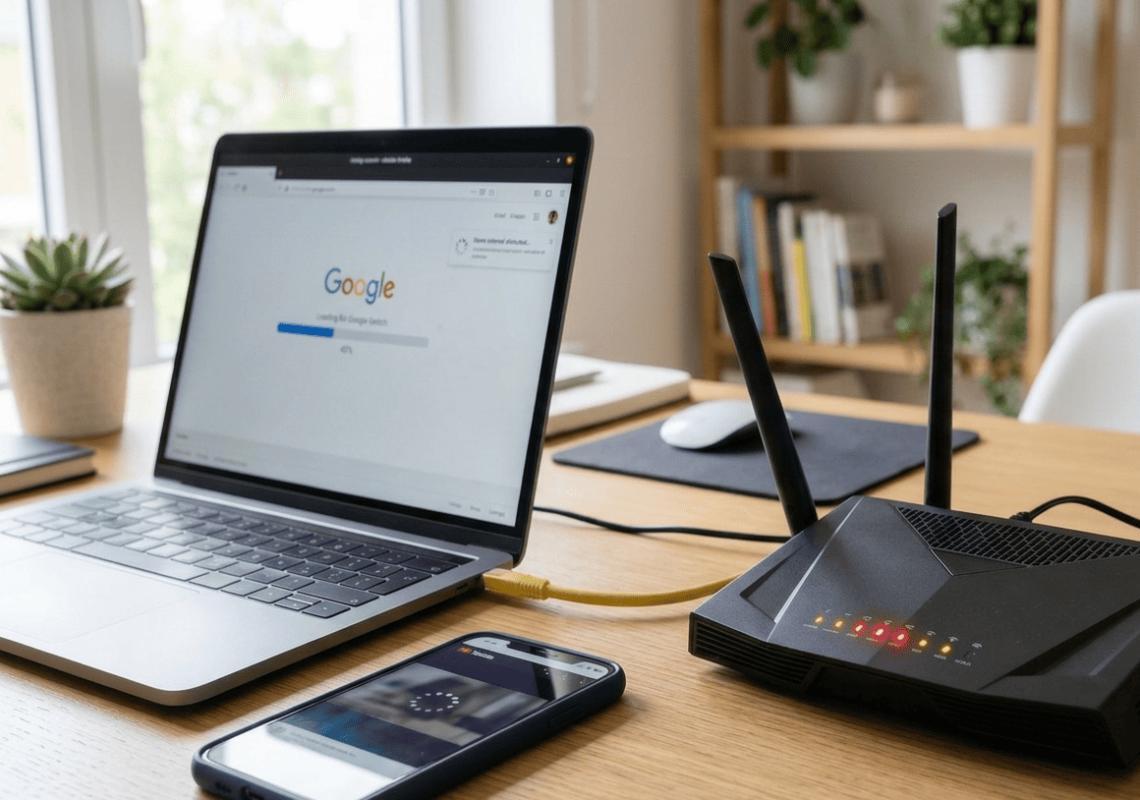
If recently purchased phones, smart TVs, tablets, or smart home devices are struggling to connect or dropping offline regularly while older devices work fine, your modem or router may be using outdated wireless protocols that newer hardware expects to be more current.
7. You Need to Restart It Daily
Restarting your modem or router once a month is routine maintenance. Restarting it every day or two because the connection degrades without it is a sign of failing hardware. Daily restarts suggest memory issues, processor fatigue, or overheating that the unit can no longer recover from on its own.
8. Ethernet Ports Have Stopped Working
If wired connections are unreliable or specific LAN ports have stopped working entirely, physical port degradation has set in. This is common in older modems and typically can’t be repaired, only replaced.
9. Your ISP Has Recommended Replacement
If your internet provider’s support team has run remote diagnostics and suggested your modem or router is the problem, it’s almost always because the device genuinely no longer meets the requirements for your connection type or speed tier.
10. You’ve Upgraded Your NBN Plan Without Seeing Improvement
This is one of the clearest signs that your modem or router is the bottleneck. If you’ve moved to a faster NBN tier but your real-world speeds haven’t changed, the hardware simply can’t process the additional throughput your plan is capable of delivering.
What to Try Before Replacing
Before committing to a new unit, these steps are worth working through:
- Restart your modem and router fully, unplug both for 30 seconds before reconnecting
- Check for and install any available firmware updates through the router’s admin panel
- Try moving the unit to a more central, open position
- Replace any old or damaged Ethernet cables between the modem and router
- Check whether the issue is isolated to Wi-Fi or affects wired connections too
If these steps don’t produce a lasting improvement, the hardware needs replacing.
For a detailed look at what to consider when upgrading, our blog on upgrading your router in 2026 covers everything from Wi-Fi standards to NBN plan compatibility.
Getting the Right Replacement Set Up Properly
Buying the right modem or router is only half the job. Correct placement, band configuration, security setup, and integration with your NBN connection all affect whether the new hardware actually performs the way it should.
Our WiFi repair and installation service covers professional hardware assessment, replacement recommendations, and full setup so your new unit delivers what it’s capable of from day one.
For Caloundra households specifically, our internet setup service in Caloundra provides local, fast-response installation and configuration.
See what other Sunshine Coast locals think of our work by reading what our customers say before you get in touch.
Book Your Modem or Router Assessment Today
Don’t keep restarting hardware that’s past its best. Whether you need a diagnosis, a replacement recommendation, or a full professional setup, the team at Brocky’s Internet Solutions is ready to help Sunshine Coast households get back to reliable, fast internet.
Visit us at 6/12 Newspaper Place, Maroochydore QLD 4558, call us on 1800 588 688 or text 0422 394 174, Monday to Friday between 8:30am and 4:00pm.
Get in touch to book your modem or router assessment or get a no-obligation quote on any replacement or installation work.
FAQs
1 How long should a modem or router last?
Most quality units perform reliably for four to five years before hardware limitations become a meaningful bottleneck. If your unit is approaching or past this age and you’re experiencing issues, replacement is worth considering seriously.
2 Will replacing my router fix slow internet?
If your router is the bottleneck, yes. Run a speed test on a wired Ethernet connection first. If wired speeds match your plan but Wi-Fi is slow, a new router will almost certainly help. If wired speeds are also slow, the fault may be with your modem or NBN connection.
3 Should I replace my modem and router at the same time?
Not necessarily. If only one unit is causing problems, replacing both is unnecessary. A professional assessment identifies which device is at fault before any replacement is recommended.
4 Is it worth buying a separate modem and router rather than a combo unit?
Separate units generally offer better performance and more flexibility, particularly for larger homes or households with high device counts. Combo units are more convenient and cost-effective for straightforward setups.
5 What Wi-Fi standard should my new router support in 2026?
Wi-Fi 6 is the minimum worth considering for a new purchase in 2026. Wi-Fi 6E adds access to the less congested 6 GHz band and is worth the modest additional cost if you plan to use the unit for the next five or more years.





One thought on “Signs It’s Time to Replace Your Modem or Router on the Sunshine Coast”
Comments are closed.