
If your internet has been frustrating you lately, the problem is often not your NBN plan at all. It’s the router. Most Australian households are running hardware that came free from their ISP years ago and have never given it a second thought. But upgrading your router to a modern, capable unit is one of the most impactful changes you can make to your home network, and in 2026, the options are better than ever.
At Brocky’s Internet Solutions, we help Sunshine Coast households get the most out of their internet connections every day. Here’s everything you need to know before upgrading your router this year.
Why Upgrading Your Router Makes Such a Difference
As Wikipedia’s overview of the wireless router explains, a router manages all wireless and wired data traffic between your home network and the internet. When that hardware is outdated, it becomes the bottleneck that limits everything downstream, regardless of how fast your NBN plan actually is.
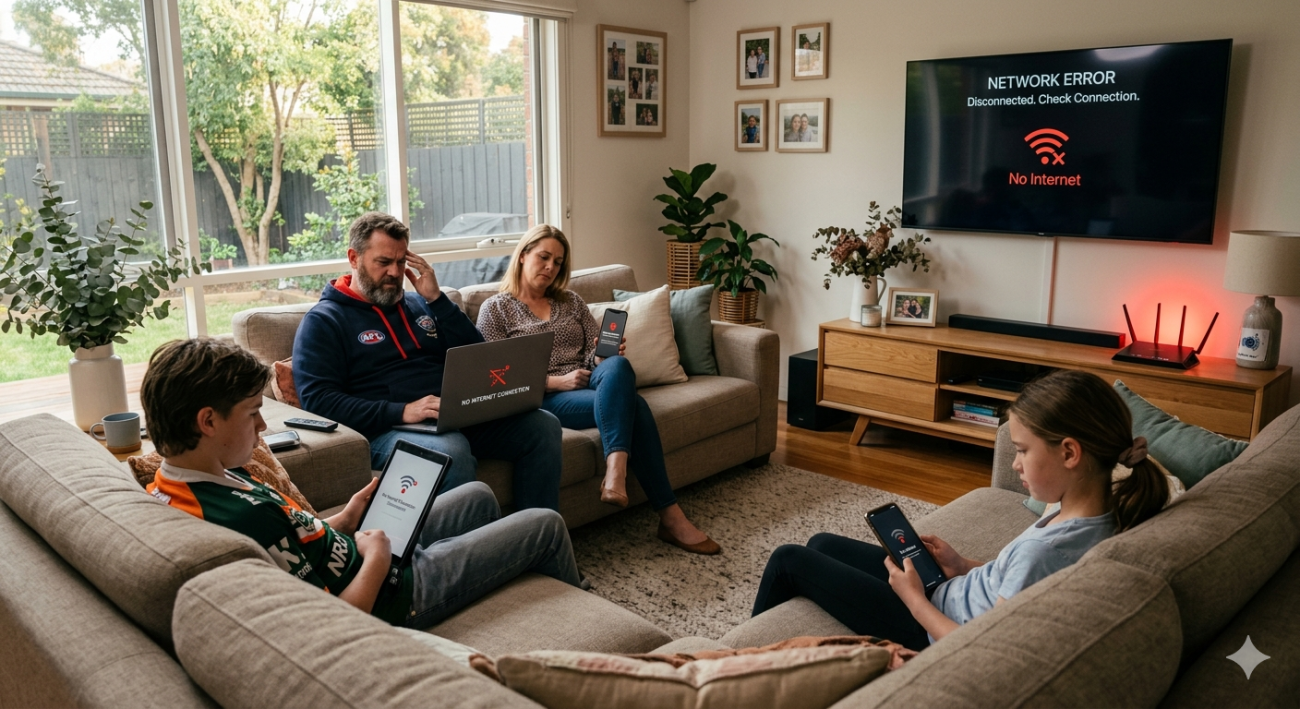
Upgrading your router becomes necessary when you notice:
- Slow Wi-Fi speeds even when sitting close to the router
- Devices that drop out or disconnect randomly
- Dead zones in bedrooms, upstairs rooms, or at the back of the house
- Noticeable slowdowns when multiple people are using the internet at the same time
- Your current router is more than four to five years old
- You’ve upgraded your NBN plan but haven’t seen a speed improvement
Any of these are clear signals that upgrading your router should be your next move, not calling your ISP.
What to Look for When Upgrading Your Router in 2026
1. Wi-Fi 6 or Wi-Fi 6E as a Minimum Standard
Upgrading your router to anything less than Wi-Fi 6 in 2026 is a missed opportunity. Wi-Fi 6 handles multiple devices simultaneously far more efficiently than older Wi-Fi 5 hardware, reduces network congestion, and delivers meaningfully better real-world speeds across the whole household.
Wi-Fi 6E adds access to the 6 GHz frequency band, which is far less congested than the 2.4 GHz and 5 GHz bands used by older routers. For households with ten or more connected devices, the difference is very noticeable. Wi-Fi 7 models are also available and future-proof your setup, though the benefits depend on your devices supporting the newer standard.
2. Dual-Band or Tri-Band Technology
When upgrading your router, one of the most important considerations is how many frequency bands it operates on. Older single-band routers running only on 2.4 GHz struggle in densely populated areas where dozens of competing networks share the same airspace.
A dual-band router adds the faster 5 GHz band for shorter-range, higher-speed connections. A tri-band model adds a third radio, which is particularly useful in larger Sunshine Coast homes with many devices competing for bandwidth. For families with smart TVs, gaming consoles, phones, tablets, and smart home devices all running simultaneously, tri-band is worth considering seriously.
3. Coverage Area and Antenna Technology
Upgrading your router only solves dead zone problems if the replacement unit actually covers your home properly. Check the stated coverage area carefully against your home’s size and layout.
Key features to look for:
- Beamforming technology, which directs the signal toward individual devices rather than broadcasting equally in all directions
- MU-MIMO support, allowing the router to communicate with multiple devices simultaneously
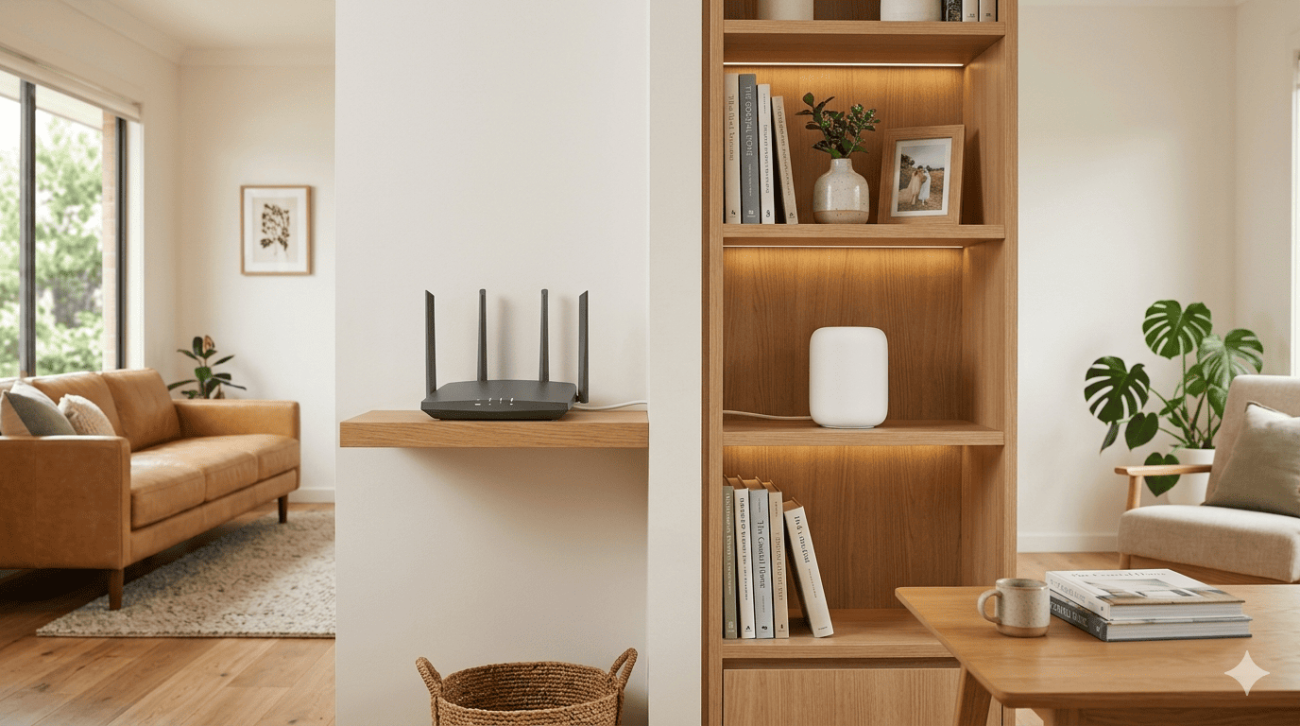
- External antennas for better range and positioning flexibility
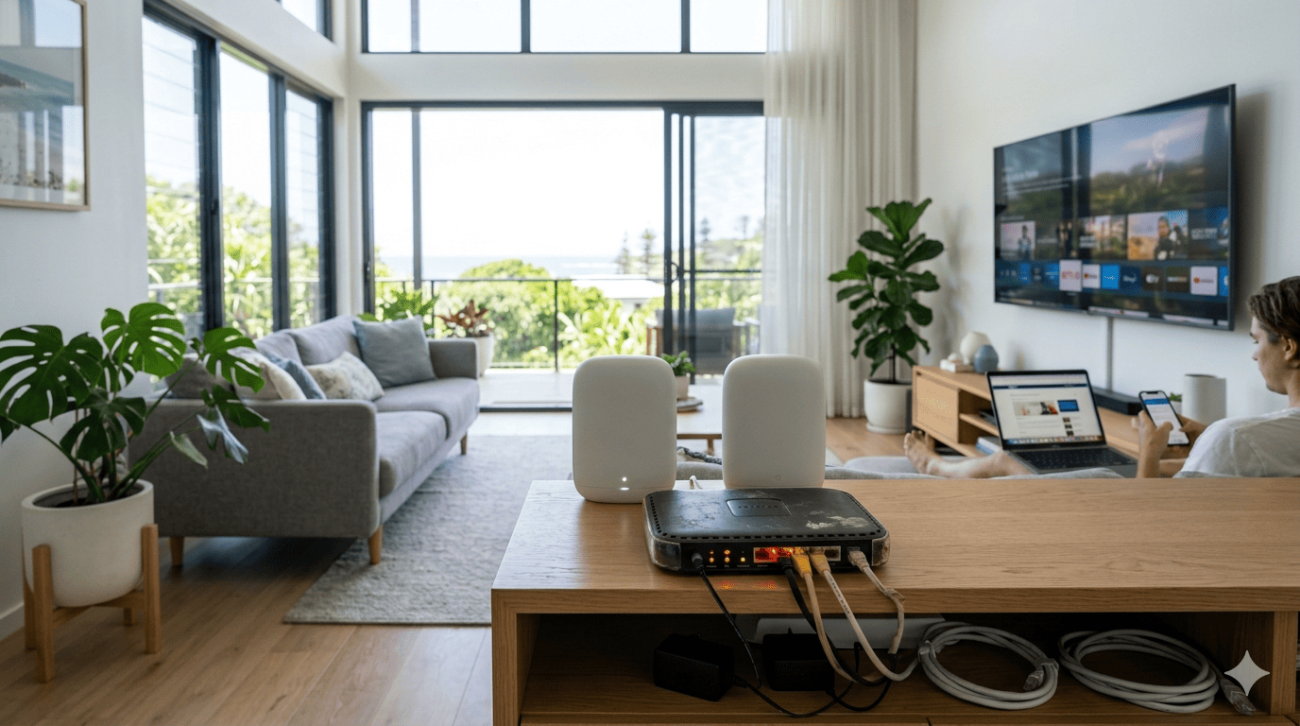
For larger Sunshine Coast homes or properties with thick walls and multiple storeys, a mesh Wi-Fi system is often a better answer than upgrading your router to a single high-powered unit. Our Wi-Fi repair and installation service includes professional mesh system design and setup for homes where single-router coverage falls short.
4. Match the Router to Your NBN Plan Speed
This is a common mistake when upgrading your router: buying hardware that can’t actually deliver your NBN plan’s full speed. Check the maximum throughput of any router you’re considering and confirm it comfortably exceeds your plan tier.
For gigabit NBN connections, look for a router with at least one 2.5 Gbps WAN port. For standard 100 to 250 Mbps plans, any quality Wi-Fi 6 router will handle the load comfortably.
5. Security Features
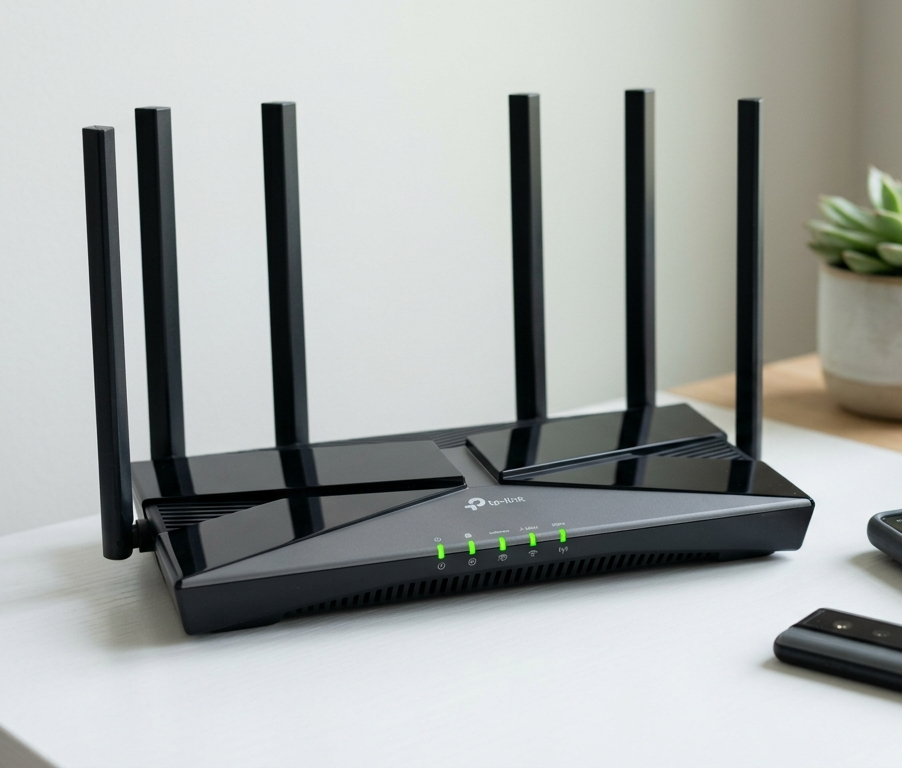
Upgrading your router is also an opportunity to significantly improve your home network’s security. Your router is the gateway between every device in your home and the internet, and older routers often have security vulnerabilities that are no longer patched by manufacturers.
Look for:
- WPA3 encryption as a minimum standard
- Automatic firmware updates
- Built-in firewall and traffic monitoring
- Guest network capability to separate visitors from your main network
- Parental controls if you have children at home
6. Mobile App Management
Modern routers come with dedicated smartphone apps that make managing your network straightforward, even for less technical users. When upgrading your router, prioritising models with a quality app lets you monitor connected devices, run speed tests, set parental controls, and troubleshoot issues without logging into a complex web interface.
7. Smart Home and IoT Device Support
The average Sunshine Coast household in 2026 runs smart speakers, security cameras, robot vacuums, smart lighting, and streaming devices alongside the usual phones and laptops. Upgrading your router to a model with dedicated IoT network support isolates smart home devices on a separate network segment, improving both performance and security.
Is It Actually Time to Upgrade Your Router?
Not every home needs an immediate upgrade. RBE’s guidance on when to upgrade your Wi-Fi router provides a practical framework based on real-world performance indicators rather than arbitrary age cutoffs, worth reading before you commit to a purchase.
Our own blog covering signs it’s time to replace your modem or router covers the specific warning signs to look for in an Australian home network context, and is a useful first step if you’re unsure whether upgrading your router is the right move right now.
Getting the Most Out of Your New Router
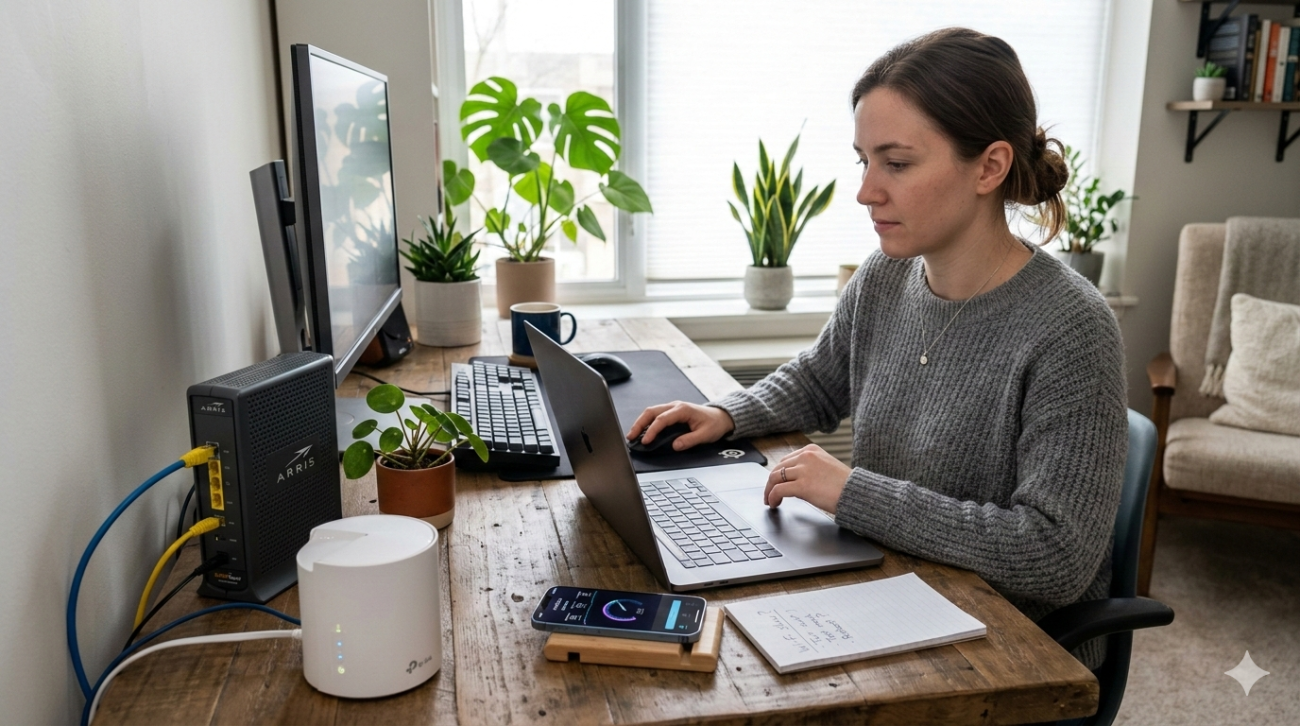
Upgrading your router is only half the job. Where you place it, how it’s configured, and whether it integrates properly with your NBN connection all determine whether you actually experience the performance improvement you’re paying for.
Our internet setup service in Caloundra and across the Sunshine Coast covers professional router configuration, optimal placement, network setup, and mesh system installation so your new hardware delivers exactly what it’s capable of from day one.
See what other Sunshine Coast locals think about our work by checking out what our customers say before you get in touch.
Ready to Upgrade? We Can Help
Whether you need advice on which router to buy or want a professional to handle the setup, the team at Brocky’s Internet Solutions is here to help Sunshine Coast households get the most from their internet connection.
Visit us at 6/12 Newspaper Place, Maroochydore QLD 4558, call us on 1800 588 688 or text 0422 394 174, Monday to Friday between 8:30am and 4:00pm.
Get in touch to book your router setup or get expert advice on upgrading your router the right way.
FAQs
1. How do I know if upgrading my router will fix my slow internet?
Connect directly to your modem via Ethernet and run a speed test. If speeds are normal that way but slow on Wi-Fi, upgrading your router will almost certainly help.
2. How often should I consider upgrading my router?
Every four to five years is a reasonable guide. If you’ve upgraded your NBN plan without seeing improvement, or significantly increased your device count, upgrading sooner makes sense.
3. Is Wi-Fi 7 worth choosing over Wi-Fi 6E when upgrading your router?
If you plan to keep the router for five or more years and your devices support Wi-Fi 7, yes. For most households right now, Wi-Fi 6E delivers excellent real-world performance at a better price point.
4. Should I buy my own router or stick with the one from my ISP?
Buying your own gives you better hardware quality, more features, and stronger long-term performance. ISP-supplied routers are convenient but typically mid-range.
5. Should I buy my own router or use the one from my ISP?
Buying your own gives you better hardware, more features, and stronger long-term performance. ISP-supplied routers are convenient but often mid-range.


One thought on “Upgrading Your Router in 2026: What Every Sunshine Coast Household Needs to Know”
Comments are closed.