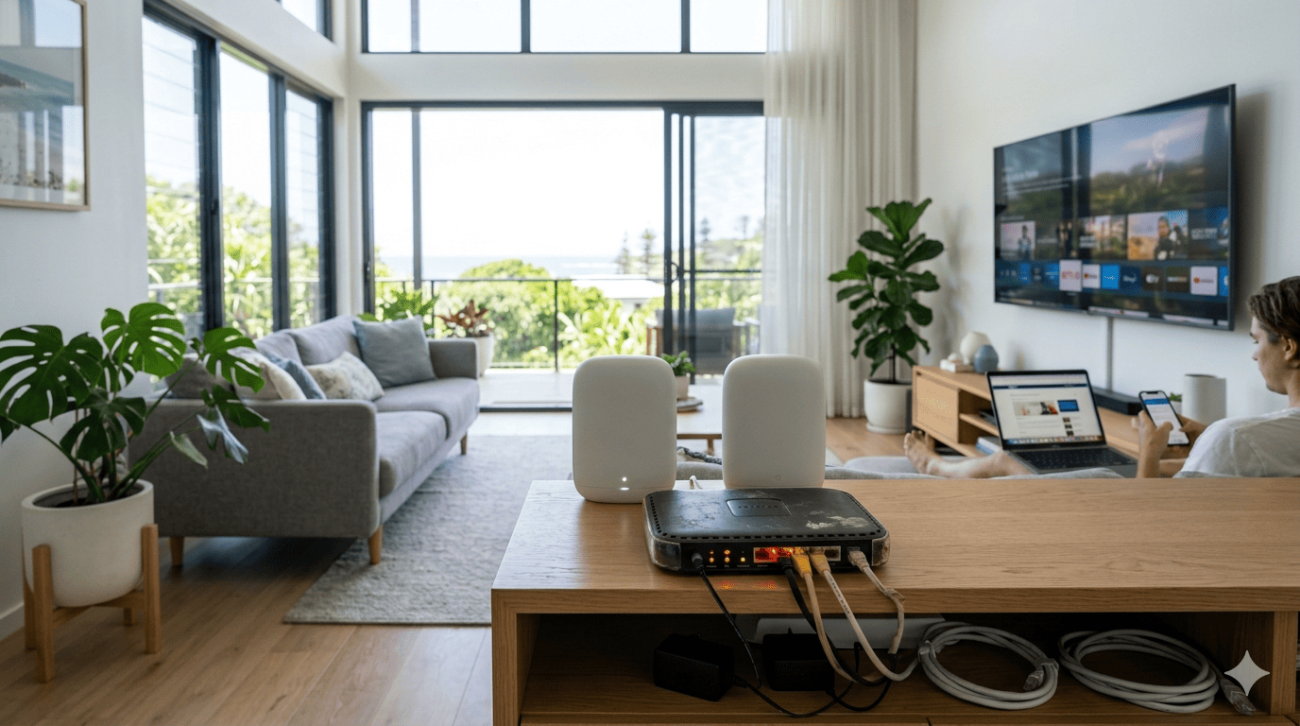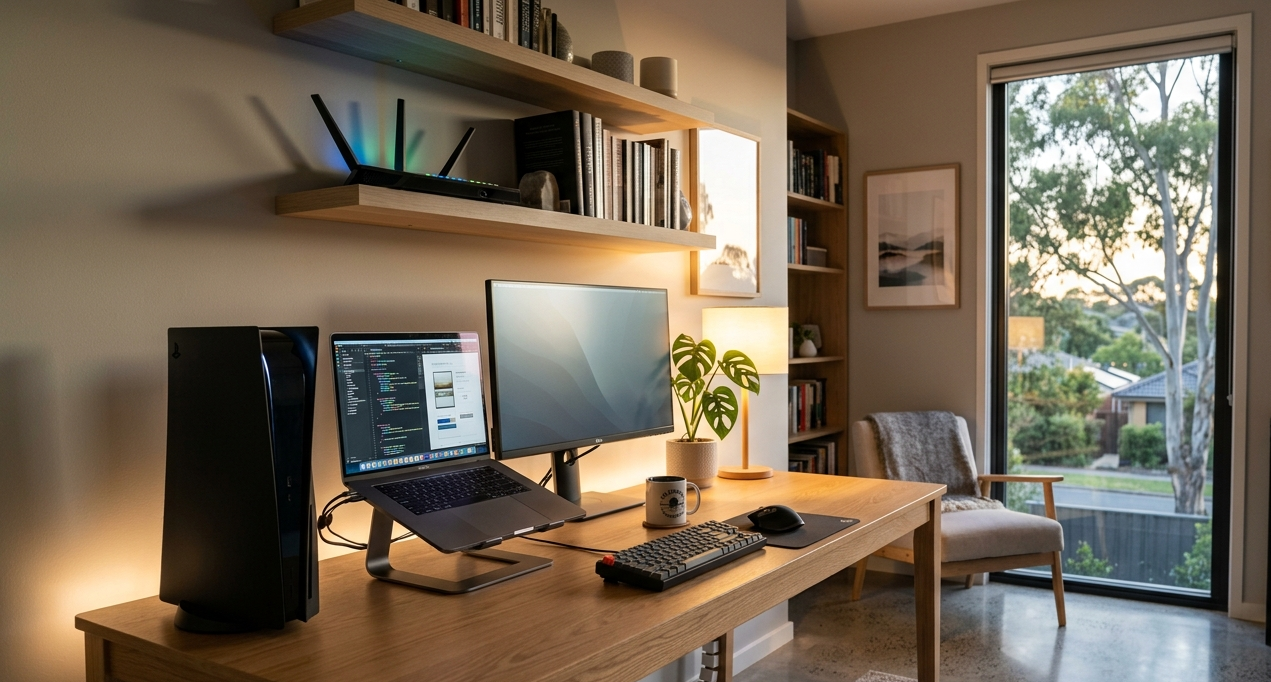
Slow internet at home isn’t just annoying it affects everything. Video calls that drop at the wrong moment, streaming that buffers mid-episode, downloads that drag on for hours, and smart home devices that lag or go offline. If your home internet speed isn’t matching what you’re paying for or what your household needs, the problem is almost never the NBN plan itself. It’s almost always something between the wall socket and your devices.
At Brocky’s Internet, we provide home internet repair services on the Sunshine Coast for households that are tired of slow speeds and unreliable connections. Here’s a practical, no-fluff guide to what’s actually causing your slow internet and the fixes that genuinely work.
Why Your Home Internet Speed Is Slower Than It Should Be
Before jumping into fixes, it’s worth understanding that home internet speed problems almost always originate inside the home rather than with the NBN connection itself. The connection delivered to your modem may be perfectly adequate, but a combination of outdated hardware, poor placement, and incorrect configuration can reduce what your devices actually experience to a fraction of what you’re entitled to.
The most common causes of slow home internet speed on the Sunshine Coast:
- An outdated modem or router that can’t deliver your plan’s speed tier
- Poor router placement creating weak WiFi signal at key devices
- Too many devices competing for bandwidth simultaneously
- WiFi channel congestion from neighbouring networks in suburban areas
- Degraded or incorrectly terminated internal cabling
- DNS configuration that adds latency to every request
Each of these has a specific fix. Here’s how to address them.
Practical Ways to Improve Home Internet Speed and Connectivity
1. Run a Speed Test the Right Way
Before changing anything, establish a baseline. Most people test their home internet speed using a phone connected to WiFi and assume that reflects their NBN connection’s performance. It doesn’t.
How to test properly:
- Connect a laptop or computer directly to your modem via an Ethernet cable
- Visit a reliable speed test site such as fast.com or speedtest.net
- Run the test at multiple times of day including peak evening hours
- Compare results to your NBN plan’s typical evening speeds
If wired speeds consistently match or approach your plan’s entitlement, the problem is in your WiFi network rather than the NBN connection. If wired speeds are also consistently low, the issue involves the connection, the modem, or internal cabling, and home internet repair services on the Sunshine Coast are likely needed.
2. Upgrade Your Modem and Router
The modem or router supplied with most Australian NBN plans is designed to meet a minimum functional standard. For households on NBN 50 plans or above, or households with 10 or more connected devices, the supplied equipment is frequently the primary bottleneck limiting home internet speed.
Signs your hardware needs upgrading:
- The modem or router is more than four to five years old
- It doesn’t support Wi-Fi 5 (802.11ac) or Wi-Fi 6 as a minimum
- Performance noticeably degrades when multiple devices are active
- Firmware updates are no longer available from the manufacturer
A modern Wi-Fi 6 router with MU-MIMO support delivers significantly better performance under the multi-device loads typical of Sunshine Coast households in 2025, and the improvement in real-world home internet speed is immediate and noticeable.
3. Reposition Your Router
Router placement has a greater impact on home internet speed at your devices than most households realise. A router tucked in a cupboard, sitting on the floor in a back room, or placed inside an entertainment unit is working against itself from the moment it’s switched on.
What to do:
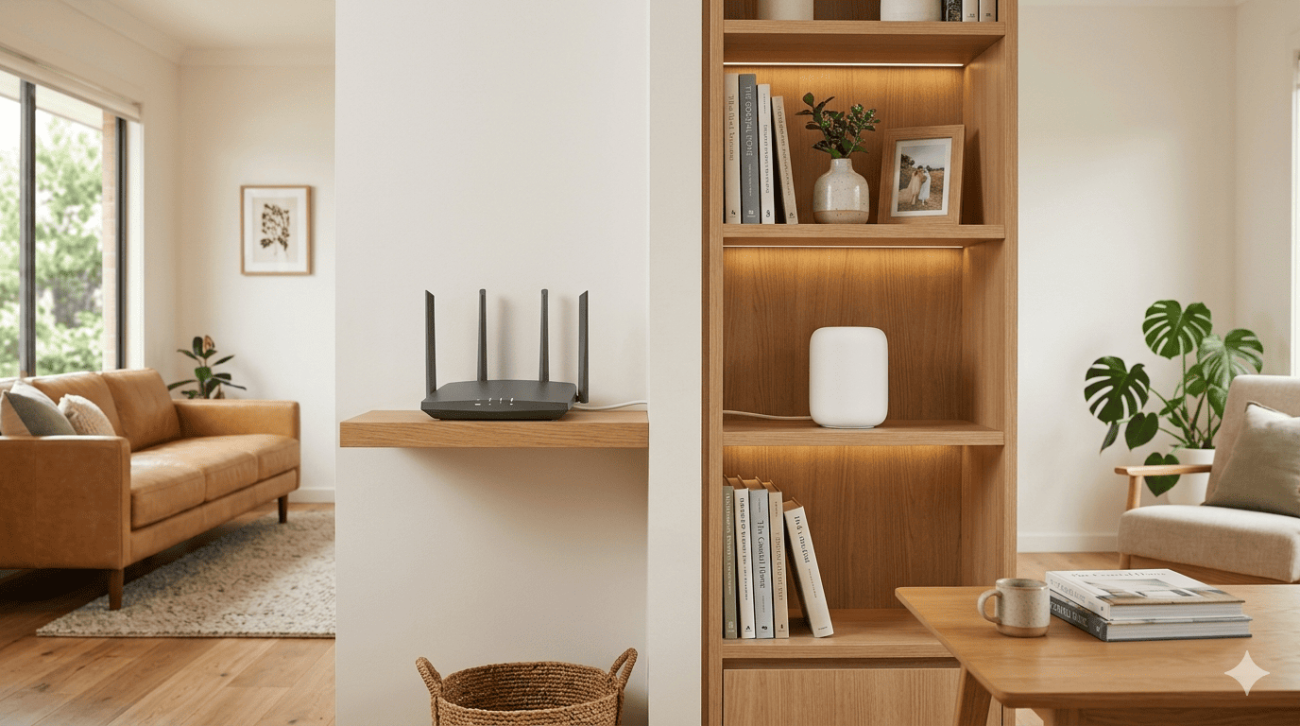
- Move the router to the most central, elevated location in the home
- Keep it away from microwaves, cordless phone bases, and other devices that generate radio frequency interference
- Avoid placing it inside enclosed cabinetry or adjacent to large metal surfaces
- Point external antennas vertically for horizontal coverage across a single floor
This single change improves home internet speed at devices throughout the home in many cases without any hardware cost at all.
4. Switch to the Right WiFi Band
Most modern routers broadcast on both 2.4 GHz and 5 GHz frequencies. Connecting the wrong devices to the wrong band is a common and easily corrected cause of poor home internet speed performance.
What to know:
- 5 GHz delivers faster speeds but has a shorter range, ideal for devices close to the router such as smart TVs, gaming consoles, and laptops
- 2.4 GHz travels further and penetrates walls better, better for devices at the far end of the home or outdoors
- Separating your router’s two bands into distinct network names gives you control over which devices connect where
5. Change Your WiFi Channel
In Sunshine Coast suburbs with higher housing density, WiFi congestion from neighbouring networks on the same channel significantly reduces home internet speed performance even when the connection itself is fast.

What to do:
- Download a free WiFi analyser app to see which channels neighbouring networks are using
- Log into your router’s admin panel and manually select a less congested channel
- For 2.4 GHz, channels 1, 6, and 11 are the non-overlapping options
- For 5 GHz, there are significantly more channel options available with less congestion overall
6. Update DNS Settings
Your router uses DNS servers to translate website addresses into IP addresses. The default DNS servers assigned by Australian ISPs are not always the fastest available, and slow DNS adds latency to every single webpage request regardless of how fast your underlying home internet speed is.
What to do:
- Log into your router’s admin panel and change the DNS server settings
- Replace your ISP’s default DNS with Google’s (8.8.8.8 and 8.8.4.4) or Cloudflare’s (1.1.1.1)
- Restart the router after making the change and test whether page loading improves
7. Check Internal Cabling and Wall Sockets
Degraded coaxial or telephone cabling inside your home is a frequently overlooked cause of poor home internet speed, particularly in older Sunshine Coast properties. Damaged, corroded, or incorrectly terminated internal cabling reduces the quality of the NBN signal reaching your modem, which limits the speed and reliability of the connection regardless of what plan you’re on.
Signs of cabling issues:
- Wired speeds are consistently below your plan’s typical speeds even at off-peak times
- The connection drops and reconnects intermittently on a wired connection
- The home is older and the internal cabling hasn’t been updated
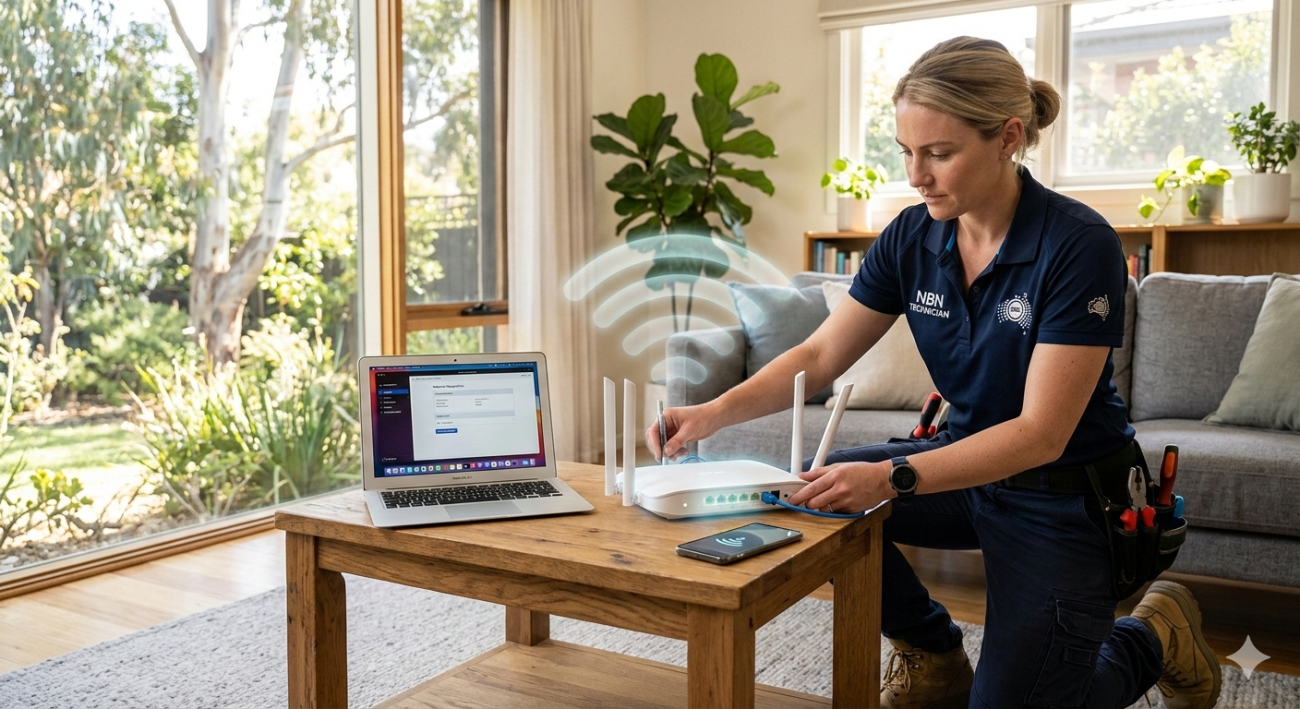
Internal cabling faults require professional diagnosis and repair. Our home internet repair service on the Sunshine Coast covers full connection diagnostics including internal cabling assessment and repair across the Sunshine Coast.
8. Reduce Device Load and Enable QoS
When every device in the household is active simultaneously, the available bandwidth gets divided among them. During peak household hours, this can reduce the home internet speed each device experiences to a fraction of what the connection is capable of delivering.
What to do:
- Enable Quality of Service (QoS) settings in your router’s admin panel
- Prioritise time-sensitive traffic like video calls and streaming over background downloads and updates
- Schedule large file transfers, cloud backups, and software updates for overnight or off-peak hours
- Consider a router upgrade to hardware with MU-MIMO support that handles simultaneous multi-device connections more efficiently
For a broader look at improving WiFi signal strength and coverage alongside internet speed, how to improve WiFi signal strength in your home covers the coverage-specific factors that complement the speed improvements above.
As outlined by the Australian Communications and Media Authority’s guidance on home internet performance, the internal home network and its configuration have a direct and significant impact on the speeds and reliability Australian households experience from their broadband connections.
According to how broadband internet speeds are affected by internal network factors, connection speed at individual devices is determined by the weakest link in the chain from the ISP to the device, making internal network optimisation as important as the plan tier itself for real-world performance.
When Improving Home Internet Speed Needs Professional Help
The steps above resolve the majority of slow internet situations on the Sunshine Coast. But these are clear signs a professional home internet repair service on the Sunshine Coast will deliver better results:
- Wired speeds consistently fall below your plan’s typical evening speeds
- Internal cabling is old, damaged, or hasn’t been assessed since the NBN was connected
- You’ve upgraded your router and repositioned it without improvement
- Connection dropouts occur on wired connections as well as WiFi
- Your home has specific coverage or infrastructure challenges that consumer fixes can’t address
For a professional WiFi and network assessment covering everything from hardware to cabling, WiFi repair and installation services covers the full range of connectivity solutions for Sunshine Coast households.
Why Sunshine Coast Locals Trust Brocky’s Internet
We’re a local service, not a call centre. When you contact Brocky’s Internet, an experienced local technician assesses your home, your existing setup, and your usage honestly, then recommends the right solution for your specific situation. Our home internet repair service on the Sunshine Coast covers everything from quick configuration fixes to full network upgrades.
Here’s what you get with every service at Brocky’s Internet:
- Experienced local technicians across all major modem, router, and mesh system brands
- Honest advice, we’ll tell you if a free settings change is all you need
- Fast response times across the Sunshine Coast
- Transparent, upfront pricing with no hidden costs
- A personal walkthrough so you understand exactly what changed and why
We’ll let the locals we’ve helped do the talking.
Get Faster Home Internet Speed Today
Don’t accept slow internet as something you just have to live with. Whether it’s a router upgrade, a cabling repair, or a full network assessment, the team at Brocky’s Internet is ready to help.
From improving home internet speed to full WiFi installation and home internet repair services across the Sunshine Coast, you can find everything we do at Brocky’s Internet.
Contact Brocky’s Internet today and we’ll have your connection assessed and performing the way it should as soon as possible.
FAQs
1. Why is my home internet speed slow even though I have a fast NBN plan?
Most slow internet situations originate inside the home rather than with the NBN connection. Outdated routers, poor placement, WiFi congestion, and internal cabling issues all limit real-world speeds regardless of your plan tier.
2. How do I test my actual NBN speed accurately?
Connect a device directly to your modem via Ethernet and run a speed test at fast.com or speedtest.net. This removes WiFi variables and gives you the true connection speed at the modem
3. Will upgrading my router improve my home internet speed?
Yes, if your current router is outdated or undersized for your household’s device load. A Wi-Fi 6 router with MU-MIMO support delivers significantly better real-world performance for modern multi-device households.
4. Can internal cabling affect my internet speed?
Yes. Degraded or incorrectly terminated internal cabling reduces the quality of the signal reaching your modem, which limits connection speed and reliability regardless of your NBN plan.
5. Does Brocky’s Internet provide home internet repair services on the Sunshine Coast?
Yes. We provide full home internet repair including connection diagnostics, internal cabling assessment, router upgrades, and WiFi configuration across the entire Sunshine Coast.