
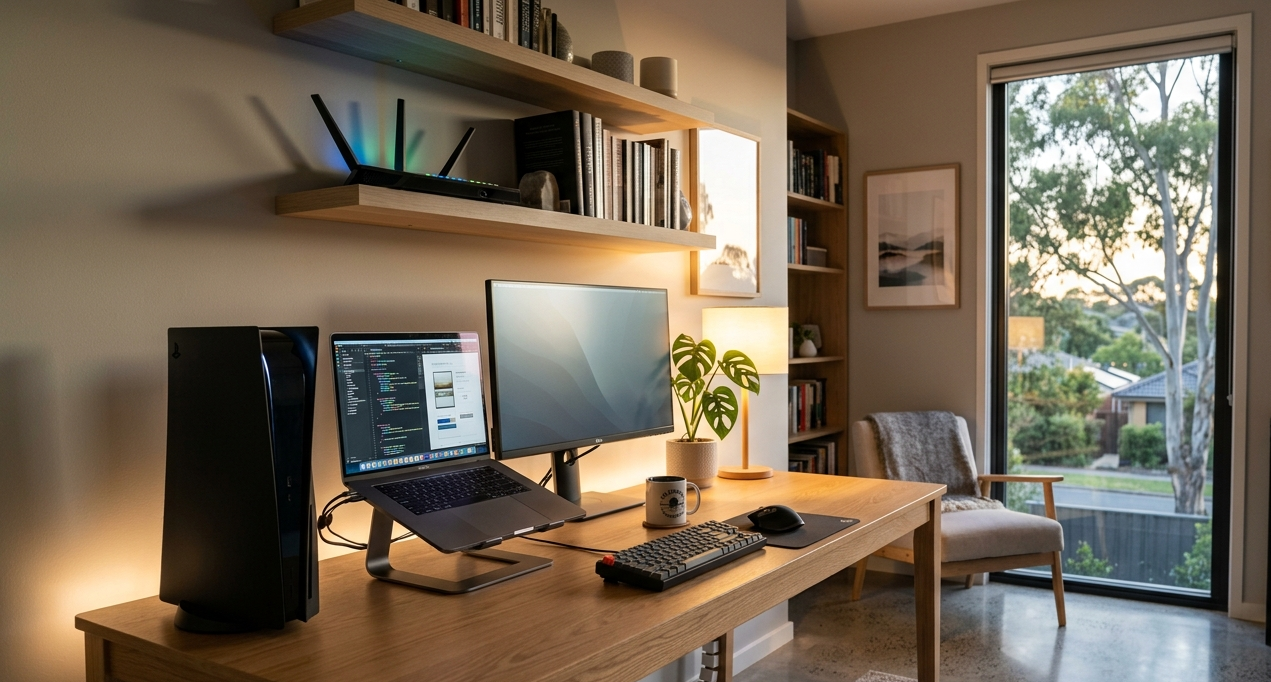
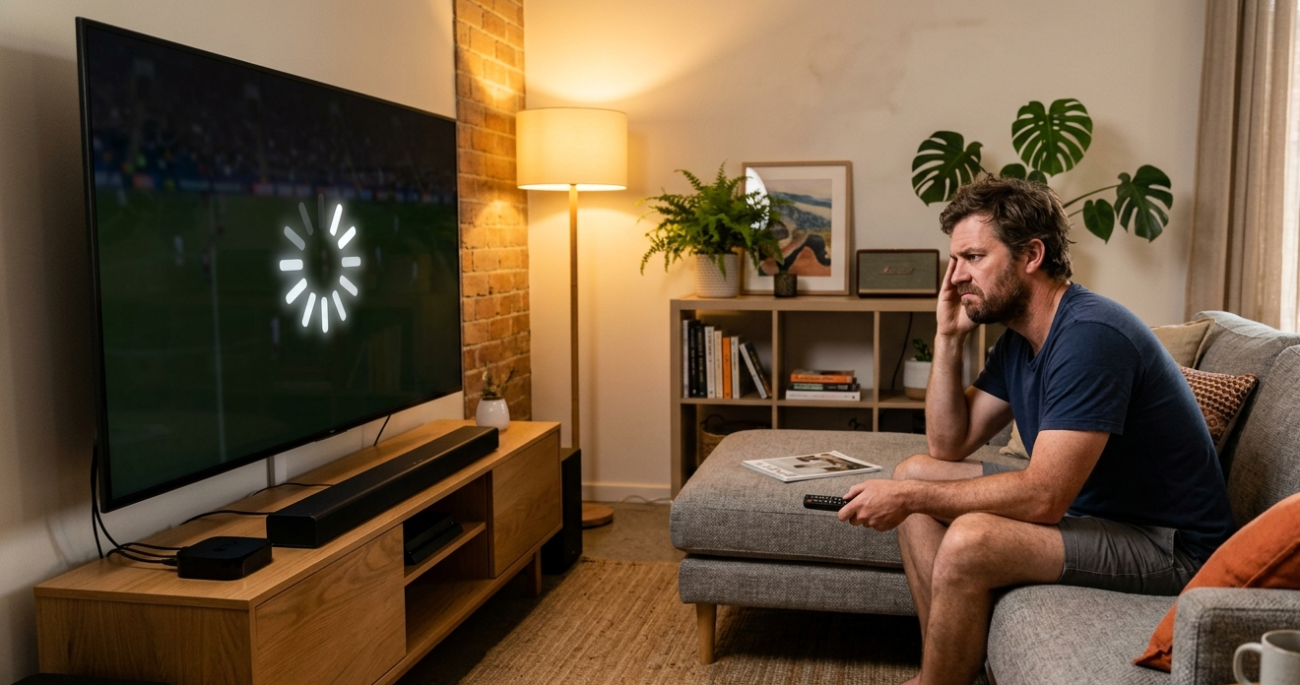
If you’ve ever lost a ranked match because of lag, or had your stream drop out mid-broadcast, you already know that a slow or unreliable home internet connection isn’t just frustrating, it’s a real problem. For gamers and streamers on the Sunshine Coast, a properly configured home network isn’t a luxury, it’s a necessity.
The good news is that getting a rock-solid home internet setup doesn’t have to be complicated or expensive. With the right equipment, the right configuration, and a few smart decisions, you can eliminate buffering, reduce lag, and stream or game without interruption. Here’s exactly what you need to know.
Why Your Home Internet Setup Matters More Than Your Plan
Most people assume that upgrading their NBN plan automatically fixes their connection problems. But in reality, your plan speed is only one piece of the puzzle. A fast NBN connection paired with a poor router, weak Wi-Fi signal, or incorrect network settings will still deliver a frustrating experience.
For gamers and streamers in Coolum and across the Sunshine Coast, the real performance gains come from how your home internet network is set up, not just what speed tier you’re paying for.
What Gamers and Streamers Actually Need From Their Home Internet
Before diving into the setup steps, it’s worth understanding what your connection actually needs to deliver.
For online gaming:
- Low latency (ping), ideally under 20ms for competitive play
- A stable, consistent connection with minimal packet loss
- Sufficient download and upload speeds, 25 Mbps down and 5 Mbps up as a minimum
For live streaming:
- Strong upload speeds, at least 10 Mbps for 1080p streaming, more for 4K
- A stable connection that doesn’t fluctuate during a broadcast
- Reliable Wi-Fi or a wired connection at the streaming device
As Aussie Broadband’s gaming NBN guide notes, latency and consistency matter far more than raw download speed for online gaming, a point many Australians overlook when choosing their plan or setting up their network.
How to Set Up a Reliable Home Internet Network Step by Step
1. Use a Wired Connection Where It Counts
Wi-Fi is convenient, but for gaming and streaming, a wired Ethernet connection is always more reliable. It eliminates wireless interference, reduces latency, and delivers a consistent connection that Wi-Fi simply can’t match.
What to do:
- Run an Ethernet cable from your router directly to your gaming PC, console, or streaming device
- Use Cat6 or Cat6A cabling for the best performance
- If cabling through walls isn’t practical, consider a powerline adapter or MoCA adapter as an alternative
2. Choose the Right Router for Your Setup
Not all routers are created equal. A budget router from a big-box retailer may struggle to handle multiple devices streaming and gaming simultaneously, which is exactly what most Sunshine Coast households need it to do.
What to look for:
- Wi-Fi 6 (802.11ax) support for faster speeds and better performance in device-heavy homes
- MU-MIMO technology to handle multiple devices at once without slowdown
- Quality of Service (QoS) settings to prioritise gaming and streaming traffic
- Dual or tri-band support to separate your high-demand devices from general household traffic
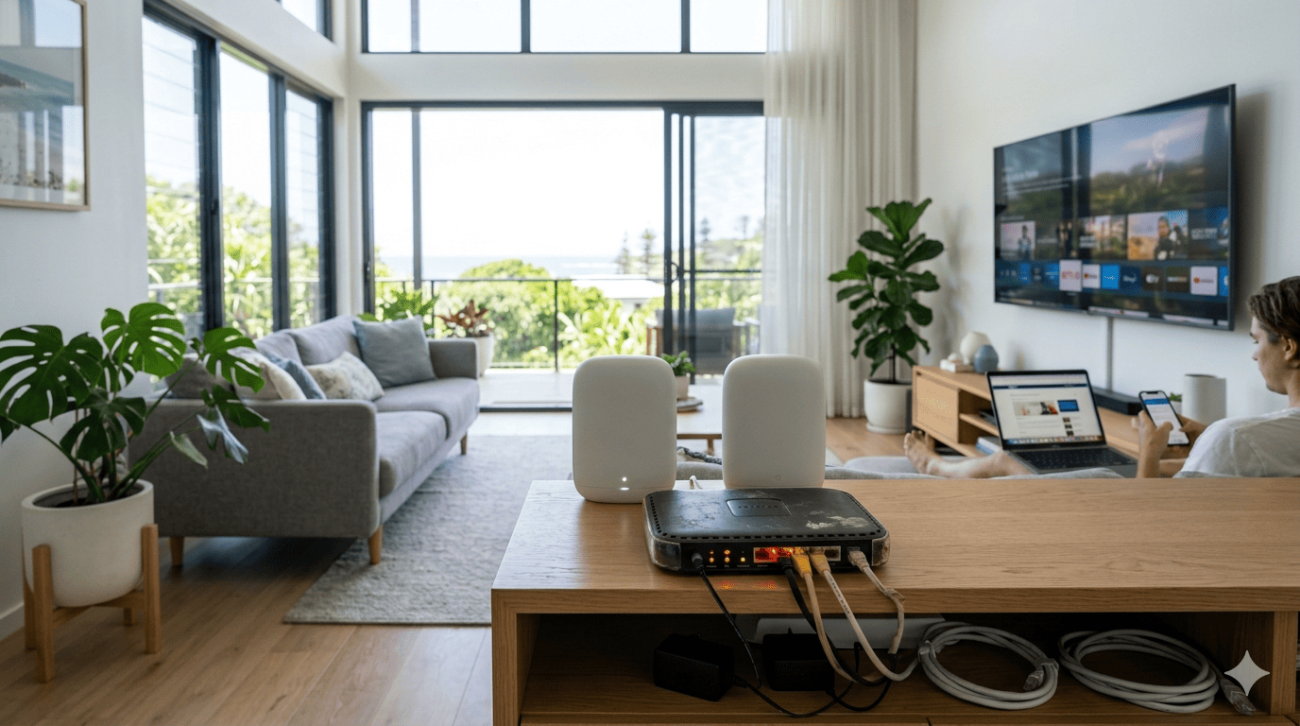
3. Optimise Your Router Placement
Where you place your router has a massive impact on your home internet performance, especially in larger homes or properties with thick walls.
What to do:
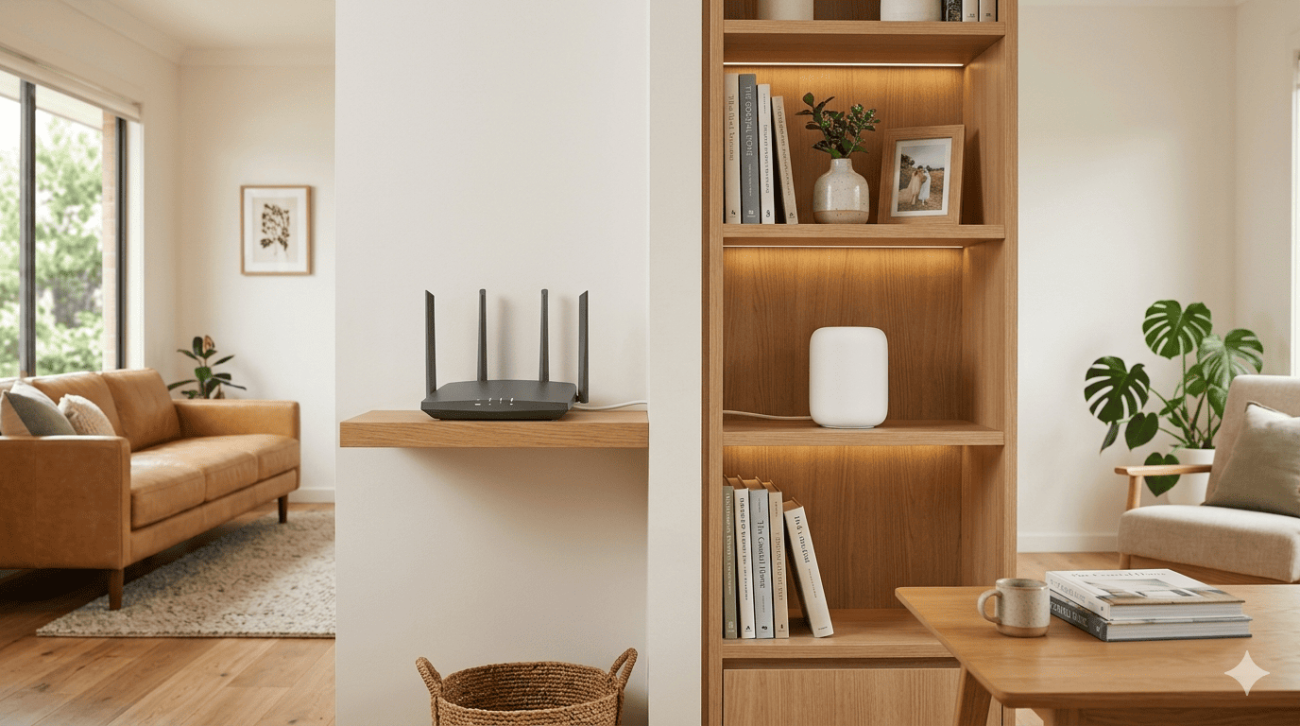
- Position the router in a central location, elevated off the floor
- Keep it away from microwaves, cordless phones, and other devices that cause interference
- Point external antennas vertically for the best coverage across multiple rooms
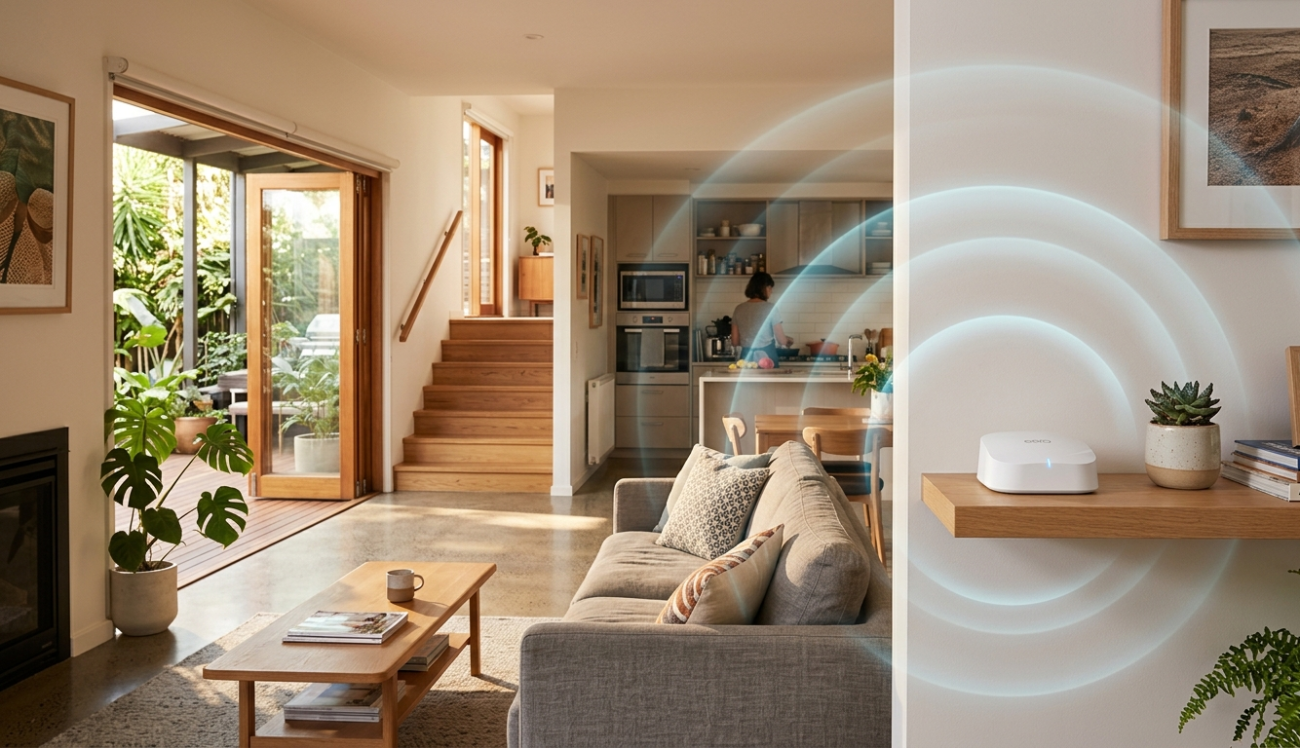
- Consider a mesh Wi-Fi system if your home has dead zones or multiple storeys
4. Configure Quality of Service (QoS) Settings
QoS allows your router to prioritise certain types of traffic, like gaming packets or streaming data, over less time-sensitive activity like file downloads or software updates.
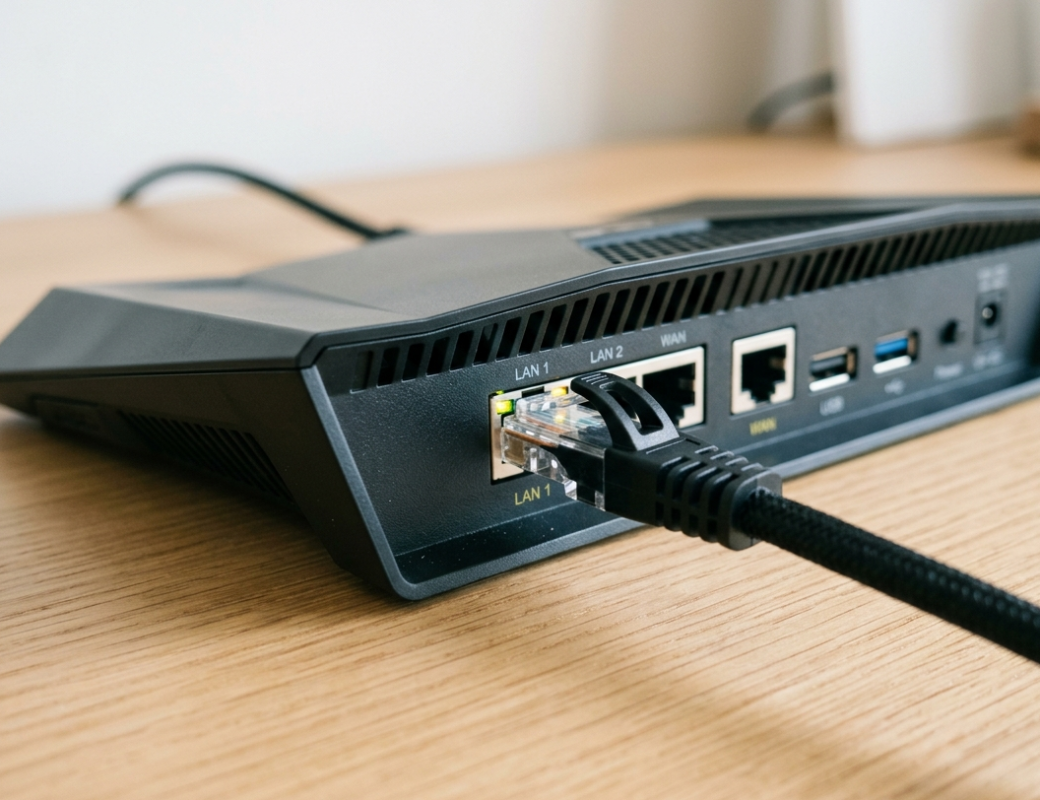
What to do:
- Log into your router’s admin panel and navigate to QoS settings
- Prioritise your gaming console, PC, or streaming device by MAC address or device name
- Set gaming and streaming traffic as high priority
- Schedule large downloads and updates for off-peak hours
5. Choose the Right Wi-Fi Band
Most modern routers broadcast on both 2.4 GHz and 5 GHz frequencies. Understanding the difference helps you get the most out of your home internet setup.
What to know:
- 5 GHz offers faster speeds but shorter range, ideal for gaming and streaming devices close to the router
- 2.4 GHz covers more distance but at slower speeds, better for smart home devices and devices further away
- Connect your gaming console or streaming device to the 5 GHz band wherever possible
6. Secure Your Network to Protect Your Bandwidth
An unsecured home internet network can be accessed by neighbours or passers-by, stealing your bandwidth and slowing down your connection at the worst possible moment.
What to do:
- Use WPA3 or WPA2-AES encryption on your Wi-Fi network
- Set a strong, unique Wi-Fi password of at least 16 characters
- Enable a separate guest network for visitors so they don’t share your main connection
- Regularly check your router’s connected device list for anything unfamiliar
7. Consider a Mesh Wi-Fi System for Larger Homes
If your home has multiple rooms, storeys, or outdoor areas where you game or stream, a single router may not be enough. A mesh Wi-Fi system uses multiple nodes placed throughout your home to deliver consistent home internet coverage in every room.
What to do:
- Choose a tri-band mesh system for homes with heavy device usage
- Place nodes strategically to eliminate dead zones
- Connect wired backhaul between nodes where possible for the best performance
As explained on Wikipedia’s mesh networking , mesh systems create a self-healing network where devices automatically connect to the strongest available node, making them ideal for larger Australian homes where a single router falls short.
When to Stop Troubleshooting and Call a Professional
Some home internet issues go beyond what a settings tweak or router reboot can fix. These are clear signs your network needs professional attention:
- Persistent lag or buffering despite trying every setting
- Dead zones throughout your home that a single router can’t cover
- You’ve upgraded your NBN plan but seen no real improvement
- Your current router is several years old and can’t handle modern device loads
- You’re in a new home and need a proper structured cabling setup from scratch
If you’re setting up in a new property, our guide on Wi-Fi installation tips for new homes covers everything you need to get it right from day one.
If your connection problems run deeper than your Wi-Fi, our Wi-Fi repair and installation service covers full network diagnostics and repairs across the Sunshine Coast.
Why Coolum and Sunshine Coast Locals Trust Brocky’s Internet
We’re a local service, not a call centre or overseas support line. When you reach out to Brocky’s Internet, an experienced local technician with real hands-on knowledge of home networks, routers, and NBN connections talks to you directly, gives you an honest assessment, and helps you understand your options before any work begins.
Here’s what you get with every service at Brocky’s Internet:
- Experienced local technicians across all major router and modem brands
- Honest advice, we’ll tell you if a simple settings change is all you need
- Fast response times across Coolum and the wider Sunshine Coast
- Transparent, upfront pricing with no hidden surprises
- A personal walkthrough so you actually understand your own network
We’ll le t the locals we’ve helped do the talking.
Get Your Home Internet Sorted Today
Don’t let a poorly configured network ruin your gaming sessions or streaming broadcasts. Whether it’s a router upgrade, a mesh system install, or a full structured cabling setup, the team at Brocky’s Internet is ready to help.
From home internet setup and Wi-Fi installation to full network configuration across the Sunshine Coast, you can find everything we do at Brocky’s Internet.
Contact Brocky’s Internet today and we’ll have your home network assessed and performing at its best as soon as possible.
FAQs
1. What speed do I need for online gaming?
25 Mbps download and 5 Mbps upload is a solid minimum, but low latency under 20ms matters more than raw speed for competitive gaming.
2. Is Wi-Fi good enough for gaming?
A wired Ethernet connection is always better. It delivers lower latency, more consistent speeds, and no wireless interference.
3. What is a mesh Wi-Fi system?
A mesh system uses multiple nodes around your home to deliver consistent coverage in every room, ideal for larger homes with dead zones.
4. Why is my NBN slow even on a fast plan?
An outdated router, weak Wi-Fi signal, or poor network configuration can limit your speeds regardless of your NBN plan.
5. Does Brocky’s Internet offer setup services in Coolum?
Yes. We provide full home internet setup, Wi-Fi installation, and network configuration across Coolum and the Sunshine Coast.


One thought on “Setting Up a Reliable Home Internet Network for Gamers and Streamers in Coolum”
Comments are closed.