

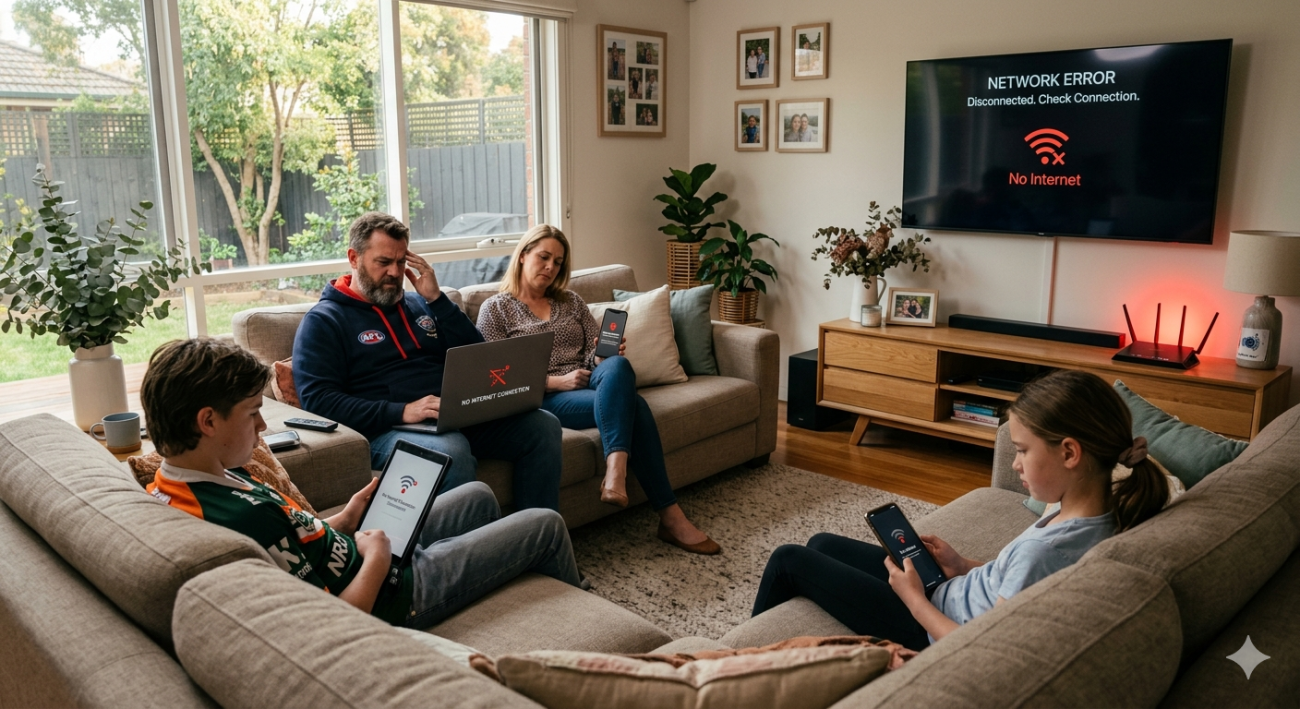
You could have the fastest NBN plan on the market and a quality router sitting in the wrong spot, and your Wi-Fi will still frustrate you. Router placement is one of those things that sounds simple but makes an enormous practical difference to how well your home network actually performs.
At Brocky’s Internet Solutions, we diagnose Wi-Fi problems for Sunshine Coast households every week, and poor router placement is one of the most common causes we find. The good news is that it’s also one of the easiest to fix. Here’s what you need to know.
Why Router Placement Affects Your Entire Network
Your router broadcasts Wi-Fi as radio waves in all directions from its antenna. Those waves lose strength as they travel through air, and lose considerably more strength every time they pass through a physical barrier like a wall, floor, or piece of furniture.
Where you position the router determines how much of that signal reaches your devices before it weakens below a usable level. A router in a corner cabinet at one end of the house is fighting against distance, walls, and enclosed space simultaneously, and losing on all three.
Good router placement starts with understanding one principle: the signal radiates outward from the router in every direction. Position it centrally, and every room gets roughly equal coverage. Position it at the edge of your home, and half your signal is broadcasting into the street or the neighbour’s house.
The Best Position for Your Router
Central Location
The single most impactful router placement decision is choosing a location as close to the centre of your home as possible. For a single-storey home, that typically means a central hallway, open-plan living area, or study near the middle of the floor plan.
For a two-storey home, positioning the router on the lower floor near the stairwell gives it a clear vertical signal path upward. Concrete floor slabs between storeys block Wi-Fi signals significantly, so minimising the solid material between the router and upstairs devices matters.
Elevated Position
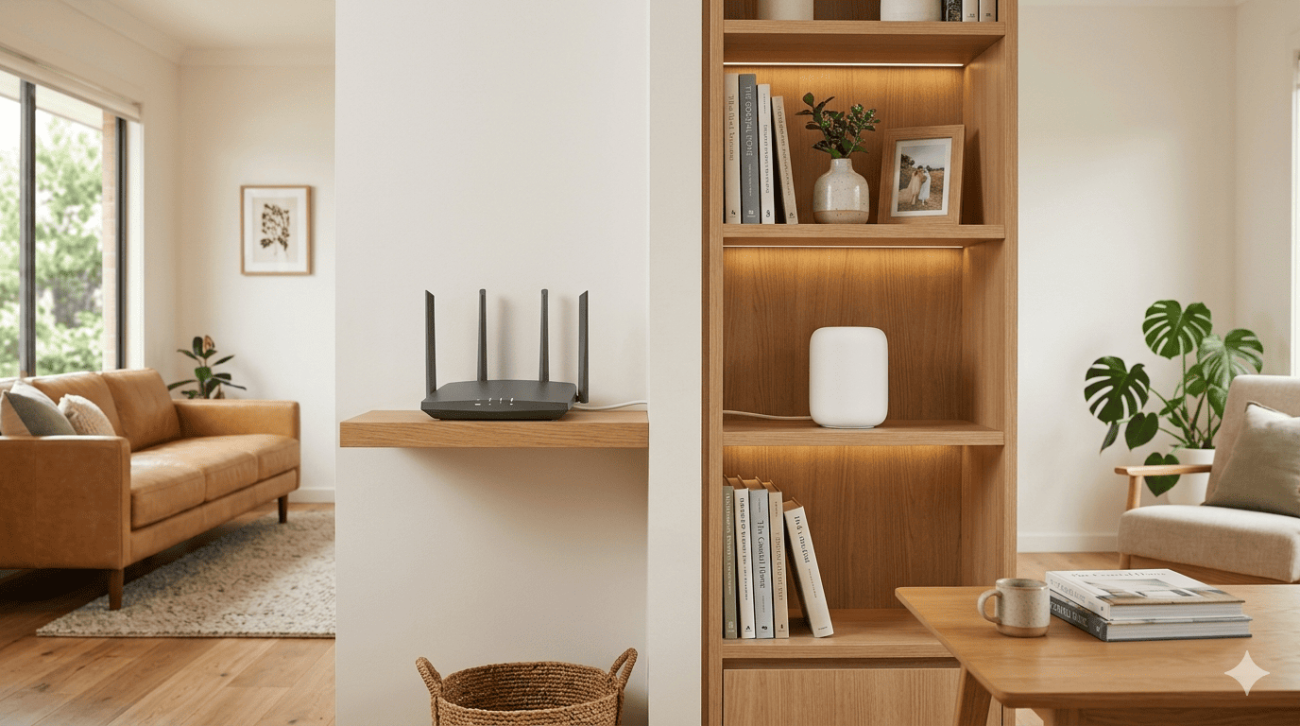
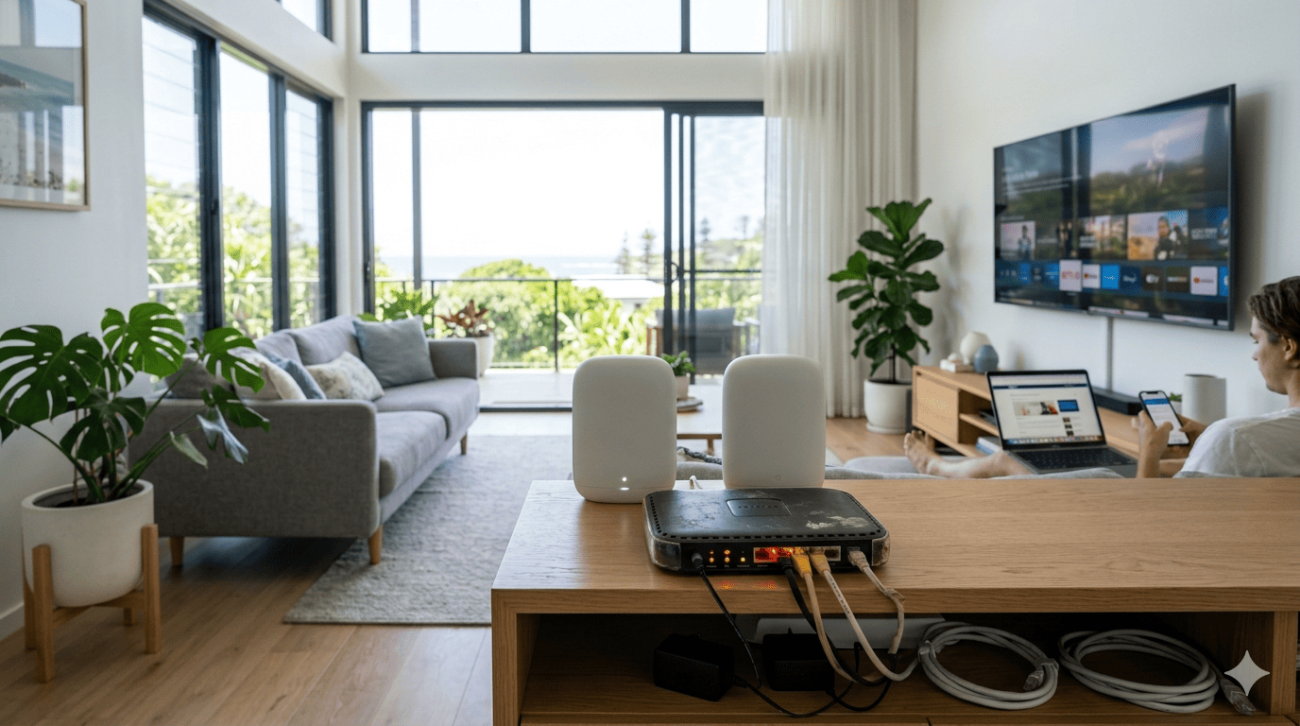
Wi-Fi signals spread outward and slightly downward from the router’s antenna. Placing the router on a shelf, mounted on a wall bracket, or on top of a bookcase significantly improves coverage compared to sitting it on the floor or on a low entertainment unit.
A router on the floor is broadcasting most of its signal into carpet and floorboards. The same router on a 1.2-metre-high shelf distributes its signal across the room at device height.
Open Space, Not Enclosed Cabinets
Enclosed entertainment units, built-in cabinets, and cupboards are among the worst possible positions for a router. Wood, glass, and any surrounding surfaces absorb and reflect the signal before it even leaves the housing. If your router is currently enclosed for aesthetic reasons, moving it to an open position is likely the fastest single improvement you can make.
What to Keep Your Router Away From
Microwave Ovens
Microwaves operate on the 2.4 GHz frequency, the same band used by older Wi-Fi standards and many smart home devices. Running a microwave near your router causes direct interference that drops speeds and causes dropouts. Keep at least a metre of clear space between your router and any microwave.
Cordless Phones and Baby Monitors
Like microwaves, older cordless phones and baby monitors frequently operate on 2.4 GHz. They’re small enough that people rarely consider them as interference sources, but they can meaningfully degrade performance for devices connected on that band.
Metal Surfaces and Appliances
Metal reflects Wi-Fi signals rather than allowing them to pass through, which creates unpredictable interference patterns. Avoid positioning your router directly against metal appliances, near metal shelving, or in areas with significant metal construction like near ducted air conditioning units.
Thick Concrete or Brick Walls
Wi-Fi signals lose significant strength passing through dense materials. If your router has to broadcast through a double brick wall or concrete slab to reach the rooms you use most, repositioning it to the other side of that barrier will improve performance far more than any other adjustment.
Router Placement in Specific Home Types
Single-Storey Open-Plan Homes
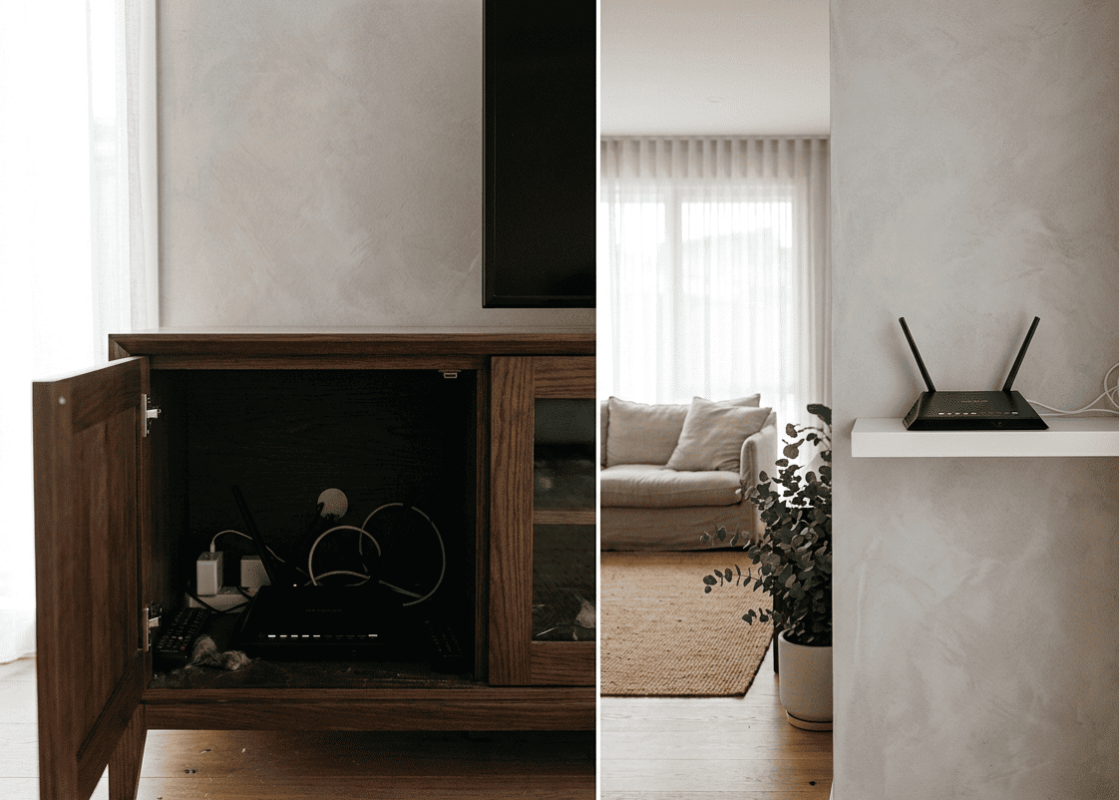
These are the most straightforward. A centrally positioned router on a shelf in the main living area covers most of a single-storey open-plan home reliably. The main variables are wall construction and the number of internal walls between the router and devices at the edges of the property.
Older Queensland Homes With Timber Frames
Timber framing and plasterboard walls are among the most Wi-Fi-friendly building materials. Older Sunshine Coast homes with timber construction typically have excellent signal penetration throughout. Router placement in these properties is mainly about minimising distance rather than fighting building materials.
Brick or Concrete Construction
Sunshine Coast homes built with concrete or double brick require more careful router placement because every wall represents a significant signal reduction. In these properties, a mesh Wi-Fi system with nodes on both sides of dense walls is often the most practical solution rather than trying to find a single router position that covers everything.
Multi-Storey Homes
As mentioned above, concrete floor slabs between storeys are significant signal barriers. Positioning the router near a stairwell minimises the solid material in the signal path, but for larger two-storey homes, a mesh node or wired access point on the upper level typically delivers more reliable results.
NBN Co’s guidance on home Wi-Fi optimisation covers additional router selection and placement factors specific to Australian NBN connections.
When Router Placement Isn’t Enough
In some Sunshine Coast homes, even optimal router placement doesn’t deliver coverage to every room. This happens when:
- The home is simply too large for a single router’s coverage area
- Building materials create barriers that positioning can’t overcome
- Outdoor areas, garages, or granny flats need connectivity
- Multiple storeys with concrete slabs prevent vertical signal travel
In these situations, a professionally designed mesh Wi-Fi system or wired access points provide the most reliable solution. Our Wi-Fi repair and installation service covers full network design and installation for exactly these scenarios.
If you’re building or renovating, our blog on WiFi installation tips for new homes covers how to plan your network infrastructure during construction so router placement and cabling are optimised from the start.
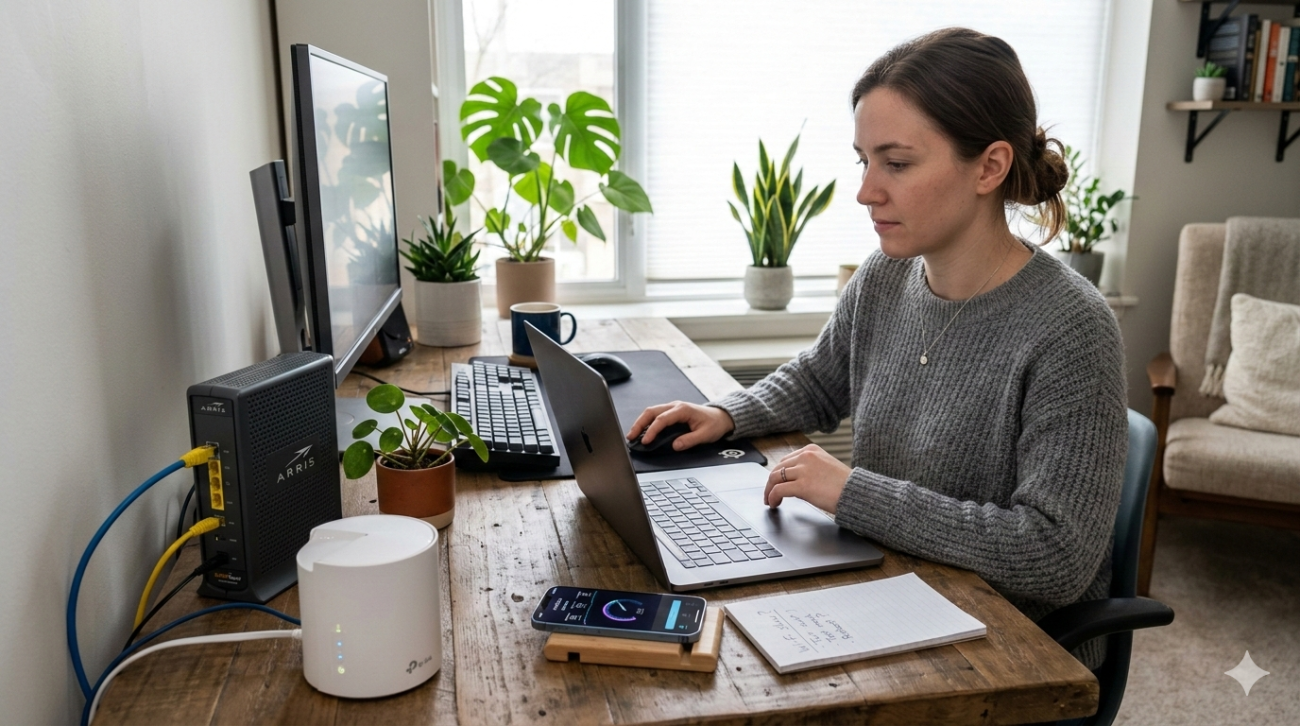
If Wi-Fi issues persist despite addressing placement, a broader internet fault may be involved. Our internet repair service on the Sunshine Coast covers modem diagnostics, cabling assessment, and NBN line checks when the problem goes beyond the router itself.
See what other Sunshine Coast locals think of our work by reading what our customers say before you get in touch.
Book Your Wi-Fi Assessment Today
If you’ve adjusted your router placement and still have dead zones or unreliable coverage, it’s time for a professional look at your network. The team at Brocky’s Internet Solutions diagnoses and resolves Wi-Fi coverage problems for Sunshine Coast households with fast turnaround and upfront pricing.
Visit us at 6/12 Newspaper Place, Maroochydore QLD 4558, call us on 1800 588 688 or text 0422 394 174, Monday to Friday between 8:30am and 4:00pm.
Get in touch to book your Wi-Fi assessment or get a no-obligation quote on any repair or installation work.
FAQs
1. Where is the best place to put a router in my home?
A central, elevated, open position delivers the most even coverage. Avoid corners, enclosed cabinets, floors, and locations near microwave ovens or thick concrete walls.
2. Does it matter if my router is on the floor?
Yes, significantly. Floor placement directs most of the signal downward into carpet and flooring rather than across rooms at device height. Elevating the router to shelf height improves coverage noticeably.
3. Can walls really affect my Wi-Fi signal that much?
Yes, particularly dense materials. Concrete and brick reduce signal strength considerably with each wall the signal passes through. Timber framing and plasterboard have much less impact.
4. My router is in the right place but I still have dead zones. What next?
Dead zones despite good placement usually mean the home is too large, the construction too dense, or the layout too complex for a single router. A mesh Wi-Fi system or wired access points resolve this reliably.
5. Should I put my router near my TV or entertainment unit?
Not inside a closed entertainment unit. If your router needs to be near the TV area, keep it on top of or beside the unit with good air circulation rather than enclosed inside it.



24 thoughts on “Best Router Placement for Maximum Wi-Fi Signal Strength on the Sunshine Coast”
Comments are closed.