
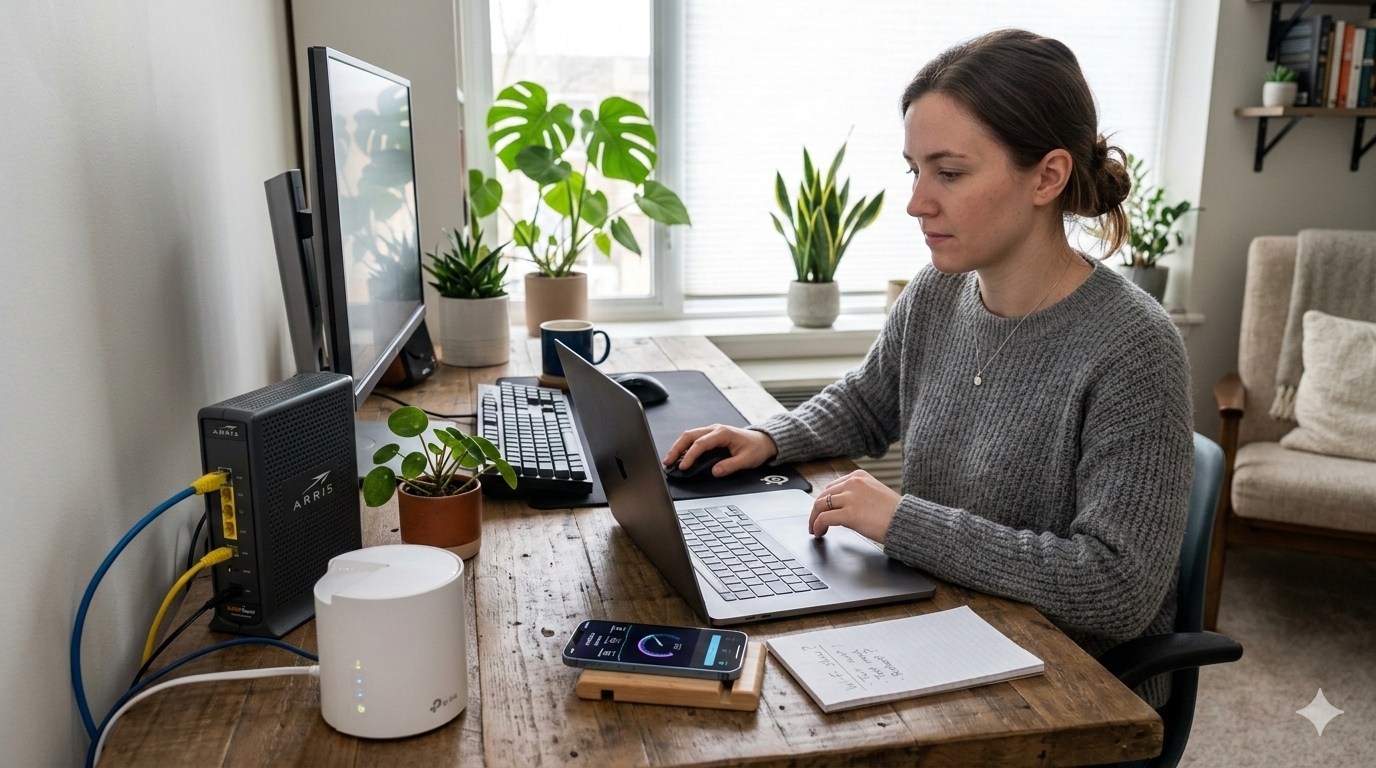
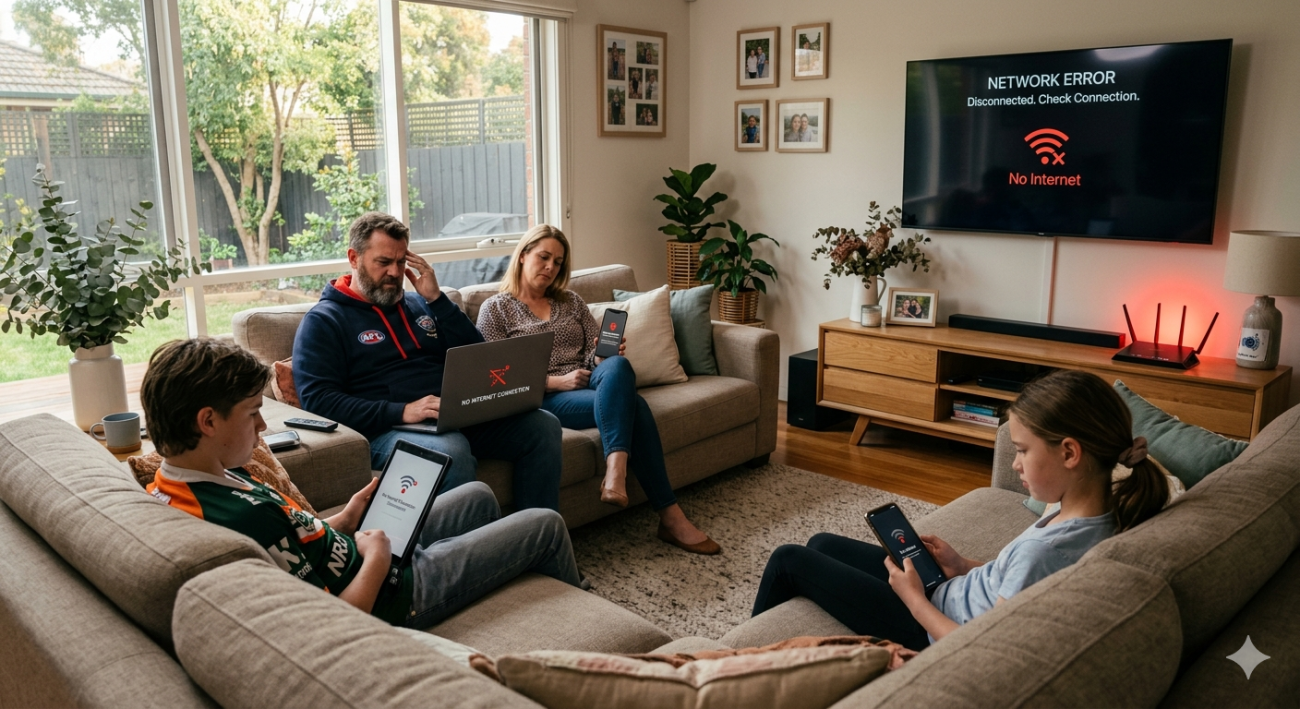
If your Wi-Fi drops out at the worst possible moment, crawls through pages that should load instantly, or simply refuses to reach certain rooms, you’re dealing with one of the most common sources of frustration in Australian households. Common Wi-Fi problems rarely fix themselves, and the usual advice turn it off and back on again only goes so far.
At Brocky’s Internet, we diagnose and fix Wi-Fi issues across the Sunshine Coast every week. Some are simple settings changes. Others point to hardware or infrastructure issues that no amount of rebooting will resolve. Here’s a clear breakdown of the most common Wi-Fi problems Sunshine Coast households face and exactly what to do about each one.
The Most Common Wi-Fi Problems and Their Causes
1. Slow Wi-Fi Speeds Despite a Fast NBN Plan
This is one of the most frequently reported common Wi-Fi problems on the Sunshine Coast, and it’s almost never caused by your internet provider. Most slow Wi-Fi issues originate inside the home rather than at the connection point.
Common causes:
- An outdated router that can’t deliver the speeds your NBN plan is capable of
- Too many devices competing for bandwidth simultaneously
- Wi-Fi congestion from neighbouring networks on the same channel
- The router placed too far from the devices experiencing slow speeds
- Interference from microwaves, cordless phones, or baby monitors operating on the 2.4 GHz band
What to try:
- Log into your router’s admin panel and switch to a less congested Wi-Fi channel
- Connect high-demand devices like smart TVs and gaming consoles to the 5 GHz band
- Run a speed test directly from the router via an Ethernet connection to confirm whether the issue is the NBN connection or the Wi-Fi
- If the wired speed is fine but Wi-Fi is slow, the issue is in your wireless setup rather than your plan
2. Wi-Fi Dropping Out Intermittently
Intermittent dropouts are among the most frustrating common Wi-Fi problems because they’re unpredictable and difficult to diagnose without proper testing equipment.
Common causes:
- A router that’s overheating due to poor ventilation
- Firmware on the router that hasn’t been updated in months or years
- ISP line instability between your home and the street connection point
- A failing router that’s approaching the end of its service life
- Wireless interference from neighbouring networks or household devices
What to try:
- Check that your router has adequate ventilation and isn’t running unusually hot
- Update your router’s firmware through the admin panel
- Connect a device via Ethernet and check whether the dropout also occurs on a wired connection if it does, the fault is with the NBN connection rather than your Wi-Fi
- Note the time of day dropouts occur, as consistent timing can indicate congestion rather than a hardware fault
3. Dead Zones in Certain Rooms
If your Wi-Fi signal simply doesn’t reach certain areas of your home, you’re dealing with a coverage problem rather than a speed or connection issue. This is one of the most common Wi-Fi problems in larger Sunshine Coast homes, particularly older properties with thick internal walls or multi-storey layouts.
Common causes:
- The router is positioned at one end of the home rather than centrally
- Thick concrete, brick, or double-glazed internal walls blocking signal penetration
- The router’s transmit power isn’t sufficient for the home’s size or layout
- Interference from neighbouring networks reducing effective range
What to try:
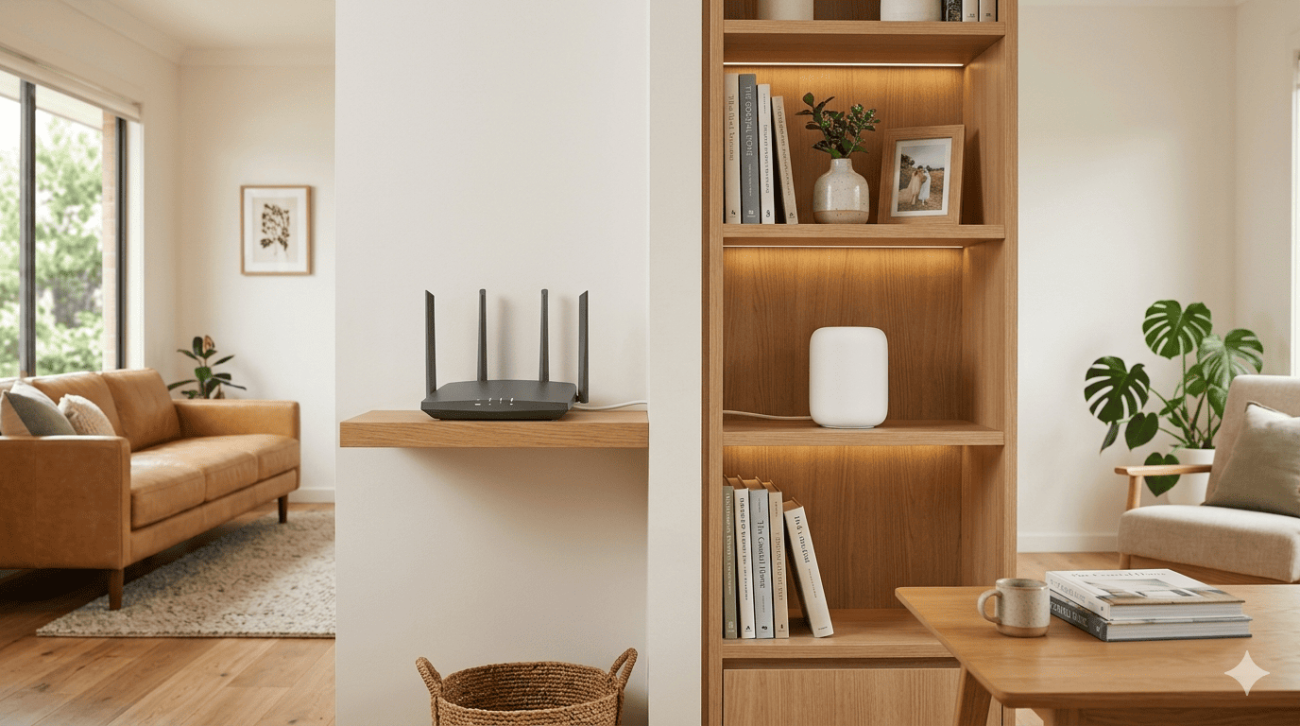
- Reposition the router to a more central, elevated location if possible
- Switch devices in weak-signal areas to the 2.4 GHz band, which has greater range than 5 GHz
- Consider whether a mesh Wi-Fi system is a better fit for your home’s size and layout
For a detailed comparison of how mesh systems and standard routers handle coverage differently, mesh Wi-Fi vs standard routers for Sunshine Coast homes covers the key differences and which solution suits which type of property.
4. Devices Can’t Connect to Wi-Fi
A device that refuses to connect, or that connects briefly and then drops, is a different problem to general slow speeds or coverage issues. This is a targeted fault affecting specific devices rather than the network as a whole.
Common causes:
- The device has saved incorrect network settings or an outdated password
- The router has reached its maximum simultaneous device connection limit
- The device’s network adapter has a driver or firmware issue
- MAC address filtering on the router is blocking the device
What to try:
- Forget the network on the affected device and reconnect from scratch
- Restart both the router and the device
- Check your router’s connected device list and confirm it isn’t at its maximum capacity
- Disable MAC address filtering temporarily to confirm whether it’s blocking the device
5. Wi-Fi Works for Some Devices But Not Others
When certain devices connect and work fine while others struggle on the same network, the fault is usually device-specific rather than a network-wide issue.
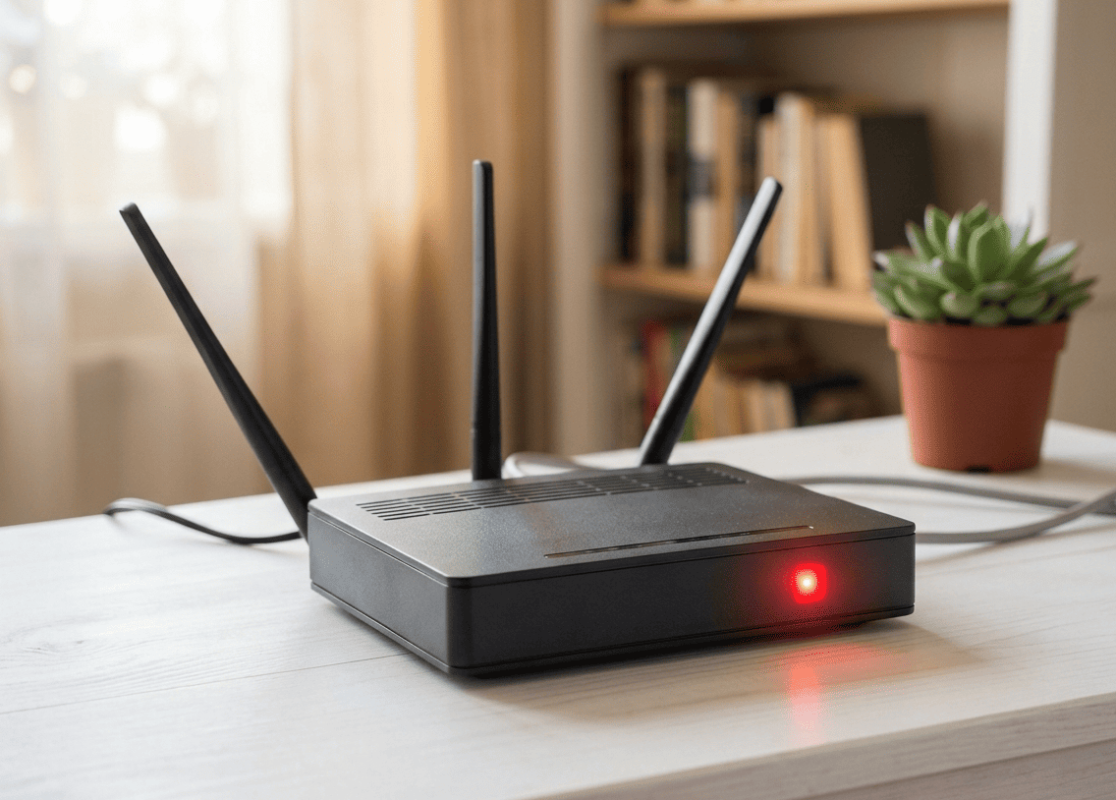
Common causes:
- Older devices that only support 2.4 GHz trying to connect to a 5 GHz-only network
- A specific device with a failing wireless adapter
- IP address conflicts caused by multiple devices being assigned the same address
- The affected device being too far from the router while others are closer
What to try:
- Confirm the affected device supports the Wi-Fi band your router is broadcasting on
- Check your router’s DHCP settings to confirm there are no IP address conflicts
- Try connecting the affected device closer to the router to confirm whether distance is the issue
6. Wi-Fi Keeps Asking for the Password Even After Connecting
If your devices repeatedly prompt for the Wi-Fi password despite having connected successfully before, the issue is almost always with stored network credentials or a recent router settings change.
What to try:
- Forget the network on all affected devices and reconnect with the current password
- Confirm the router’s SSID and password haven’t been changed recently, particularly after a firmware update or factory reset
- Check whether the router’s band steering is causing devices to switch between bands and lose saved credentials
As covered in how wireless network authentication works, WPA3 and WPA2 authentication involves a handshake process between the device and router that can fail if stored credentials don’t match the current router configuration, making a full reconnect the most reliable fix.
When Common Wi-Fi Problems Need Professional Help
Most of the above checks are safe and worth trying before calling a technician. But these are clear signs the fault needs professional attention:
- Dropouts persist on both wired and wireless connections, pointing to an NBN line fault
- Dead zones can’t be resolved by repositioning the router
- The router consistently overheats despite adequate ventilation
- Multiple devices experience connection issues across the entire network
- The fault appeared after a recent change to the home, such as a renovation or new appliance installation
For a full professional Wi-Fi assessment and repair, Wi-Fi repair and installation services covers everything from targeted fault diagnosis to complete network upgrades across the Sunshine Coast.
If you’re in the Caloundra area and need help getting a new connection or network set up properly, internet setup in Caloundra is handled by the same experienced local team.
For further reading on how to optimise your home network beyond just fixing faults, ACMA’s home network tips for Australian households is worth reviewing alongside your troubleshooting steps.
Why Sunshine Coast Locals Trust Brocky’s Internet
We’re a local service, not a call centre. When you contact Brocky’s Internet, an experienced local technician talks to you directly, runs a proper assessment, and gives you honest advice about what your network actually needs.
Here’s what you get with every service:
- Experienced local technicians across all major router and modem brands
- Honest advice, we’ll tell you if a simple settings change is all you need
- Fast response times across the Sunshine Coast
- Transparent, upfront pricing with no hidden costs
- A personal walkthrough so you understand your own network
We’ll let the locals we’ve helped do the talking.
Get Your Wi-Fi Problems Sorted Today
Stop putting up with common Wi-Fi problems that slow down your day. Whether it’s a targeted fix or a full network upgrade, the team at Brocky’s Internet is ready to help.
From diagnosing common Wi-Fi problems to full network installation across the Sunshine Coast, you can find everything we do at Brocky’s Internet.
Contact Brocky’s Internet today and we’ll have your network assessed and performing reliably as soon as possible.
FAQs
1. Why is my Wi-Fi slow even though I have a fast NBN plan?
Slow Wi-Fi is almost always caused by your internal network setup rather than your NBN plan. Outdated routers, channel congestion, and poor placement are the most common culprits.
2. Why does my Wi-Fi keep dropping out?
Intermittent dropouts are usually caused by router overheating, outdated firmware, or ISP line instability. Test with an Ethernet connection to determine whether the fault is in the Wi-Fi or the NBN connection itself.
3. Why doesn’t my Wi-Fi reach certain rooms?
Coverage gaps are caused by distance, building materials, or insufficient router placement. A mesh Wi-Fi system or additional access point is usually the most effective solution for larger homes.
4. Why can some devices connect to my Wi-Fi but not others?
Device-specific connection issues are usually caused by band incompatibility, IP address conflicts, or a failing wireless adapter on the affected device.
5. When should I call a professional for Wi-Fi problems?
If basic troubleshooting including restarts, firmware updates, and repositioning haven’t resolved the issue after a few attempts, a professional assessment will identify the root cause quickly.




18 thoughts on “Common Wi-Fi Problems and How to Fix Them on the Sunshine Coast”
Comments are closed.