

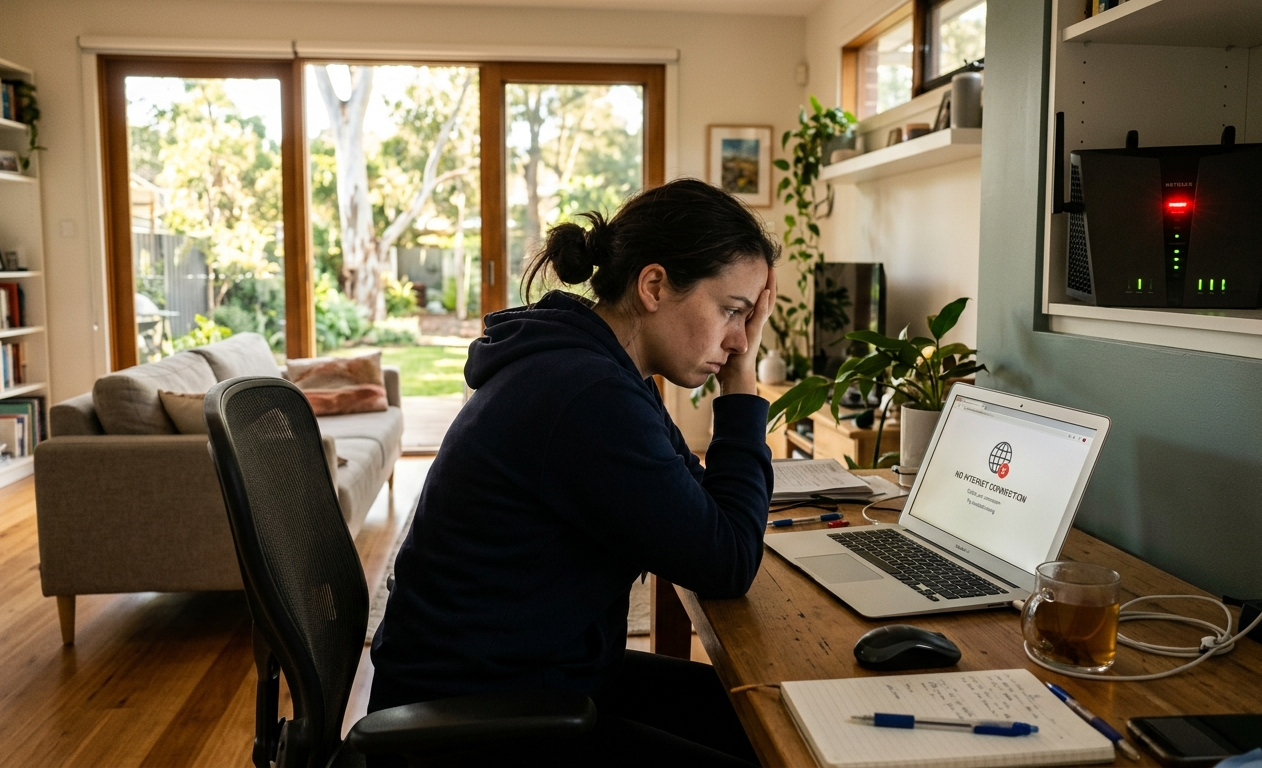
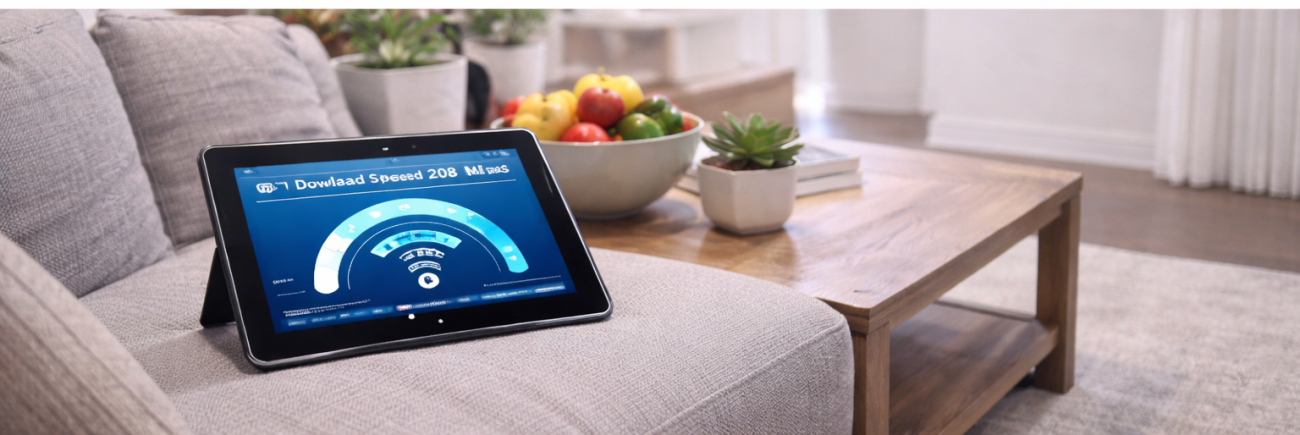
The day’s been fine. You’ve been on video calls, streaming in the background, working from home without a hitch. Then 6pm rolls around, the family sits down to watch something, and suddenly your Wi-Fi slows to a crawl. Sound familiar?
Evening internet slowdowns are one of the most common complaints from Sunshine Coast households, and the frustrating part is that most people assume it’s their ISP’s fault or their plan isn’t big enough. In reality, the causes are almost always more specific than that, and most of them are fixable without upgrading to a more expensive plan.
Here’s what’s actually happening when your Wi-Fi slows down at night, and what to do about it.
The Main Reason Wi-Fi Slows Down in the Evening
The single biggest cause of evening slowdowns is network congestion, and it happens at two levels simultaneously.
At your ISP’s level: Internet service providers share available bandwidth across their entire network. When large numbers of customers come home, log on, and start streaming, gaming, and video calling at the same time, the total demand on the network’s infrastructure rises sharply. The 6pm to 10pm window is peak hour for Australian internet usage, and some providers handle this significantly better than others.
Inside your home: At the same time your ISP’s network is under pressure, your own home network is seeing its highest demand of the day. Multiple streaming devices, gaming consoles, phones, tablets, and smart home devices all competing for bandwidth simultaneously can overwhelm a mid-range router even on a fast NBN plan.
The combination of external congestion and internal demand is why Wi-Fi slows so noticeably in the evening compared to the middle of the day.
Other Reasons Your Wi-Fi Slows Down at Night
Your Router Is Struggling Under Load
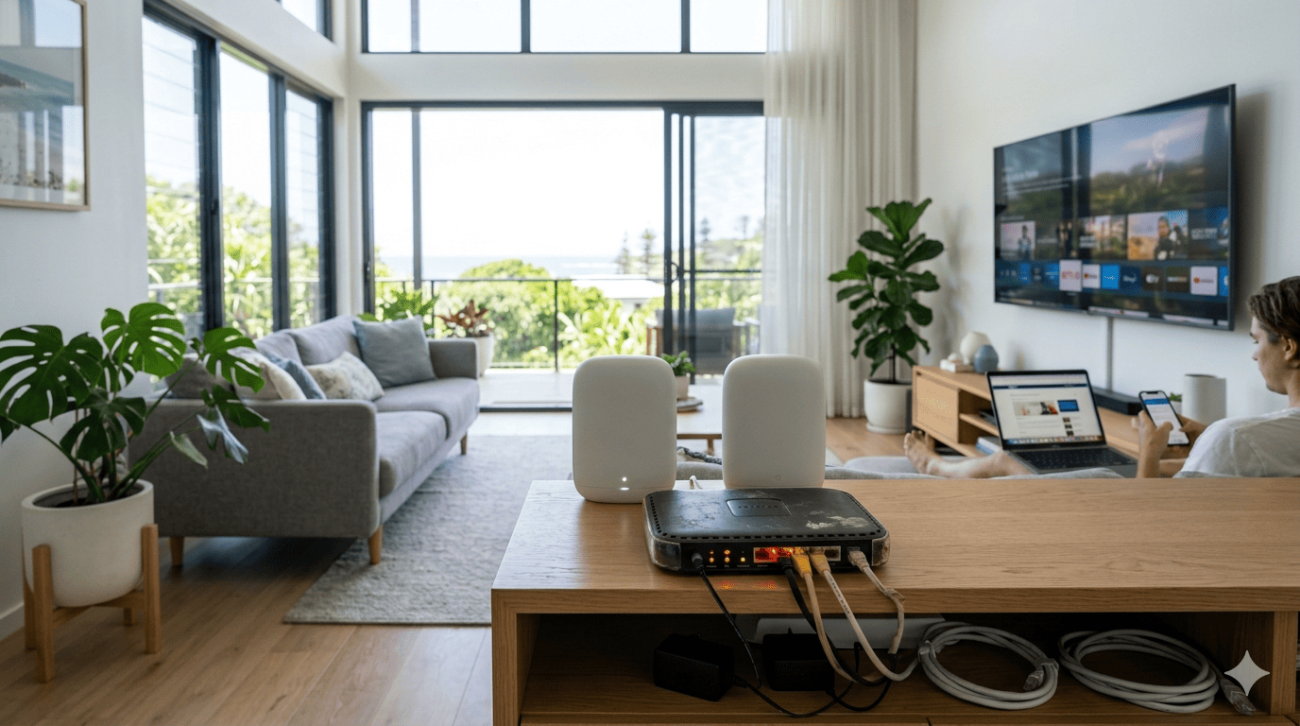
Many Sunshine Coast households are running routers that were adequate a few years ago but simply can’t manage today’s device loads efficiently. An older router that handles ten devices comfortably during the day starts to struggle when all fifteen or twenty devices in the house are active simultaneously in the evening.
Signs your router is the bottleneck rather than your connection:
- Speed is normal when connected via Ethernet but slow on Wi-Fi
- Restarting the router temporarily improves performance
- The unit runs very hot during evening hours
- Specific devices have noticeably worse performance than others
A router upgrade to a current Wi-Fi 6 model makes a significant difference to households where the hardware is the limiting factor.
Background Tasks Are Consuming Your Bandwidth
Devices that seem idle often aren’t. Operating system updates, cloud photo backups, security camera uploads, and app syncs frequently run in the background during the evening hours when devices detect they’re charging and connected to Wi-Fi. This background activity competes directly with your active streaming and browsing.
Scheduling automatic updates and backups for overnight hours, say 2am to 5am, removes this competition from your peak evening usage period entirely.
Wi-Fi Interference Increases at Night
As neighbouring households come home and their devices become active, the airspace your Wi-Fi network shares with nearby networks becomes more congested, particularly on the crowded 2.4 GHz frequency band. More competing networks on the same or overlapping channels reduce performance for everyone sharing that airspace.
Switching your primary devices to the 5 GHz band reduces this interference significantly. The 5 GHz band has shorter range but far less congestion than 2.4 GHz in suburban areas.
Too Many Devices Sharing the Same Connection
The average Sunshine Coast household now runs more connected devices than most people realise. Smart TVs, streaming sticks, gaming consoles, phones, tablets, laptops, smart speakers, security cameras, and smart home hubs all add up. During the evening when everyone is home and everything is active, the combined demand can exceed what your router can distribute efficiently.
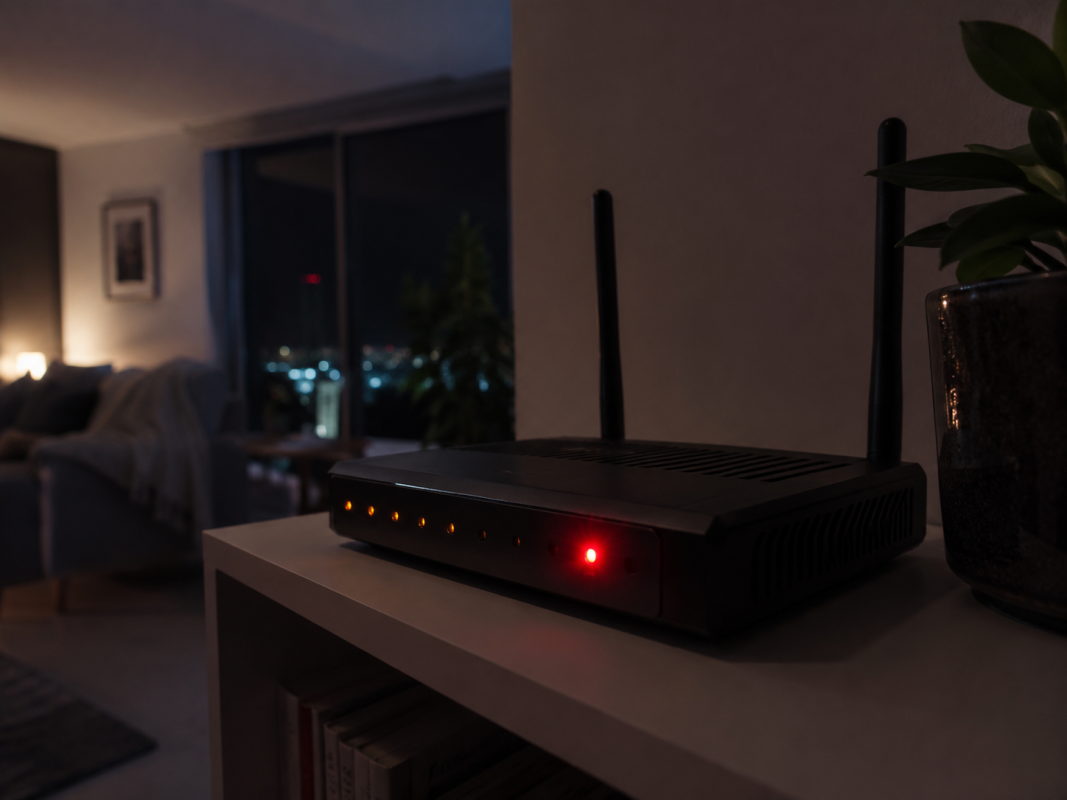
Quality of Service (QoS) settings on modern routers let you prioritise specific devices or traffic types, ensuring your streaming and video calls get bandwidth ahead of background processes.
Poor Router Placement Compounds Evening Problems
A router that’s adequate during light daytime usage can feel noticeably slower in the evening when marginal signal quality becomes more apparent under load. If your router is tucked in a cupboard, positioned at one end of the house, or enclosed in an entertainment unit, improving its placement can make a meaningful difference to evening performance.
What Actually Fixes Evening Wi-Fi Slowdowns
The right fix depends on which of the above factors is primarily driving your Wi-Fi slows problem. Here’s a practical hierarchy:
Try these yourself first:
- Restart your modem and router completely, unplug both for 30 seconds
- Move the router to a more central, elevated, open position
- Switch your main streaming and gaming devices to the 5 GHz band
- Schedule large downloads, cloud backups, and OS updates for overnight
- Disconnect devices you’re not actively using from the network
- Check whether your router’s firmware is current through its admin panel
If those steps don’t resolve it:
If your Wi-Fi slows down every single evening despite trying the basics, the issue likely needs a professional assessment. Our blog on why some Wi-Fi issues need professional help covers the specific signs that point toward a hardware fault, configuration issue, or network design problem that basic troubleshooting won’t address.
NBN Co’s guidance on optimising your home Wi-Fi covers router selection and placement factors relevant to Australian NBN connections, and is worth reading before investing in new hardware.
When to Call a Professional
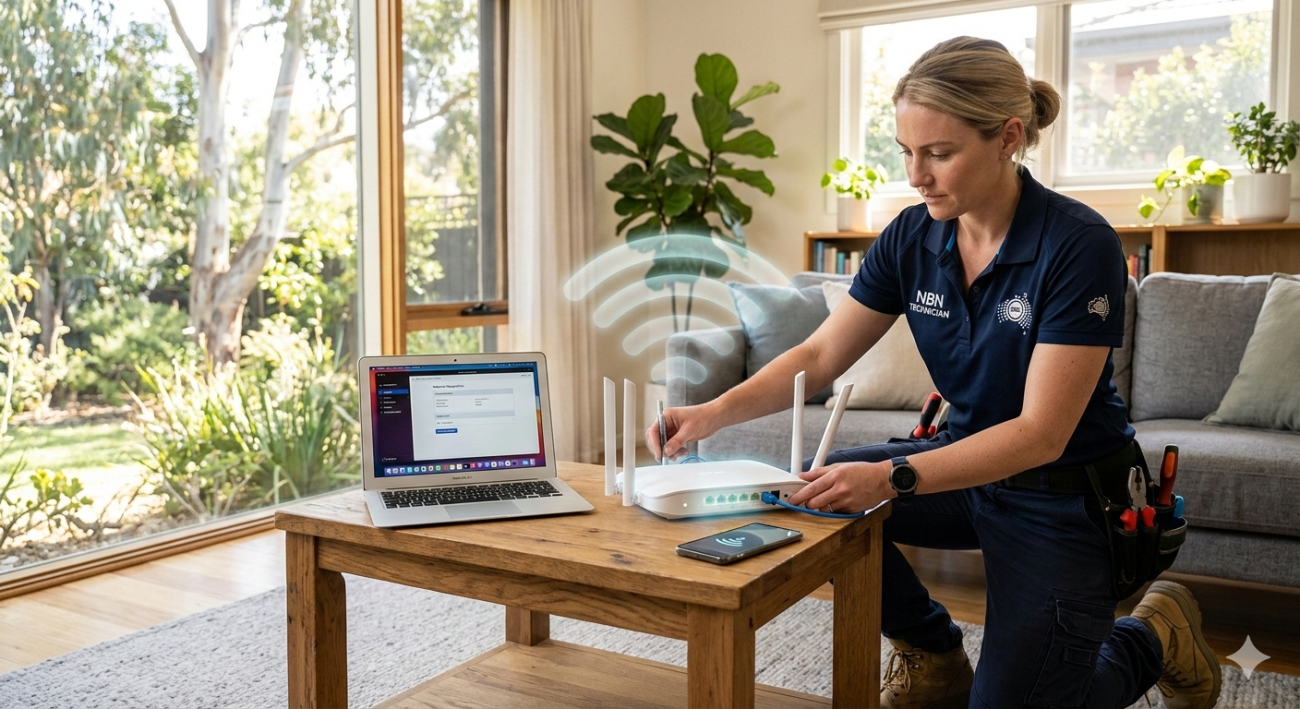
Persistent evening slowdowns that don’t respond to the steps above almost always have a specific technical cause, whether that’s router hardware limitations, cabling faults, interference that needs proper testing to identify, or a plan and provider mismatch that a professional can diagnose accurately.
Our Wi-Fi repair and installation service covers full network assessments, hardware recommendations, and professional configuration for Sunshine Coast households experiencing exactly these kinds of persistent issues.
For Nambour households specifically, our Wi-Fi installation and repair service in Nambour provides local, fast-response diagnosis and repair.
See what other Sunshine Coast locals think of our work by checking out what our customers say before you get in touch.
Get Reliable Evening Wi-Fi on the Sunshine Coast
Don’t keep putting up with internet that Wi-Fi slows down every single night. The team at Brocky’s Internet Solutions diagnoses and fixes these problems properly, whether it’s a router upgrade, a network configuration fix, or a cabling repair.
Visit us at 6/12 Newspaper Place, Maroochydore QLD 4558, call us on 1800 588 688 or text 0422 394 174, Monday to Friday between 8:30am and 4:00pm. Get in touch to book your Wi-Fi assessment or get a no-obligation quote on any repair or installation work.
FAQs
1. Why is my Wi-Fi fast during the day but Wi-Fi slows every evening?
Peak-hour network congestion combined with higher in-home device usage are the most common causes. Your ISP’s network is under its highest load between 6pm and 10pm, and your home network is dealing with its highest simultaneous device count at the same time.
2. Can my neighbours’ internet use affect my Wi-Fi speed?
Yes, in two ways. Their devices add to ISP network congestion, and their Wi-Fi networks compete with yours for airspace on shared frequency bands, particularly the crowded 2.4 GHz band in suburban areas.
3. Will upgrading my NBN plan fix evening slowdowns?
Sometimes, but often not. If the issue is router hardware, in-home congestion, or Wi-Fi interference rather than plan speed, upgrading won’t help. Diagnosing the actual cause first saves you from paying for a plan upgrade that won’t solve the problem.
4. How do I stop background apps from slowing my evening Wi-Fi?
Schedule automatic updates and cloud backups for overnight hours through each device’s settings. Many routers also support scheduled access restrictions that pause background devices during peak evening hours.
5. Should I separate my devices between 2.4 GHz and 5 GHz bands?
Yes. Move streaming devices, gaming consoles, and laptops to the 5 GHz band for faster, less congested speeds. Leave smart home devices and gadgets further from the router on 2.4 GHz where range matters more than speed.






4 thoughts on “Why Your Wi-Fi Slows Down at Night on the Sunshine Coast”
Comments are closed.