

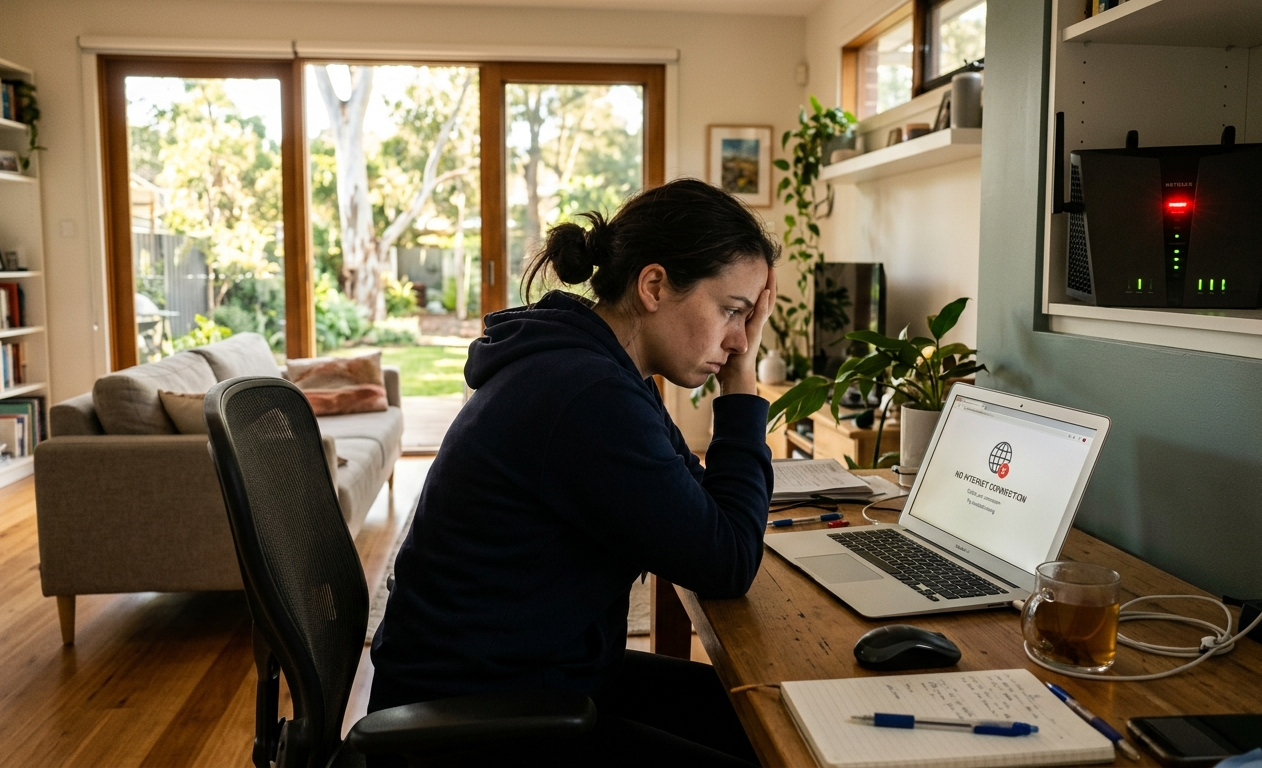
If your WiFi is flying in the lounge room but barely breathing in the bedroom or garage, you’re dealing with one of the most common and most frustrating home internet problems in Australia. The good news? It’s almost always fixable.
Whether you’re streaming, working from home, or just trying to scroll in peace, a patchy connection in certain rooms doesn’t have to be your normal. This guide breaks down exactly why it happens and what you can do about it, including when it makes sense to call in a local expert.
Why Is Your WiFi Weak in Certain Rooms?
Understanding the cause is the first step to getting a proper fix. Here are the most common culprits affecting homes and businesses on the Sunshine Coast.
1. Your Router Is Too Far Away
WiFi signals weaken with distance it’s just physics. The further a room is from your router (especially down a long hallway, on a different floor, or out in a granny flat), the weaker the connection will be. Entry-level routers often struggle to cover anything over a small to mid-sized home.
2. Walls and Building Materials Are Blocking the Signal
Not all walls are created equal. Thick concrete, brick, double-brick, or metal frames can absorb and deflect wireless signals significantly. If your problem room has a few of these between it and your router, that’s very likely your issue.
3. Interference from Other Devices
Microwaves, baby monitors, cordless phones, and Bluetooth speakers all operate on similar frequency bands to your WiFi. When they’re running nearby, they can disrupt your connection, especially if you’re on a 2.4GHz network.
4. Poor Router Placement
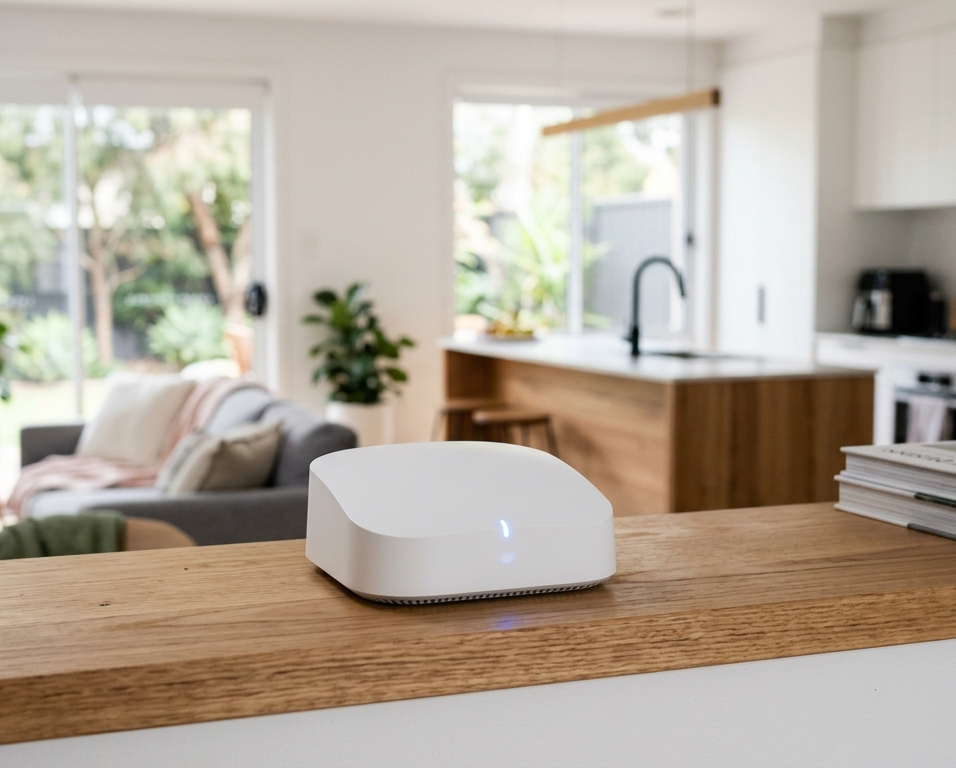
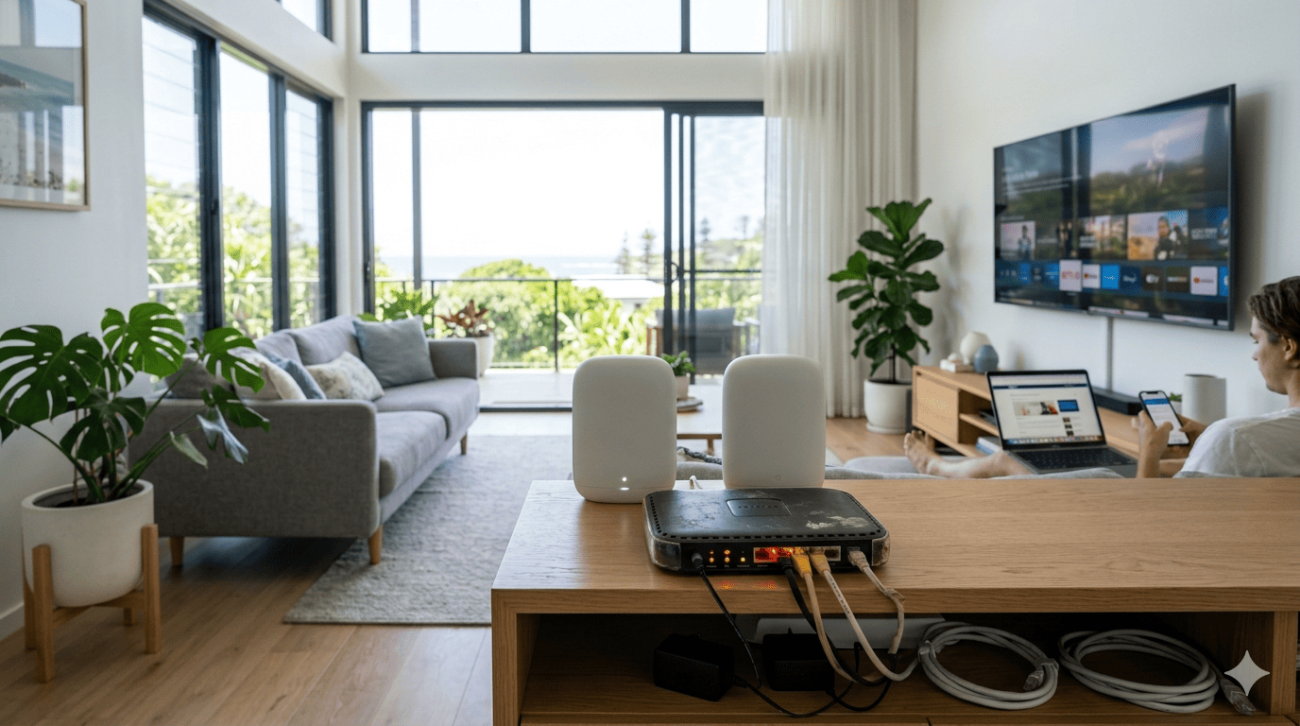
This one’s more common than people realise. A router tucked behind the TV cabinet, sitting on the floor, or shoved in the corner of a back room will never perform at its best. WiFi signals radiate outward in all directions, so your router needs a central, elevated position to cover as much of your home as possible.
5. Outdated Equipment
If your router is more than five years old, it likely doesn’t support modern WiFi standards (like WiFi 6) and may simply not have the range or bandwidth to keep up with today’s connected homes. Smart TVs, security cameras, phones, tablets, laptops it all adds up.
6. Too Many Devices Competing for Bandwidth
With everyone working and studying from home, routers in Australian households are under more pressure than ever. When too many devices are streaming, gaming, or video calling at once, performance drops particularly in rooms further from the router.
How to Fix Weak WiFi: Practical Solutions That Work
Here’s what you can actually do to improve your WiFi signal across every room of your home or office.
Reposition Your Router
Move it to a central, elevated location, ideally somewhere in the middle of your home, off the floor, and away from walls, appliances, and cabinets. This alone can make a noticeable difference in coverage.
Use a WiFi Range Extender or Repeater
A good quality WiFi extender can push your weak wifi signal into hard-to-reach areas like garages, back bedrooms, or a home office. It’s a cost-effective first step, though for larger properties, you may need a more robust solution.
Upgrade to a Mesh WiFi System
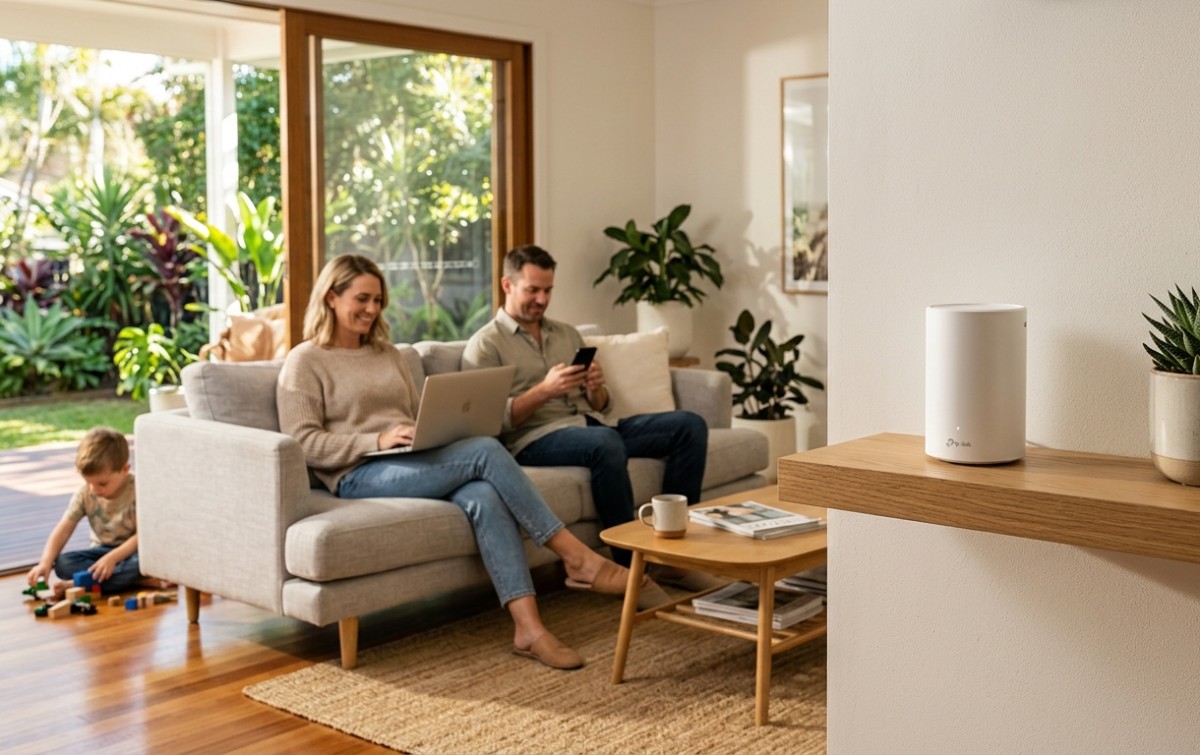
Mesh networks use multiple access points (nodes) placed around your home to create a seamless, whole-home Wi-Fi blanket. There are no more dead zones, no more drop-outs when you move between rooms. For larger homes, split-level properties, or small businesses, this is often the best long-term solution.
For a detailed breakdown of what can cause weak signals and the technical side of signal strength, our guide on fixing weak WiFi covers everything you need to know.
Switch or Split Your WiFi Bands
Most modern routers broadcast on both 2.4GHz and 5GHz. The 2.4GHz band has better range but slower speeds; 5GHz is faster but doesn’t travel as far. Connect devices in distant rooms to 2.4GHz, and those close to the router to 5GHz for the best of both worlds.
For a deeper technical understanding of WiFi bands and signal strength, this in-depth guide by HostDime is well worth a read.
Limit Bandwidth Heavy Activities
Use your router’s Quality of Service (QoS) settings to prioritise important devices or tasks. This stops one person’s 4K Netflix session from killing the connection for everyone else in the house.
Upgrade Your Router or Internet Plan
Sometimes the problem isn’t your network setup, it’s just that your plan or hardware isn’t keeping up with demand. Upgrading to an NBN higher-tier plan or a newer, more capable router can be a game-changer.
When DIY Isn’t Enough Get a Local Expert on the Sunshine Coast
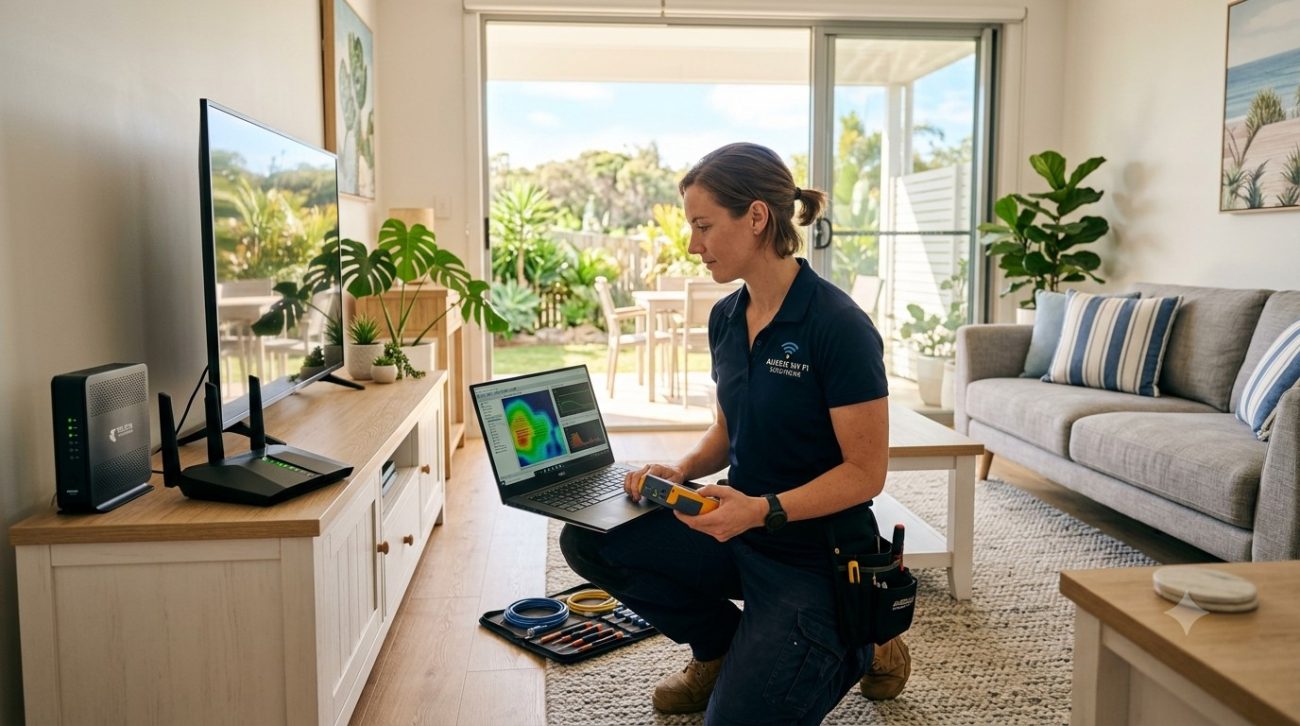
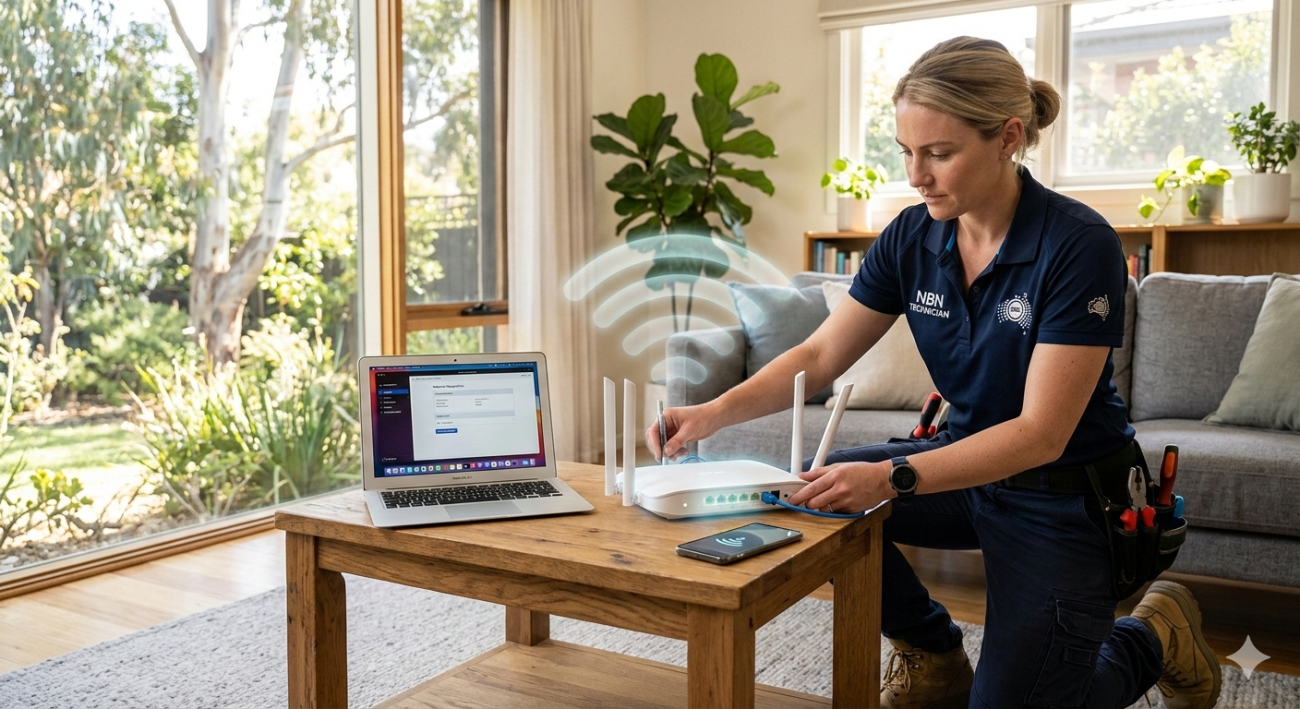
If you’ve tried the basics and you’re still dropping out in certain rooms, it’s time to bring in a professional. WiFi problems in Australian homes, particularly older builds, large properties, or homes with unusual layouts, often need a tailored solution.
At Brocky’s Internet, we specialise in diagnosing and fixing exactly these kinds of problems. Our team offers:
- In home WiFi audits with room-by-room signal testing
- Router repositioning and hardware upgrades
- Professional mesh WiFi system installation
- Access point installation for large homes, acreages, and commercial properties
- Custom cabling and network setup for reliable, permanent coverage
We’re a locally owned and operated internet services business based in Maroochydore, and we’ve helped hundreds of Sunshine Coast households and small businesses get fast, reliable WiFi in every corner of their property.
Whether you need Internet repair on the Sunshine Coast or a brand new WiFi installation service, our friendly team will sort it out, without the tech jargon and without the fuss.
Why Locals Trust Brocky’s Internet
We’re not a call centre or a national franchise. We’re your local Sunshine Coast internet and WiFi specialists, and we actually show up, on time, and do the job properly.
Our team brings real hands-on experience with residential and commercial WiFi setups across the Sunshine Coast region. We’ve worked with everything from beachside apartments to large acreage properties, helping clients finally get the coverage they need.
We’re the Sunshine Coast’s most trusted WiFi repair service in Sunshine Coast rated 5 stars by local homeowners.
Don’t Put Up with Patchy WiFi Any Longer
Weak WiFi in certain rooms is almost always a solvable problem. Whether it’s a simple router move, a range extender, a mesh system, or a full professional installation, there’s a right solution for your home or business.
Still battling weak WiFi ? You shouldn’t have to. We service homes and businesses across the entire Sunshine Coast Noosa, Maroochydore, Caloundra, and everywhere in between. Contact us today and let’s get it sorted.
Call us on 1800 588 688 or send us a message for a free consultation.
Frequently Asked Questions
1. Why is my WiFi strong in one room but weak in another?
The most common reasons are distance from the router, interference from thick walls or building materials (like brick or concrete), poor router placement, or too many devices competing for bandwidth. A professional WiFi audit can pinpoint the exact cause.
2.Can a WiFi extender fix dead zones in my home?
Yes, in many cases a quality WiFi extender or repeater will help. However, for larger homes or properties with complex layouts, a mesh WiFi system installed by a professional is usually a more reliable and permanent solution.
3.What is a mesh WiFi system and do I need one?
A mesh system uses multiple wireless nodes placed around your home to create seamless, whole-home coverage. If you have a large home, multiple floors, or persistent dead zones, a mesh system is often the best long-term fix.
4.How do I know if my router needs replacing?
If your router is more than five years old, doesn’t support WiFi 5 or Wi-Fi 6, or struggles to cover your home it’s probably time for an upgrade. A local WiFi specialist can assess your setup and recommend the right hardware.
5.Do you offer WiFi installation services on the Sunshine Coast?
Absolutely. Brocky’s Internet provides professional WiFi installation, repair, and mesh network setup across the Sunshine Coast, including Maroochydore, Noosa, Caloundra, Buderim, and surrounding areas.



2 thoughts on “Weak WiFi Signal in Rooms? Here’s Why, and How to Actually Fix It”
Comments are closed.